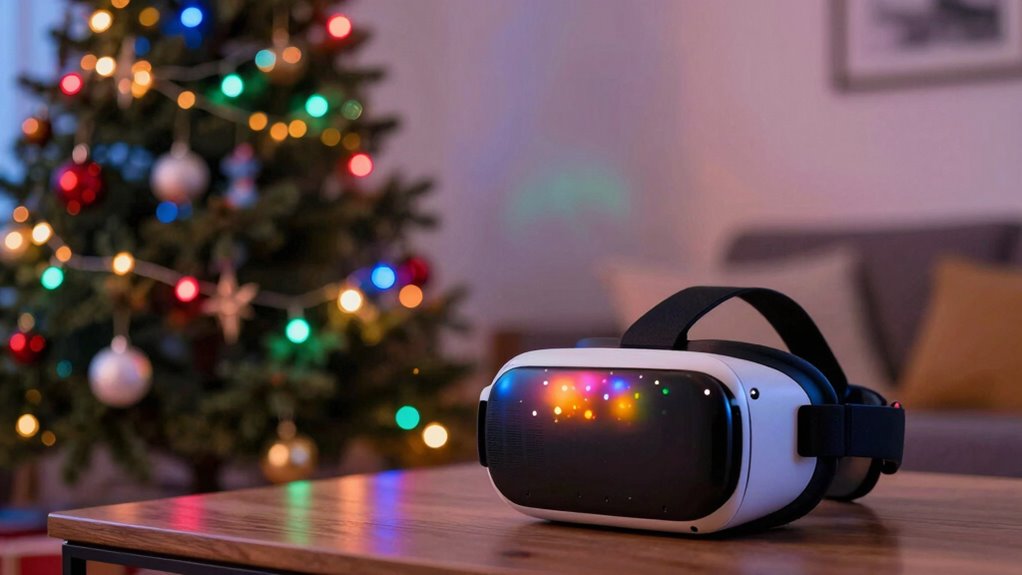

Holiday lights and decorations can disrupt your VR tracking by emitting signals that interfere with sensors and creating reflective surfaces like glass ornaments or metallic decorations that confuse tracking systems. These reflections and signal interference cause jittery or lost tracking during gameplay. To fix this, you should remove reflective materials, move lights away from sensors, and minimize wireless device interference. Keep exploring to discover more tips that can help you maintain smooth VR experiences during the holidays.
Key Takeaways
- Holiday lights often contain reflective surfaces that can confuse VR sensors, causing tracking errors.
- Certain holiday lights emit signals or flicker, disrupting wireless communication between VR devices and sensors.
- The presence of numerous wireless devices during holidays increases signal interference, affecting tracking stability.
- Reflective ornaments and metallic decorations reflect sensor signals, leading to tracking glitches or loss.
- To fix these issues, reduce reflective objects, improve sensor placement, and minimize wireless interference during holiday setups.
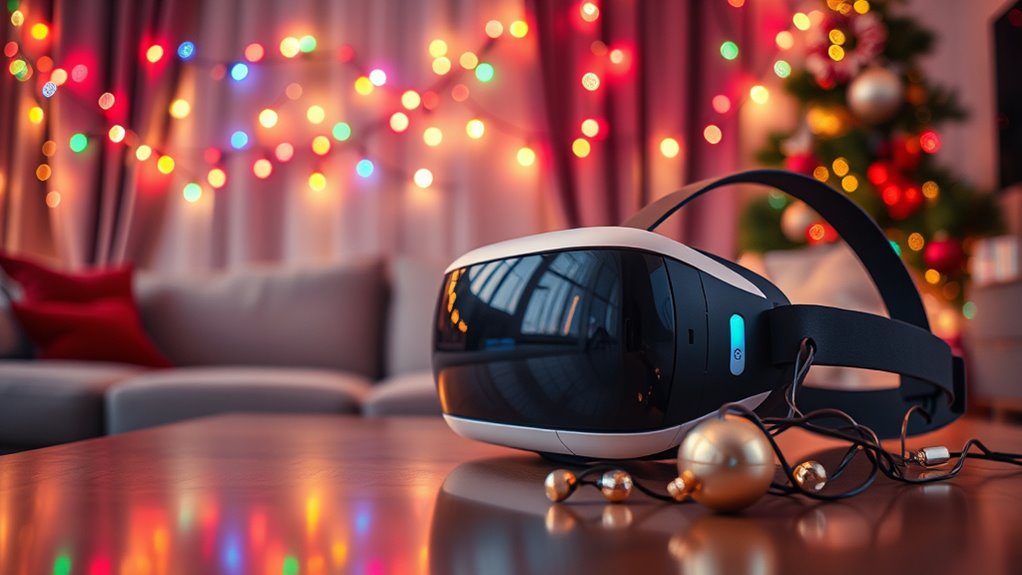
As holiday lights brighten neighborhoods and homes, many enthusiasts are discovering how virtual reality (VR) tracking can elevate their festive experience. However, during this season of dazzling displays, your VR setup might face issues that cause tracking disruptions. Two common culprits are wireless interference and reflective surfaces. Understanding how these factors interfere with your VR experience can help you enjoy your holiday season without frustrating glitches.
Wireless interference is a major obstacle, especially when you’re using wireless headsets that rely on signals to track your movements. During the holidays, multiple devices—Wi-Fi routers, cordless phones, smart home gadgets, and even holiday decorations with embedded electronics—can emit signals that disrupt your VR system. This interference can cause tracking to become jittery or lost altogether. To fix this, try to minimize the number of active wireless devices in your play area. Moving your VR setup away from routers or other strong signals can considerably improve stability. Using a 5GHz Wi-Fi band instead of 2.4GHz can also reduce interference, as 5GHz is less crowded and less prone to signal disruption.
Minimize wireless device interference and switch to 5GHz Wi-Fi for smoother VR tracking during the holidays.
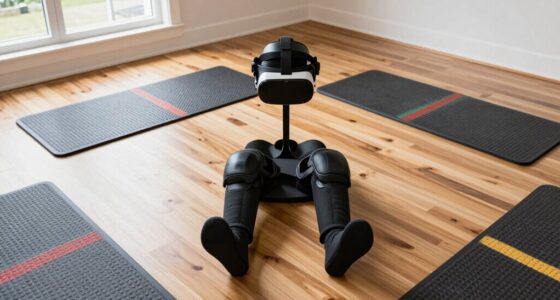
Reflective surfaces are another common problem during the holiday season. Shiny ornaments, glass windows, mirrors, and metallic decorations are everywhere, and they reflect light and signals in unpredictable ways. These reflective surfaces can confuse your VR sensors, causing tracking errors or delays. To address this, clear a dedicated play space free of reflective materials. Cover glass surfaces with non-reflective tape or cloth, and move metallic or glass decorations out of the sensor’s line of sight. Creating an environment with matte finishes and non-reflective materials makes it easier for your VR sensors to accurately track your movements. Additionally, proper sensor placement and calibration can further enhance tracking accuracy during busy holiday setups.
In short, holiday lighting and decorations add cheer but can also introduce challenges for VR tracking. By understanding and mitigating wireless interference and reflective surface issues, you can keep your virtual adventures smooth and immersive. With a few adjustments, you’ll stay fully immersed in your VR world, even amidst the holiday festivities.
Frequently Asked Questions
Can Holiday Lights Damage My VR Headset Physically?
Holiday lights generally won’t cause physical damage to your VR headset, but they can create electromagnetic interference that disrupts tracking. If the lights are very close or produce strong electromagnetic fields, they might interfere with sensors or controllers. To avoid issues, keep holiday lights and other electronic devices at a safe distance from your headset, and make certain there’s no direct contact that could lead to physical damage or tracking problems.
Do All Types of Holiday Lights Interfere With VR Tracking?
Not all holiday lights interfere with VR tracking, but some can cause issues. For example, LED string lights with poor grounding may generate electrical noise, leading to light interference that disrupts tracking sensors. You might notice tracking flickers or lag when close to certain decorative lights. To prevent this, avoid placing your VR setup near lights with flickering or inconsistent power, ensuring a smoother VR experience.
How Long Does It Take to Fix Tracking Issues Caused by Holiday Lights?
Fixing lighting interference in your VR setup usually takes about 10 to 30 minutes, depending on the severity of the issue. You’ll want to troubleshoot by identifying which lights cause the problem, then adjusting or turning them off. The troubleshooting duration varies based on how quickly you pinpoint the source. With patience, you can restore smooth tracking and enjoy your VR experience again in no time.
Are There Specific Holiday Lights Brands That Are Safer for VR Setups?
You should look for holiday lights safety by choosing VR friendly brands that are specifically designed to minimize interference with VR tracking. Brands known for their safety and compatibility often advertise their low electromagnetic emissions, making them safer for your setup. Always check product specifications and reviews to confirm they are compatible with VR systems. Using VR friendly brands helps you enjoy your holiday decorations without risking tracking issues or safety concerns.
Can I Use Outdoor Holiday Lights Indoors Without Affecting VR Tracking?
A word to the wise: don’t put outdoor holiday lights indoors, or you’ll invite trouble. Outdoor decorative lighting isn’t designed for indoor safety and can interfere with VR tracking, causing disruptions. If you want festive decor, opt for indoor-rated lights that won’t mess with your setup. Keep the space clear of flickering or reflective surfaces, and you’ll enjoy holiday cheer without losing your VR immersion.
Conclusion
Now that you know holiday lights can interfere with your VR tracking, you can prevent future issues. Keep lights away from sensors, and consider switching to LED or smarter lighting options. Remember, don’t let small problems light up your frustration—tackle them early, and you’ll keep your VR experience smooth as silk. By taking these simple steps, you can enjoy your virtual adventures without any bright distractions throwing you off course.