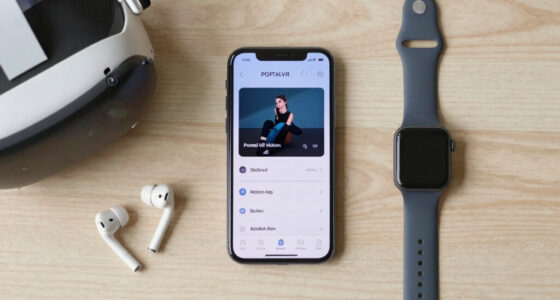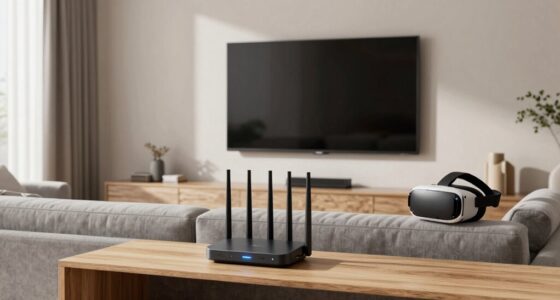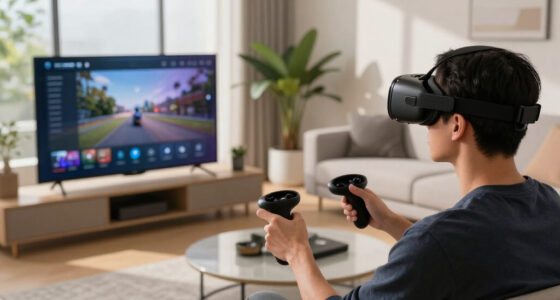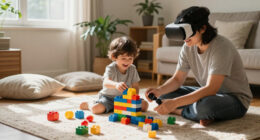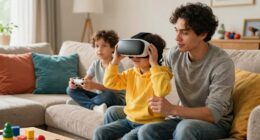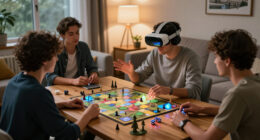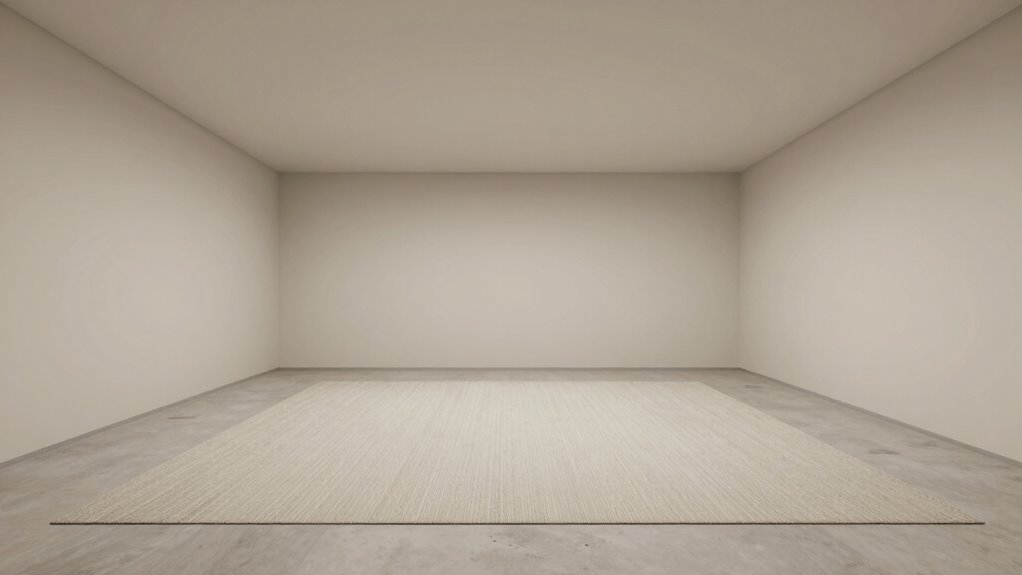
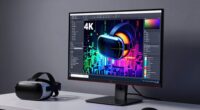
To choose a better room for wireless PCVR, clear the space of furniture, fragile objects, and clutter to prevent accidents. Pick a room with enough size and ceiling height for comfortable movement, and guarantee good lighting—avoid glare and shadows that can interfere with sensors. Position external sensors in well-lit, unobstructed spots, and maintain proper ventilation for comfort. If you keep these tips in mind, you’ll create a safe, immersive environment that maximizes your VR experience.

Get VR and gaming gear delivered free — and shop member deals
- Fast, free delivery on millions of items
- Access to Prime Big Deal Days deals on October 6–7
- Prime Video, Amazon Music and more included
Key Takeaways
- Select a spacious, clutter-free area with enough room for comfortable movement and unobstructed sensor coverage.
- Ensure proper lighting with diffuse, soft illumination to prevent glare and sensor interference.
- Choose a room with high ceilings and adequate ventilation for airflow and extended gameplay comfort.
- Position sensors in well-lit, unobstructed spots to optimize tracking accuracy.
- Avoid rooms with direct sunlight or reflective surfaces that can disrupt wireless signal and tracking.
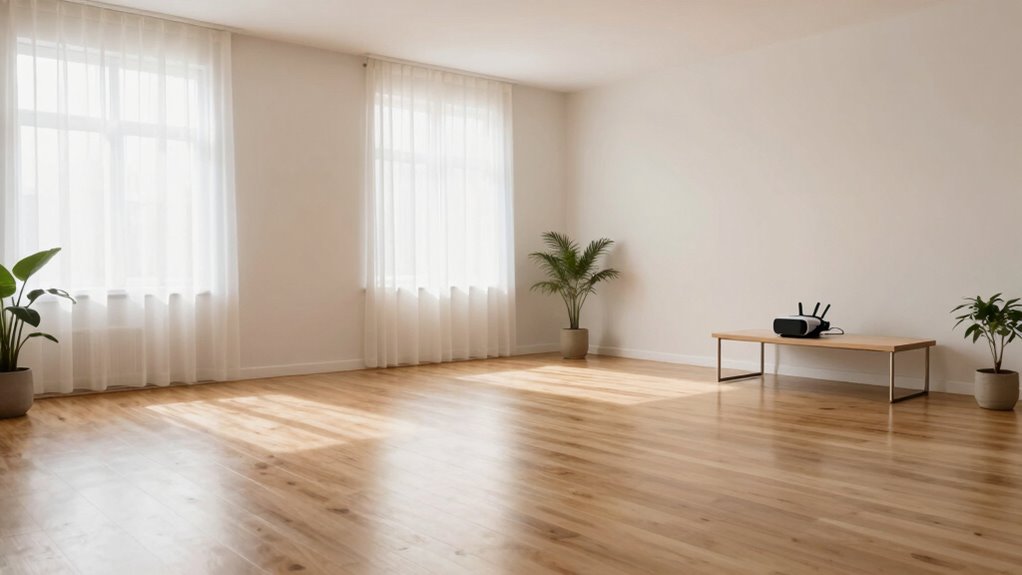
Are you struggling to find the ideal room for wireless PCVR? If so, you’re not alone. Choosing the right space is vital to guarantee a smooth and safe VR experience. First, consider VR safety. You want a room where you can move freely without the risk of bumping into furniture, walls, or fragile objects. Clear the area of any obstacles, and if possible, designate a specific space for VR gameplay. This helps prevent accidents and keeps you focused on the experience rather than worrying about potential hazards. Keep in mind that wireless PCVR allows for more freedom of movement, but it also means you need to be extra vigilant about your environment. Regularly check your play area to make sure nothing has shifted or been added that could cause trouble during gameplay. Additionally, ensure your play space has adequate environmental awareness, so you can respond quickly to any unexpected obstacles or changes during your session. Proper spatial awareness can significantly enhance your safety and the overall VR experience. Room lighting plays a significant role in your VR experience as well. Bright, well-lit rooms might seem ideal at first, but they can interfere with tracking sensors or cause reflections that disrupt the VR system. On the other hand, overly dark spaces can make it difficult to see your surroundings clearly, increasing the risk of accidents. Aim for a balanced lighting setup—soft, diffuse lighting that illuminates the room without creating glare or shadows. If your VR headset uses external sensors, make sure they have an unobstructed view of the play area and are positioned in well-lit spots that don’t cast harsh shadows. It’s also wise to avoid direct sunlight, as it can interfere with tracking and cause eye strain. Consider using adjustable lighting or lamps with dimmers to fine-tune the brightness to your preference. Another aspect to think about is the size of your room. You want enough space to move comfortably, but not so much that your tracking sensors struggle to keep up. A room that’s too small limits your movement and can make VR less immersive, while a very large space might require additional sensors or calibration for best tracking. Pay attention to ceiling height too—higher ceilings give you more vertical freedom, which is especially useful for certain games or experiences. Additionally, ensuring proper ventilation in the room can help prevent overheating of electronic equipment and keep you comfortable during extended play sessions. Good air circulation is important for maintaining a comfortable environment and preventing electronic components from overheating. Proper ventilation also helps to reduce humidity, which can affect electronic components and tracking accuracy over time.
As an affiliate, we earn on qualifying purchases.
Frequently Asked Questions
How Does Room Size Affect Wireless PCVR Performance?
Room size directly impacts your wireless PCVR performance. Larger room dimensions give you more space to move freely, but they can also cause signal interference if the room has many obstacles or reflective surfaces. Smaller rooms might limit movement but tend to provide a stronger, more stable signal. To optimize, choose a room with clear lines of sight, minimal obstacles, and balanced dimensions to reduce signal interference and enhance your VR experience.
Can Furniture Placement Improve Wireless Signal Stability?
Yes, furniture arrangement can improve wireless signal stability by reducing signal interference. You should position large or metal furniture away from your VR play area, as these can block or weaken the signal. Keep your wireless router elevated and centrally located, away from dense furniture and electronic devices. Clearing clutter and creating open space helps guarantee a stronger, more reliable connection, leading to a better wireless PCVR experience.
What Safety Precautions Are Needed During Setup?
You need to guarantee your VR headset setup is safe by clearing the area of tripping hazards and securing loose cables. Keep an eye out for potential wireless interference sources like routers or other electronics that could disrupt your experience. During setup, make sure the play space is well-lit, and avoid placing breakables or sharp objects nearby. This way, you create a secure environment that minimizes risks and enhances your wireless PCVR experience.
How Do Lighting Conditions Impact Wireless PCVR?
Lighting conditions greatly impact your wireless PCVR experience. Bright ambient lighting can cause tracking interference, making movements less precise. Reflective surfaces, like mirrors or glass, can confuse sensors and cause tracking errors. To optimize your experience, keep the room softly lit with minimal glare and avoid shiny surfaces. Dimming ambient lighting and covering reflective surfaces help guarantee smooth, accurate tracking, giving you a safer and more immersive VR session.
Are There Specific Room Materials That Interfere With Signals?
Certain room materials can substantially sabotage your signals. Metal mirrors, reflective glass, and dense drywall bounce and block signals, causing interference. These materials promote signal reflection, leading to lag, disconnections, and a frustrating VR experience. To improve your wireless PCVR, opt for rooms with minimal reflective surfaces, and use non-metallic, non-glass materials. This simple switch helps stabilize signals, ensuring smoother, more immersive gameplay.
As an affiliate, we earn on qualifying purchases.
Conclusion
Think of your room as a stage for your virtual adventure. Just as a skilled director guarantees every scene flows seamlessly, selecting the right space transforms your PCVR experience into a smooth voyage. Clear away obstacles, optimize lighting, and create an environment that invites freedom and immersion. When your room is your trusted theater, each session feels like stepping into a new world—boundless, exhilarating, and truly yours. Make your space a perfect backdrop for your digital journeys.
As an affiliate, we earn on qualifying purchases.
As an affiliate, we earn on qualifying purchases.
Halloween Picks
halloween
As an affiliate, we earn on qualifying purchases.