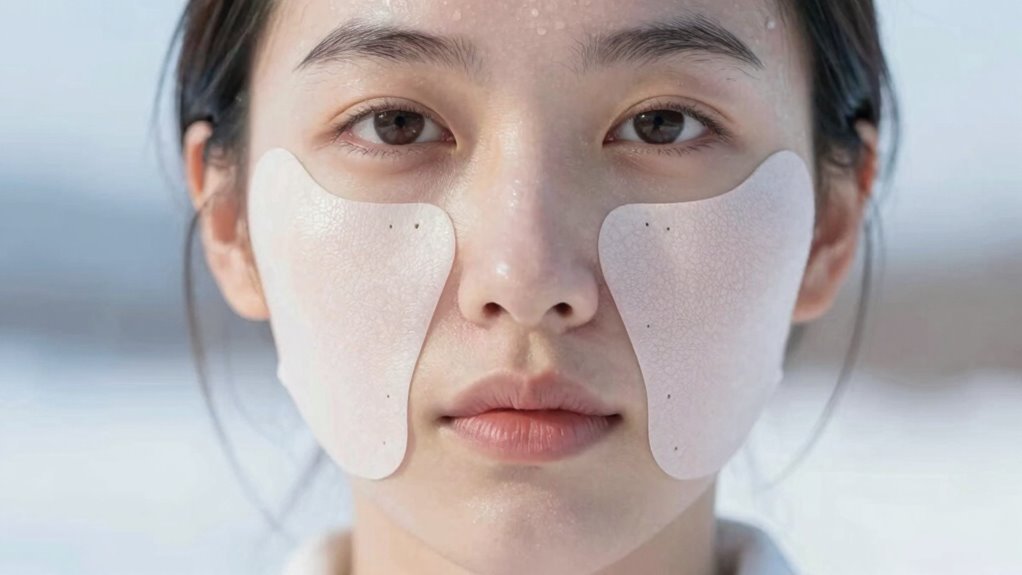

During winter, cold air and low humidity can dry out your skin, causing irritation around your VR face padding. To prevent dryness and irritation, choose soft, breathable, and hypoallergenic materials for your padding, and apply a thick, fragrance-free moisturizer before and after VR sessions. Taking regular breaks, cleansing your skin gently afterward, and staying hydrated can also help. Keep exploring to discover more practical tips for comfortable winter VR experiences.
Key Takeaways
- Use hypoallergenic, moisture-wicking face padding materials like silicone or high-quality foam to reduce irritation and trap less moisture.
- Apply thick, fragrance-free moisturizers before and after VR sessions to maintain skin hydration and create a protective barrier.
- Take regular breaks during VR use to allow skin to breathe and prevent friction-related irritation or dryness.
- Gently cleanse the skin after VR sessions with a hydrating, mild cleanser, then reapply moisturizer to restore moisture balance.
- Maintain internal hydration by drinking plenty of water and use hydrating facial serums with hyaluronic acid for added skin protection.
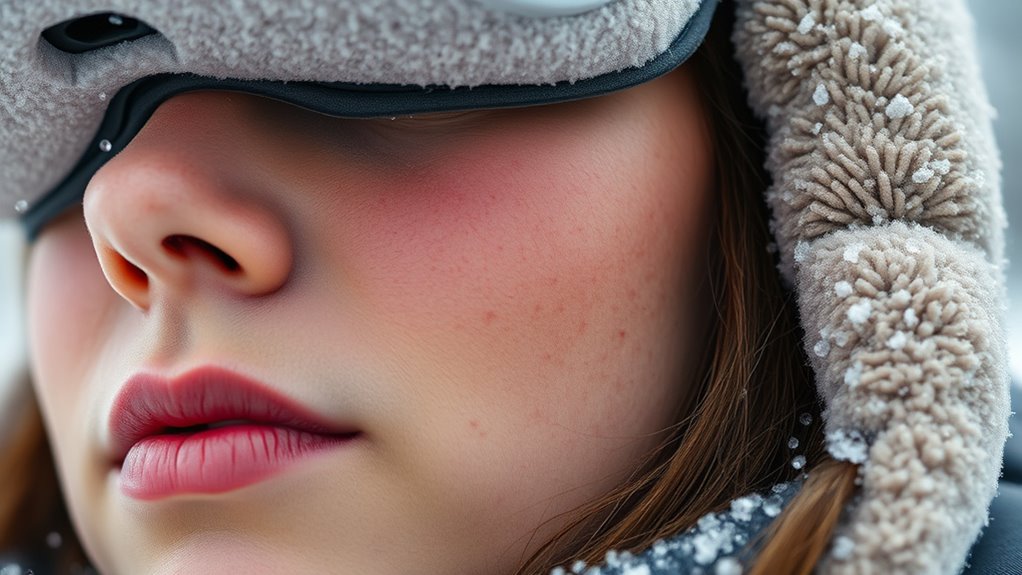
As winter’s cold air settles in, your skin faces increased dryness and irritation, especially when using VR face padding for extended periods. The low humidity and frigid temperatures strip moisture from your skin, making it more prone to chapping, redness, and discomfort. If you spend hours immersed in virtual reality, you might notice your skin becoming irritated or flaky where the padding contacts your face. To prevent this, it’s essential to focus on hydration tips that keep your skin healthy despite the chilly weather. Start by moisturizing your face regularly with a thick, fragrance-free moisturizer designed for sensitive skin. Applying it before and after VR sessions creates a protective barrier that locks in moisture and reduces friction between your skin and the padding.
Protect your skin this winter with regular, fragrance-free moisturizer to prevent irritation from VR face padding.
Choosing the right material options for your VR face padding also plays a vital role in preventing skin irritation during winter. Soft, breathable fabrics like silicone or high-quality foam with moisture-wicking properties help reduce sweat build-up and minimize friction. Materials that are hypoallergenic and free from harsh chemicals are ideal, especially when your skin is more vulnerable in cold conditions. Some padding covers are designed with antimicrobial properties, which can further help prevent irritation caused by bacteria or fungi that thrive in damp environments. Avoid rough or synthetic fabrics that trap heat and moisture, as these can exacerbate dryness and lead to rashes or breakouts. Additionally, ensuring proper air circulation around your face can help prevent excess moisture buildup and skin irritation.
In addition to adjusting your materials, you should take regular breaks from your VR headset to allow your skin to breathe. During these breaks, gently cleanse your face with a mild, hydrating cleanser that restores moisture and removes sweat or debris accumulated during use. Pat your skin dry with a soft towel and reapply moisturizer to keep your skin supple. Staying well-hydrated internally also supports your skin’s barrier function. Drink plenty of water throughout the day, especially in winter, when dehydration can sneak up on you unnoticed. Incorporating hydrating facial sprays or serums with ingredients like hyaluronic acid can provide an extra layer of moisture, making your skin more resilient against winter dryness.
Finally, pay attention to your overall skincare routine. Avoid harsh cleansers or products with alcohol that can strip away natural oils. Instead, opt for nourishing, barrier-repairing ingredients that help lock in moisture and soothe irritated skin. By combining these hydration tips with thoughtful material choices for your VR padding, you’ll reduce the risk of dryness and irritation, ensuring your winter VR experience remains comfortable and skin-friendly.
Frequently Asked Questions
Can VR Face Padding Cause Skin Allergies?
Yes, VR face padding can cause skin allergies if you’re sensitive to latex. If you have latex allergies or latex sensitivity, wearing padding made from latex might trigger reactions like redness, itching, or irritation. To stay safe, check the material before using VR headsets and opt for latex-free padding options. This way, you can enjoy your VR experience without risking allergy symptoms or skin discomfort.
How Often Should I Replace VR Face Padding?
Think of your VR face padding as the skin’s armor—you need to keep it in top shape. You should replace your face padding every 1 to 3 months, depending on use and wear. Regular face padding maintenance, like cleaning after each use, also prolongs its life. Following a consistent replacement schedule ensures your skin stays comfortable and irritation-free, so your virtual adventures remain smooth and irritation-free.
Are There Specific Skincare Products for Winter Use?
For winter skincare, you should choose moisturizer recommendations that provide deep hydration and form a protective barrier. Incorporate a rich, nourishing moisturizer into your winter skincare routine to combat dryness and irritation. Look for products with ingredients like hyaluronic acid, ceramides, or glycerin. Use it consistently, especially after VR sessions, to keep your skin moisturized and comfortable. This way, you’ll prevent dryness and irritation during cold months.
Does Using Moisturizer Reduce VR Skin Irritation?
Yes, using moisturizer can reduce VR skin irritation by improving skin hydration benefits and maintaining a moisture barrier. Moisturizer effectiveness helps prevent dryness caused by prolonged use of face padding, especially in winter. When you keep your skin well-hydrated, it becomes less prone to irritation, redness, and discomfort. Regularly applying a suitable moisturizer ensures your skin stays soft, protected, and comfortable during extended VR sessions.
Can Indoor Heating Worsen VR Skin Discomfort?
Indoor heating can definitely worsen your VR skin discomfort, acting like a dry, relentless wind that saps moisture from your skin. It causes skin dryness, making your face more prone to irritation and discomfort during extended VR sessions. To defend against this, consider using a humidifier, staying hydrated, and applying moisturizer regularly. These steps help keep your skin hydrated, preventing dryness and making your VR experience more comfortable.
Conclusion
As winter’s chill settles in, taking care of your skin and VR face padding becomes essential. Did you know that skin can lose up to 25% of its moisture in cold, dry air? By keeping your skin hydrated and using proper padding, you can prevent dryness and irritation. Stay proactive, moisturize regularly, and choose comfortable padding—your skin will thank you, and your VR experience will stay smooth and enjoyable all season long.