To use VR safely when you’re prone to migraines, start with short sessions and gradually increase them as you gauge your comfort. Choose ergonomic, well-fitted gear and adjust the settings—like lowering brightness and increasing refresh rates—to reduce eye strain. Take frequent breaks every 20-30 minutes, stay hydrated, and keep your environment calm and quiet. If symptoms persist or worsen, it’s essential to stop and seek medical advice—more tips to help you stay safe are just ahead.
Key Takeaways
- Identify and avoid common migraine triggers like bright lights, rapid movements, and stress during VR sessions.
- Use ergonomic, well-fitted VR equipment with adjustable straps and proper calibration to minimize physical strain.
- Start with short sessions, take regular breaks every 20-30 minutes, and gradually increase duration as tolerated.
- Optimize environmental conditions by reducing ambient light, minimizing noise, and ensuring good air quality.
- Monitor symptoms closely and stop VR use immediately if experiencing headaches, dizziness, or nausea; seek medical advice if needed.

Kawaye for Meta Quest 3S/Quest 2/Quest 3 Head Strap, Double Knobs Adjustable Elite Strap Replacement,VR Headset Strap with Two Large Support Pad Enhanced Support, Reduce Pressure
【Weight Balance-Dual Adjustable Straps】Customize fit using by dual adjustment knobs (top/back), kawaye vr headset strap 4 points adjustable…
As an affiliate, we earn on qualifying purchases.
As an affiliate, we earn on qualifying purchases.
Recognize and Understand Your Migraine Triggers
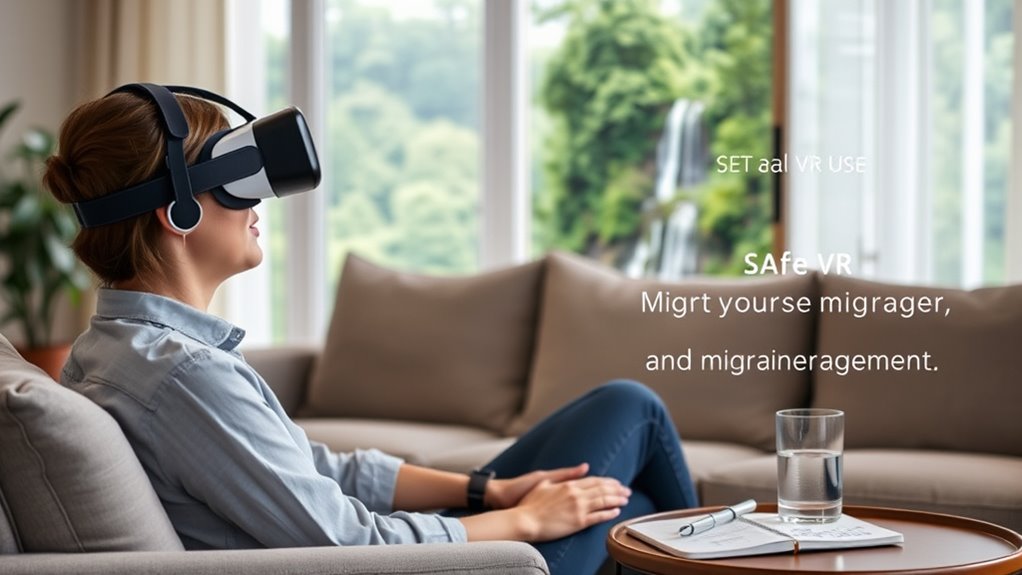
Have you ever noticed certain patterns or situations that trigger your migraines? Recognizing these triggers is essential for safe VR use. Pay attention to what happens before a migraine starts—specific lighting, sounds, stress levels, or even certain foods. Keep a journal to track these factors and see if they align with your VR sessions. Some common triggers include bright flashing lights, rapid visual movements, or prolonged exposure. Understanding your personal triggers helps you plan better, such as avoiding VR when you’re already stressed or tired. Additionally, being aware of energy-efficient cloud solutions can help you optimize your virtual environment, reducing strain on your eyes and mind. Implementing customized color temperature adjustments can also lessen visual discomfort during prolonged VR sessions. Using blue light filters on your devices may further decrease eye strain and prevent migraines. Incorporating visual ergonomics principles can further support your comfort and reduce strain during extended use. Being mindful of digital eye strain can help you recognize early signs and take breaks accordingly. By identifying these patterns, you can take proactive steps to minimize risks. Knowing your triggers empowers you to create a safer environment for VR use, reducing the chances of migraines and making your experience more enjoyable.

Bloomoak Green Light Migraine Relief Glasses – Blue Light Filtering Eyewear Designed to Reduce Visual Triggers, Screen Comfort for Work & Daily Use
【Migraine Relief】530nm green light is only wavelength shown not to trigger cortical excitation, designed to let in only…
As an affiliate, we earn on qualifying purchases.
As an affiliate, we earn on qualifying purchases.
Start With Short, Manageable VR Sessions
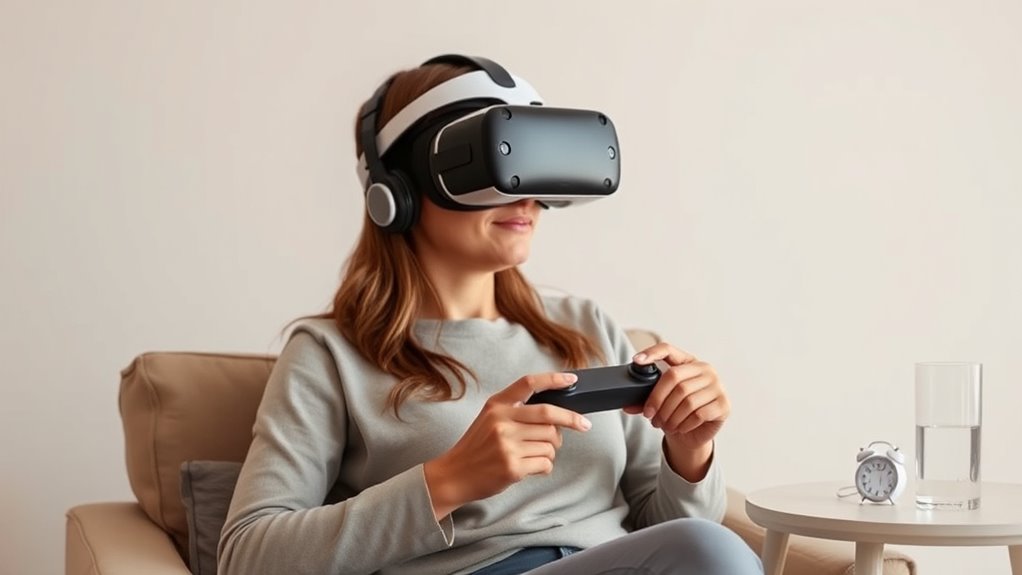
To reduce the risk of discomfort or migraines, it’s important to start your VR sessions slowly and gradually increase their length. Begin with just a few minutes to see how your body reacts, paying attention to any signs of discomfort or headache. Avoid jumping into long sessions right away, as this can overwhelm your senses and trigger migraines. Take breaks frequently, and listen to your body’s signals. As you become more comfortable, you can extend your sessions incrementally, but never push beyond your limits. This gradual approach helps your brain adapt to virtual environments without overloading it. Incorporate mindful pacing and sensory management into your routine to support your adaptation process and maintain overall well-being. Additionally, gradual exposure can help your body better tolerate virtual experiences over time, reducing the likelihood of migraines. Recognizing Suprem fabric qualities such as breathability and moisture-wicking can also contribute to overall comfort during extended VR use, especially for those sensitive to environmental changes. Integrating environmental factors like lighting and airflow can further enhance your comfort and reduce potential triggers.

Pimax Crystal Super VR Headset, 3840×3840 per Eye, Ultrawide, 140° FOV, Eye- Tracking, Ultra-Sharp for Flight & Racing Simulators & Gaming, DP Connection with PC
Unmatched Visual Acuity with 50 PPD: Aspherical lenses deliver 50 Pixels Per Degree, eliminating the screen-door effect for…
As an affiliate, we earn on qualifying purchases.
As an affiliate, we earn on qualifying purchases.
Choose Comfortable and Properly Fitted Gear
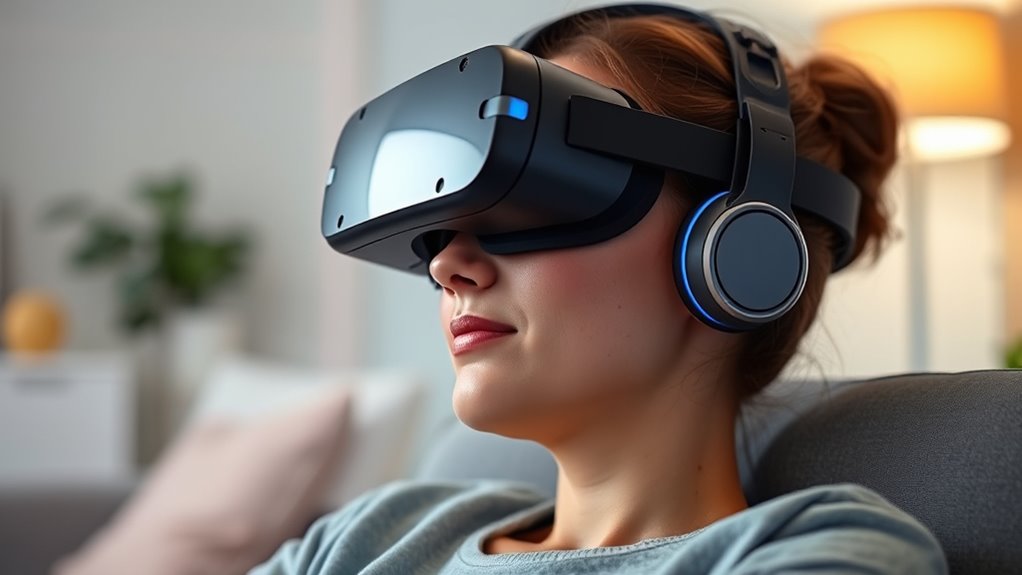
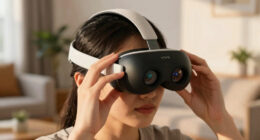
Make sure your VR gear is ergonomic and designed for comfort, so it doesn’t cause strain during use. Properly fitting equipment helps prevent discomfort and reduces the risk of injury. Take the time to adjust your headset and controllers for a secure, comfortable fit before starting your session.
Prioritize Ergonomic Design
Choosing ergonomic VR gear guarantees comfort and minimizes the risk of strain or injury during extended use. Look for headsets with adjustable straps and padding that evenly distribute weight, reducing pressure points. Opt for controllers with soft grips that fit comfortably in your hands without causing fatigue. Ensure the headset’s weight feels balanced, so it doesn’t pull or shift during play. Prioritize designs that promote natural head and neck positioning, preventing awkward angles that can cause discomfort. Good ergonomic design also means considering ventilation to prevent heat buildup and sweat, which can distract or cause discomfort. Selecting gear with these features helps you enjoy VR longer without risking migraines or strain, keeping your experience safe and comfortable every time you put on the headset.
Ensure Correct Fit
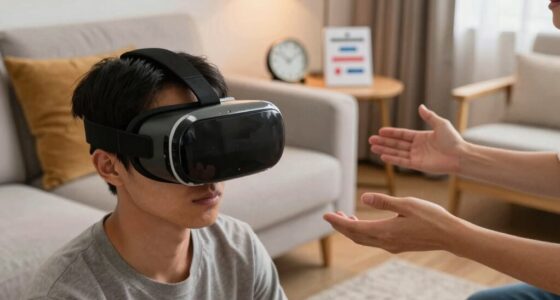
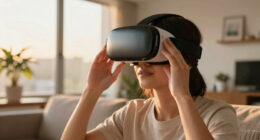
Ensuring your VR gear fits properly is essential for comfort and safety. An ill-fitting headset can cause unnecessary strain, discomfort, and even trigger migraines. To achieve the best fit, consider these key steps:
- Adjust the strap tension so the headset sits snugly without pressing too hard.
- Position the visor directly over your eyes, ensuring clear visuals without excessive pressure.
- Check that the weight is evenly distributed across your head to prevent fatigue.
- Make sure the ear speakers or headphones fit comfortably without pinching or slipping.
Taking these steps helps prevent discomfort and minimizes strain, making your VR experience safer and more enjoyable. Proper fit ensures you can focus on your virtual environment without distraction or added stress.
Adjust for Comfort
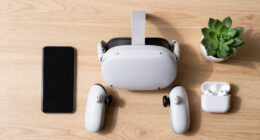
To stay comfortable during your VR session, you need to wear gear that fits well and feels right. Adjust the straps on your headset so it sits snugly without pressing too hard on your face or head. If your headset has adjustable eye relief, set it to match the distance between your eyes for clear visuals and reduced eye strain. Make sure the headset isn’t too tight, which can cause discomfort or headaches, but also isn’t loose enough to shift during use. Check that your controllers are comfortably grasped and don’t cause strain in your hands. Clothing should be loose and breathable to avoid overheating or irritation. Being aware of heat dissipation can help you choose appropriate clothing and prevent overheating during extended use. Paying attention to proper ventilation can further enhance comfort and reduce the risk of migraines while enjoying your VR experience safely. Additionally, considering air circulation around your head and body can improve overall comfort and help maintain a stable environment for extended VR sessions. Incorporating ergonomic adjustments can also support better posture and reduce discomfort during longer periods of use. Proper ergonomic support can prevent strain and promote comfort during prolonged VR sessions.
Eye Serenity Steam Eye Mask, Heated Eye Mask, Self Heating Warm Compress for Dry Eyes, Fast Relief for Stye, Puffy Sensitive Eyes, Moist Heat, Gift for Women and Men – Unscented
FRAGRANCE-FREE & SENSITIVE EYE FRIENDLY: Long lasting heated eye mask for dry eyes delivers gentle, consistent warmth and…
As an affiliate, we earn on qualifying purchases.
As an affiliate, we earn on qualifying purchases.
Adjust VR Settings to Minimize Discomfort
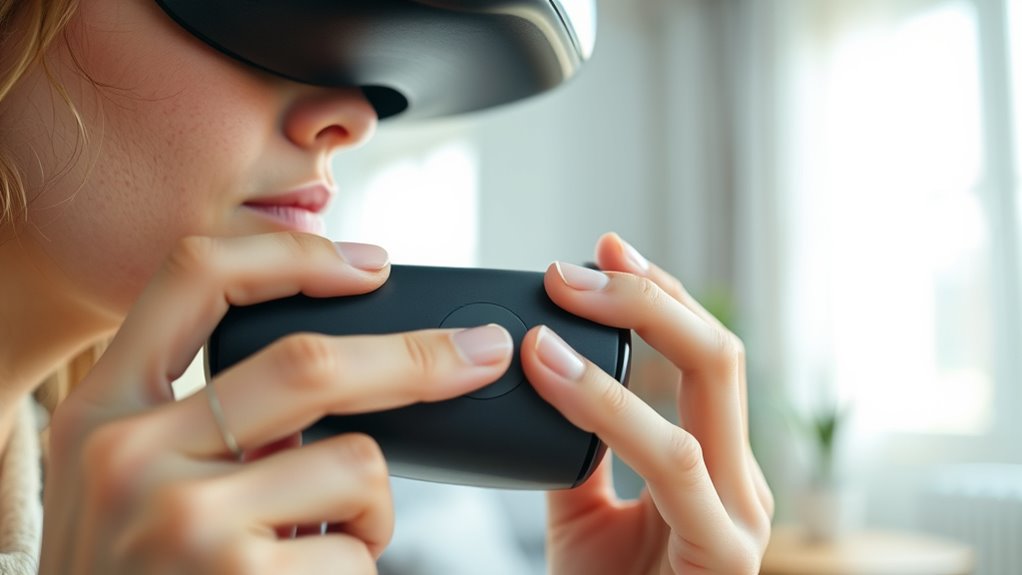
Adjusting your VR settings is a crucial step in minimizing discomfort during extended use. Start by customizing the display brightness to reduce eye strain. Next, adjust the field of view to a comfortable level that doesn’t cause dizziness. Then, fine-tune the refresh rate to ensure smoother visuals, which can lessen headaches. Finally, calibrate the headset fit to prevent unnecessary pressure or movement. Here’s a quick guide:
Adjust VR settings to reduce eye strain, dizziness, and headaches for a more comfortable experience.
- Lower brightness to reduce glare
- Narrow the field of view if you feel overwhelmed
- Increase refresh rate for smoother motion
- Ensure a snug but comfortable fit
- Be aware of leasing costs associated with equipment upgrades or replacements if issues persist.
Making these adjustments can markedly reduce the risk of migraines while enhancing your VR experience. Always revisit these settings if you notice discomfort during use.
Take Regular Breaks During Use

Even after optimizing your VR settings, prolonged use can still cause fatigue or discomfort. To reduce this risk, make sure to take regular breaks. Every 20 to 30 minutes, pause your session for at least 5 to 10 minutes. During these breaks, step away from the headset, stretch your neck and eyes, and breathe deeply. This helps prevent eye strain, dizziness, and migraines. Incorporating healthy habits like these can further support your comfort and well-being. Avoid rushing through breaks; use the time to relax and reset. Setting a timer can help you stay disciplined. Remember, listening to your body is key—if you start feeling any discomfort, stop and rest longer. Taking frequent breaks not only enhances your comfort but also increases your overall enjoyment of VR. Additionally, maintaining proper VR ergonomics can help minimize physical strain during use. Developing mindful VR habits such as managing session length can also make a significant difference in preventing migraines.
Stay Hydrated and Maintain a Calm Environment
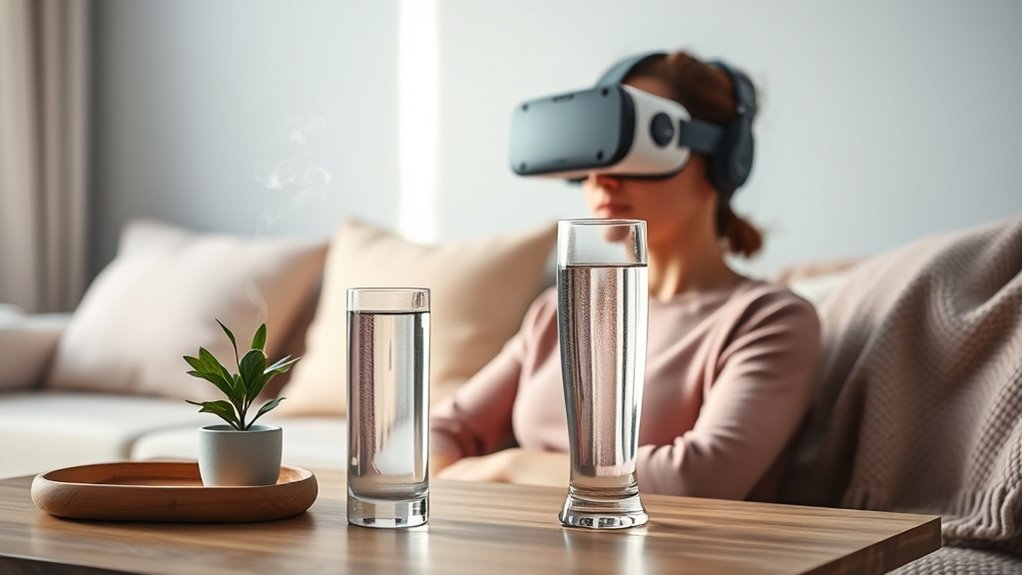
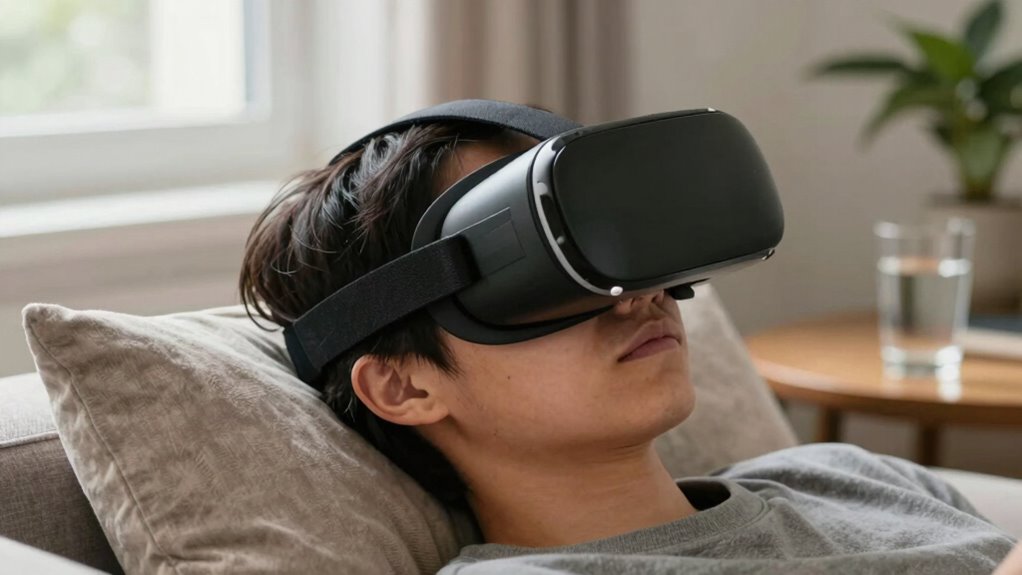
Staying hydrated helps you stay comfortable and focused during VR sessions, so drink water regularly. Keep your environment calm by reducing noise and using soft lighting to prevent overstimulation. These simple steps can make your VR experience safer and more enjoyable. Additionally, incorporating essential oils for calming effects can help create a more relaxing atmosphere and reduce stress during your VR sessions. To further enhance safety, consider setting appropriate session durations to avoid fatigue and migraines. Maintaining a healthy indoor air quality environment can also contribute to overall comfort and reduce potential triggers, especially by minimizing exposure to digital distractions that may increase stress levels.
Drink Water Regularly
Drinking water regularly while using VR helps keep you hydrated and prevents fatigue. Proper hydration reduces the risk of headaches and migraines during extended sessions. To stay on top of your hydration, consider these tips:
- Drink a glass of water before starting your VR session.
- Keep a water bottle nearby for quick access.
- Take small sips every 15-20 minutes during use.
- Rehydrate immediately after finishing your session.
Staying hydrated also helps your body adapt better to the virtual environment, reducing discomfort. Remember, dehydration can exacerbate migraine symptoms and cause dizziness. By maintaining consistent water intake, you support your overall well-being and VR experience. Make hydration a priority to enjoy VR safely and comfortably, especially if you’re prone to migraines.
Minimize Environmental Noise
Minimizing environmental noise creates a more focused and comfortable VR experience by reducing distractions and potential discomfort. Choose a quiet space where external sounds won’t interfere with your immersion. Turning off appliances or electronics that generate background noise can help, as loud or sudden sounds might trigger migraines or increase sensitivity. Consider using noise-canceling headphones or earplugs to block out ambient noise and enhance your focus. Maintaining a calm environment also means avoiding chaotic or unpredictable sounds that could startle you. By controlling the noise level around you, you’ll create a peaceful setting that allows you to fully enjoy VR without adding unnecessary stress. Remember, a quiet environment supports your overall comfort and helps prevent migraine symptoms from worsening.
Use Calm Lighting
Maintaining calm lighting in your VR environment helps create a soothing space that reduces eye strain and visual discomfort. Bright or flickering lights can trigger migraines or worsen symptoms, so keeping lighting soft and steady is key. To optimize your setup, consider these tips:
- Use dim, indirect lighting instead of harsh overhead lights.
- Avoid rapid lighting changes or flashing visuals in your surroundings.
- Keep the room well-lit but subtle, avoiding glare on screens or walls.
- Ensure your VR headset display isn’t overly bright compared to ambient lighting.
Know When to Stop and Seek Medical Advice
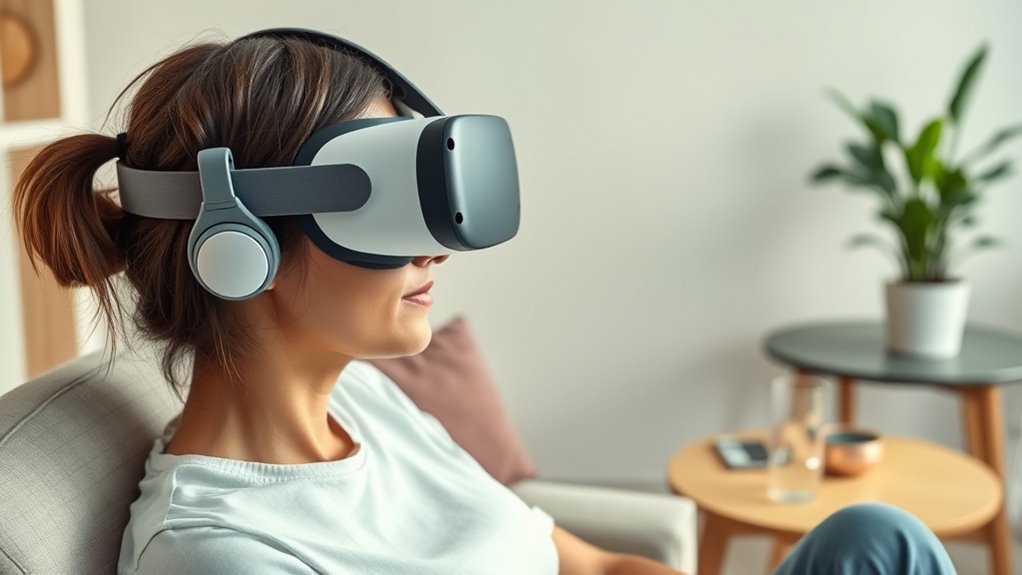
How do you know when it’s time to stop using VR and seek medical advice? If you experience persistent or severe headaches, dizziness, nausea, or visual disturbances during or after VR, it’s a sign you should stop immediately. Don’t ignore these symptoms—they could indicate an underlying issue or that VR isn’t suitable for you. If symptoms last longer than a few hours or worsen over time, consult a healthcare professional. Also, if you notice new or different migraine patterns after VR use, seek medical advice promptly. Listening to your body is vital. Prioritize your health over continuing exposure. Taking breaks and monitoring your responses helps prevent complications, but professional guidance ensures your safety in the long run.
Frequently Asked Questions
Can VR Use Cause Migraines Even if I Don’T Usually Experience Them?
Yes, VR can cause migraines even if you don’t usually get them. The intense visuals, flashing lights, and eye strain from prolonged use can trigger migraines in sensitive individuals. You might not experience migraines regularly, but VR’s immersive experience can overstimulate your brain. To reduce risks, take regular breaks, adjust device settings, and listen to your body. If you notice symptoms, stop using VR and consult a healthcare professional.
Are There Specific VR Headsets Recommended for Migraine Sufferers?
Yes, some VR headsets are better for migraine sufferers. Look for lightweight, well-ventilated headsets with adjustable straps to reduce pressure and discomfort. Devices like Oculus Quest 2, HTC Vive Focus, or Pico Neo 3 often have features that minimize eye strain and motion sickness. Always choose headsets with high-resolution displays and low latency. Remember to take frequent breaks and listen to your body to prevent migraines.
How Does Screen Brightness Affect Migraine Risk During VR Sessions?
Bright screens can be a headache waiting to happen, so lowering the brightness during VR sessions helps reduce migraine risk. When you dim the display, your eyes strain less, and your brain isn’t overwhelmed by intense light. Adjust the brightness to a comfortable level before starting, and don’t hesitate to take breaks. Remember, sometimes less is more—keeping things gentle can make VR enjoyable without the pounding pain.
Can Certain VR Content Types Trigger Migraines More Than Others?
Yes, certain VR content can trigger migraines more than others. Fast-moving scenes, flashing lights, and intense visual effects often provoke migraines in sensitive individuals. Action-packed games or experiences with rapid scene changes may increase your risk, while calmer, static environments are less likely to cause issues. To reduce migraine risk, choose content with gentle visuals, avoid rapid movements, and take regular breaks during VR sessions.
What Are the Long-Term Effects of Frequent VR Use on Migraine Frequency?
Ironically, frequent VR use might seem harmless, but it can actually increase your migraine frequency over time. Your brain gets overwhelmed by the intense visuals and motion, leading to more headaches. If you keep immersing yourself without breaks, you risk a vicious cycle of worsening migraines. So, protect yourself by limiting VR sessions, taking regular breaks, and listening to your body—your future self will thank you.
Conclusion
Remember, your VR journey is like steering a delicate bridge—balance and awareness keep you safe. By recognizing your triggers and listening to your body, you’re holding the lantern that guides you through potential storms. Take breaks, stay hydrated, and adjust settings as needed—these are your steady steps across the chasm. With care and caution, you’ll find that the virtual world becomes a place of wonder, not worry, where your well-being remains your guiding star.