
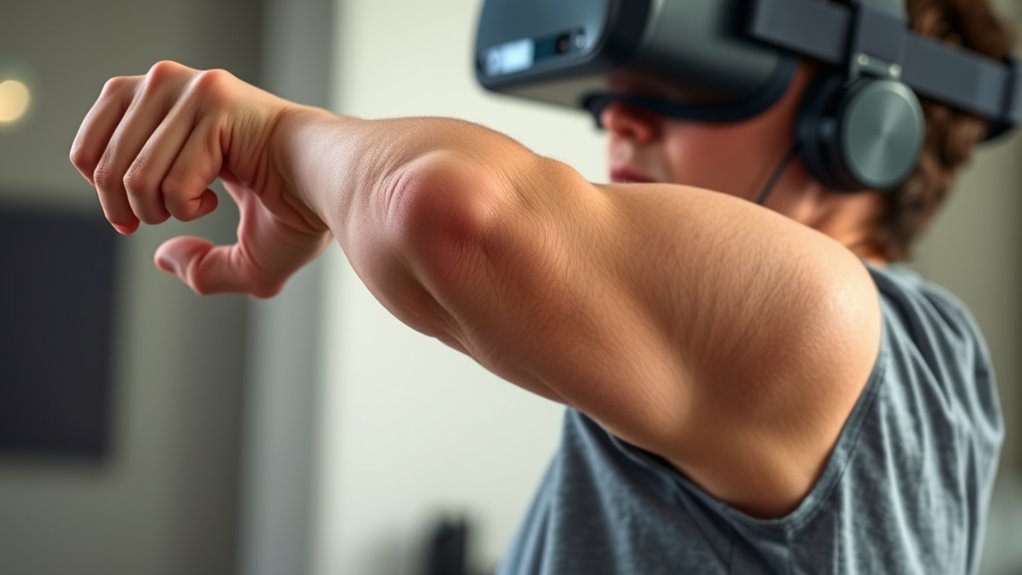
One common cause of VR shoulder pain is reaching too far forward or stretching your arms beyond a comfortable range. This excessive extension strains your shoulder muscles, causing fatigue and discomfort. Instead, keep your arms closer to your body and use natural, relaxed movements. By minimizing reach and maintaining proper posture, you reduce strain and prevent pain. Stick around to discover more tips on avoiding these reach mistakes and staying comfortable during your VR sessions.
Key Takeaways
- Overreaching or extending your arms too far causes shoulder muscle strain and fatigue during VR sessions.
- Maintaining natural arm position and avoiding excessive reach reduces shoulder discomfort.
- Tense or stiff grips while reaching increase shoulder muscle engagement and tension.
- Proper headset fit and posture help prevent the need for awkward, extended reaching movements.
- Using ergonomic gestures and keeping movements controlled minimizes shoulder strain and enhances comfort.
If you’ve been experiencing shoulder pain after extended virtual reality sessions, you’re not alone. Many VR users notice discomfort that seems to come out of nowhere, and often, the culprit is how you’re holding your hands and how well your headset fits. When you’re immersed in virtual worlds, it’s easy to fall into habits that strain your shoulders without realizing it. The key lies in understanding how your hand posture and headset fit influence your body’s alignment during gameplay or work.
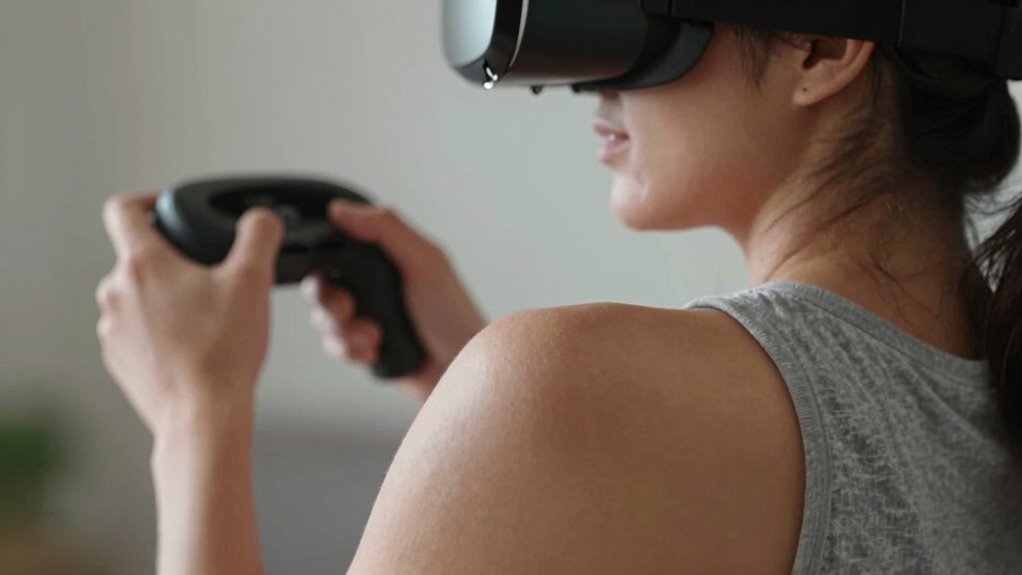
First, consider your hand posture. If you tend to hold your controllers with stiff or awkward grips, you might be unintentionally engaging your shoulder muscles more than necessary. Clenching your fists tightly or keeping your arms raised for prolonged periods can create tension that radiates into your shoulders. Instead, aim for a relaxed hand posture, keeping your hands in a natural, comfortable position. This reduces unnecessary muscle engagement and prevents fatigue. Also, pay attention to your arm movements; smooth, controlled gestures not only improve your VR experience but also lessen strain. Using proper hand posture helps distribute effort evenly across your arms and shoulders, reducing the likelihood of overuse injuries. Additionally, incorporating ergonomic accessories such as grips or straps can further enhance comfort and reduce fatigue during extended sessions.
Relax your grip and keep your hands natural to prevent shoulder strain during VR.
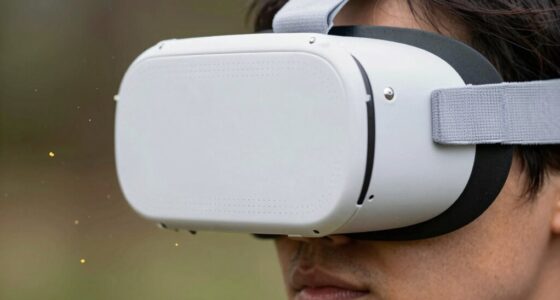
Next, let’s talk about headset fit. A headset that doesn’t fit properly can cause you to adopt unnatural postures, which in turn lead to shoulder discomfort. If your headset is too loose, you might instinctively lean or tilt your head to keep it in place, straining your neck and shoulders. Conversely, if it’s too tight, it can create pressure points that make your body tense up, leading to soreness after sessions. Ensuring your headset fits snugly but comfortably is essential. Adjust the straps so that the weight is evenly distributed across your head, which minimizes the tendency to lean forward or crane your neck. When your headset fits well, you can maintain a natural, upright posture, reducing the stress on your shoulders. Additionally, proper fit enables a more immersive experience, so you won’t feel the need to compensate with awkward body positions.
In essence, paying attention to your hand posture and headset fit can make a significant difference in preventing VR shoulder pain. Small adjustments—like relaxing your grip, aligning your arms properly, and ensuring your headset sits comfortably—can go a long way toward keeping your body healthy during long sessions. Remember, your body is your most valuable tool for enjoying VR, so treat it with care. Keep your posture natural, stay relaxed, and your shoulders will thank you. When you prioritize comfort and ergonomics, gaming and work sessions become more enjoyable and less painful.
Frequently Asked Questions
Can VR Shoulder Pain Be Permanent?
VR shoulder pain can become permanent if you ignore shoulder mobility and poor posture correction. Persistent pain may indicate nerve or joint damage from repetitive reach mistakes. To prevent lasting issues, you should take breaks, improve your posture during gameplay, and perform shoulder mobility exercises. Addressing discomfort early helps avoid long-term damage, ensuring you enjoy VR without risking permanent shoulder pain.
Are There Specific Exercises to Prevent VR Shoulder Pain?
Yes, there are specific exercises to prevent VR shoulder pain. Focus on virtual ergonomics by adjusting your play area for proper posture, and incorporate exercise routines that strengthen shoulder muscles and improve flexibility. Regular shoulder stretches, shoulder blade squeezes, and arm circles can reduce strain. Remember to take frequent breaks, maintain correct positioning, and stay mindful of your body’s signals while gaming to avoid reaching mistakes.
How Long Does VR Shoulder Pain Typically Last?
VR shoulder pain usually lasts from a few days to a week, especially if you make ergonomic adjustments and focus on posture correction. An estimated 60% of users experience discomfort lasting over a week without proper intervention. To reduce pain duration, take regular breaks, adjust your VR setup, and practice good posture. Addressing these factors promptly can help you recover faster and enjoy VR comfortably.
Does VR Shoulder Pain Affect Other Joints?
Yes, VR shoulder pain can affect other joints, especially if you maintain poor posture or neglect ergonomic adjustments. You might notice discomfort in your neck, elbows, or wrists due to repetitive movements and improper positioning. To prevent this, focus on posture correction and adjust your VR setup to guarantee proper alignment. Taking regular breaks and stretching can also help minimize strain on your joints and reduce pain.
What Is the Best Way to Recover From VR Shoulder Pain?
Surprisingly, the best way to recover from VR shoulder pain isn’t just resting; it’s making ergonomic adjustments and practicing posture correction. You’ll want to take breaks, stretch gently, and guarantee your setup encourages healthy alignment. Ironically, pushing through the pain only worsens it. By actively correcting your posture and optimizing your environment, you give your shoulder the best chance to heal and prevent future discomfort.
Conclusion
To avoid VR shoulder pain, pay attention to your reach and posture. Many users unknowingly adopt poor positions, leading to discomfort. Did you know that over 60% of VR players report shoulder discomfort after extended sessions? By making small adjustments—like keeping your arms relaxed and at heart level—you can prevent pain and enjoy your virtual experiences longer. Stay mindful of your movements, and your shoulders will thank you for it.