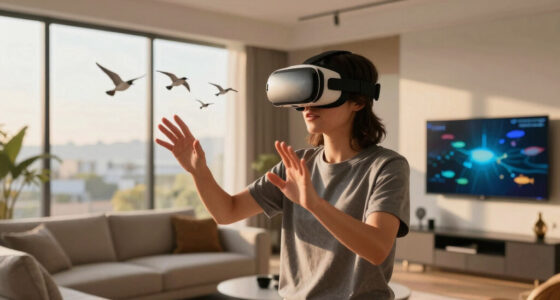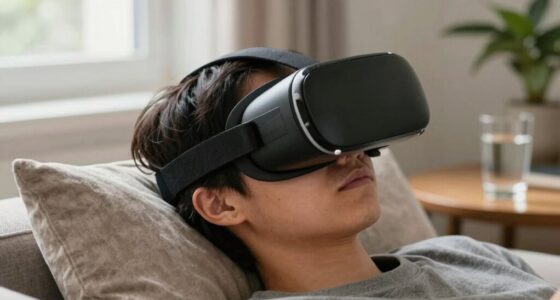
VR headaches often start subtly with eye strain or slight head pressure before you realize you’re uncomfortable. Small discomforts can be caused by improper headset fit, poor ergonomic posture, or environmental factors like lighting and noise. Ignoring these early signs can lead to worse headaches and fatigue. Paying attention to these cues and adjusting your setup can prevent discomfort from escalating. If you keep going, you’ll discover how to recognize and address these warning signs early.
Key Takeaways
- Early subtle discomfort like eye strain or head tension often signals the start of VR headaches before they become noticeable.
- Improper headset fit causes uneven pressure and strain, leading to initial symptoms that precede headaches.
- Poor ergonomic posture and misalignment during VR use can generate minor discomfort that develops into headaches over time.
- Environmental factors such as lighting and noise can contribute to early eye and sensory strain, triggering headaches before awareness.
- Ignoring initial signs of discomfort allows minor issues to escalate into more severe VR-related headaches.
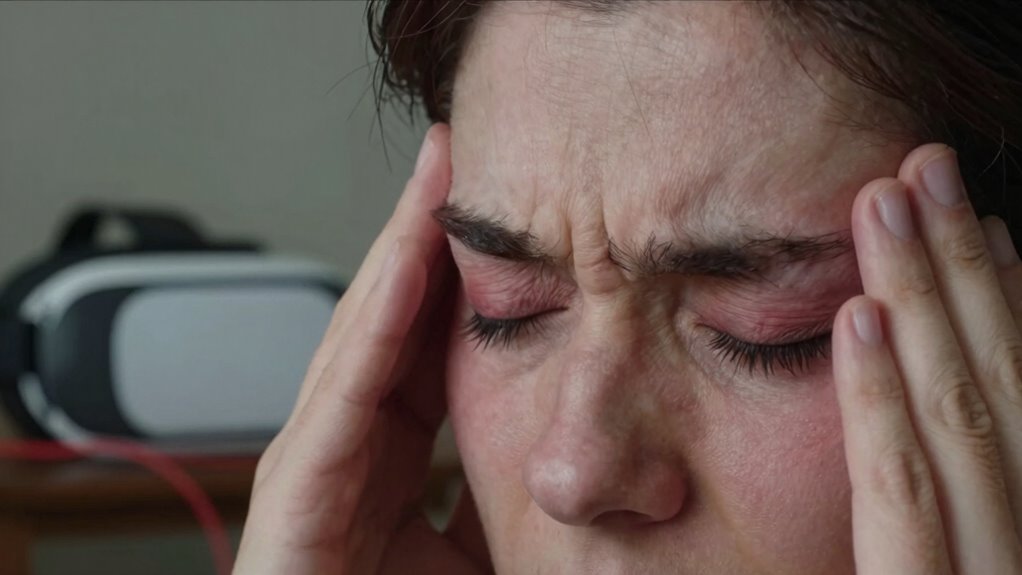
Many people find that their VR headaches begin subtly, often before they even realize it’s happening. It’s easy to dismiss that slight discomfort or pressure as just part of getting used to the headset, but it’s often a sign that something isn’t quite right. One common culprit is improper ergonomic adjustments. If your VR headset isn’t fitted correctly, it can cause unnecessary strain on your head, neck, and eyes. Over time, this strain builds up, leading to headaches that seem to come out of nowhere. To prevent this, you should take the time to adjust the straps, padding, and fit of your headset. Make sure it sits comfortably without being too tight or too loose. Proper ergonomic adjustments are vital because they guarantee the weight is evenly distributed, reducing pressure points and minimizing fatigue. Additionally, ergonomic considerations can help prevent discomfort and long-term strain. Ensuring proper ergonomic alignment can also improve your overall comfort during extended VR sessions. Moreover, paying attention to your posture during use can further alleviate tension and prevent musculoskeletal discomfort. Maintaining a comfortable viewing distance can also reduce eye strain, which is sometimes a precursor to headaches. Being aware of environmental factors such as lighting and ambient noise can further contribute to a more comfortable VR experience and help prevent headaches.

Saqico Head Strap for Meta Oculus Quest 2/3/3s, 3-in-1 Adjustable Halo Headband, Replacement for Elite Strap, Enhanced Comfort Gaming Immersion VR Accessories Compatible with Oculus/Meta Quest 2/3/3s
🥇【Compatible With 】—- Unlike other products, our Headstap for Meta Quest 2/3/3s has been upgraded to support not…
As an affiliate, we earn on qualifying purchases.
As an affiliate, we earn on qualifying purchases.
Frequently Asked Questions
Can VR Headsets Cause Long-Term Vision Damage?
VR headsets won’t cause long-term vision damage, but they can lead to ocular fatigue and visual discomfort if used excessively. Your eyes strain from focusing on close-up screens for too long, which may cause temporary issues like blurred vision or headaches. To protect your eyes, take regular breaks, adjust the headset properly, and guarantee your vision is checked regularly. These practices help prevent discomfort while enjoying VR experiences.
How Does Eye Strain From VR Differ From Regular Screens?
Eye strain from VR differs from regular screens because it causes peripheral fatigue and focus fatigue more intensely. VR requires your eyes to constantly adjust to a close, 3D environment, which strains your eye muscles differently than a flat screen. Additionally, the rapid focus changes and close proximity can tire your eyes faster, leading to discomfort and headaches even before you realize the strain is building up.
Are Certain Users More Prone to VR Headaches?
Some users are more prone to VR headaches, feeling the strain like a tightrope stretched too thin. Your user experience and headset design play a crucial role—if the headset doesn’t fit well or causes discomfort, it’s easier for headaches to sneak up unnoticed. Those with sensitive eyes, migraines, or pre-existing visual conditions are particularly vulnerable. Paying attention to comfort and taking breaks can help ease this silent, creeping discomfort.
What Are the Latest Technological Advancements to Prevent VR Headaches?
The latest advancements to prevent VR headaches include improved haptic feedback and precise motion tracking. These technologies help create more realistic and comfortable experiences by reducing latency and motion sickness. Haptic feedback provides tactile sensations that synchronize with visuals, while advanced motion tracking ensures smoother, more accurate movements. Together, they minimize disorientation and eye strain, making VR safer and more enjoyable for extended use.
Can Adjusting VR Settings Reduce Headache Occurrence?
Did you know that nearly 60% of VR users report reduced discomfort when adjusting their device settings? Yes, tweaking VR settings can considerably cut down headache chances. Focus on ergonomic design and guarantee an adjustable fit for your headset. Customizing display brightness, field of view, and refresh rate helps minimize eye strain, making your experience more comfortable. Always fine-tune your device to suit your needs and reduce the risk of headaches.

Kawaye for Meta Quest 3S/Quest 2/Quest 3 Head Strap, Double Knobs Adjustable Elite Strap Replacement,VR Headset Strap with Two Large Support Pad Enhanced Support, Reduce Pressure
【Weight Balance-Dual Adjustable Straps】Customize fit using by dual adjustment knobs (top/back), kawaye vr headset strap 4 points adjustable…
As an affiliate, we earn on qualifying purchases.
As an affiliate, we earn on qualifying purchases.
Conclusion
Next time you hop into VR, remember that headaches can sneak up before you realize it. For example, imagine you’re immersed in a game, feeling great, until suddenly, a dull ache begins. That’s your brain signaling strain from those early, subtle signs your eyes or muscles are overworking. Paying attention to these tiny cues can help you take breaks sooner, so you enjoy your virtual adventures without the headache surprise. Stay mindful and game on!
VR headset fit adjustment kit
As an affiliate, we earn on qualifying purchases.
As an affiliate, we earn on qualifying purchases.

VISOONE Gamer Glasses Professional Blue Light Filter with Anti-Fatigue and Anti-Glare Stylish for Men and Women BONA
Enhanced Visual Clarity: VISOONE gaming glasses uses specialized lenses and anti-reflective coating that improve visual clarity and reduce…
As an affiliate, we earn on qualifying purchases.
As an affiliate, we earn on qualifying purchases.