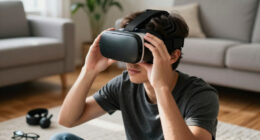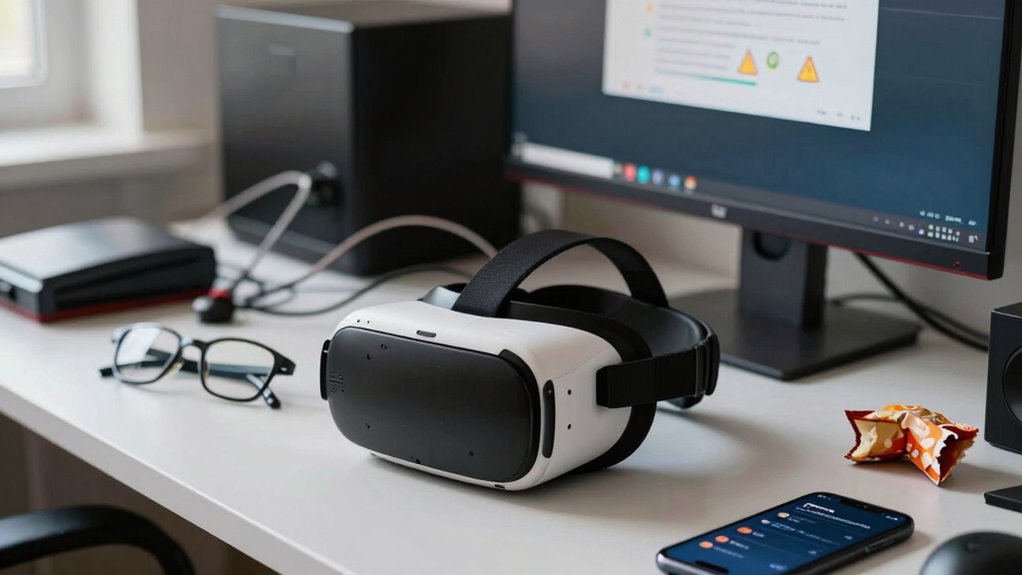

To avoid VR headaches, check your headset fit—make sure it’s snug but comfortable to prevent eye strain and pressure. Take regular breaks following the 20-20-20 rule to reduce eye fatigue. Guarantee your environment is well-lit with minimal glare, and adjust your headset’s IPD setting for clearer visuals. Stay hydrated and maintain good posture to support overall comfort. Keep distractions to a minimum and be mindful of underlying eye issues—discover more tips to stay comfortable during VR sessions.

Play games on Amazon Luna for your next adventure, included with Prime
- A rotating selection of games, no download needed
- Play on TV, laptop or phone
- Fast, free delivery for your gear, too
Key Takeaways
- Poor headset fit causing pressure and misalignment can lead to headaches during VR use.
- Eye strain from extended sessions and improper interpupillary distance adjustments contribute to VR headaches.
- Inadequate lighting or glare in the environment increases visual discomfort and headache risk.
- Dehydration and poor eye care exacerbate eye fatigue and VR-related headaches.
- Poor posture and neck strain from improper head and body positioning can trigger headaches.
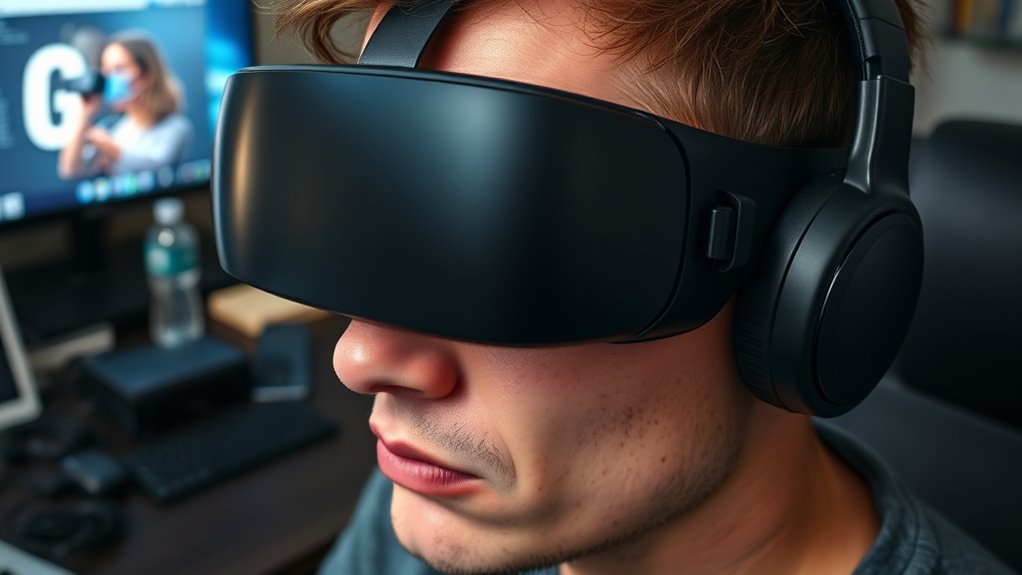
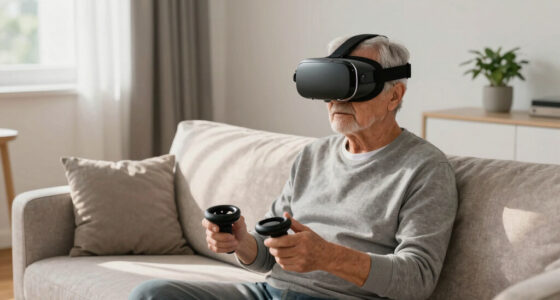
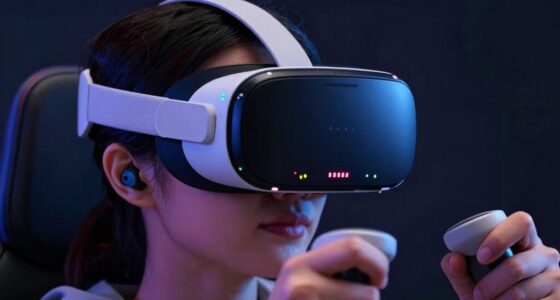
Are you experiencing headaches after using virtual reality? If so, you’re not alone. Many users encounter discomfort, often linked to factors like VR headset fit and eye strain. Properly fitting your VR headset is essential; if it’s too tight, it can cause pressure around your head and temples, leading to headaches. Conversely, a loose fit can allow movement that distorts the display, straining your eyes. Adjusting straps for a snug but comfortable fit ensures your headset stays securely in place without excessive pressure. This simple step can dramatically reduce headaches caused by poor fit. Along with fit adjustments, eye strain remedies play a critical role in preventing discomfort. Extended VR sessions can cause eye fatigue, especially if your eyes work harder to focus on virtual objects. To combat this, take regular breaks following the 20-20-20 rule: every 20 minutes, look at something 20 feet away for at least 20 seconds. This helps relax your eye muscles and reduce strain. Additionally, ensure your VR display is set at the correct interpupillary distance (IPD). Many headsets allow you to adjust this setting for a clearer image, which minimizes eye effort and discomfort. If the image appears blurry or your eyes feel strained, adjusting the IPD can make a meaningful difference. Proper eye care extends beyond adjustments; using eye strain remedies like blinking frequently, keeping your eyes lubricated, and maintaining good lighting conditions can help. Also, consider using artificial tears or lubricating eye drops if your eyes tend to dry out during prolonged use. The environment around you matters too. Bright or flickering lights can exacerbate eye strain, so try to use VR in a well-lit room with minimal glare on your headset lenses. Your overall health and hydration also influence how your eyes handle VR. Staying well-hydrated reduces dryness and fatigue, making your experience more comfortable. Remember, your head and neck posture impact your comfort as well. Maintaining a neutral, relaxed position prevents additional strain that could contribute to headaches. Ensuring that you are aware of Free Floating factors that can influence comfort during VR use can help you identify and address specific issues. If you’re still experiencing discomfort despite these adjustments, it might be worth exploring different VR headsets or consulting an eye care professional. Sometimes, underlying vision issues or sensitivities can make VR more challenging. By paying close attention to VR headset fit, practicing eye strain remedies, and creating an ideal environment, you can considerably reduce the likelihood of experiencing headaches. The goal is to enjoy immersive experiences without discomfort, so taking these proactive steps ensures your VR sessions remain fun and pain-free.
As an affiliate, we earn on qualifying purchases.
Frequently Asked Questions
How Long Should I Wear a VR Headset to Avoid Headaches?
You should limit VR headset use to about 20-30 minutes at a time to prevent headaches. During this, perform an ergonomics assessment and make certain your headset fit is comfortable and secure. Take frequent breaks, adjust the headset properly, and listen to your body. If you start feeling discomfort or headaches, remove the headset and rest. Proper ergonomics and a good fit help reduce strain and improve your VR experience.
Are There Specific VR Devices Less Likely to Cause Headaches?
You’re better off picking VR devices designed with device ergonomics and visual comfort in mind. Some brands focus on lightweight headsets with adjustable straps and better weight distribution, reducing strain. Look for models with high-resolution displays, low latency, and wide fields of view. These features help prevent headaches by minimizing eye strain and visual discomfort. Remember, a well-designed device can be your best ally in avoiding headaches and enjoying immersive experiences.
Can Taking Breaks Completely Prevent VR Headaches?
Taking breaks can considerably reduce VR headaches, but they might not eliminate them entirely. When you pause frequently, you give your eyes a rest, which helps prevent eye strain, a common trigger. Breaks also help reduce motion sickness by allowing your brain to adjust. However, if you’re prone to headaches, combining regular breaks with proper device settings and good posture offers the best chance to prevent discomfort.
What Are the Long-Term Effects of Frequent VR Use?
Frequent VR use can lead to long-term effects like persistent vision strain and increased motion sickness. You might find your eyes become more sensitive, causing headaches or blurred vision over time. Motion sickness may worsen with continued use, making immersive experiences uncomfortable. To minimize these effects, take regular breaks, adjust your headset properly, and limit prolonged sessions. Staying mindful of these factors helps protect your eye health and comfort in the long run.
How Does My Eyesight Affect VR Headache Risk?
Did you know that nearly 60% of VR users report eye fatigue after extended sessions? Your eyesight plays a vital role in VR headache risk because vision strain can increase if your eyes aren’t properly aligned or if you have uncorrected vision issues. To reduce discomfort, make sure your glasses fit well, take regular breaks, and get your eyes checked. Proper eye health helps minimize eye fatigue and makes VR experiences more comfortable.
As an affiliate, we earn on qualifying purchases.
Conclusion
By paying close attention to these nine triggers, you can dodge the virtual headache storm heading your way. Imagine your brain as a fragile glass orb—one wrong move, and it shatters into a thousand painful pieces. Don’t let VR turn your world into a headache nightmare. Stay vigilant, take breaks, and tweak your setup. With these tips, you’ll keep your virtual adventures headache-free and your brain shining brighter than a thousand pixels!
As an affiliate, we earn on qualifying purchases.
VR headset anti-glare screen protector
As an affiliate, we earn on qualifying purchases.
As an affiliate, we earn on qualifying purchases.
Halloween Picks
halloween
As an affiliate, we earn on qualifying purchases.