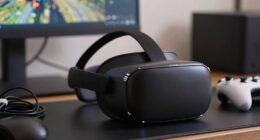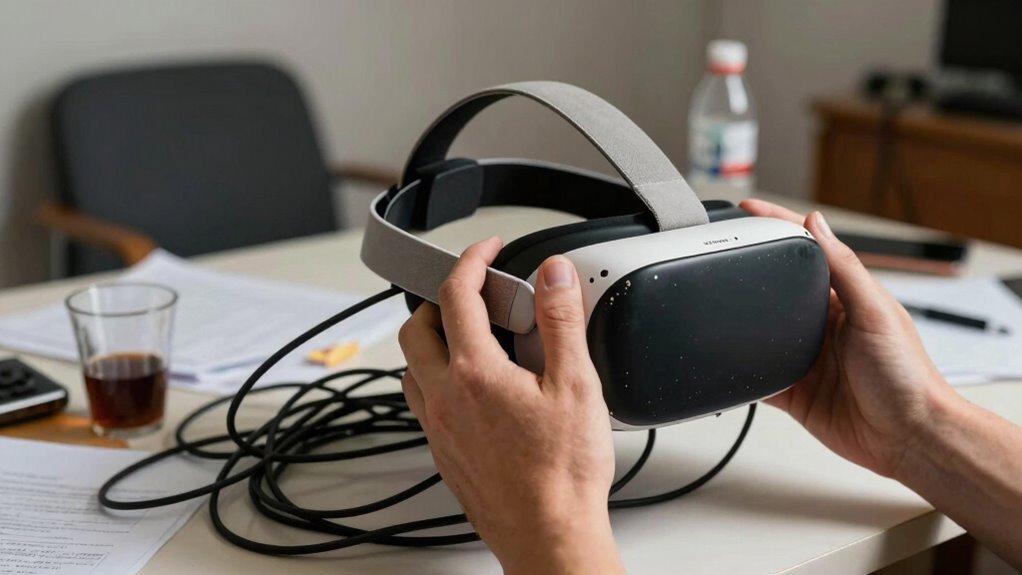

To spot bad VR health and safety advice, watch for tips that ignore proper posture, suggest wearing the headset for hours without breaks, or overlook environmental hazards. Be cautious if advice dismisses early symptoms like headaches or eye strain, and promotes unsafe spaces or one-size-fits-all solutions. Reliable guidance emphasizes individual needs, awareness of discomfort, and environment setup. If you keep exploring, you’ll discover how to recognize trustworthy advice that can keep you safe and comfortable.

Play games on Amazon Luna for your next adventure, included with Prime
- A rotating selection of games, no download needed
- Play on TV, laptop or phone
- Fast, free delivery for your gear, too
Key Takeaways
- Look for advice that dismisses proper posture, breaks, or ergonomic setup during extended VR sessions.
- Be cautious of recommendations that ignore early signs of discomfort like headaches or eye strain.
- Avoid guidance that suggests using VR in cluttered, unsafe environments without safety precautions.
- Question generalized safety claims that ignore individual differences in eye comfort or posture needs.
- Verify advice that makes broad, unverified claims without emphasizing breaks, environment setup, or symptom awareness.

Virtual reality offers exciting experiences, but not all advice about its health and safety is trustworthy. When you’re diving into VR, it’s essential to be mindful of the information you follow, especially regarding ergonomics concerns and symptom recognition. Many sources make broad claims that seem helpful but could actually put you at risk if you don’t verify their accuracy. Recognizing bad advice starts with understanding what’s realistic and safe for your body.
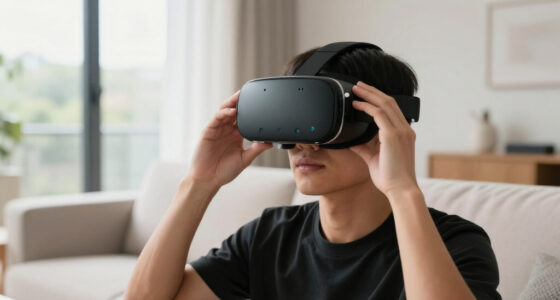
A key sign of unreliable VR safety advice is when it downplays ergonomics concerns. Proper ergonomics is fundamental to prevent strain or injury during extended VR sessions. If the advice suggests you can wear VR headsets for hours without breaks or ignore posture adjustments, it’s a red flag. Good guidance always emphasizes maintaining good posture, adjusting the headset correctly, and taking regular breaks. Ignoring these can lead to neck pain, eye strain, or repetitive strain injuries. If you see tips that dismiss these concerns, question their credibility. Being aware of ergonomic principles can help you optimize your setup for safety and comfort.
Ignoring ergonomics in VR safety advice risks pain, strain, and injury—always prioritize proper posture and breaks.
Symptom recognition is another essential factor in spotting poor advice. Trustworthy guidance encourages you to listen to your body and recognize early signs of discomfort or fatigue. For example, if you start experiencing headaches, dizziness, or eye discomfort, it’s time to step away. Bad advice often minimizes these symptoms, implying they’re normal or insignificant, which is dangerous. Instead, reliable sources highlight the importance of stopping immediately when symptoms appear and avoiding overexertion. If advice minimizes these warning signs or suggests pushing through discomfort, it’s likely not trustworthy.
Another indicator of unreliable safety advice is when it neglects the importance of environment setup. Good recommendations stress creating a clutter-free, safe play area to prevent accidents. Advice that overlooks this aspect or suggests using VR in chaotic or dangerous spaces should be treated with skepticism. You want your environment to support safe movement, reducing the risk of tripping or bumping into objects. Additionally, understanding safety guidelines can help you create a secure and comfortable space tailored to your needs. It’s also crucial to be aware of individual differences that may affect your VR experience and safety measures.
Lastly, be cautious of advice that claims all VR headsets are equally safe without considering individual differences. Not everyone’s eyes or posture respond the same way, and good guidance will acknowledge this. If the advice is one-size-fits-all or dismisses personal comfort, it’s probably not trustworthy.
As an affiliate, we earn on qualifying purchases.
Frequently Asked Questions
Can Bad VR Advice Cause Long-Term Health Problems?
Yes, bad VR advice can cause long-term health problems. Poorly managed VR motion can lead to dizziness, nausea, and disorientation, while ignoring eye strain can result in persistent discomfort or vision issues. If you don’t take proper precautions, extended VR use might contribute to ongoing eye fatigue or balance problems. Always listen to credible advice and take regular breaks to protect your health and prevent long-term issues.
How Often Should I Take Breaks During VR Sessions?
You should take breaks every 20 to 30 minutes during VR sessions to prevent eye strain and maintain ergonomic posture. Regular breaks help reduce discomfort and avoid long-term health issues. During these pauses, stretch your neck, back, and arms, and focus on a distant object to relax your eyes. Staying mindful of your posture and listening to your body guarantees a safer and more enjoyable VR experience.
Are There Specific Health Conditions That Worsen With VR Use?
Yes, certain health conditions can worsen with VR use. If you experience virtual fatigue or motion sickness, you should be cautious, especially if you have migraines, epilepsy, or balance issues. VR can exacerbate symptoms like dizziness or nausea in these conditions. Pay attention to your body, take breaks often, and consult a healthcare professional if you notice symptoms worsening during or after VR sessions.
What Is the Ideal VR Headset for Health Safety?
A stitch in time saves nine, and choosing the right VR headset is key for your health and safety. Look for one with ergonomic design and excellent user comfort to prevent strain or discomfort during long sessions. The ideal headset features adjustable straps, lightweight materials, and well-placed lenses. Prioritize those that support your head comfortably and reduce eye fatigue, ensuring you stay safe and enjoy your virtual experience.
How Do I Report Unsafe VR Health Advice?
You should report unsafe VR health advice by contacting the platform’s support team or relevant health authorities. When doing so, mention concerns about VR motion issues and headset hygiene, which can cause discomfort or health risks. Provide details of the advice you encountered, including sources if possible. Your feedback helps improve safety standards and guarantees others aren’t misled by harmful recommendations, promoting a safer VR experience for everyone.
As an affiliate, we earn on qualifying purchases.
Conclusion
Now that you know what to look out for, you can confidently navigate VR health and safety advice. Don’t accept every tip at face value—question the source and verify with reputable information. After all, isn’t your well-being worth the extra effort? By staying vigilant and informed, you guarantee your VR experience remains safe and enjoyable. Remember, good advice keeps you immersed, but bad advice could lead you right out of the game—or worse.
As an affiliate, we earn on qualifying purchases.
VR headset with adjustable straps
As an affiliate, we earn on qualifying purchases.
As an affiliate, we earn on qualifying purchases.
Halloween Picks
halloween
As an affiliate, we earn on qualifying purchases.