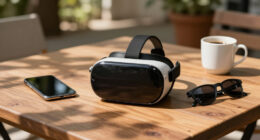
To enjoy a VR date night without motion sickness, start by optimizing your environment for immersion with a comfortable, well-lit space. Adjust hardware and software settings to minimize discomfort, and choose experiences with calming visuals and limited rapid movements. Using haptic feedback and customizing your avatar helps create a natural feel, reducing disorientation. Focusing on comfort features and proper setup can make your virtual date smoother—keep exploring to discover more tips for a seamless experience.

Play games on Amazon Luna for your next adventure, included with Prime
- A rotating selection of games, no download needed
- Play on TV, laptop or phone
- Fast, free delivery for your gear, too
Key Takeaways
- Optimize your VR environment by reducing unnecessary movements and ensuring a stable, well-lit space.
- Customize avatars and settings to improve comfort and reduce disorientation during the experience.
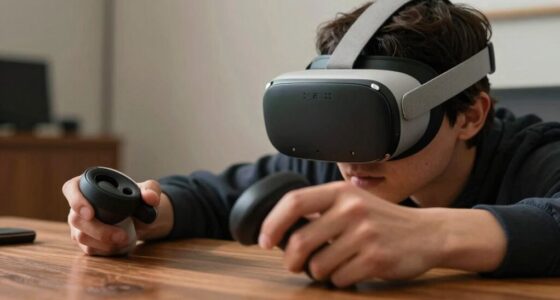
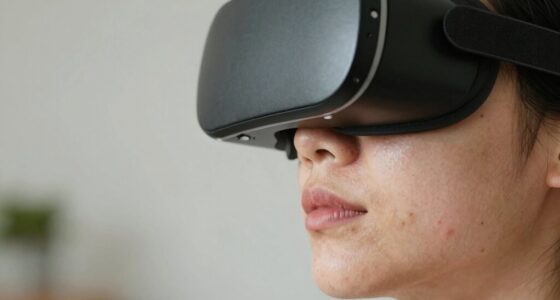
- Use high-quality, well-fitted VR headsets with adjustable straps to minimize physical discomfort.
- Enable comfort features like teleportation and vignette mode to limit motion sickness triggers.
- Incorporate haptic feedback thoughtfully to enhance immersion without overwhelming your senses.

Have you ever wondered how virtual reality can transform your date night? With the right setup, VR can create an immersive experience that feels incredibly real, even without the discomfort of motion sickness. The key lies in understanding how to optimize your environment and technology to maximize comfort while enjoying all the benefits VR has to offer. One of the most exciting features you’ll find in modern VR systems is haptic feedback, which adds a tactile layer to your virtual interactions. When you reach out to touch objects or simply engage with your partner’s avatar, haptic feedback provides subtle vibrations or sensations that mimic real-world touch, making your experience more natural and engaging. This technology helps bridge the gap between the virtual and physical worlds, allowing you to feel connected even when you’re apart.
Another critical aspect is avatar customization. When you can craft a personalized digital representation of yourself—adjusting features, outfits, and expressions—you gain a greater sense of presence and comfort. Creating an avatar that reflects your personality or mood helps you feel more at ease and more connected to your partner, fostering intimacy even in a virtual space. Customization options also allow you to experiment with different looks or expressions, which can be fun and lighthearted, making the experience more memorable. When your avatar feels like a true extension of yourself, it’s easier to relax and enjoy the moment, reducing any potential unease or disorientation that can sometimes lead to motion sickness. Additionally, understanding VR comfort features such as optimal hardware setup and software settings can significantly enhance your experience and reduce discomfort.
VR headset for motion sickness prevention
As an affiliate, we earn on qualifying purchases.
As an affiliate, we earn on qualifying purchases.
Frequently Asked Questions
What Are the Best VR Headsets for Motion Sickness Prevention?
You should consider headsets like the Oculus Quest 2 or HTC Vive Pro to prevent motion sickness, as they offer features like adjustable fit and smooth motion tracking. To enhance comfort, use motion sickness remedies such as gradual exposure and proper headset hygiene to reduce discomfort. Ensuring your headset fits well and stays clean helps prevent nausea, making your VR date night more enjoyable and immersive without the unwanted side effects.
How Can I Adjust VR Settings for Maximum Comfort?
Calibration techniques and seating arrangements often coincide in creating a comfortable VR experience. To maximize comfort, start by properly calibrating your headset to ensure a perfect fit and clear visuals. Adjust your seating to maintain a stable, relaxed posture, reducing motion sickness. Experiment with settings like field of view and motion sensitivity, which can also help. When these elements align, you’ll enjoy a smoother, more comfortable VR date night.
Are There Specific VR Experiences Recommended for Sensitive Users?
If you’re sensitive to motion, try calming VR environments like serene nature scenes or peaceful underwater worlds, which minimize motion and provide comfort. Gentle interaction experiences, such as slow-paced puzzles or meditative activities, also help avoid discomfort. Always start with shorter sessions, adjust the settings for reduced motion or vignetting, and listen to your body. These tips make VR more enjoyable and less overwhelming for sensitive users.
What Accessories Help Reduce Discomfort During Long VR Sessions?
You can reduce discomfort during long VR sessions by using accessories like ergonomic grips, which provide better hand support and reduce fatigue, and padded straps that distribute weight evenly, preventing pressure points. These additions make your experience more comfortable and allow you to enjoy extended use without strain. Make sure to adjust straps for a snug fit and take regular breaks to keep your session enjoyable and pain-free.
How Often Should I Take Breaks During VR Date Nights?
You should take a break every 30 to 45 minutes during your VR date night to prevent discomfort. Maintain a steady break frequency based on your session duration, ensuring you step away from the headset regularly. Short breaks of 5-10 minutes allow your eyes and body to rest, reducing fatigue and motion sickness. Listening to your body helps you enjoy longer, more comfortable VR experiences with your partner.
comfortable VR headset with adjustable straps
As an affiliate, we earn on qualifying purchases.
As an affiliate, we earn on qualifying purchases.
Conclusion
Don’t let fear of motion sickness hold you back from a fun VR date night. With the right comfort setup—like adjustable headsets, proper room calibration, and taking breaks—you can enjoy immersive experiences without discomfort. It’s easier than you think to create memorable moments together in virtual reality. So, give it a try; once you find your groove, you’ll wonder why you didn’t do this sooner. Your perfect VR date night awaits!
As an affiliate, we earn on qualifying purchases.
VR avatar customization software
As an affiliate, we earn on qualifying purchases.
As an affiliate, we earn on qualifying purchases.
Fall Picks
fall essentials
As an affiliate, we earn on qualifying purchases.