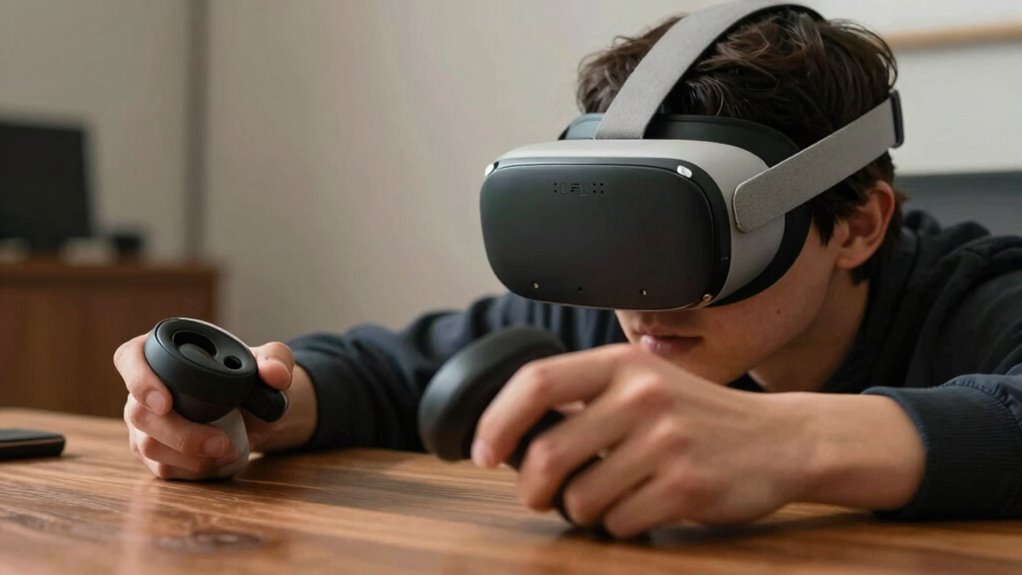
To test your VR fit for a long session, start by adjusting the headset straps so it sits evenly and securely without causing discomfort. Align the lenses with your eyes using adjustable IPD settings for clarity and reduced eye strain. Check that the padding sits flush against your face with no gaps, and consider adding thicker cushions if needed. make certain the weight feels balanced, possibly by shifting straps or adding counterweights. Keep reassessing the fit during your session to ensure lasting comfort and immersion. Keep exploring these tips for the perfect fit.
Open a free Amazon Business account
Business pricing, bulk buying and tax-exempt orders.
As an affiliate, we earn on qualifying purchases.
Key Takeaways
- Adjust headset straps evenly for secure, comfortable support without causing pressure or discomfort.
- Properly align lenses and fine-tune visual settings for clear, focused images and reduced eye strain.
- Ensure padding sits flush against the face, minimizing gaps, light leaks, and pressure points.
- Check weight distribution and add counterweights if necessary to prevent neck strain during extended use.
- Reassess the fit periodically throughout the session to maintain comfort and immersion.
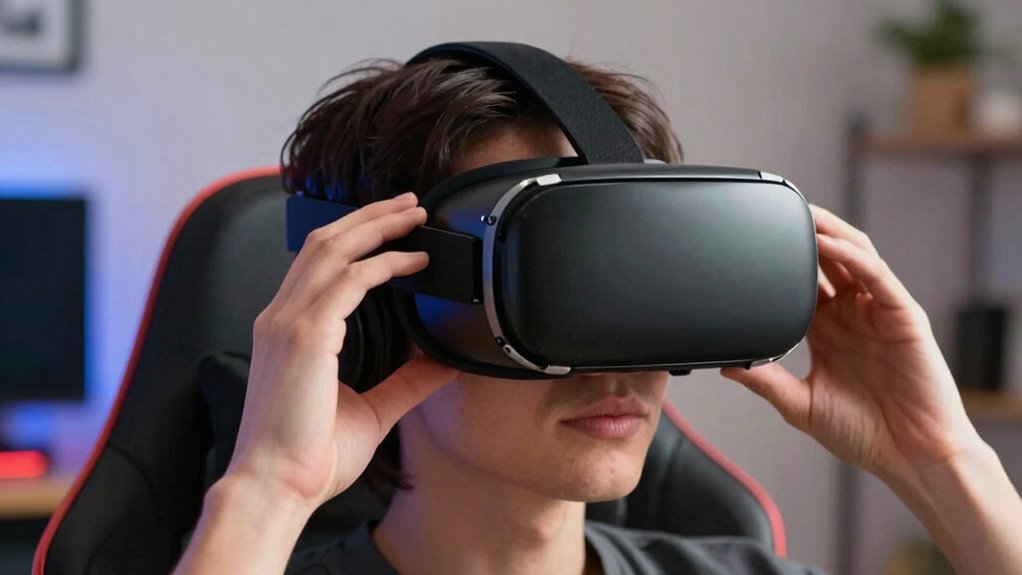
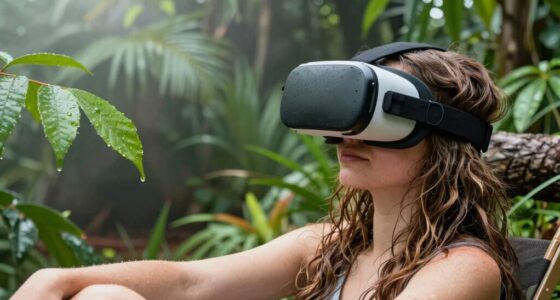
Before diving into a long VR session, it’s essential to make certain your headset fits comfortably and securely. Proper fit isn’t just about convenience; it’s imperative for your safety, comfort, and overall experience. Start by adjusting the straps so the headset sits evenly on your head without putting too much pressure on any one point. You want it snug enough to stay in place but not so tight that it causes discomfort or restricts your movement. This initial step is key for ergonomic adjustments, which help you maintain comfort during extended use and prevent fatigue.
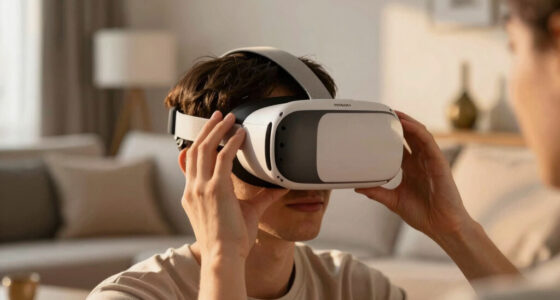
Once the straps are in place, focus on positioning the headset so that the lenses are aligned with your eyes. Misaligned lenses can cause eye strain and headaches, especially during long sessions. Many headsets have adjustable lens spacing or IPD (interpupillary distance) settings—use these to fine-tune the fit until the images are clear and comfortable. Proper lens alignment is an important part of comfort optimization, ensuring you see a sharp, focused image without straining your eyes.
Next, check the padding and facial interface. The padding should sit flush against your face without leaving gaps that can cause light leaks or discomfort. If your headset has customizable or replaceable face cushions, consider swapping them for thicker or softer options to enhance comfort. Proper padding not only prevents irritation but also helps distribute pressure evenly across your face, reducing the risk of soreness after prolonged use. Additionally, Proper padding can improve light blocking, which enhances immersion. Ensuring the correct fit is also important for maintaining a consistent sense of presence in VR. A well-designed facial interface can significantly increase comfort, especially during extended sessions. Remember that ergonomic design plays a crucial role in long-term comfort and overall enjoyment.
Don’t forget to take into account weight distribution. If your headset feels front-heavy, adjust the back straps or add counterweights if your model allows. A well-balanced headset reduces strain on your neck and shoulders, making it easier to maintain a natural, relaxed posture over long periods. This step falls under comfort optimization, ensuring you don’t develop fatigue or discomfort during extended VR sessions. Regularly reassessing the fit and making adjustments can help maintain optimal comfort over time, especially if you switch between different users or wear glasses. Taking these steps guarantees your VR experience remains enjoyable, safe, and comfortable, so you can fully immerse yourself without distraction or fatigue during your longest sessions.
As an affiliate, we earn on qualifying purchases.
Frequently Asked Questions
How Often Should I Recheck My VR Fit During Sessions?
You should recheck your VR fit every 20 to 30 minutes during long sessions. This helps maintain proper head strap tension and guarantees comfort, reducing strain and VR hygiene concerns. Adjust the head strap as needed to keep the headset secure without causing discomfort. Regular checks prevent slippage and minimize skin irritation, making your experience more enjoyable and safe. Prioritizing fit adjustments enhances both comfort and hygiene throughout your session.
Can VR Fit Adjustments Improve Comfort Over Time?
Yes, VR fit adjustments can improve comfort over time. Focusing on VR headset ergonomics, you’ll find that properly adjusting the straps guarantees better weight distribution and reduces pressure points. Regularly tweaking the adjustable straps allows your headset to fit more snugly and comfortably, especially during long sessions. Over time, these small adjustments help prevent discomfort, fatigue, and strain, making your VR experience more enjoyable and sustainable.
Are There Specific Signs Indicating Poor VR Fit?
Signs of poor VR fit include noticeable VR headset pressure and facial discomfort during use. If you feel persistent tightness or pressure around your face or forehead, it likely indicates the headset isn’t fitting properly. You might also experience uneven weight distribution, causing discomfort or shifting during movement. Addressing these signs early helps prevent strain, ensuring a more comfortable, immersive experience and reducing fatigue during long VR sessions.
Does VR Fit Affect Gameplay Performance or Accuracy?
Yes, VR fit affects gameplay performance and accuracy. When your VR headset isn’t properly fitted, it can cause discomfort, misalignment, or movement of the device, leading to decreased immersion and tracking errors. Fit accuracy guarantees your headset stays stable during play, allowing precise movements and better control. Adjusting the straps and positioning your headset correctly can considerably improve your experience, making gameplay smoother and more accurate.
What Are the Risks of an Improper VR Fit?
An improper VR fit risks discomfort and potential injury, disrupting your experience and focus. Poor VR headset ergonomics can cause headaches, eye strain, or even nausea, making long sessions unbearable. When fit isn’t optimized, your user experience suffers, decreasing immersion and performance. Ensuring a proper fit is essential for safety and enjoyment, helping you stay comfortable and engaged throughout extended VR adventures.
As an affiliate, we earn on qualifying purchases.
Conclusion
So, next time you’re gearing up for a long VR session, don’t skip the test run. After all, what’s more fun than spending hours in a virtual world with an uncomfortable headset? Irony at its best—spending more time adjusting your gear than actually gaming. Take a few minutes to guarantee a perfect fit beforehand, and you’ll avoid turning your epic adventure into an awkward, neck-craning nightmare. Happy gaming!
As an affiliate, we earn on qualifying purchases.
As an affiliate, we earn on qualifying purchases.
Fall Picks
fall essentials
As an affiliate, we earn on qualifying purchases.