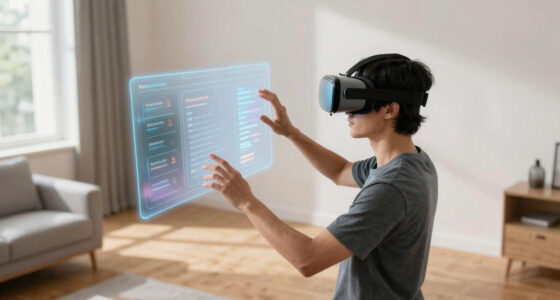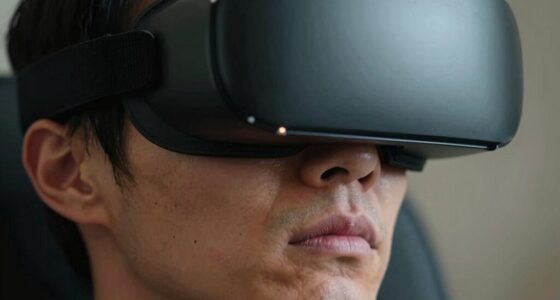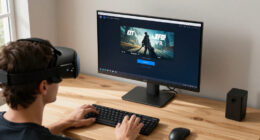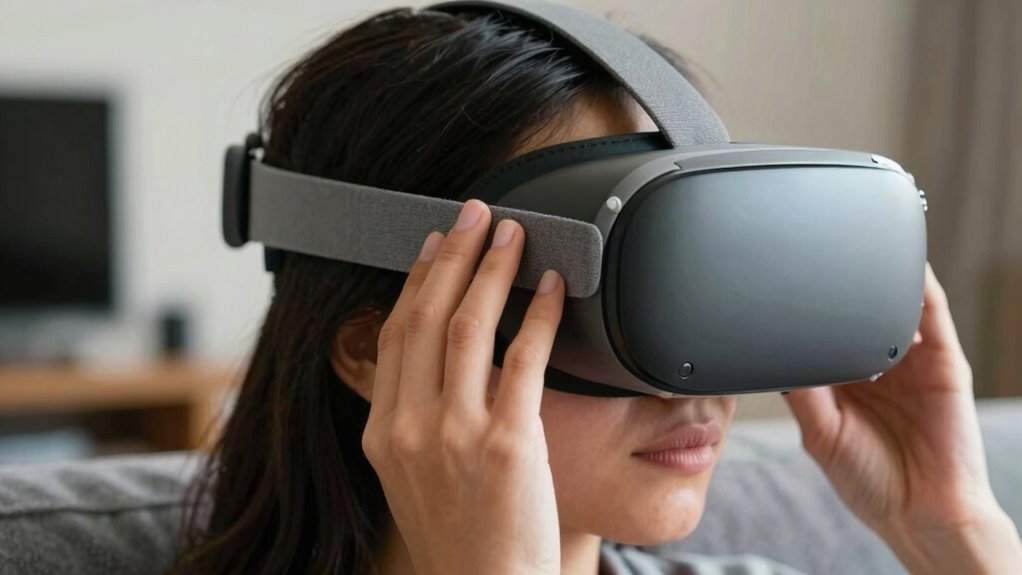

One of the most overlooked habits for long-term VR comfort is maintaining proper posture throughout your session. Slouching or dropping your head can cause neck and back pain over time, so it’s essential to sit or stand with a straight back and keep your head aligned. Adjust your headset to fit snugly without pressure, and regularly check your posture to prevent discomfort. Keeping these habits in mind can make your VR experience much more comfortable—there’s more to discover on how to stay relaxed longer.
Key Takeaways
- Regularly checking and adjusting the headset fit to prevent pressure points and discomfort over time.
- Maintaining proper body posture throughout the session to avoid long-term strain.
- Taking consistent breaks beyond the standard 20-minute rule to reduce cumulative fatigue.
- Ensuring the VR environment is ergonomically optimized to minimize unnecessary movements.
- Practicing eye care routines, like blinking more often and adjusting brightness, to prevent long-term eye strain.
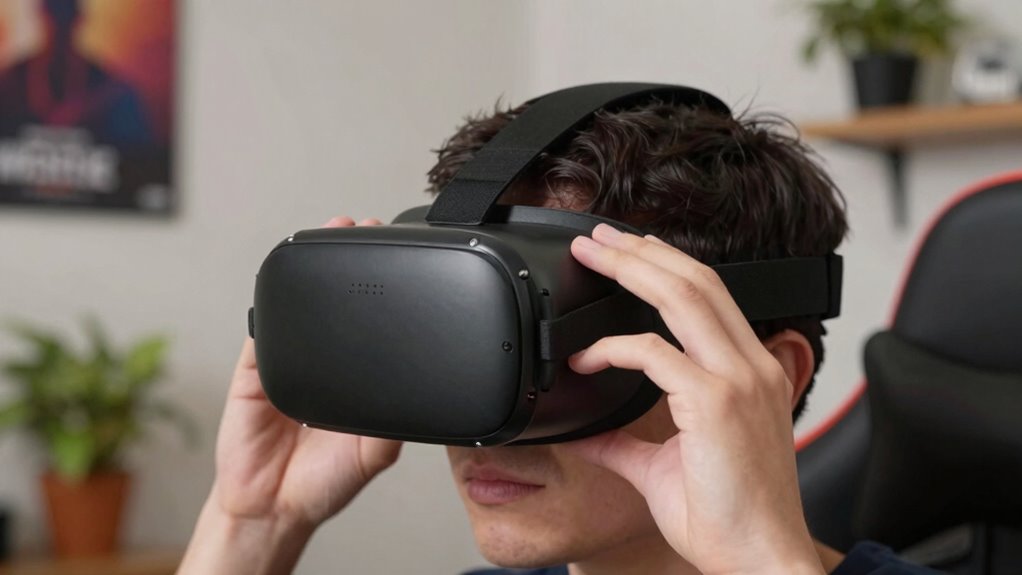
Virtual reality offers immersive experiences that can be incredibly engaging, but without proper habits, long-term comfort can suffer. One of the most overlooked yet essential habits is maintaining good posture and preventing eye strain. It’s easy to get caught up in the excitement of VR, but neglecting these areas can lead to discomfort and even long-term health issues. You might not realize it, but your posture plays a critical role in how comfortable you feel during extended VR sessions. Slouching or holding your head at awkward angles can cause neck and back pain over time. To combat this, make a conscious effort to sit or stand with your back straight and your head aligned with your spine. Adjust your VR headset so it fits snugly without putting undue pressure on your face or causing you to tilt your head forward or backward. Proper fit helps distribute pressure evenly and keeps your neck in a neutral position, reducing strain. Additionally, being aware of ergonomic principles can help you optimize your VR setup for comfort. Ensuring your environment is well-organized can also minimize unnecessary movements and distractions, contributing to a more comfortable experience. Paying attention to body alignment can further enhance your comfort by promoting proper posture during extended use. Incorporating stretching exercises into your routine can also prevent stiffness and promote better circulation, especially during long VR sessions. Eye strain is another common problem when using VR for long periods. The close proximity of the display to your eyes and the intense focus required can lead to fatigue, dryness, and headaches. To prevent this, take regular breaks, ideally every 20 minutes, and follow the 20-20-20 rule: look at something 20 feet away for at least 20 seconds. Adjust the VR display settings to match your comfort level—dim the brightness and increase contrast if needed, but avoid settings that cause glare or flickering. If your eyes feel dry, use artificial tears or blink more often to keep your eyes lubricated. Incorporating eye care practices into your routine can help preserve your long-term eye health and comfort. Proper eye care is essential not just for immediate comfort but also for long-term eye health. Additionally, mindful usage by setting time limits can further prevent fatigue and protect your vision. Remember, it’s not just about the game or application; it’s about protecting your body and eyes for the long haul. Consistently paying attention to posture correction and managing eye strain ensures you can enjoy VR without the discomfort that often accompanies extended use. It’s easy to overlook these habits in the moment, but their benefits compound over time, helping you avoid unnecessary pain or fatigue. By staying mindful of your posture and giving your eyes regular breaks, you’ll create a more sustainable, comfortable VR experience. Ultimately, these small adjustments can make a big difference in how long and comfortably you can immerse yourself in virtual worlds.

Kawaye for Meta Quest 3S/Quest 2/Quest 3 Head Strap, Double Knobs Adjustable Elite Strap Replacement,VR Headset Strap with Two Large Support Pad Enhanced Support, Reduce Pressure
- Adjustable Dual Straps: Customizable fit with dual knobs
- Even Weight Distribution: Reduces facial pressure for comfort
- Fits Various Head Sizes: Suitable for children and adults
As an affiliate, we earn on qualifying purchases.
As an affiliate, we earn on qualifying purchases.
Frequently Asked Questions
How Often Should I Take Breaks During Extended VR Sessions?
You should take a break every 20 to 30 minutes during extended VR sessions. This helps prevent eye strain and neck tension, which can build up quickly with prolonged use. During breaks, look away from the screen, focus on distant objects, and stretch your neck and shoulders. Regular pauses reduce discomfort and improve your overall VR experience, keeping you comfortable and engaged for longer periods.
What Are Signs of Discomfort or Strain in VR?
You notice eye strain, headaches, or blurred vision, and your posture feels awkward or uncomfortable—that’s a sign of discomfort. Keep an eye on these symptoms, and prioritize posture correction to prevent strain. If you experience persistent discomfort, take a break, adjust your headset, and focus on eye relaxation exercises. Addressing these signs early helps maintain comfort and prevents long-term issues during extended VR sessions.
Can Specific VR Headsets Cause More Discomfort Than Others?
Yes, some VR headsets can cause more discomfort than others, especially if their ergonomics aren’t well-designed. Headset weight distribution plays a vital role—if it’s uneven, it can strain your neck and face over time. Look for headsets with balanced weight, adjustable straps, and cushioned padding. Prioritizing ergonomic design guarantees longer, more comfortable VR sessions, reducing fatigue and discomfort during extended use.
How Does Room Lighting Affect VR Comfort?
You might be surprised how room lighting impacts your VR comfort; it’s more than just ambiance. An ambient glow reduces harsh contrasts and glare, making visuals easier on your eyes. Proper lighting prevents your eyes from constantly adjusting, which can cause fatigue. Ensuring a well-lit, glare-free environment helps you stay immersed longer without discomfort. So, pay attention to your room’s lighting to enhance your VR experience and avoid unnecessary strain.
Are There Any Specific Exercises to Reduce VR Fatigue?
To reduce VR fatigue, you should perform eye relaxation exercises regularly, like focusing on distant objects for a few seconds. Maintain an ergonomic posture by sitting upright and adjusting your headset for comfort. Take frequent breaks, ideally every 20-30 minutes, to rest your eyes and stretch. These habits help prevent strain and keep you comfortable during long VR sessions, ensuring a more enjoyable experience.

WalterDrake Posture Support Back Cushion � Designed for Back Pain Relief
- Ergonomic Back Support: Contours for pain relief and posture
- Microbead Center: Supports proper lower back alignment
- Adjustable Fit: Built-in loops for custom straps
As an affiliate, we earn on qualifying purchases.
As an affiliate, we earn on qualifying purchases.
Conclusion
To stay comfortable in VR, prioritize your posture, take regular breaks, and listen to your body. Keep your headset adjusted properly, stay hydrated, and maintain a clean play area. These habits keep you balanced, prevent discomfort, and enhance your experience. Remember, comfort isn’t just about the device; it’s about your habits. Embrace these small changes, establish these routines, and enjoy VR longer, safer, and more comfortably—because your long-term well-being depends on it.
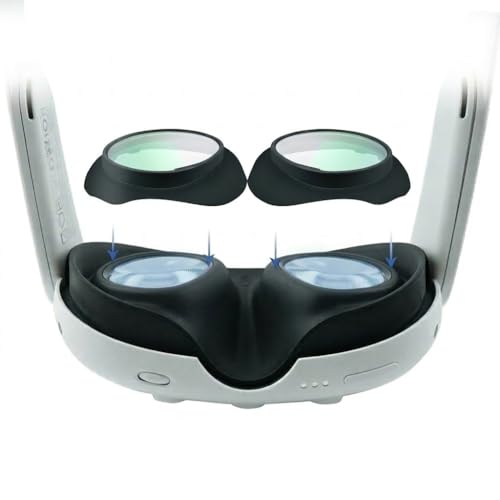
Lens Protector Cover Compatible with Meta Quest 3, Anti-Blue Light & Scratch-Resistant VR Lens Covers, Anti-Glare Glass for Quest 3 Accessories, Eye Strain Relief (1 Pair)
- Custom Fit for Meta Quest 3: Precision-molded lens covers for perfect fit
- Protects Investment from Scratches: Physical barrier prevents lens damage
- Designed for Eyeglass Wearers: Acts as spacer to prevent contact
As an affiliate, we earn on qualifying purchases.
As an affiliate, we earn on qualifying purchases.

Saqico Head Strap for Meta Oculus Quest 2/3/3s, 3-in-1 Adjustable Halo Headband, Replacement for Elite Strap, Enhanced Comfort Gaming Immersion VR Accessories Compatible with Oculus/Meta Quest 2/3/3s
- Compatible Devices: Supports Meta Quest 3/3s and Oculus Quest 2
- Enhanced Comfort: Designed for extended VR gaming sessions
- Pressure Reduction: Soft memory foam cushion for comfort and support
As an affiliate, we earn on qualifying purchases.
As an affiliate, we earn on qualifying purchases.