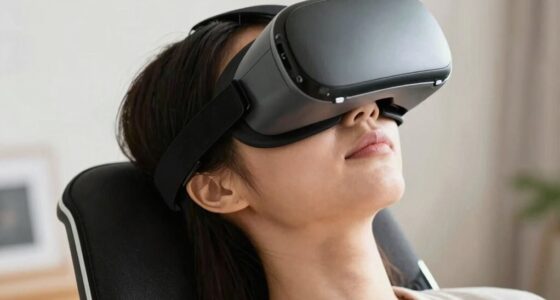

To make VR more comfortable in a shared household, focus on ergonomic accessories like adjustable head straps, cushioned masks, and foam padding to prevent discomfort. Proper setup is key; personalize the fit and regularly clean your devices to keep them in top shape. Create designated VR zones with privacy screens or barriers to respect everyone’s space. Organize equipment neatly, establish usage schedules, and communicate openly about comfort and privacy needs—discover more tips to enhance your shared VR experience.

Play games on Amazon Luna for your next adventure, included with Prime
- A rotating selection of games, no download needed
- Play on TV, laptop or phone
- Fast, free delivery for your gear, too
Key Takeaways
- Provide adjustable and cushioned ergonomic accessories to ensure personalized comfort for all users.
- Set up designated VR zones with physical barriers or privacy screens to minimize external distractions.
- Implement a scheduling system to manage shared access and prevent conflicts.
- Ensure proper headset adjustments and regular maintenance for optimal comfort and hygiene.
- Encourage open communication to address individual preferences and improve overall shared VR experience.
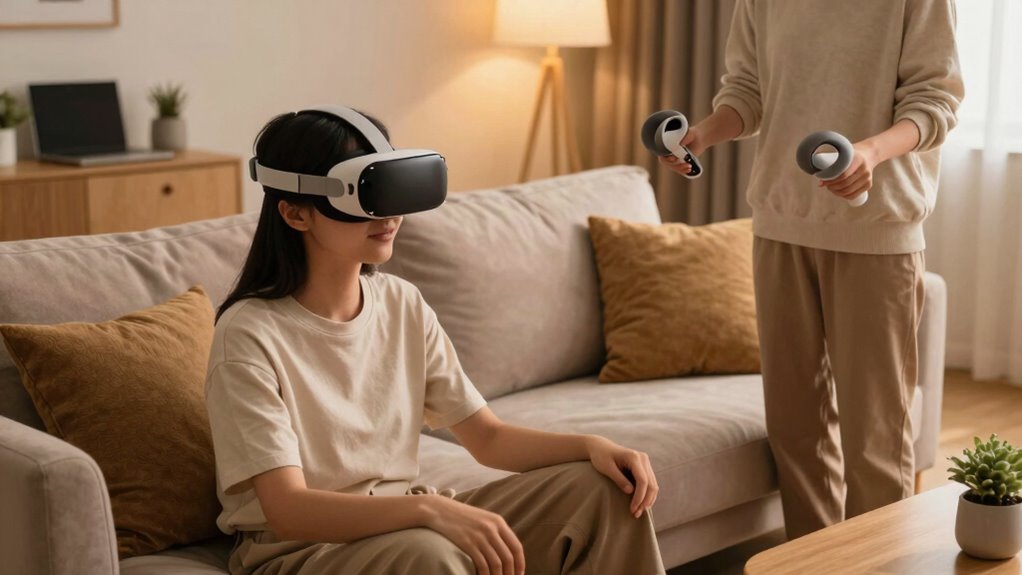
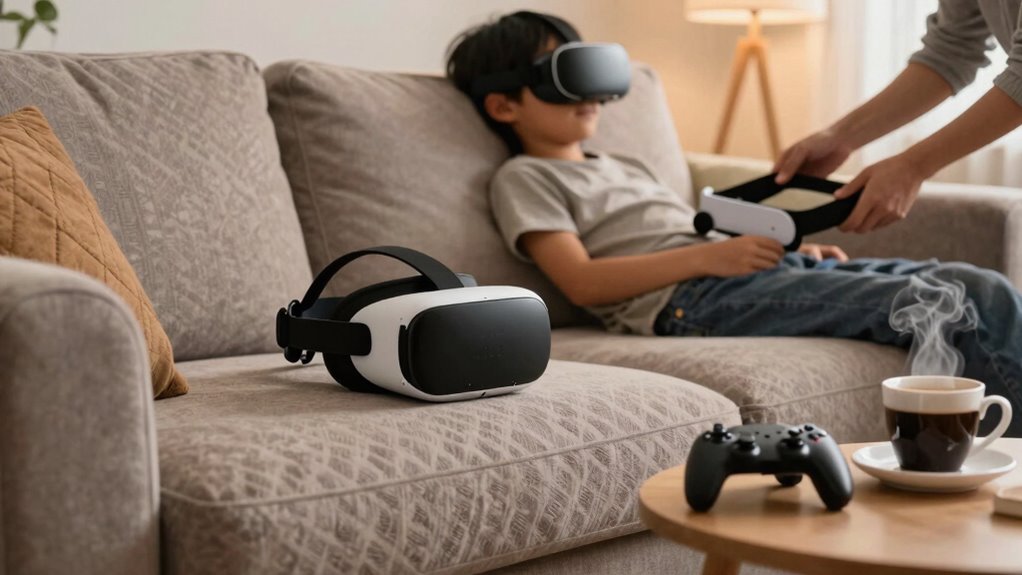
Virtual reality can be an exciting way to entertain and connect, but sharing VR equipment in a household can lead to discomfort and conflicts if not managed properly. To make the experience more comfortable for everyone, it’s vital to contemplate ergonomic accessories that enhance comfort and reduce strain during extended use. Investing in adjustable head straps, cushioned face masks, and foam padding can help ensure that each user gets a snug, personalized fit. These accessories prevent discomfort that might cause someone to stop playing prematurely and help avoid unnecessary pressure points, making VR sessions more enjoyable. Additionally, proper ergonomic setup encourages longer, more comfortable use and minimizes fatigue. Recognizing the importance of ergonomic design can significantly improve user comfort and reduce physical strain during extended VR sessions. Proper adjustments to the headset can further enhance comfort, especially for users with different head sizes or sensitivities. Privacy solutions are equally important, especially in shared living spaces where multiple people might want to use the same device without feeling exposed or overwhelmed. You can create designated VR zones within your home by setting up physical barriers or using privacy screens that block external views. This helps users feel more secure and less self-conscious, encouraging longer and more immersive experiences. If space is limited, consider using wireless VR headsets that allow for more freedom of movement without the clutter of cables, which can also contribute to a sense of privacy and personal space. Establishing clear boundaries about when and how each person can use the device ensures that everyone respects each other’s time and privacy, reducing conflicts. To further streamline sharing, develop a scheduling system so each person knows when they’ll have access. This prevents disputes over usage and helps everyone plan their sessions without feeling rushed or interrupted. Keep the VR equipment in a dedicated, accessible area, and store accessories neatly, so they’re ready to use and don’t cause clutter or confusion. Regularly cleaning and maintaining the devices also ensures a more hygienic experience, especially if multiple people are using the same equipment. Using proper storage techniques can help prolong the lifespan of your devices and keep your shared space organized. Incorporating ergonomic accessories that are adaptable to different users can make the experience even more comfortable and inclusive. Furthermore, considering personalized fit options can enhance comfort for individual users and accommodate different head shapes and sizes. Lastly, communicate openly with everyone in your household about expectations and comfort levels. Encouraging feedback on ergonomic accessories and privacy solutions helps you tailor the setup to meet everyone’s needs. When you prioritize comfort, privacy, and organized sharing, VR becomes less of a source of tension and more of a shared activity that everyone can enjoy. With thoughtful planning and some simple adjustments, you can create a VR environment that’s comfortable, private, and fun for all household members.
adjustable VR headset head strap
As an affiliate, we earn on qualifying purchases.
As an affiliate, we earn on qualifying purchases.
Frequently Asked Questions
How Can I Prevent VR Headsets From Causing Motion Sickness?
To prevent VR headsets from causing motion sickness, focus on motion sickness mitigation techniques like taking regular breaks and gradually increasing playtime. Make sure headset ergonomics are ideal for comfort, reducing strain that can worsen symptoms. Adjust the fit for proper eye alignment, and use anti-sickness remedies if needed. Staying hydrated and avoiding heavy meals before VR sessions also help. These steps create a more comfortable experience for everyone sharing the headset.
What Privacy Measures Are Available for Shared VR Environments?
Imagine stepping into your shared VR space, where your privacy is protected like a guarded treasure. You can customize privacy settings to control who sees your activities and personal info. User access options let you set permissions, ensuring only trusted friends can enter your virtual world. These tools help you feel secure, so you enjoy immersive experiences without worrying about your digital boundaries being crossed.
How Do I Manage Multiple User Profiles on One VR Device?
To manage multiple user profiles on one VR device, you should utilize the device’s user profile management feature. Access shared device settings and create separate profiles for each person, customizing preferences and privacy options. Switch profiles easily before each use to guarantee everyone has a personalized experience. Regularly update profiles and settings to keep the shared VR environment comfortable and secure for all users.
Are There Specific VR Accessories for Better Comfort?
Yes, there are specific VR accessories designed for better comfort. Look for headsets with ergonomic padding, which reduces pressure on your face and improves fit during extended use. Adjustable straps are also essential; they let you customize the fit for your head size, preventing discomfort or slipping. Investing in these accessories guarantees a more comfortable experience, especially in shared households where multiple users may have different needs.
How Do I Ensure VR Setup Fits Different Room Sizes?
To make sure your VR setup fits different room sizes, measure your space’s dimensions first. Adjust your furniture placement to keep clear pathways and safe zones for movement. Use floor markers or tape to outline boundaries, helping you stay within safe areas. Consider a wireless VR system to avoid tangled cords in tight spaces. This way, you maximize comfort and safety, regardless of your room size.
As an affiliate, we earn on qualifying purchases.
Conclusion
By implementing these tips, you turn your shared household into a haven where everyone can enjoy VR comfortably. Think of it as creating a shared sanctuary—where technology unites rather than divides. With a little planning and consideration, VR becomes a bridge, connecting everyone with ease. So, why not make your space a welcoming zone for virtual adventures? After all, isn’t shared joy the ultimate goal in any household?
As an affiliate, we earn on qualifying purchases.
As an affiliate, we earn on qualifying purchases.
Fall Picks
fall essentials
As an affiliate, we earn on qualifying purchases.