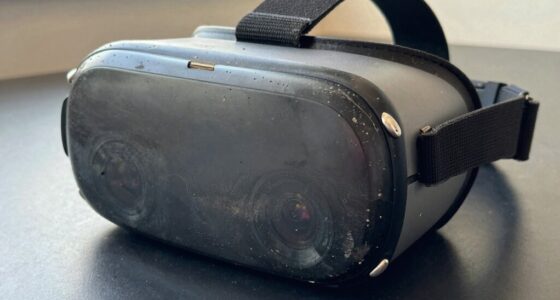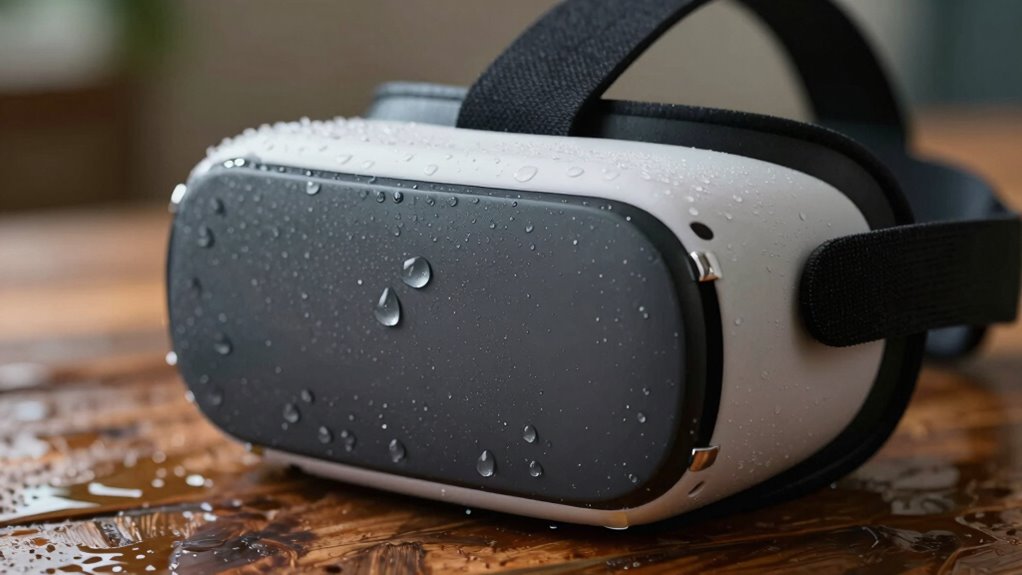

Moisture is a bigger deal for your VR setup than it looks because it can cause lenses to fog, glare, and obscure your view, ruining your experience. Sweat and humidity can seep into the device, damaging delicate electronics and leading to corrosion over time. Plus, moisture buildup makes extended use uncomfortable, risking skin irritation. Managing moisture helps protect your equipment and keeps your sessions smooth. Keep going to discover practical ways to keep your VR clear and safe.
Key Takeaways
- Moisture causes lens fogging, reducing visibility and immersion during VR experiences.
- Accumulated moisture can damage delicate internal electronics over time.
- Sweat and humidity promote mold growth and skin irritation if not properly managed.
- Moisture buildup accelerates device corrosion, shortening VR headset lifespan.
- Proper moisture control maintains comfort, clarity, and the long-term durability of VR equipment.
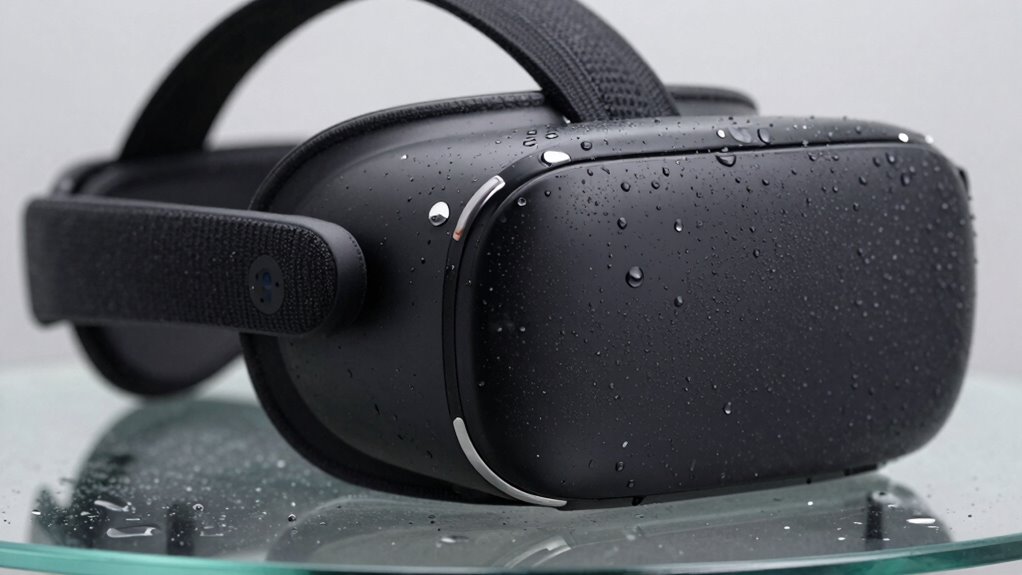
When it comes to virtual reality, moisture might seem like a minor concern, but in reality, it’s a bigger deal than most people realize. VR headsets are designed to be immersive and comfortable, but moisture can quickly disrupt that experience. Humidity effects, for instance, can cause lenses to fog up, reducing visibility and making it harder to stay engaged. Over time, accumulated moisture also risks damaging delicate electronics inside the headset, leading to costly repairs or replacements. That’s why understanding sweat management is vital when you’re deep into a long gaming session or an extended VR workout.
Sweat isn’t just a minor annoyance; it’s a real challenge that can compromise both comfort and equipment longevity. As you wear a VR headset, your body heat and physical exertion naturally produce sweat. Without proper sweat management, this moisture can pool around your face or seep into the device. This not only causes discomfort but also increases the risk of skin irritation or even infections if the headset isn’t cleaned regularly. Additionally, sweat can corrode internal parts over time, especially if the device isn’t designed with moisture resistance. This makes regular maintenance and the use of sweat-absorbing pads or coverings essential for preserving your gear.
Humidity effects extend beyond just fogging lenses. High humidity levels in the room can create an environment where moisture lingers on the headset surfaces and inside the device, exacerbating fogging and potentially leading to mold growth if not managed properly. Conversely, low humidity might make the air dry, but it can also lead to static buildup, which can interfere with sensitive electronic components. You need to strike a balance and guarantee your environment is controlled to minimize these effects. Keeping the room cool and well-ventilated can help reduce humidity effects, but it’s equally important to dry off and clean your headset after each use to prevent moisture buildup. Proper humidity control is essential to protect your VR gear from long-term damage. Additionally, understanding moisture resistance features of your device can help you choose the best accessories and care routines.
Furthermore, investing in moisture-resistant accessories or protective covers can provide an added layer of defense against moisture intrusion, especially if you frequently use your headset in humid environments. It’s also beneficial to be aware of how air quality can influence moisture levels and device performance, as poor air circulation can lead to increased moisture retention.
In the end, moisture isn’t just an inconvenience; it’s an essential factor that affects your VR experience and device durability. Prioritizing sweat management and controlling humidity effects can make your VR sessions more comfortable and extend the lifespan of your gear. Simple steps like using moisture-wicking face pads, storing your headset in a dry place, and taking breaks to wipe away sweat can make a significant difference. Recognizing these moisture-related challenges means you’ll be better prepared to enjoy your virtual adventures without unnecessary interruptions or damage.

Digicharge VR Lens Cover Protector, Compatible with Meta Quest 3S, 3S Xbox Edition, Quest 3, Quest 2, Oculus Rift S, Valve Index, Pico 4 (Classic), Premium Foam, Dust and Scratch Shield VR Lens Cap
- High-Quality Lens Protection: Soft fabric over foam shields lenses
- Wide Compatibility: Fits Meta Quest 3S, Quest 2, Rift S, more
- Enhanced Protection: 14mm foam cushions prevent scratches and dust
As an affiliate, we earn on qualifying purchases.
As an affiliate, we earn on qualifying purchases.
Frequently Asked Questions
How Does Moisture Affect Different Types of VR Headsets?
Moisture impacts different VR headsets by causing humidity issues and condensation effects that can damage internal components. You might notice fogging lenses or reduced clarity, which disrupts your experience. Some headsets are more sensitive to humidity impact, especially those with open designs or less sealing. To avoid problems, keep your headset in a dry environment, and consider using anti-fog solutions. Moisture can compromise comfort and functionality, so it’s essential to stay vigilant.
Can Moisture Damage VR Controllers Permanently?
Yes, moisture can damage your VR controllers permanently. Think of moisture as an uninvited guest that causes corrosion inside your device, leading to electrical malfunction. When moisture seeps into the controller’s circuits, it can cause rust and corrosion, which disrupt electrical signals. Over time, this damage may become irreversible, rendering your controllers unusable. Protect your gear by keeping moisture out, and your controllers will stay functional longer.
What Are the Best Ways to Prevent Moisture Buildup During Use?
To prevent moisture buildup during VR use, you should guarantee proper ventilation solutions, like using fans or taking breaks to air out the area. Additionally, apply moisture-absorbing materials, such as silica gel packs or desiccant sachets, inside your headset or controllers when not in use. Regularly wipe down your equipment with a dry cloth, and avoid using it in humid environments to keep moisture at bay.
Are There Specific Environments More Risky for VR Moisture Issues?
You’ll find that humid environments pose a greater risk to your VR experience. High humidity can lead to moisture buildup, affecting device longevity and comfort. To combat this, focus on humidity control and environmental monitoring, especially in settings like tropical regions or poorly ventilated spaces. These environments make moisture issues more likely, so staying vigilant helps maintain ideal conditions and guarantees your VR sessions stay smooth and enjoyable.
How Often Should VR Equipment Be Inspected for Moisture Damage?
You should inspect your VR equipment for moisture damage at least once a month, especially if you operate in high humidity levels. Regular checks help catch issues early. Store your gear properly using sealed storage solutions to prevent moisture buildup. If you notice any condensation or corrosion, inspect more frequently until the problem is resolved. Maintaining a consistent inspection routine keeps your VR equipment safe and functioning at its best.

for Meta Quest 2/3/3S Accessories Disposable VR Face Cover and Sweat Guard
- Absorbs and Locks Moisture: Keeps face dry during VR gaming
- Stretchable and Flexible Fit: Fits various face shapes comfortably
- Soft and Comfortable Material: Made of high-quality, irritation-free cotton
As an affiliate, we earn on qualifying purchases.
As an affiliate, we earn on qualifying purchases.
Conclusion
So, next time you wipe your VR headset, remember it’s not just about cleaning—moisture’s sneaky way of sneaking in can cause real damage. It’s funny how a spilled drink or a sudden splash can turn a fun session into a costly fix. Coincidentally, the very moisture we often ignore might be the biggest threat to your immersive experience. Stay vigilant, keep your gear dry, and enjoy VR without surprises—because moisture’s surprises are never fun.

APEXINNO VR Silicone Face Pad Cover for Meta Quest 3 Original Headset – Enhanced Comfort, Sweat-Resistant, Soft Cushion Replacement for Oculus/Meta Quest 3 Accessories
- Compatibility: Fits Meta Quest 3 only
- Installation: Easy setup with instructional video
- Comfort: Soft, skin-friendly silicone
As an affiliate, we earn on qualifying purchases.
As an affiliate, we earn on qualifying purchases.
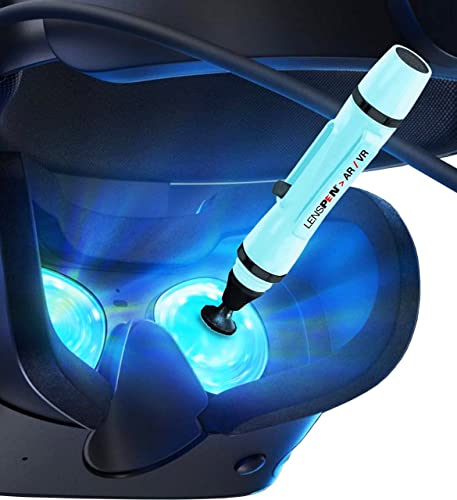
LensPen VR Headset Lens Cleaning Pen Gift – Original Black Carbon Patented Tech – Remove Fingerprints Dust Grease + Reduce Fog to Clean Augmented & Virtual Reality Goggles > Oculus, Valve Index, PS4
- Black Carbon Technology: Removes fingerprints, dust, and grease
- Universal VR Compatibility: Fits all major VR headsets and goggles
- Flexible Cleaning Tip: Bends to clean all corners and edges
As an affiliate, we earn on qualifying purchases.
As an affiliate, we earn on qualifying purchases.