
If you have expensive VR gear, proper climate control is essential to prevent damage from environmental factors. Keeping humidity levels balanced stops condensation and static electricity, while good airflow and temperature regulation prevent overheating and equipment slowdown. Fluctuations in climate can harm sensors, reduce performance, and shorten your gear’s lifespan. By maintaining a stable environment, you guarantee smooth, immersive experiences and protect your investment. To learn how to optimize your space, keep going for useful tips.
Key Takeaways
- Proper climate control prevents moisture buildup, protecting sensitive VR equipment from corrosion and short circuits.
- Maintaining stable humidity reduces static electricity, safeguarding sensors and electronic components.
- Effective airflow and temperature regulation prevent overheating and hardware damage during intensive use.
- Consistent environmental conditions minimize performance issues and ensure seamless VR experiences.
- Climate control extends the lifespan of expensive VR gear by reducing environmental stress and wear.
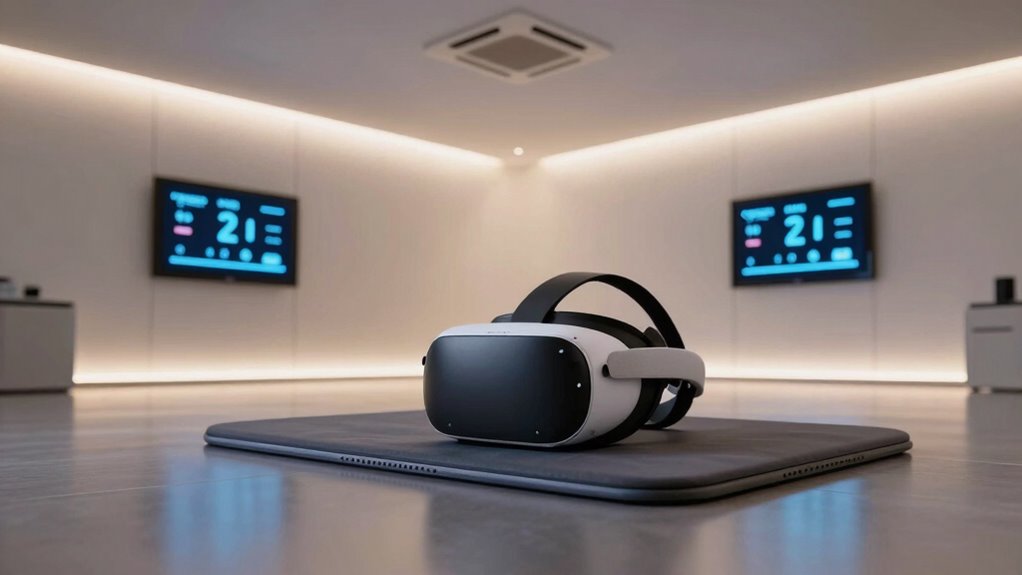
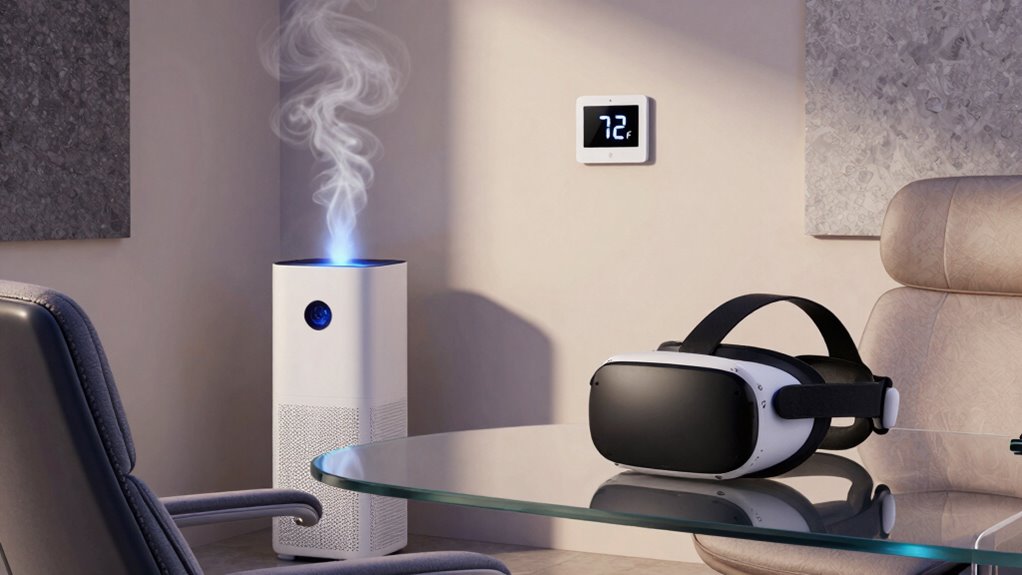
Have you ever wondered how comfortable your virtual reality experience can truly be? When you’re immersed in a VR world, every detail matters—especially the environment around you. Proper climate management isn’t just about comfort; it’s crucial for protecting expensive VR gear and ensuring smooth performance. One critical aspect is humidity regulation. Too much moisture in the air can cause condensation on sensitive equipment, leading to corrosion or short circuits. Conversely, low humidity can produce static electricity, which risks damaging delicate sensors and circuitry. Maintaining an ideal humidity level helps prevent these issues, keeping your equipment safe and operational. It also contributes to your comfort, preventing dryness that can cause irritation during extended sessions. Proper climate control can help maintain consistent environmental conditions, which is essential for high-performance VR setups. Airflow enhancement plays an essential role in this environment. Efficient airflow ensures that temperature and humidity levels stay steady, avoiding hot spots or overly humid areas that could harm your gear. Good airflow prevents heat accumulation from the hardware, which tends to generate warmth during intense use. Overheating can cause hardware to slow down or shut off unexpectedly, ruining your experience and potentially damaging the device. By designing a room with proper ventilation and strategically placed fans or air conditioning units, you keep the environment stable and comfortable. This not only prolongs the lifespan of your equipment but also enhances your overall immersion, as you won’t be distracted by discomfort or technical glitches caused by environmental fluctuations. Neglecting climate control can lead to costly repairs or replacements. VR headsets, sensors, and controllers are all sensitive to environmental conditions. Fluctuations in humidity and temperature can degrade their performance over time. To address this, regular maintenance and environmental monitoring can help identify potential issues early. Furthermore, if your room’s climate isn’t well-managed, you might find yourself adjusting the equipment constantly, trying to compensate for unstable conditions. This wastes valuable time and diminishes the seamless experience you seek when entering virtual worlds. Proper climate management creates an environment where your equipment functions flawlessly and your experience remains immersive and enjoyable. Additionally, monitoring environmental conditions can help you proactively address issues before they cause damage. Understanding the impact of environmental factors on your gear allows for better preventative measures and adjustments. In essence, investing in good climate control isn’t just about comfort—it’s about safeguarding your high-end VR setup and ensuring top performance. Humidity regulation and airflow enhancement work together to create a stable, safe environment. When you pay attention to these factors, you extend your gear’s lifespan, improve your comfort, and enjoy your VR adventures without interruptions or technical setbacks. In a space where precision and performance are paramount, climate control becomes an essential part of the setup you can’t afford to overlook.
As an affiliate, we earn on qualifying purchases.
Frequently Asked Questions
How Does Temperature Affect VR Headset Performance?
Temperature affects your VR headset performance by influencing equipment overheating and overall functioning. When temperatures rise, your device can overheat, leading to lag, reduced tracking accuracy, or even shutdowns. Proper temperature regulation helps keep your VR gear cool, ensuring smooth gameplay and preventing damage. By maintaining a comfortable environment, you minimize the risk of overheating and prolong your headset’s lifespan, giving you a better, more consistent virtual experience.
What Are the Best Cooling Methods for VR Rooms?
Did you know that proper air circulation can reduce VR room temperatures by up to 15%? To keep your VR gear cool, use effective cooling methods like installing cooling fans and ensuring good airflow. Position fans strategically to promote air circulation, avoid heat buildup, and prevent overheating of your headset. Regularly ventilate the room, and consider portable air conditioners for consistent cooling, ensuring your VR experience stays smooth and your equipment remains safe.
Can Humidity Damage VR Equipment?
Humidity can definitely cause damage to your VR equipment by promoting corrosion, mold, and electrical issues. High humidity levels threaten your equipment’s preservation, leading to costly repairs or replacements. To prevent humidity damage, you should keep your room’s humidity between 40-60%, use dehumidifiers, and guarantee proper ventilation. Regularly inspecting and cleaning your gear also helps maintain its longevity and peak performance.
How Often Should I Clean My VR Gear?
You should clean your VR gear at least once a week to keep it in top shape. Follow cleaning routines by gently wiping the lenses and controllers with a microfiber cloth, avoiding harsh cleaners. Dust prevention is key, so regularly dust the surrounding area and store your gear properly when not in use. This helps prevent dust buildup, which can affect performance and lifespan, ensuring your VR experience stays smooth and safe.
What Is the Ideal Climate for Long VR Sessions?
You should aim for a cool, stable climate with proper air circulation and effective ventilation strategies. Keep the room between 65-75°F (18-24°C) to prevent overheating without risking condensation. Good airflow reduces humidity and dust buildup, protecting your expensive VR gear. By maintaining consistent temperature and airflow, you’ll guarantee longer, safer VR sessions and extend the lifespan of your equipment, creating a more comfortable and immersive experience.

Levoit Top Fill Humidifiers for Bedroom, 2.5L Tank for Large Room, 28dB
- Long-lasting humidification: Up to 25 hours on low setting
- Easy top-fill design: No spills, simple one-step filling
- Hassle-free cleaning: Large opening and detachable parts
As an affiliate, we earn on qualifying purchases.
As an affiliate, we earn on qualifying purchases.
Conclusion
As you carefully set up your VR space, it’s no coincidence that climate control quietly guarantees your gear stays pristine and your experience seamless. When the room stays just right, you’re not only protecting your investment but also revealing the full potential of your immersion. In a way, the perfect climate becomes a silent partner in your adventures—reminding you that sometimes, the smallest details make the biggest difference.

DRAWLEY Portable Air Conditioners Fan: Air Conditioner, Ac Unit
- 3-in-1 Functionality: Cooling, humidifying, air circulation
- Instant Cooling: Add ice for 5-second cool blast
- Adjustable Wind Speed: 1-99 levels for customized airflow
As an affiliate, we earn on qualifying purchases.
As an affiliate, we earn on qualifying purchases.

Centrifugal Cooling Fan 630mm 380-480V 3.50KW 1300RPM Industrial Exhaust Blower RH63V-ZIK.GL.VR for HVAC Air Conditioning Ventilation System
- Diameter: 630mm for effective airflow
- Power Rating: 3.50KW at 380-480V
- Model: RH63V-ZIK.GL.VR
As an affiliate, we earn on qualifying purchases.
As an affiliate, we earn on qualifying purchases.