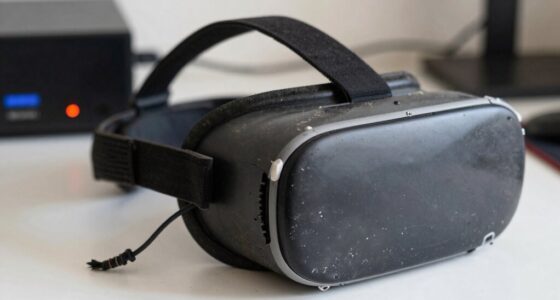
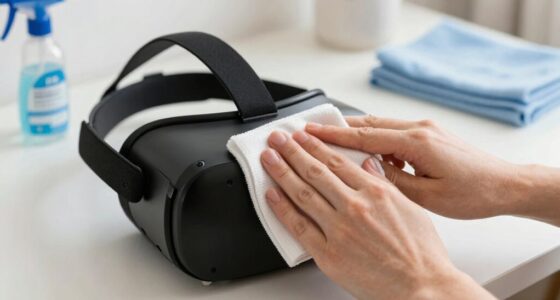
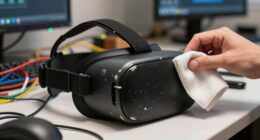
To clean your VR lenses safely, start by turning off the device and removing the headset carefully. Use a soft, lint-free microfiber cloth to gently wipe the lenses in circular motions, applying minimal pressure. For stubborn smudges, lightly dampen the cloth with a lens-specific cleaner or a mixture of distilled water and isopropyl alcohol, but avoid applying liquids directly. Store your headset properly to keep it clean longer. Keep going to learn more tips for a spotless, scratch-free experience.
Key Takeaways
- Use a clean, dry microfiber cloth with gentle, circular motions to wipe lenses without scratching.
- Apply a small amount of lens-specific cleaner or distilled water to the cloth, never directly on the lens.
- Avoid harsh chemicals, household cleaners, or abrasive materials that can damage lens coatings.
- Handle the headset gently, keeping lenses dry and free of debris, and store properly to prevent scratches.
- Regularly inspect and maintain cleaning supplies to ensure they remain soft and contaminant-free.

VR Headset Cleaning Kit, VR Lens Cleaner, Cleaner Kit for Meta Oculus Quest 2 3 /Xbox/PS/Wii/Switch, Face Cover Pad Game Controller AR VR Accessories, Gamer Gifts
- Complete Cleaning Kit: Includes cleaner, lens pen, cloths, and tools
- Universal Compatibility: Suitable for Oculus Quest, Xbox, PlayStation, Switch, and more
- Deep Cleaning Power: Removes fingerprints, dust, grease, and debris
As an affiliate, we earn on qualifying purchases.
As an affiliate, we earn on qualifying purchases.
Gather the Right Cleaning Supplies
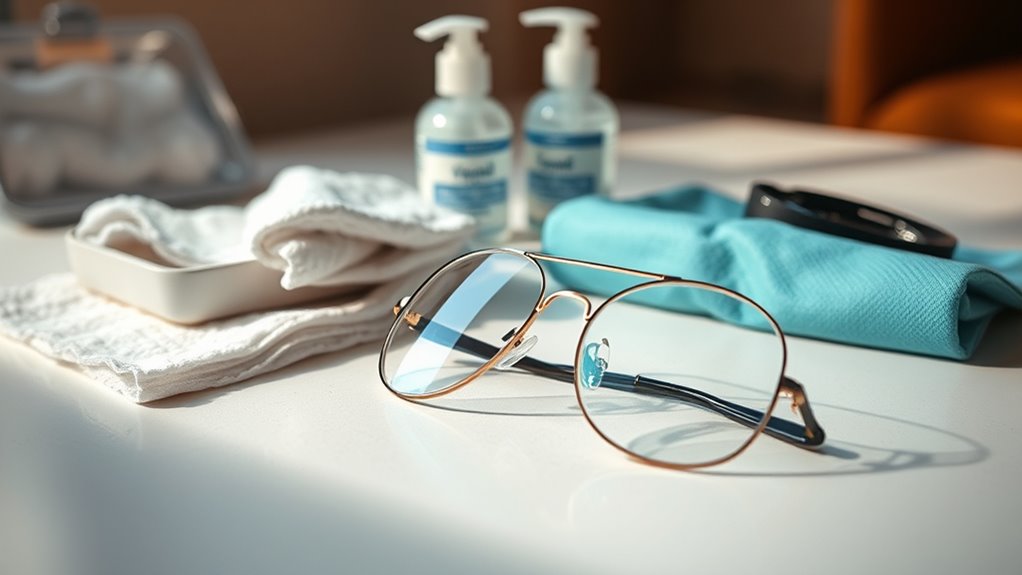
Before you begin cleaning your VR lenses, it’s important to gather the right supplies. You’ll need a microfiber cloth, which is gentle and won’t scratch the lenses. Avoid using paper towels, tissues, or rough cloths, as they can cause damage. You’ll also want a lens cleaning solution specifically designed for optics or a mix of distilled water and a small amount of isopropyl alcohol (70% or less). Keep a small spray bottle handy to apply the solution sparingly. Additionally, having a soft, lint-free cloth or cotton swabs can help clean hard-to-reach areas. Make sure all your supplies are clean and dry before starting. Using safe cleaning techniques can help prevent damage and ensure your lenses stay in optimal condition. Properly maintaining your lenses not only prolongs their lifespan but also ensures a clearer, more immersive virtual reality experience. Being aware of lens cleaning precautions helps avoid accidental damage during the process. Regularly inspecting your lenses can help identify potential damage early and prevent further issues. Having the right tools ready guarantees you’ll clean your lenses safely and effectively without risking damage.

MagicFiber Microfiber Cleaning Cloth, Glasses Cleaner, Eyeglass Wipes, 6pk
- High-Quality Microfiber Material: Absorbs dust, oil, smudges, and dirt
- Scratch-Free Cleaning: Leaves no scratches, streaks, or lint
- Versatile Use: Cleans glasses, screens, lenses, and TVs
As an affiliate, we earn on qualifying purchases.
As an affiliate, we earn on qualifying purchases.
Power Down and Remove the Headset
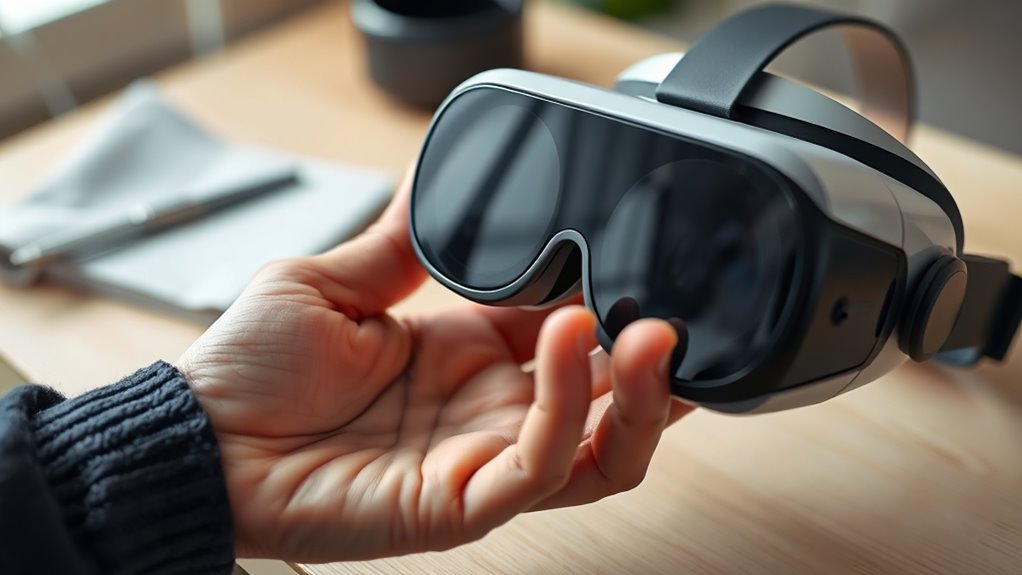
To prevent any risk of electrical shock or damage to your VR headset, you should power it down and carefully remove it from your head before cleaning. Turning off the device ensures no power runs through its components, reducing the chance of short circuits or malfunctions during cleaning. Gently take off the headset, avoiding any sudden pulls that could damage straps or connectors. Once removed, place it on a clean, flat surface away from dust, liquids, or direct sunlight. This step not only protects your device but also makes the cleaning process safer and more effective. Remember, rushing this step could lead to costly repairs or compromised performance, so take your time to power down and remove the headset properly. Additionally, electrical safety protocols should always be followed when handling electronic devices to prevent accidents. Ensuring proper device handling procedures can further minimize the risk of damage during maintenance. Following manufacturer cleaning guidelines can also help preserve the lenses and internal components of your VR headset. Properly handling your device during this process also helps maintain its longevity and performance, ensuring a better experience over time.

Eclipse Optic Cleaning Solution – Camera Lens and Digital Sensor Cleaner Fluid – Works with All Cameras, Binoculars, and Other Optical Products – Dropper Tip (15ml) – 0.5oz (2-Pack)
- Safe for All Optical Equipment: Won't damage cameras, lenses, or sensors
- Compatible with PEC-PAD Wipes: Safe for optical glass surfaces
- Ideal for Sensor Cleaning: Dries quickly with no residue
As an affiliate, we earn on qualifying purchases.
As an affiliate, we earn on qualifying purchases.
Gently Wipe the Lenses With a Microfiber Cloth

When wiping your VR lenses, use a soft, clean microfiber cloth to avoid scratches. Apply gentle pressure to prevent damage, and keep the lenses dry to prevent streaks. This careful approach helps maintain clear, streak-free vision during your VR experience. Additionally, ensure your cleaning process aligns with proper maintenance practices to preserve the longevity of your device. Regularly organizing your files can also help you keep track of cleaning routines and device care schedules. Incorporating sustainable cleaning methods can further extend the lifespan of your VR equipment while reducing environmental impact. Remember that biographical information about device creators can sometimes offer insights into the best cleaning techniques for specific models.
Use Soft, Clean Cloth
Using a soft, clean microfiber cloth is essential for safely cleaning your VR lenses. This type of cloth is gentle enough to avoid scratching the delicate surface while effectively removing dust, fingerprints, and smudges. Before wiping, verify the cloth is free of dirt or debris that could cause scratches. Gently hold the lenses and lightly wipe in a circular motion, applying minimal pressure. Avoid pressing too hard, as excessive force can damage the lens coatings. Always start with a clean cloth to prevent transferring dirt or oils back onto the lenses. Regularly inspect the cloth for dirt and wash it when needed to maintain its softness and effectiveness. Properly using a microfiber cloth helps keep your VR lenses clear and your gaming experience sharp. Incorporating simple cleaning routines can also help maintain the longevity of your lenses and ensure optimal clarity over time. Additionally, using appropriate cleaning products designed specifically for lens surfaces can further prevent damage and preserve the lens coatings. Remember, proper cleaning techniques are key to avoiding costly repairs and maintaining the quality of your VR headset. Following a recommended cleaning schedule can help prevent buildup and keep your lenses in top condition, ensuring consistent visual performance. Maintaining a regular cleaning schedule not only preserves the clarity of your lenses but also extends their lifespan and ensures consistent visual performance.
Avoid Excessive Pressure
Gently wiping your VR lenses helps prevent damage to their delicate coatings. Applying too much pressure can scratch or degrade the lens surface, reducing clarity and lifespan. To avoid this, keep these tips in mind:
- Use light, circular motions to minimize friction and distribute pressure evenly.
- Hold the microfiber cloth with a relaxed grip, avoiding pressing down hard.
- Focus on gentle, consistent strokes rather than aggressive scrubbing.
Keep Lenses Dry
Ever wonder why keeping your VR lenses dry is essential? Moisture can cause smudges, streaks, and even damage the delicate coatings on the lenses. To prevent this, always use a clean microfiber cloth to gently wipe the lenses after each use. Avoid using paper towels or rough materials that could scratch the surface. Make sure your hands are clean and dry before touching the lenses, and never apply liquids directly onto them. Instead, lightly breathe on the lenses if needed to loosen stubborn smudges before wiping. Keeping the lenses dry and free of moisture preserves their clarity and extends their lifespan. Incorporating proper cleaning techniques can further enhance the longevity of your VR lenses. Regularly inspecting your lenses for any signs of damage or deterioration ensures optimal performance and safety.

Amazon Basics 70% Isopropyl Alcohol First Aid Antiseptic for Treatment of Minor Cuts, Scrapes and Burns, Unscented, 32 Fl Oz (Pack of 1) (Previously Solimo)
- Bottle Size: 32 fl oz antiseptic bottle
- Packaging Notice: Packaging may vary
- First Aid Use: Prevents infection from minor injuries
As an affiliate, we earn on qualifying purchases.
As an affiliate, we earn on qualifying purchases.
Use Appropriate Cleaning Solutions Sparingly
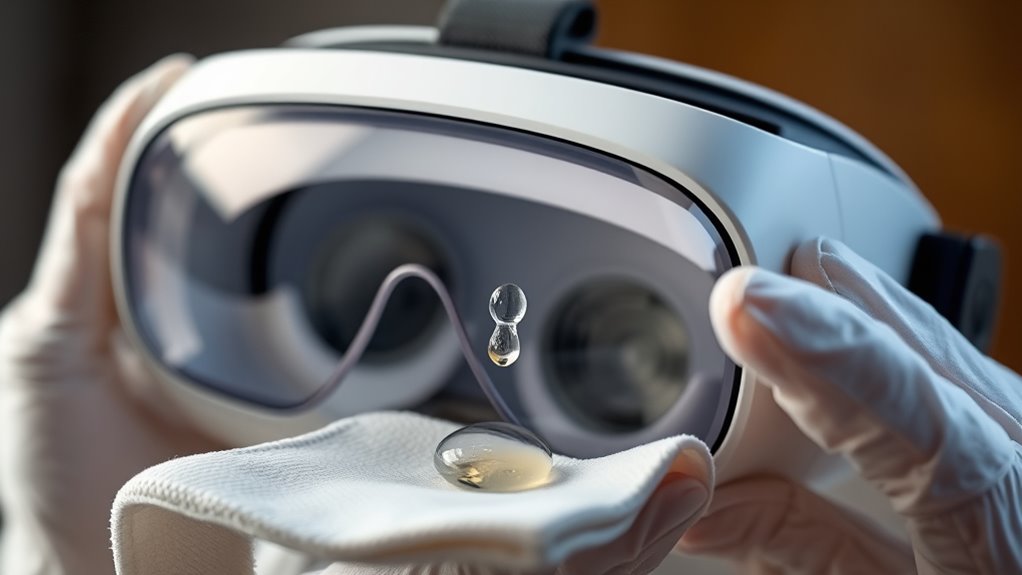
When cleaning your VR lenses, choose gentle solutions designed for delicate surfaces. Apply only a small amount of cleaner to your cloth, never directly on the lenses. Using too much cleaner can cause damage, so be sparing and cautious with every wipe. Additionally, avoid using common household cleaners that may contain harsh chemicals, and consider using specialized cleaning products for optimal safety. Proper water chemistry and careful handling help ensure your lenses stay clear and undamaged over time.
Choose Gentle Cleaners
Using the right cleaning solutions is essential to avoid damaging your VR lenses. Choose gentle cleaners that won’t cause scratches or clouding. Avoid harsh chemicals like ammonia, alcohol, or abrasive agents, which can deteriorate lens coatings. Instead, opt for solutions specifically designed for optics or use distilled water. When selecting a cleaner, consider these options:
- Microfiber lens cleaner sprays formulated for delicate surfaces.
- Diluted distilled water for light smudges.
- Pre-moistened lens wipes that are alcohol-free and non-abrasive.
Always read labels carefully to ensure compatibility with your lenses. Remember, using the proper cleaner sparingly will preserve the clarity and longevity of your VR lenses while preventing damage.
Use Minimal Amounts
Applying only a small amount of cleaner is key to avoiding damage to your VR lenses. Using excessive solution can seep into the lens edges or damage the coating, leading to scratches or clouding. Dampen your microfiber cloth lightly—never soak it—and gently wipe the lens surface. Remember, less is more; a little cleaner goes a long way. If you notice stubborn smudges, add a tiny extra drop, but avoid overdoing it. Focus on the center and work outward in gentle circles. Always guarantee the cloth remains moist, not wet, to prevent liquid from entering internal parts. Using minimal cleaner not only protects your lenses but also ensures a streak-free, clear view. Handle your VR lenses with care, and they’ll stay pristine longer.
Avoid Common Cleaning Mistakes
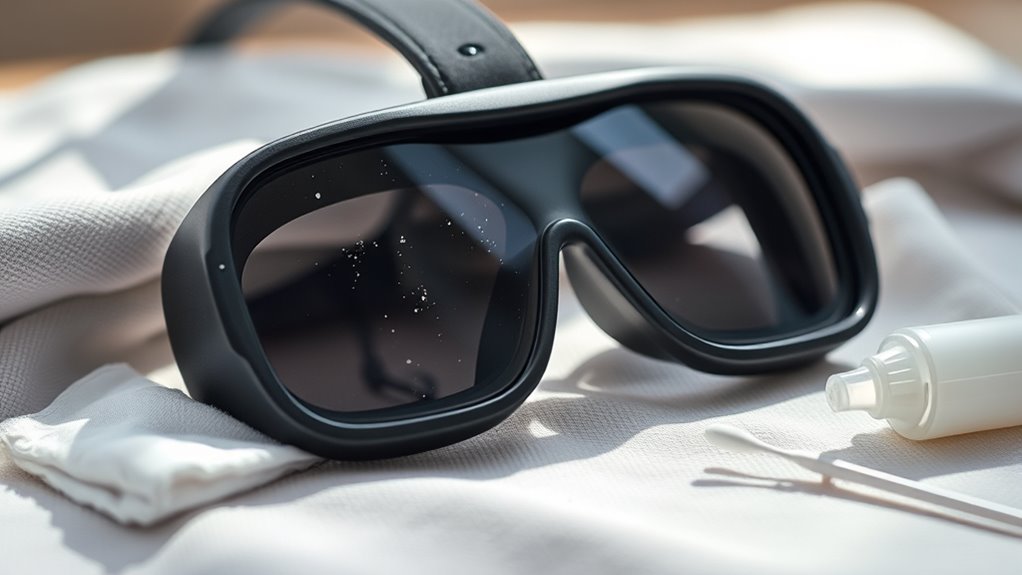
Cleaning your VR lenses requires careful attention because common mistakes can damage the delicate surfaces. To avoid costly errors, steer clear of these pitfalls:
Avoid damaging your VR lenses by steering clear of harsh chemicals, excessive pressure, and dirty cloths.
- Using harsh chemicals or household cleaners that can strip coatings or cause scratches.
- Applying excessive pressure when wiping, which risks scratching or damaging the lens surface.
- Using dirty or abrasive cloths that can introduce dirt or scratch the lenses.
Instead, use gentle, lens-specific cleaning solutions and soft microfiber cloths. Always wipe in a light, circular motion and avoid pressing too hard. Never spray cleaning liquids directly onto the lenses—apply them to the cloth first. Staying mindful of these common mistakes helps preserve the clarity and longevity of your VR lenses.
Store Your VR Headset Properly When Not in Use
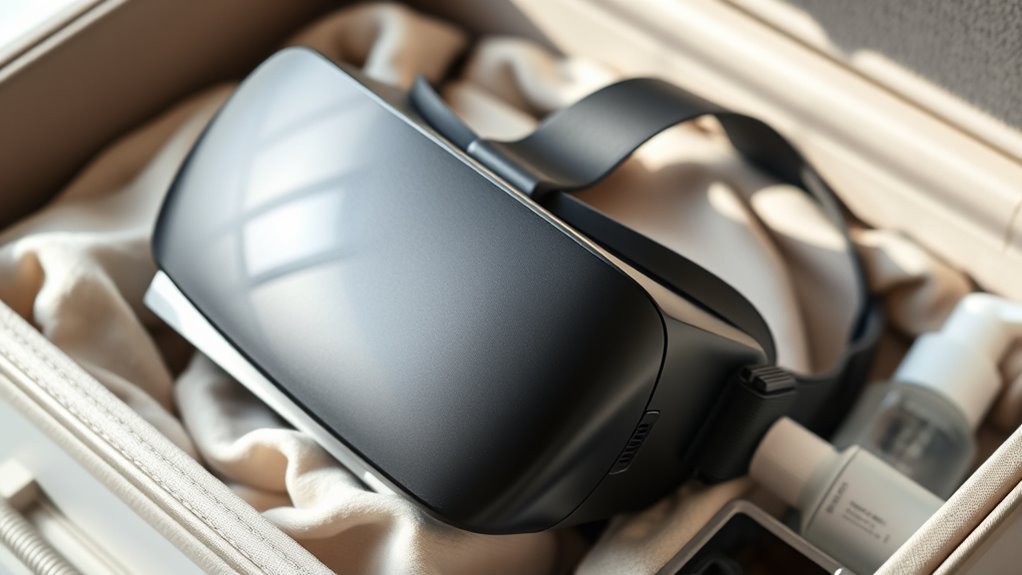
When you’re done gaming, storing your VR headset properly is essential to keep it in top condition. Always store it in a cool, dry place away from direct sunlight and extreme temperatures. Use a dedicated stand or case to prevent accidental drops or damage. Make sure the lenses are clean and free of dust before storing—use a soft, microfiber cloth if needed. Avoid stacking heavy objects on top of the headset, which could deform or damage it. Keep the straps and foam padding clean and dry; consider removing and storing them separately if possible. This helps prevent material degradation and keeps your headset comfortable for future use. Proper storage not only preserves your device’s appearance but also guarantees ideal performance every time you play.
Frequently Asked Questions
How Often Should I Clean My VR Lenses?
You should clean your VR lenses whenever you notice smudges, dirt, or fingerprints, but avoid over-cleaning. Generally, once a week is sufficient if you use your headset frequently. If you share it or use it in dusty environments, clean them more often. Always handle the lenses gently and use proper cleaning tools to avoid scratches. Regular maintenance keeps your VR experience clear and enjoyable.
Can I Use Household Cleaners on VR Lenses?
You shouldn’t use household cleaners on VR lenses because they can damage the delicate coatings. Instead, you realize that a gentle, microfiber cloth and a lens cleaner specifically designed for optics work perfectly. Coincidentally, these products are gentle yet effective, ensuring you don’t scratch or impair your lenses’ clarity. Always avoid harsh chemicals, as they can cause permanent harm, and stick to recommended cleaning solutions for safe, clear visuals.
What Should I Do if My Lenses Get Scratched?
If your lenses get scratched, stop using them immediately to prevent further damage. You can try gently applying a lens repair kit designed for small scratches, but results vary. Avoid rubbing or applying harsh chemicals, as they can worsen the damage. For significant scratches, contact the manufacturer or a professional repair service. In future, handle your lenses carefully and store them in protective cases to prevent scratches from occurring.
Are There Any DIY Cleaning Methods to Avoid?
Imagine your VR lenses as a delicate window to a new world—care must be taken. DIY cleaning methods like using household cleaners or rough cloths can do more harm than good. Instead, you should stick to a microfiber cloth and lens cleaner specifically designed for optics. Avoid homemade solutions, as they could leave residues or scratch the surface, ruining your immersive experience. Protect your lenses with proper, gentle cleaning techniques.
How Can I Prevent Fogging During Gameplay?
To prevent fogging during gameplay, you should keep your VR lenses clean and dry, and make certain your face and headset fit well to minimize warm, moist air from escaping. Use anti-fog sprays or wipes designed for lenses, and consider wearing a breathable mask or adjusting the headset straps for better ventilation. Taking short breaks also helps reduce moisture buildup, keeping your view clear and gameplay smooth.
Conclusion
Keeping your VR lenses clean is essential for clear visuals and a great experience. Did you know that dirty lenses can reduce image clarity by up to 50%? By following these simple steps—using the right supplies, gentle wiping, and proper storage—you’ll extend the life of your headset and enjoy crisp, immersive gameplay. Take a few minutes now to care for your equipment, and you’ll enjoy stunning visuals for years to come.