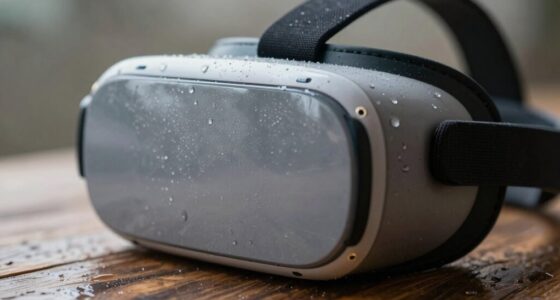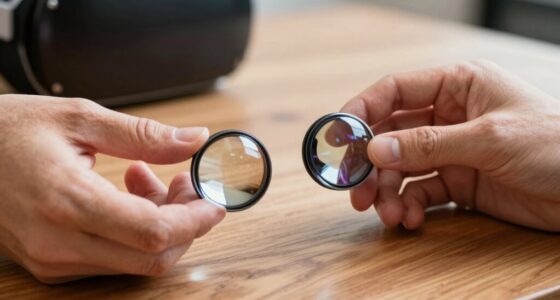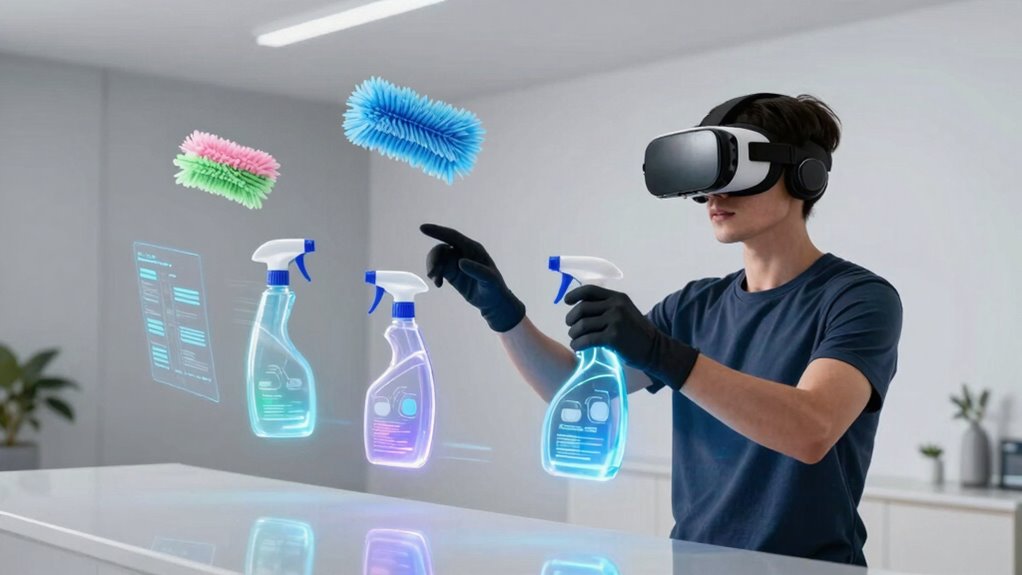

To create an effective VR cleaning routine, you should wipe down your headset and controllers after each use with microfiber cloths, focusing on sweat and fingerprints. Perform deeper cleaning periodically using a damp cloth with water and isopropyl alcohol, and inspect equipment for wear. Keep sensors dust-free and your space organized to prevent dust buildup and guarantee safety. Following these steps consistently will help you maintain peak performance and device longevity—discover more tips to optimize your routine.

Play games on Amazon Luna for your next adventure, included with Prime
- A rotating selection of games, no download needed
- Play on TV, laptop or phone
- Fast, free delivery for your gear, too
Key Takeaways
- Schedule regular cleaning sessions based on VR usage frequency to maintain hygiene and equipment longevity.
- Use microfiber cloths and appropriate disinfectants like water and 70% isopropyl alcohol for safe, effective cleaning.
- Focus on cleaning facial interfaces, controllers, and sensors to prevent bacteria buildup and ensure accurate tracking.
- Keep the VR space organized and dust-free by vacuuming, dusting, and promoting good ventilation.
- Inspect equipment routinely for wear or damage to ensure safety and optimal VR performance.
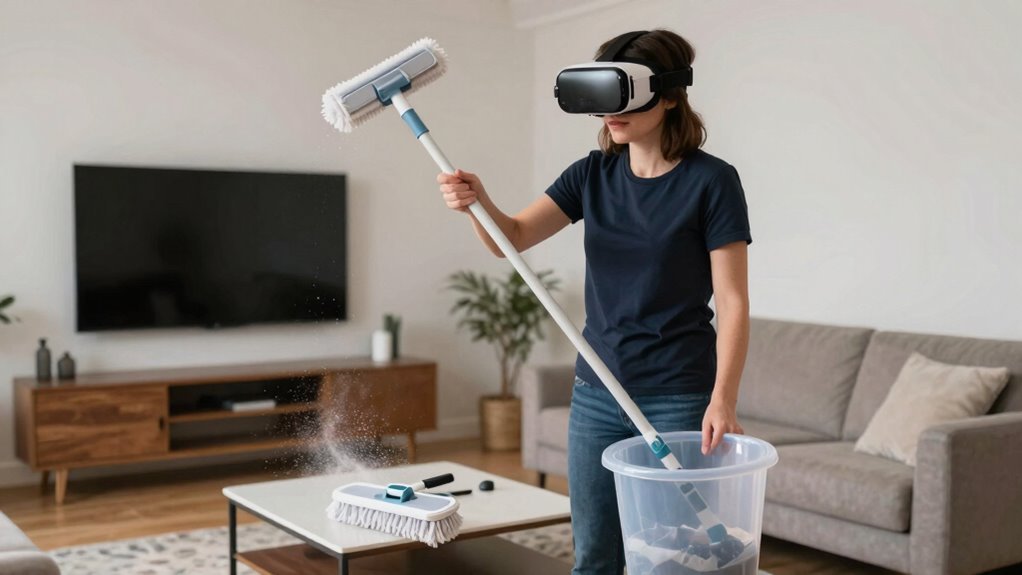
Virtual reality has become an immersive way to experience new environments, but just like physical spaces, it requires regular cleaning to stay in top shape. Maintaining your VR setup is essential not only for clarity and comfort but also for virtual reality safety. Dust, sweat, and dirt can accumulate on headsets, controllers, and sensors over time, potentially affecting performance and increasing the risk of skin irritation or infections. Creating a realistic VR cleaning routine is straightforward when you incorporate effective, immersive cleaning techniques that keep your equipment in pristine condition.
Start by establishing a cleaning schedule that aligns with your usage. After each session, wipe down your headset and controllers with a microfiber cloth to remove sweat and fingerprints. For deeper cleaning, use a slightly damp cloth with a mixture of water and isopropyl alcohol (70%) to disinfect surfaces. Avoid harsh chemicals that could damage delicate materials. Pay special attention to the facial interface of your headset, as it’s in direct contact with your skin. Remove and clean any removable padding regularly, following the manufacturer’s instructions, to prevent bacteria buildup and skin irritation. This routine not only promotes virtual reality safety but also extends the lifespan of your equipment. Regularly inspecting your equipment for signs of wear or damage allows you to address issues early, maintaining optimal performance and safety.
Establish a cleaning routine, wipe with microfiber, and disinfect to keep your VR gear safe and in top condition.
When it comes to sensors and tracking devices, use a soft, dry cloth to gently clean dust and debris, ensuring accurate tracking and immersive experiences. For stubborn spots, lightly dampen the cloth with water or isopropyl alcohol, but steer clear of soaking sensors or exposing electronic components to excess moisture. Adopting immersive cleaning techniques means handling each component with care, avoiding excessive force that could damage sensitive parts. Additionally, staying informed about home improvement best practices can help you create a dedicated, organized space that enhances your entire VR experience and prolongs your equipment’s lifespan. Creating a clean and organized environment can also help prevent dust buildup and reduce clutter, further supporting your VR setup. In fact, dust management plays a crucial role in maintaining the accuracy and longevity of your sensors and tracking systems. Proper dust control and regular cleaning of your space can significantly impact the overall performance of your VR equipment. Vacuum or dust your space regularly, especially around sensors and cables. Good ventilation can also reduce airborne dust and moisture, creating a healthier environment for extended VR sessions. Proper airflow not only keeps dust at bay but also helps prevent moisture buildup that could damage electronic components. Remember, a clean and safe environment minimizes the risk of accidents and enhances your overall VR experience.
Products Worth Considering

DJI Osmo Mobile 8 Gimbal with Mic Mini Transmitter, Infinity Black

Logitech MX Keys S Wireless Keyboard, Graphite

Samsung 27 Odyssey OLED G5 (G50SF) QHD QD-OLED Gaming Monitor
As an affiliate, we earn on qualifying purchases.
Frequently Asked Questions
What Equipment Is Essential for VR Cleaning Routines?
You need essential cleaning accessories like microfiber cloths, alcohol-based wipes, and compressed air to keep your VR equipment spotless. These tools help remove dust, fingerprints, and dirt effectively. Maintain your gear regularly by following simple maintenance tips, such as avoiding liquids and cleaning after each use. Investing in quality cleaning accessories guarantees your VR headset stays hygienic, functions smoothly, and lasts longer, providing a better experience every time.
How Often Should VR Cleaning Routines Be Performed?
You should perform VR cleaning routines regularly, ideally after every gaming session or at least once a week. This cleaning frequency helps prevent buildup of dirt and oils that can affect device performance. Establishing a maintenance schedule guarantees your equipment stays in top shape and lasts longer. Consistent cleaning keeps the sensors accurate, the headset comfortable, and your overall experience smooth and hygienic.
Are There Safety Concerns With VR Cleaning Tools?
Yes, there are safety concerns with VR cleaning tools. You should prioritize virtual hygiene by regularly disinfecting controllers and headsets to prevent germs. Make certain proper equipment maintenance by using appropriate cleaning solutions and avoiding harsh chemicals that could damage devices or harm your skin. Always follow manufacturer instructions to keep your VR gear safe and functional, reducing the risk of irritation or malfunction during your virtual experiences.
Can VR Cleaning Routines Be Customized for Different Environments?
Yes, VR cleaning routines can be customized for different environments. Imagine tailoring your virtual environment to mimic a cozy home or a bustling office, then adjusting cleaning customization to match each setting’s unique needs. You can fine-tune tools and protocols to suit specific spaces, ensuring your routine feels authentic and effective. This adaptability helps you practice precise cleaning techniques, making your VR experience both realistic and versatile across various environments.
What Are Common Mistakes to Avoid During VR Cleaning?
You should avoid neglecting dust accumulation, which can skew your VR experience and damage equipment. Regularly calibrate your VR equipment to make certain of accurate tracking and prevent drift. Don’t rush through cleaning; take your time to thoroughly wipe down surfaces and check for dust buildup. Also, ignore poor cable management, as it can cause accidental disconnections. Staying diligent about these aspects keeps your VR environment realistic and safe.
Conclusion
By following these tips, you’ll develop a cleaning routine that keeps your VR headset and controllers in top shape. Remember, regular cleaning not only enhances your experience but also prolongs device lifespan. Did you know that neglecting VR device hygiene can lead to up to a 30% increase in hardware issues? Stay consistent, stay safe, and enjoy immersive worlds without worry. Your VR adventures will be clearer, cleaner, and more enjoyable every time.