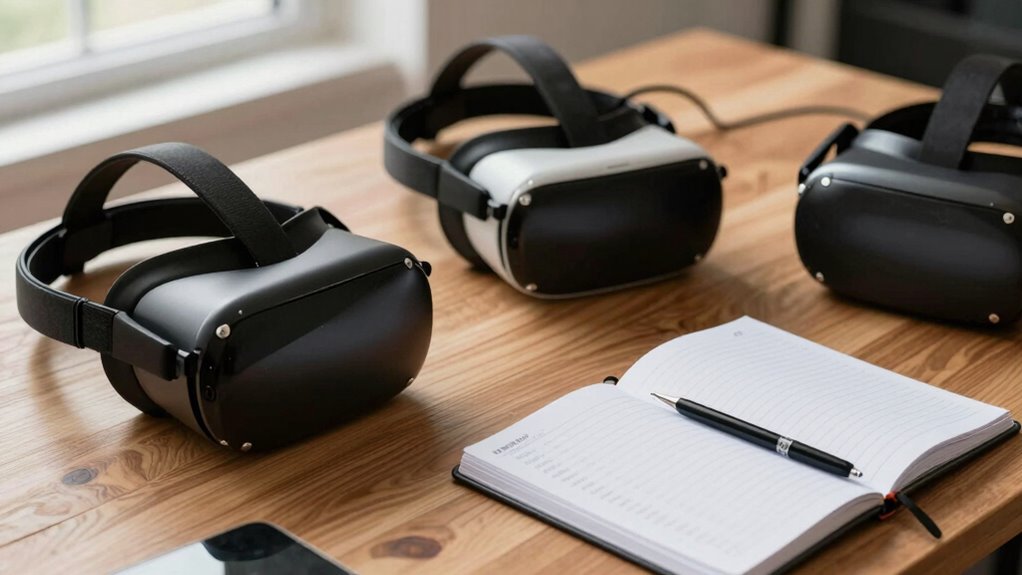

Keeping your VR serial numbers in one place helps you quickly access important device details for troubleshooting, warranty claims, and upgrades. Organizing this information saves you time, prevents confusion, and makes support easier if issues arise. It also guarantees you can verify compatibility before updating or purchasing accessories. Staying organized with your serial numbers streamlines device management and supports smooth repairs. If you want to learn more about how to keep your serial numbers organized effectively, keep going.
Key Takeaways
- Simplifies warranty registration and support by providing quick access to device details.
- Prevents confusion when managing multiple VR headsets and accessories.
- Speeds up troubleshooting and repair processes with organized serial number records.
- Ensures compatibility verification for upgrades and software updates.
- Helps monitor device age and condition for proactive maintenance and lifecycle management.
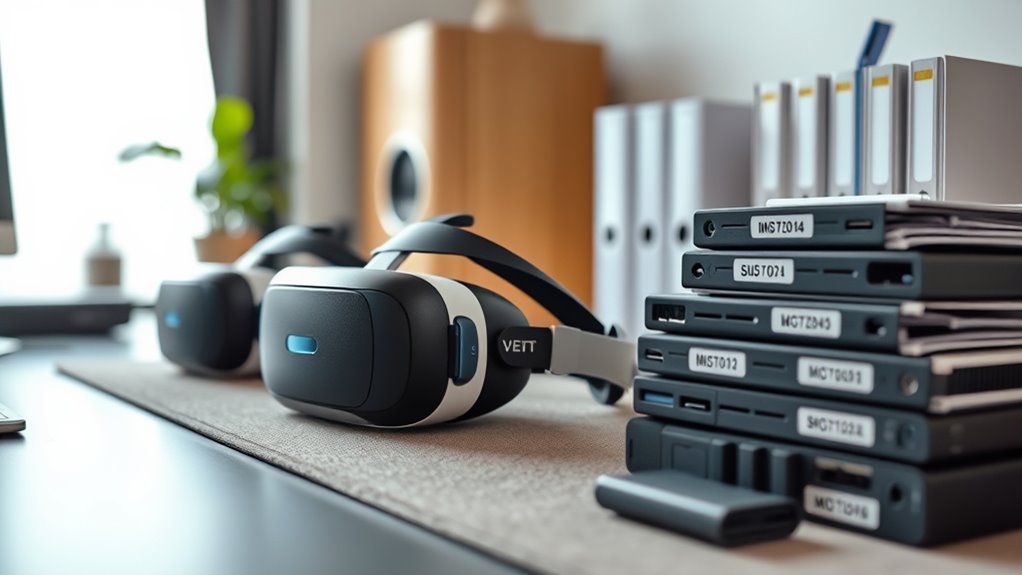
Keeping track of your VR serial numbers is vital because it helps you stay organized and prepared for any issues that might arise. When your VR headset encounters problems or needs repairs, having the serial number readily available can save you time and frustration. It’s also essential when considering device upgrades, as the serial number can confirm compatibility with new accessories or software updates. Additionally, keeping a record of your serial numbers makes warranty registration straightforward, guaranteeing you can quickly access support if needed.
Tracking VR serial numbers keeps you organized, ensures quick support, and confirms device compatibility for upgrades and repairs.
By maintaining a centralized list of your VR serial numbers, you avoid the hassle of searching through boxes or digging through emails when something goes wrong. When you need to contact customer support, providing your serial number immediately verifies your device’s identity, speeding up the troubleshooting process. This is especially helpful if you own multiple VR headsets or accessories, preventing mix-ups and guaranteeing you’re referencing the correct device. Furthermore, many manufacturers require the serial number for warranty claims, so having it organized and accessible makes the process smoother.
Keeping detailed records can also help you monitor the age and condition of each device, which enhances your ability to plan upgrades and maintenance. Registering your VR device for warranty coverage is an important step that often requires the serial number. By registering your device promptly, you guarantee that your warranty is active and can be used if your headset develops hardware issues. It also helps the manufacturer keep track of your device’s history, which can be beneficial if you need repairs or replacements down the line. When you register your warranty, you often need to provide the serial number, purchase date, and proof of purchase. Having these details organized in one place makes completing these forms quick and stress-free.
When you plan to upgrade your VR headset or add new accessories, knowing your serial number helps verify compatibility. Some device upgrades may require specific serial number information to ensure the upgrade or accessory works seamlessly with your existing hardware. Keeping your serial number handy saves you from delays and potential compatibility issues, so you can enjoy your new features without hassle.
Frequently Asked Questions
How Do I Find My VR Headset’s Serial Number?
To find your VR headset’s serial number, check the device itself—usually on the back or bottom. You can also look in the headset’s settings menu or your account profile on the manufacturer’s app. Knowing your serial number helps guarantee device compatibility and smooth firmware updates. Keep it stored somewhere safe, so you can quickly reference it when needed, especially if you encounter issues or need support.
Can I Register Multiple VR Devices With One Serial Number?
No, you can’t register multiple VR devices with one serial number. Each device has a unique serial number needed for device replacement and software registration. If you try to use the same number for different devices, registration may fail or cause issues with warranty claims. Always keep each serial number in a safe, organized location to guarantee smooth device replacements and software updates.
What Should I Do if I Lose My Serial Number?
If you lose your serial number, act quickly to prevent serial number theft and safeguard your device. Contact the manufacturer and provide proof of purchase to retrieve or verify your serial number. Keep a digital inventory management system to store your serial numbers securely, making it easier to recover them if lost. Regularly updating this info ensures you’re prepared and minimizes risks associated with lost serial numbers.
Are Serial Numbers Necessary for Warranty Claims?
Yes, serial numbers are necessary for warranty claims. They verify your VR device’s authenticity and help with warranty verification. Keeping your serial numbers secure guarantees you can easily access them when needed, preventing delays or issues during warranty processes. By maintaining serial number security, you ensure smooth warranty claims, and having them in one organized place makes verification quick and hassle-free.
Can Serial Numbers Be Used to Track Stolen VR Equipment?
Imagine your VR device as a prized artifact; its serial number is like a fingerprint. Yes, serial numbers can be used to track stolen VR equipment, helping authorities verify ownership during device theft investigations. Keeping a record guarantees you can prove ownership quickly, making recovery easier. Protect your investment by maintaining detailed records, because in the fight against theft, serial numbers are your first line of defense for ownership verification.
Conclusion
Keeping your VR serial numbers organized in one place is like having a secret map to your tech treasures. It may seem simple now, but down the line, it could save you from unexpected headaches. Think of it as your personal safety net—ready to catch you if things go awry. Stay one step ahead, and you’ll enjoy your virtual adventures worry-free, knowing you’ve got your bases covered in the quietest, most reliable way.