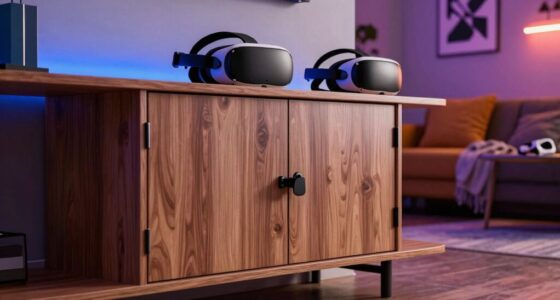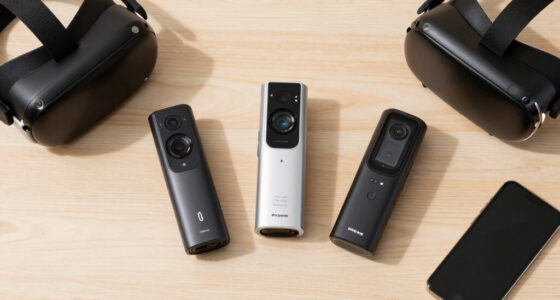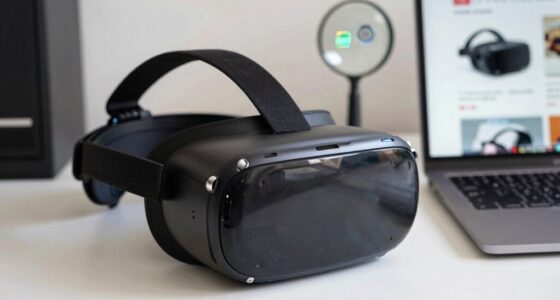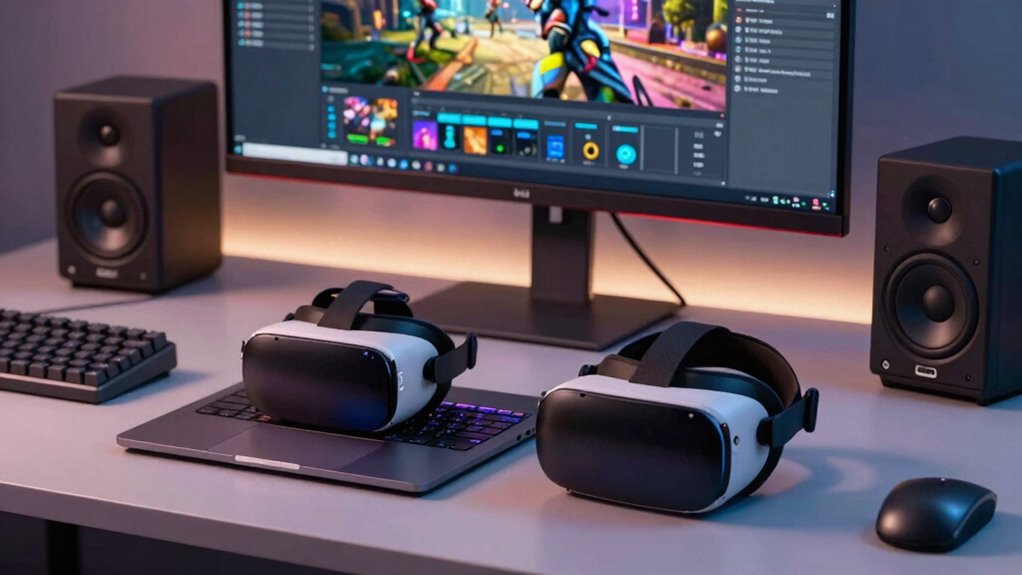

If you need portability and plan to use VR on the go, a VR laptop could be worth it, despite hardware limits. However, if you demand high performance, better visuals, and longer-term flexibility, a desktop offers more power and upgrade options. Budget also plays a role, as high-end VR laptops tend to cost more. Think about your mobility needs versus performance and costs. To make an informed choice, explore the detailed factors further.
Listen free for 30 days with Audible
Thousands of audiobooks and originals — cancel anytime.
As an affiliate, we earn on qualifying purchases.
Key Takeaways
- Consider portability needs versus the performance gap; laptops offer mobility but may compromise on high-end specs.
- Assess your budget; high-performance VR laptops are costly compared to desktops with similar capabilities.
- Evaluate software and application demands; demanding VR experiences often require the better hardware of desktops.
- Think about upgradeability; desktops typically allow easier hardware improvements for future-proofing.
- Determine long-term usage; desktops generally provide better thermal management and longevity for intense VR use.
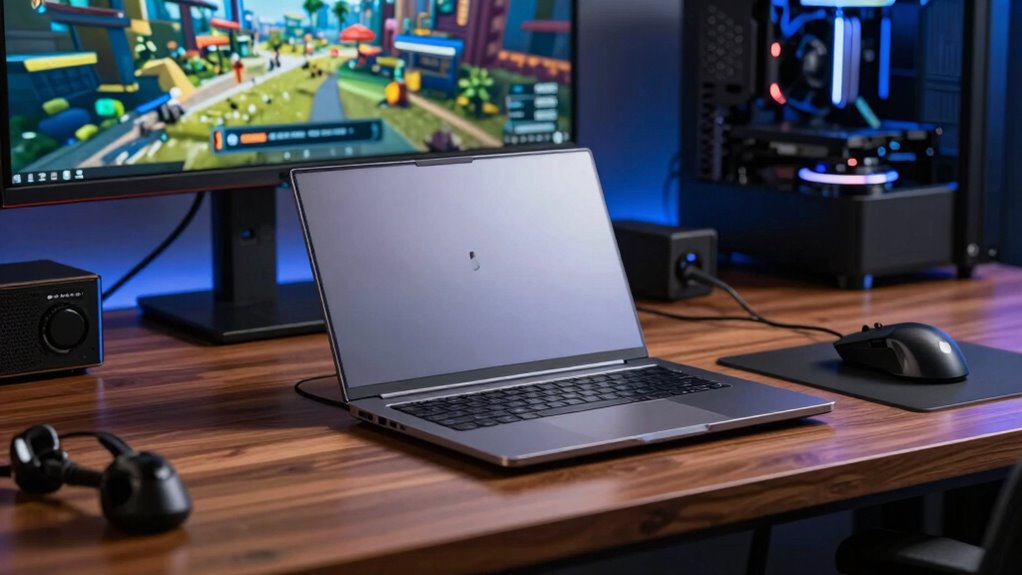
Are you trying to decide if a VR laptop is a better choice for your virtual reality needs than a desktop? If so, you’re weighing convenience against power, and it’s essential to understand how these factors influence your experience. VR laptops offer undeniable portability considerations, meaning you can take your setup anywhere and enjoy immersive experiences on the go. However, this portability often comes with performance trade offs, which might impact the quality of your VR sessions, especially if you’re into demanding applications or high-fidelity graphics.
VR laptops offer portability but often come with performance compromises for demanding applications.
Laptops designed for VR are more compact and easier to carry around, making them ideal if you travel frequently or don’t want a permanent setup. But, this portability can limit the hardware components you can fit inside, often leading to compromises in GPU and CPU power. High-end desktops can house larger, more powerful parts, delivering better performance for demanding VR applications. If smooth, lag-free gameplay with high-resolution visuals is your priority, desktops generally meet those needs more reliably, thanks to their upgradeability and better thermal management. Additionally, performance limitations can be more pronounced because of their hardware constraints compared to desktops.
Furthermore, it’s worth noting that the cost of a high-performance VR laptop can be significantly higher than a comparable desktop, which is an important consideration for budget-conscious users. When evaluating your options, consider the long-term upgradeability of each system, as desktops often allow easier hardware upgrades that can extend their lifespan and performance capabilities. Ultimately, your decision hinges on your priorities: do you value mobility and convenience enough to accept potential compromises in performance? Or do you prefer maximum power and upgradeability, even if it means staying tethered to a fixed location? Weighing these factors carefully will help you determine whether a VR laptop fits your needs or if a traditional desktop setup is the smarter choice for your virtual reality adventures.
As an affiliate, we earn on qualifying purchases.
Frequently Asked Questions
Can VR Laptops Run All VR Games Smoothly?
VR laptops can run many VR games smoothly, but it depends on VR headset compatibility and cooling system efficiency. High-end models with powerful GPUs and sufficient RAM handle demanding games better, ensuring smooth gameplay. However, some laptops might struggle with overheating or compatibility issues, causing lag or crashes. To get the best experience, choose a VR laptop designed for gaming, with robust cooling and broad headset support.
How Long Do VR Laptop Batteries Last?
VR laptop batteries typically last between 1.5 to 3 hours, depending on battery longevity and power efficiency. If you play intensive VR games or use demanding applications, expect shorter sessions. To maximize battery life, optimize power settings and reduce screen brightness. Keep in mind that high-performance VR laptops tend to drain batteries faster, so consider your usage needs when choosing a model.
Are VR Laptops More Portable Than Desktops?
You’re often caught between a rock and a hard place, but VR laptops are definitely more portable than desktops. You can carry your VR headset, motion controllers, and everything needed for immersive gaming or work on the go. Unlike bulky desktops, laptops are designed for mobility, making it easier to set up anywhere. Whether traveling or just moving around your home, a VR laptop offers the convenience you need without sacrificing performance.
What Are the Key VR Laptop Specifications to Consider?
When choosing a VR laptop, focus on key specifications like a powerful GPU—ideally an NVIDIA RTX series—to handle demanding VR hardware. Make certain it has a fast CPU, ample RAM, and fast storage. Good cooling solutions are vital to prevent overheating during extended VR sessions. Also, check the display quality and port options, like USB-C and HDMI, to connect your VR headset seamlessly. These specs guarantee smooth, immersive experiences.
Is Future VR Technology Better Suited for Laptops or Desktops?
Future VR technology will likely favor desktops because they can handle more powerful hardware, making cloud computing more effective for demanding experiences. However, laptops with ergonomic design improvements might become more viable for on-the-go VR use. If portability matters most, a VR laptop could be worth it, but for the best performance and future-proofing, desktops will probably remain the better choice for immersive VR experiences.
As an affiliate, we earn on qualifying purchases.
Conclusion
Ultimately, choosing a VR laptop over a desktop is like picking a sleek, portable spaceship for your gaming adventures—ready to launch into immersive worlds anytime, anywhere. Picture yourself slipping on your headset, the world fading away as vibrant environments surround you. If mobility and convenience are your priorities, and you’re willing to accept some compromises, a VR laptop can turn every space into your personal VR hub. Decide if this portable portal is worth the investment for your next adventure.
As an affiliate, we earn on qualifying purchases.
As an affiliate, we earn on qualifying purchases.
Fall yard work Picks
leaf blowers
As an affiliate, we earn on qualifying purchases.