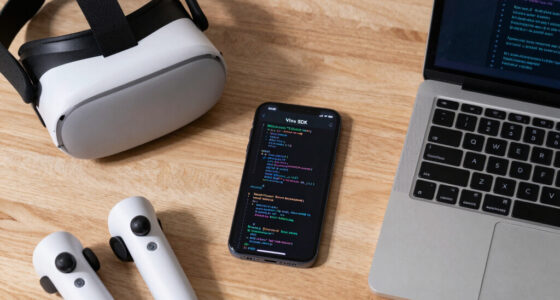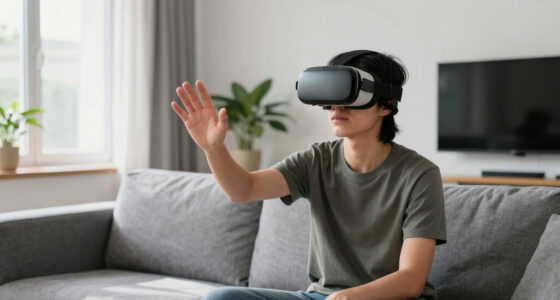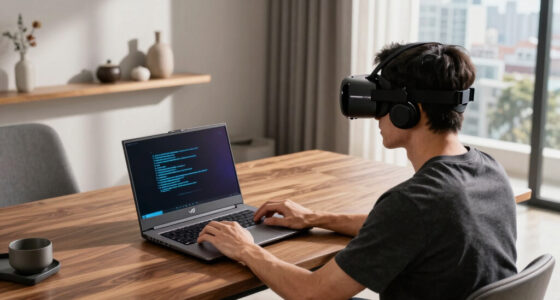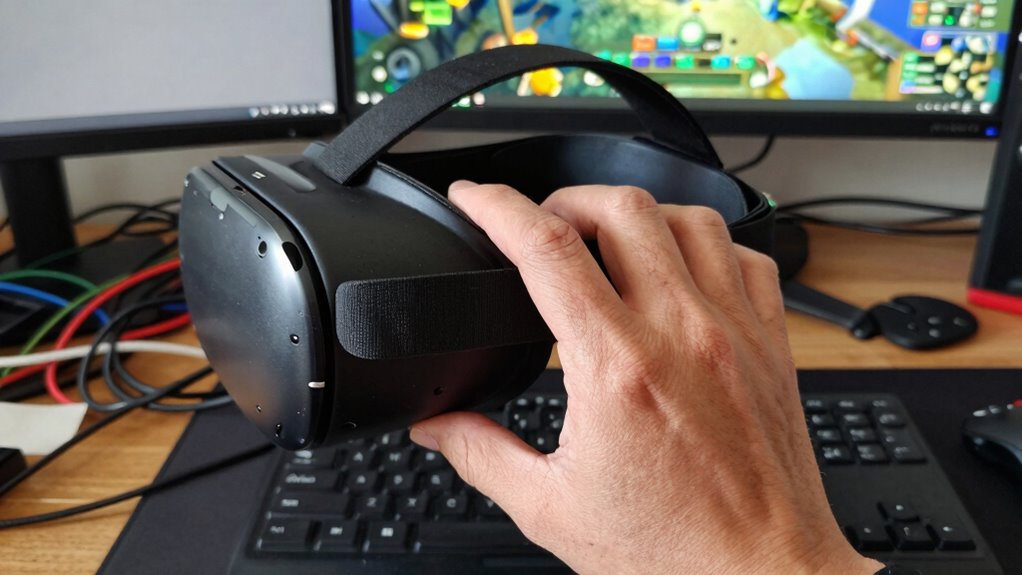

To figure out if your VR problem is hardware or habits, pay attention to specific signs. If you’re experiencing tracking lag, visual distortions, or frequent control loss despite calibration, it’s likely hardware-related. However, if you notice abrupt head movements, poor form, or skipping breaks, habits may be the cause. Checking and adjusting your equipment and habits can often improve your experience. Keep exploring these details to uncover the root of the issue.

Play games on Amazon Luna for your next adventure, included with Prime
- A rotating selection of games, no download needed
- Play on TV, laptop or phone
- Fast, free delivery for your gear, too
Key Takeaways
- Check for persistent visual distortions or tracking lag despite calibration and sensor adjustments.
- Observe if issues occur mainly during rapid head movements or specific habits.
- Confirm sensors are correctly positioned and calibrated to rule out hardware misalignment.
- Note if problems improve after cleaning lenses or adjusting fit, indicating user habits impact quality.
- Identify if hardware issues persist across different sessions and environments, suggesting a hardware fault.
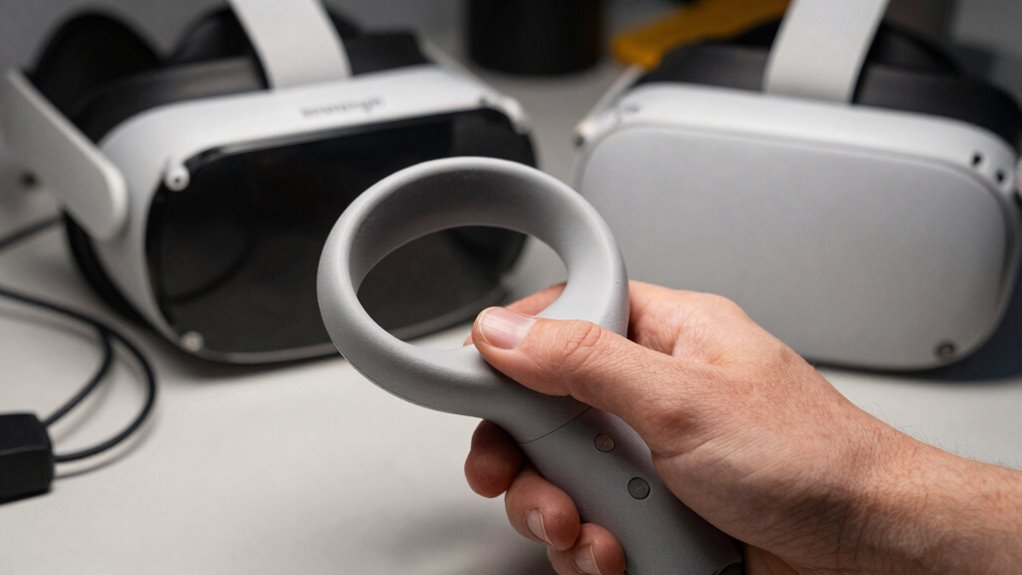
When experiencing issues with your virtual reality setup, it can be frustrating to determine whether the problem stems from faulty hardware or simply habits that need adjusting. Often, what feels like a hardware malfunction might be related to improper VR calibration or poor user comfort. To troubleshoot effectively, start by examining your VR calibration. Making certain your headset’s sensors are correctly aligned and that the tracking is precise is essential. Misaligned sensors or incorrect calibration can cause visual distortions, tracking lag, or loss of control, which may seem like hardware failure but are actually fixable through proper setup. Double-check the calibration process, follow the manufacturer’s instructions meticulously, and make certain your play area is well-lit and free of reflective surfaces that could interfere with tracking. Additionally, ensuring that the sensor placement is optimal can significantly improve tracking accuracy. Proper sensor positioning is crucial for accurate spatial awareness and seamless movement tracking.
Next, pay close attention to user comfort. Discomfort during VR sessions can manifest as motion sickness, eye strain, or fatigue, and these symptoms might be mistaken for hardware issues. If you’re experiencing discomfort, consider adjusting the fit of your headset—tighten or loosen straps, reposition the display for clear focus, and ensure the lenses are clean. Proper VR calibration also involves setting your interpupillary distance (IPD) correctly, which can considerably improve comfort and visual clarity. When your headset’s display aligns well with your eyes, you reduce eye strain, and your overall experience becomes more enjoyable. Sometimes, the root of the problem lies in habits rather than hardware. For example, if you tend to move abruptly or make rapid head turns, it can cause tracking errors or motion sickness. Developing better habits, like taking smaller, controlled movements and pausing periodically during extended sessions, can enhance your user comfort and reduce hardware strain. To further prevent issues, consider incorporating regular breaks into your VR routine, which can help avoid fatigue and discomfort. Additionally, make certain to follow recommended session durations; overextending VR use can lead to fatigue and discomfort, which might be misinterpreted as hardware malfunction. Remember, adopting these healthy habits can sometimes be more effective than hardware troubleshooting alone.
VR headset sensor calibration tools
As an affiliate, we earn on qualifying purchases.
As an affiliate, we earn on qualifying purchases.
Frequently Asked Questions
Can Software Updates Fix Hardware-Related VR Issues?
Software updates can’t fix hardware-related VR issues like firmware glitches or calibration issues. If you’re experiencing persistent problems after updating, it’s likely due to hardware faults. Updates may improve performance or fix bugs, but hardware problems often require repairs or replacements. You should check for firmware glitches or calibration issues first, then consider hardware repairs if updates don’t resolve your VR issues.
How Often Should I Clean My VR Headset?
You should clean your VR headset regularly, ideally after every few uses, to maintain ideal performance and hygiene. Follow proper cleaning routines by gently wiping the lenses with a microfiber cloth and using disinfectant wipes on the straps and exterior. User maintenance is key to preventing dust, sweat, and grime buildup, which can cause discomfort or hardware issues. Consistent cleaning enhances your VR experience and extends your headset’s lifespan.
What Are Common Signs of VR Hardware Damage?
You’ll notice VR hardware damage through signs like persistent VR display issues, such as flickering, blurriness, or blackouts. Controller malfunctions, like unresponsive buttons or tracking problems, also point to hardware issues. If these problems occur despite cleaning and resetting, it’s likely hardware damage. Inspect your headset and controllers for physical damage, loose cables, or cracks. If issues persist, consider professional repair or replacement to guarantee a smooth VR experience.
Are Certain VR Problems More Likely Caused by User Habits?
Did you know that over 60% of VR issues stem from user habits rather than hardware? You’re more likely to encounter problems like discomfort or tracking errors due to habits like improper headset fit or repetitive movements. To fix this, focus on habit correction—adjust your straps, take regular breaks, and ensure proper calibration. Being mindful of user behavior can greatly improve your VR experience and reduce hardware strain.
How Long Does VR Hardware Typically Last Before Needing Replacement?
VR headset longevity varies, but most devices have a hardware lifespan of around 2 to 3 years with regular use. You’ll want to watch for signs like decreased display quality, tracking issues, or battery problems. Proper maintenance, such as cleaning lenses and avoiding drops, can extend the hardware lifespan. Ultimately, if essential components start failing or performance drops markedly, it’s time to contemplate replacing your VR headset.
As an affiliate, we earn on qualifying purchases.
Conclusion
Remember, the true key to your VR experience isn’t just about fixing hardware or breaking habits—it’s about finding harmony within. Like a delicate balance, your mind and equipment must work together, each reflecting the other’s needs. When you listen closely, you’ll notice the subtle signs guiding you to the root of the issue. Embrace this journey as a mirror, revealing not just technical truths, but insights into your own habits and how they shape your reality.
As an affiliate, we earn on qualifying purchases.
inter-pupillary distance (IPD) adjustment tool
As an affiliate, we earn on qualifying purchases.
As an affiliate, we earn on qualifying purchases.
Fall Picks
fall essentials
As an affiliate, we earn on qualifying purchases.