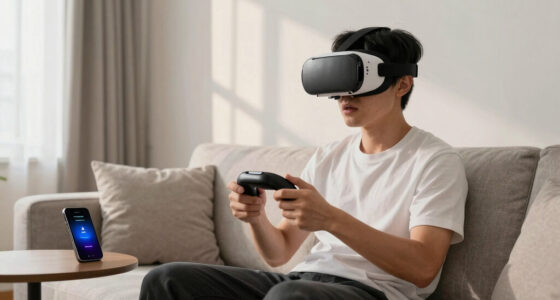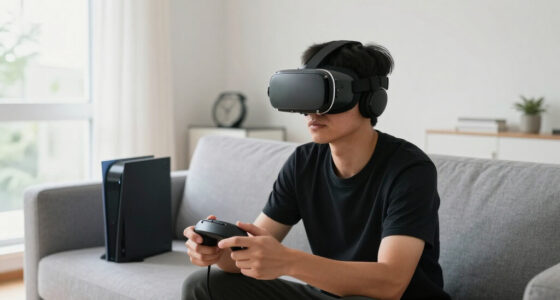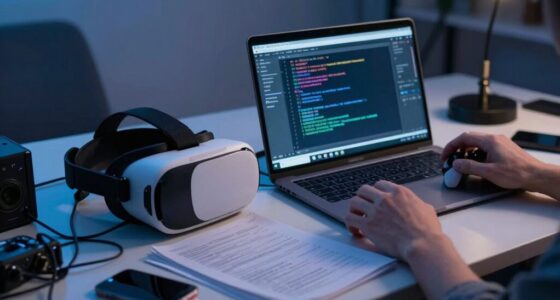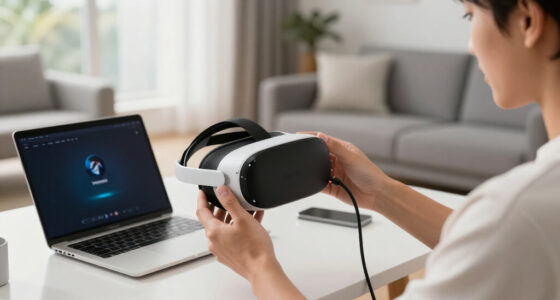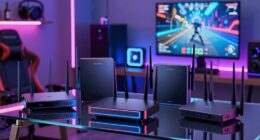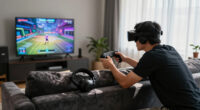
To spot environmental changes behind VR problems, start by checking for new objects, furniture, or electronic devices that might block sensor view or cause interference. Watch for fluctuating or uneven lighting, such as glare or shadows, which can confuse sensors. Keep an eye on electromagnetic sources like speakers or chargers that could disrupt tracking. If issues persist, examining recent changes in your space can reveal the cause—more tips await to help you maintain smooth VR performance.

Get VR and gaming gear delivered free — and shop member deals
- Fast, free delivery on millions of items
- Access to Prime Big Deal Days deals on October 6–7
- Prime Video, Amazon Music and more included
Key Takeaways
- Observe sudden changes in lighting, such as new shadows or glare, that may affect sensor tracking.
- Check for new objects or furniture blocking sensor line of sight or causing reflections.
- Monitor electromagnetic device usage nearby, like phones or speakers, which can interfere with sensors.
- Note temperature fluctuations that could impact electronic components and sensor performance.
- Regularly inspect the environment for clutter or rearranged items that disrupt sensor stability.
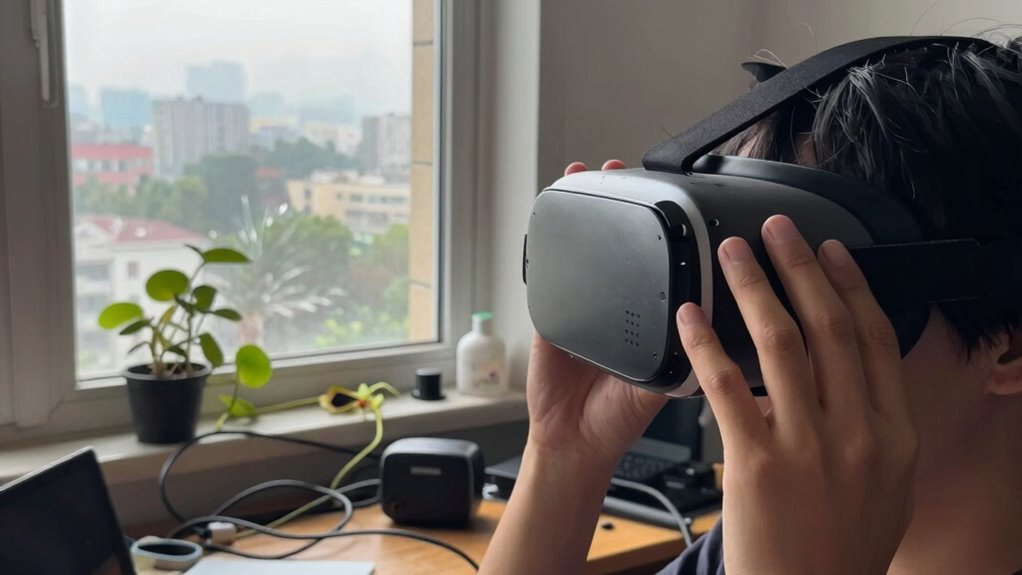
Ever wondered why your VR experience suddenly becomes choppy or unresponsive? One common culprit could be changes in your environment that you might overlook. Environmental factors can markedly impact VR performance, and recognizing these shifts is essential to troubleshooting effectively. Sometimes, a simple lighting adjustment or checking hardware compatibility can resolve your issues, but first, you need to identify what’s changed around you.
Lighting adjustments are a vital aspect often overlooked. VR systems rely heavily on sensors and cameras to track your movements accurately. When lighting conditions fluctuate—such as moving from a brightly lit room to a darker space, or introducing new light sources—your headset’s sensors may struggle to maintain proper tracking. Bright sunlight streaming through windows can create glare, confusing sensors, while insufficient lighting can cause the system to lose track of your position. To avoid this, try to keep your environment evenly lit and avoid reflective surfaces that can interfere with tracking. Consistent lighting helps your VR system perform smoothly and reduces the likelihood of lag or jitteriness. Additionally, lighting consistency plays a crucial role in maintaining optimal sensor performance. Adjusting the placement of light sources or using blackout curtains can further stabilize the environment. Being mindful of lighting conditions can help prevent tracking issues before they occur. It’s also beneficial to regularly check for any new sources of light that might have been introduced accidentally.
Consistent, even lighting prevents sensor confusion and ensures smooth, responsive VR tracking.
Hardware compatibility is another key element to contemplate. If you’ve recently added new devices or upgraded components, they might not be fully compatible with your VR setup. For example, new USB devices, graphics cards, or even power supplies can introduce conflicts or cause bandwidth issues that degrade performance. It’s worth verifying that all your hardware meets the recommended specifications and that drivers are up to date. Sometimes, a hardware incompatibility manifests as latency or frame drops, which can seem like environmental issues but are actually technical conflicts. Ensuring your VR headset and its related hardware are correctly integrated and compatible prevents many common problems. Being proactive about hardware compatibility can save you time troubleshooting issues later on.
Environmental noise and clutter can also disrupt VR performance. Excessive movement near sensors, or objects blocking sensors’ view, can interfere with tracking accuracy. Make sure your play area is clear of obstructions, and that the sensors have a direct line of sight to your movements. Even subtle changes, like rearranging furniture or adding new electronic devices, can impact the sensors’ ability to track accurately. Additionally, proper sensor placement can significantly improve tracking stability. Regularly checking sensor positioning and the surrounding environment helps maintain a smooth VR experience. Being aware of ambient conditions, such as temperature and electromagnetic interference, can also help in troubleshooting unexplained tracking issues. Keeping your environment free from electronic interference can sometimes resolve persistent tracking problems.
As an affiliate, we earn on qualifying purchases.
Frequently Asked Questions
Can Weather Affect VR Equipment Performance Indoors?
Yes, weather can affect your VR equipment indoors. High indoor humidity can cause condensation, leading to potential damage or connectivity issues. Excessive sunlight exposure may heat up devices or cause glare that disrupts tracking accuracy. You should monitor indoor humidity levels and reduce sunlight exposure when possible, especially during extreme weather. Keeping your environment stable helps guarantee your VR gear functions smoothly and avoids unnecessary technical problems.
Do Power Fluctuations Influence VR System Stability?
Ever wondered if sudden power fluctuations could disrupt your VR experience? Yes, they can. Power fluctuations threaten your VR system’s stability, causing lag or crashes. When electrical interference occurs, it can corrupt signals and create unpredictable behavior. Ensuring stable power supply and using surge protectors helps maintain power stability, preventing these issues. So, you stay immersed without interruptions, enjoying a seamless virtual reality session.
How Do Air Quality Issues Impact VR Headset Sensors?
Air quality issues can substantially impact your VR headset sensors. Air pollution introduces particles and pollutants that accumulate on sensors, causing sensor degradation over time. This buildup can lead to inaccurate tracking, drift, and calibration errors, disrupting your VR experience. You should regularly clean your headset and guarantee proper ventilation to minimize pollutant buildup, maintaining sensor accuracy and prolonging the lifespan of your device.
Can Nearby Electronic Devices Cause VR Interference?
Yes, nearby electronic devices can cause VR interference. Electromagnetic interference from devices like routers, smartphones, or microwaves disrupts your headset’s signals, leading to lag or tracking issues. To prevent this, make certain your VR setup is compatible with nearby electronics and keep potential sources of electromagnetic interference at a safe distance. Proper device compatibility and minimizing electromagnetic interference help maintain smooth VR experiences.
What Role Does Ambient Noise Play in VR Experiences?
Ambient noise might seem harmless, but it’s actually the sneaky culprit behind your VR adventures turning into sound distortion chaos. You unknowingly invite background interference that muddles audio cues, breaking immersion. This noise can cause confusing echo effects or muffled sounds, making it harder to stay focused. So, next time your VR experience feels off, blame the environment’s background interference—your virtual reality deserves a quiet, interference-free zone.
VR environment lighting adjustment kit
As an affiliate, we earn on qualifying purchases.
As an affiliate, we earn on qualifying purchases.
Conclusion
By paying close attention to your surroundings, you can quickly identify environmental factors affecting your VR experience. For instance, if you notice frequent disconnects or lag, check for sources like Wi-Fi interference or reflective surfaces nearby. Imagine you’re in a crowded room with a Wi-Fi router surrounded by metallic objects—these can disrupt signals and cause issues. Staying aware of environmental changes helps you troubleshoot effectively, ensuring smoother, more immersive VR sessions every time.
As an affiliate, we earn on qualifying purchases.
VR tracking sensor calibration tools
As an affiliate, we earn on qualifying purchases.
As an affiliate, we earn on qualifying purchases.
Halloween Picks
halloween
As an affiliate, we earn on qualifying purchases.