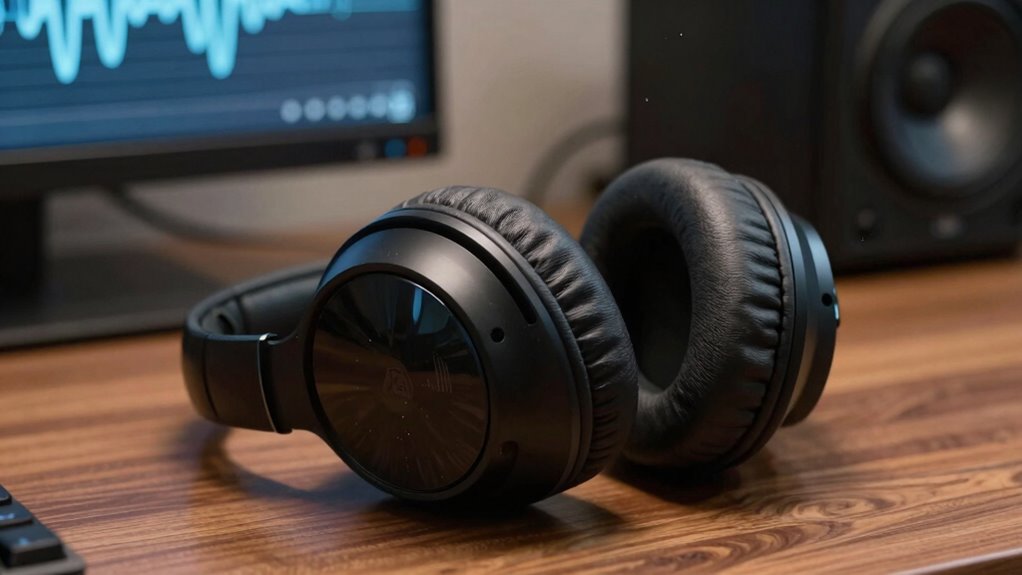

To spot audio problems that feel like comfort issues, listen carefully for distortions, background noise, or uneven sound quality. Check if your microphone sounds distant, fuzzy, or distorted, and make sure cables are secure and not damaged. Pay attention to electrical interference, such as buzzing or humming, and consider environmental factors like room acoustics or background noise. If you keep exploring, you’ll discover more tips to help identify and fix these issues effectively.
Key Takeaways
- Listen for harsh, muffled, or distorted sounds indicating audio issues affecting comfort.
- Check for background noise, echoes, or unwanted hums that cause listening discomfort.
- Ensure microphone placement minimizes ambient noise and reduces audio imbalance.
- Detect sudden changes in sound quality or clarity that may signal equipment problems.
- Monitor for electrical interference or equipment faults that create discomforting auditory signals.
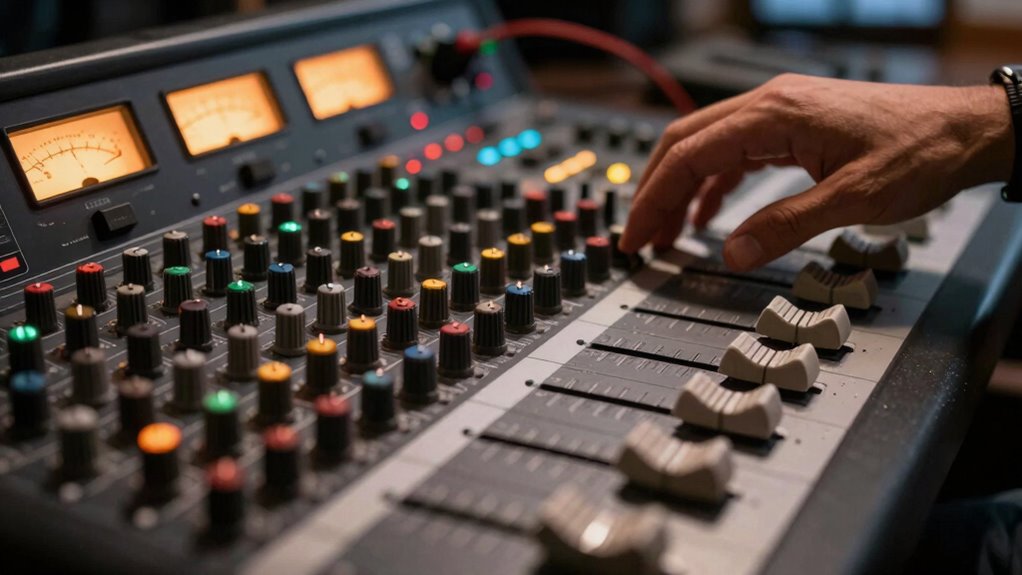
Ever wondered how to quickly identify audio problems before they ruin your recording or live event? It’s vital to catch issues early, especially when they feel like discomfort problems—those subtle signs that something’s off but are easy to overlook. One of the most common issues you’ll encounter is sound distortion. If your audio starts to crackle, buzz, or becomes muffled, you’re likely facing some form of distortion. This could be caused by various factors, such as a faulty cable, a damaged speaker, or even a setting that’s too high. When you notice the sound isn’t clear or becomes harsh, it’s a signal to pause and troubleshoot. Often, sound distortion stems from microphone issues, which are among the most frequent culprits in live or recorded settings. Microphones can pick up unwanted noise, clip due to high input levels, or develop irregularities over time. If your microphone suddenly sounds distant, fuzzy, or distorted, it’s time to check connections first. Loose cables, damaged ports, or a malfunctioning mic can all cause these discomforting audio problems. You should also inspect your microphone settings—gain levels that are too high can produce clipping, leading to that unpleasant distortion. Another sign of microphone issues is inconsistent audio—sometimes the mic works fine, then suddenly drops out or becomes overly quiet. These fluctuations often indicate wiring problems, interference, or a failing component. Additionally, electrical interference from other devices can introduce unwanted hums or buzzes that disrupt your sound quality. To prevent such issues, understanding audio troubleshooting techniques can be incredibly helpful in maintaining consistent sound. Being familiar with common audio issues and their solutions can help you respond quickly when problems arise. It’s also beneficial to regularly perform audio system maintenance, including testing equipment and updating firmware, to reduce the risk of unexpected problems. Proper environmental factors such as room acoustics play a crucial role in overall sound quality and can sometimes be mistaken for technical issues. Beyond the microphone itself, pay attention to your environment. Background noise, echoes, or room acoustics can also create audio discomforts that seem like sound problems, but they’re more about your setup. If your audio sounds “off,” try moving closer to the mic, reducing ambient noise, or adjusting your speaker placement. Also, make sure your equipment is properly powered and grounded, as electrical interference can introduce hums or buzzes that feel uncomfortable to listeners. When you sense that your sound isn’t as clean or consistent as it should be, trust your ears. Is the tone balanced? Are there unexpected noises? These clues help you zero in on the root of the problem. Remember, most discomfort problems in audio are fixable if you stay attentive and methodical. Early detection of sound distortion and microphone issues saves time and stress, ensuring your recordings or live events go smoothly. If you keep these signs in mind, you’ll quickly learn to identify and resolve discomforting audio problems before they impact your audience.
audio troubleshooting microphone
As an affiliate, we earn on qualifying purchases.
As an affiliate, we earn on qualifying purchases.
Frequently Asked Questions
Can Comfort Issues Cause Hidden Audio Distortions?
Yes, comfort issues can cause hidden audio distortions. When you’re sensitive to certain sounds, like high-pitched noises or sudden loudness, it can trigger discomfort and make you more aware of audio imperfections. Your audio sensitivity might cause you to notice subtle distortions or inconsistencies that others overlook. Addressing discomfort triggers, such as adjusting volume or using soundproofing, can help reduce these hidden distortions and improve your overall listening experience.
How Do Ambient Noise Levels Affect Audio Comfort?
Ambient noise levels directly impact your audio comfort by causing background noise and ambient interference, which can make listening uncomfortable or fatiguing. When background noise is high, it’s harder to focus on the audio, leading to strain and discomfort. You can improve comfort by reducing ambient interference with noise-canceling headphones or soundproofing, ensuring a clearer, more pleasant listening experience without distractions from unwanted background noise.
Are Certain Audio Frequencies More Likely to Cause Discomfort?
Certain audio frequencies are like sharp knives, cutting through your comfort, especially if you’re sensitive to specific ranges. High frequencies often cause discomfort due to frequency sensitivity, making sounds feel piercing or shrill. Low frequencies, if distorted, can shake your sense of calm, amplifying distortion perception. Being aware of how these frequencies impact you helps you tune your environment, turning chaotic noise into a smoother, more comfortable soundscape.
What Role Does Headphone Fit Play in Audio Comfort?
Your headphone fit plays a vital role in audio comfort because proper ergonomic design considers your ear canal shape. When headphones match your ear’s contours, they reduce pressure and prevent discomfort during long listening sessions. Poor ergonomics can cause soreness or pain, even if the sound quality is great. So, selecting headphones that adapt to your ear canal shape guarantees a comfortable fit, enhancing your overall listening experience.
Can Psychological Factors Influence Perceived Audio Discomfort?
Absolutely, psychological perception and emotional response can shape how you experience audio discomfort. Your mind can amplify minor issues, turning neutral sounds into irritating noises, much like a spotlight illuminating flaws. If you’re stressed or anxious, your sensitivity to audio problems heightens, making discomfort worse. Recognizing this connection helps you stay aware of how emotions influence perception, empowering you to manage your experience and find comfort despite initial frustrations.
background noise reduction microphone
As an affiliate, we earn on qualifying purchases.
As an affiliate, we earn on qualifying purchases.
Conclusion
By paying close attention to subtle audio cues, you can quickly identify issues that feel like comfort problems. Did you know that 85% of people notice sound inconsistencies before visual ones? Trust your instincts and check for things like uneven volume, background noise, or distortion. When you catch these early, you’ll guarantee a more comfortable and immersive experience for everyone. Staying vigilant keeps your audio crisp and your environment comfortable—making all the difference in how your space feels.
audio distortion repair equipment
As an affiliate, we earn on qualifying purchases.
As an affiliate, we earn on qualifying purchases.
electrical interference hum eliminator
As an affiliate, we earn on qualifying purchases.
As an affiliate, we earn on qualifying purchases.