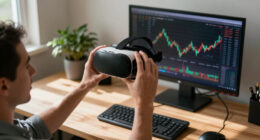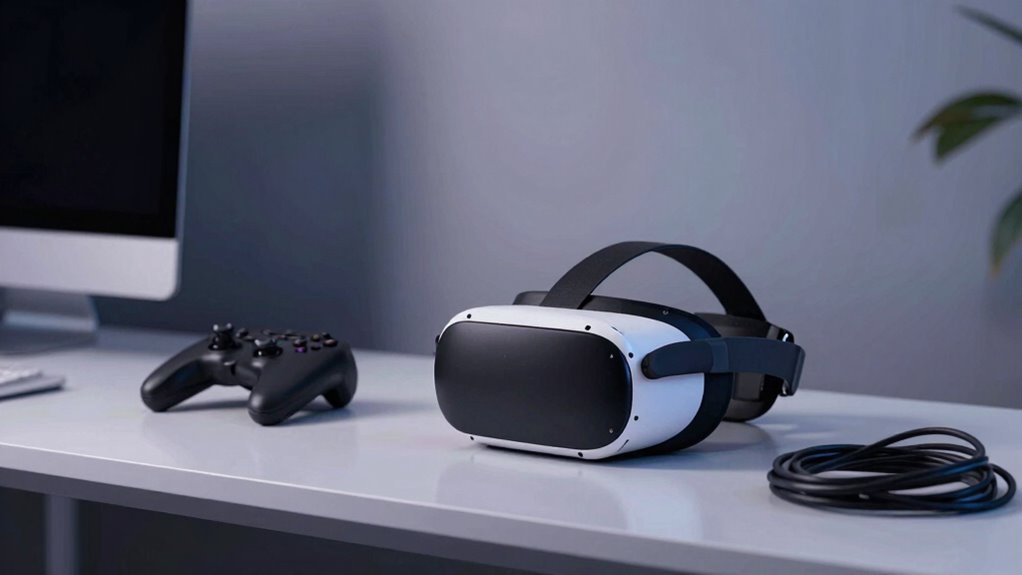

Even with a top-tier VR setup, small misalignments or overlooked environmental factors can cause your experience to feel off. Poor sensor calibration, incorrect placement, or inconsistent posture can disrupt tracking. Environmental obstructions and improper controller handling also contribute to the issue. Ensuring proper calibration, ideal placement, and a clear play area can greatly improve immersion. If you want to discover how these subtle adjustments make a difference, there’s more to explore that can help perfect your VR experience.

Play games on Amazon Luna for your next adventure, included with Prime
- A rotating selection of games, no download needed
- Play on TV, laptop or phone
- Fast, free delivery for your gear, too
Key Takeaways
- Even with a perfect setup, misaligned sensors or poor calibration can cause tracking inconsistencies.
- Improper sensor placement or obstructions may lead to jitter despite optimal hardware.
- User posture and movement habits significantly impact tracking accuracy and immersion.
- Controller handling style and grip stability influence virtual interaction quality.
- Environmental factors like clutter or reflective surfaces can cause tracking errors, making the experience feel off.
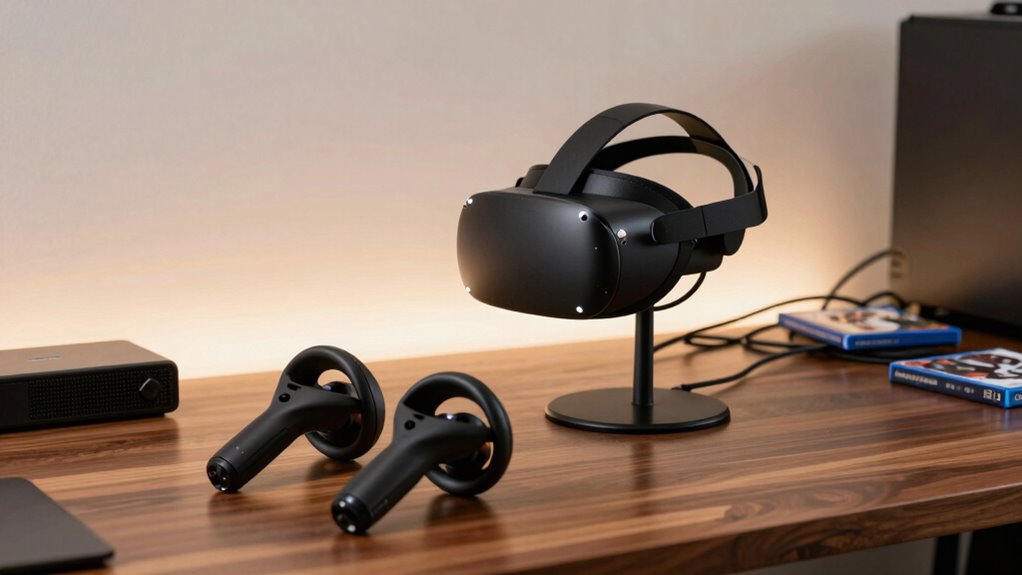
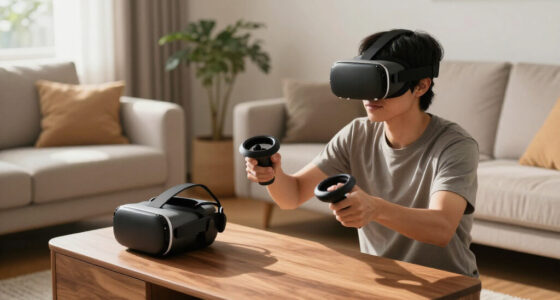
Even with a top-tier VR headset and meticulously arranged sensors, many users still find their virtual experiences feel off. The reason often isn’t hardware quality but something more subtle—like sensor calibration and user posture. These factors play a crucial role in how accurately your movements translate into the virtual world, and overlooking them can make even the most advanced setups feel less immersive.
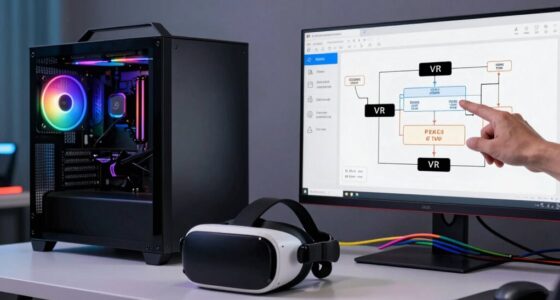
Sensor calibration is essential to ensure your VR system tracks your movements precisely. When you set up your sensors or base stations, it’s tempting to get everything in place quickly and assume it’s enough. But small misalignments can cause noticeable lag or jitter, disrupting your sense of presence. Regularly recalibrate your sensors, especially if you move them or change their positions. Many systems offer calibration routines—don’t skip these. Proper calibration aligns the sensors with your physical space, reducing tracking errors and making movements feel natural. It’s a step that might seem minor but has a significant impact on your overall experience. Accurate tracking is fundamental to feeling truly immersed in virtual environments. Additionally, ensuring your sensor placement adheres to recommended guidelines can further improve tracking precision. Paying attention to your sensor alignment can prevent common issues like drift or inconsistent tracking. Maintaining consistent sensor calibration is also vital to avoid gradual inaccuracies over time, especially after physical adjustments or system updates.
User posture is another critical factor often overlooked. Even if your sensors are perfectly calibrated, if you don’t maintain a proper posture, your virtual movements can feel off. Slouching, leaning, or not standing upright can throw off the system’s perception of your position. VR tracking relies on consistent body positioning, so it’s vital to stand or sit comfortably but maintain a stable posture. This helps the sensors interpret your movements accurately. Also, be mindful of how you hold controllers—gripping them too tightly or moving erratically can introduce errors. Developing a consistent posture not only improves tracking but also reduces fatigue, keeping you engaged longer without feeling disconnect or disorientation. Paying attention to your physical environment and ensuring it is clear of obstructions further enhances tracking accuracy.
As an affiliate, we earn on qualifying purchases.
Frequently Asked Questions
How Do I Calibrate My VR Sensors for Optimal Tracking?
To calibrate your VR sensors for ideal tracking, start by ensuring proper sensor placement—position them at eye level and avoid obstructions. Use calibration tools provided by your VR system, like setup wizards or calibration apps, to fine-tune the sensors. Move around naturally during calibration to help the system learn your space. Regularly check sensor placement and recalibrate if tracking feels off, ensuring smooth, accurate gameplay.
Can Room Lighting Affect VR Experience Quality?
Surprisingly, room lighting can totally mess with your VR experience. Ambient lighting, especially if it’s too bright or dim, can interfere with sensor tracking and image clarity. Don’t forget about color temperature; cold or warm tones can affect how well your headset perceives the environment. For the best immersion, keep lighting balanced—soft, neutral ambient lighting works best—so your VR system can accurately track and display without distractions.
What Are Common Causes of VR Motion Sickness?
You often experience VR motion sickness due to visual discomfort and sensory conflict. When your eyes see motion that your body doesn’t feel, it creates a disconnect, leading to nausea and dizziness. Poor frame rates or lag can worsen this, making the experience feel unsteady. To reduce symptoms, take breaks, adjust headset fit, and make certain your VR environment minimizes rapid movements that cause sensory conflict.
How Often Should I Update My VR Headset Firmware?
You should update your VR headset firmware as soon as new updates roll out—think of it as giving your hardware a boost of freshness. Regular updates improve hardware compatibility and fix bugs, ensuring your VR experience stays smooth. Ignoring these updates is like ignoring the latest software patches—you’re just inviting glitches and lag. So, stay current, stay comfy, and keep your virtual adventures seamless with timely firmware updates.
Does the Size of My Play Area Impact Immersion?
Yes, your play area size impacts immersion. A larger physical space allows you to move freely, making virtual environments feel more real and engaging. If your play area is limited, you might feel restricted or disconnected, which can break immersion. To enhance your experience, clear your physical space of obstacles and guarantee it matches your VR setup’s recommended play area size. This helps you stay comfortable and fully immersed in virtual worlds.
As an affiliate, we earn on qualifying purchases.
Conclusion
Sometimes, despite having the perfect VR setup, it still feels a bit off. Coincidentally, it’s often the small details—like lighting, calibration, or even your own mindset—that make all the difference. When you stumble upon that perfect balance, everything clicks into place, almost as if the universe conspired to align your gear and your experience. So, keep experimenting—you might just find that one little tweak that transforms your entire virtual world into reality.
As an affiliate, we earn on qualifying purchases.
As an affiliate, we earn on qualifying purchases.
Halloween Picks
halloween
As an affiliate, we earn on qualifying purchases.