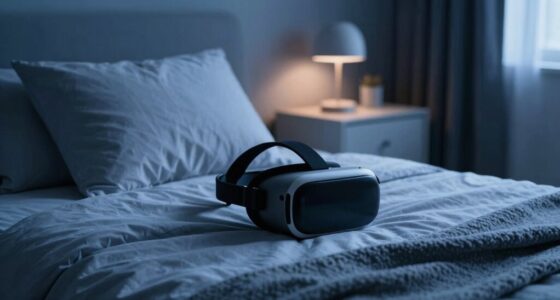
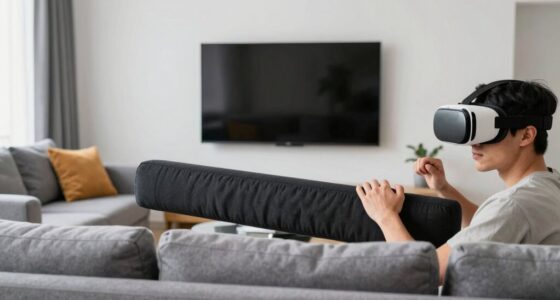
To use VR safely in a small bedroom, clear the space of unnecessary furniture and organize wires with clips or tapes to prevent tripping. Set up boundary or guardian systems within the software to define safe play zones, and position sensors or base stations to cover the entire area. Keep the room well-lit and use soft padding or mats for added safety. For more detailed tips on maximizing your VR experience safely, explore further guidance below.
Key Takeaways
- Clear the space of unnecessary furniture and use wall-mounted shelves to maximize available room.
- Install boundary or guardian systems within VR software to prevent collisions with walls or objects.
- Position sensors/base stations strategically to ensure full coverage and avoid blind spots.
- Use soft padding or mats in the play area to cushion falls and define safe zones clearly.
- Keep cords organized with management tools or opt for wireless VR to prevent tripping hazards.
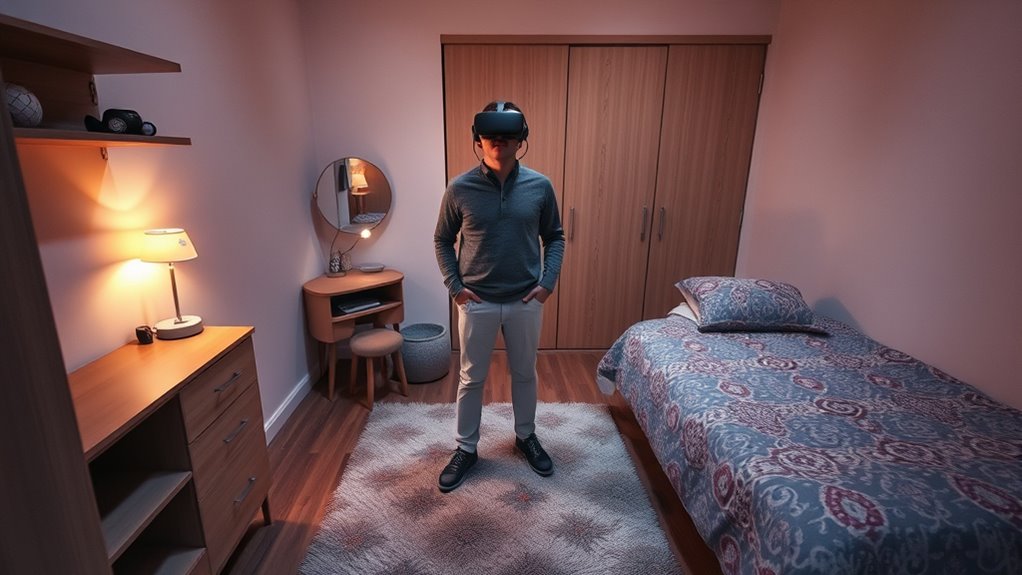
If you have a small bedroom but still want to enjoy virtual reality, don’t worry—there are ways to make it work. The key is focusing on space optimization. You need to carefully plan your setup to maximize the available area without cluttering the space or risking injury. Start by clearing the room of any unnecessary furniture or objects that could interfere with your VR experience. Use wall-mounted shelves or vertical storage to keep things organized and free up floor space. Consider investing in a compact or foldable VR play area, which allows you to expand or contract your space as needed. Position your VR sensors or base stations in spots that cover the entire play area without requiring a large room. This setup will help you get the most out of your equipment while avoiding dead zones or blind spots. Additionally, understanding Free Floating concepts can help you optimize your virtual environment for better immersion and safety.
Safety precautions are equally important when using VR in a confined space. Always check your surroundings before putting on the headset. Make sure there’s nothing sharp, fragile, or hazardous nearby that you could accidentally bump into or knock over. Use safety mats or soft padding on the floor to cushion falls or accidental trips. It’s a good idea to install a boundary or guardian system within your VR software. This feature creates a virtual barrier that alerts you when you’re nearing the edge of your safe zone, preventing you from stepping outside the designated area. When adjusting your play space, take a moment to measure and mark boundaries with tape or markers so you remember where it is. Keep cords and wires organized with clips or cable management tools to avoid tripping hazards. If you’re using wireless VR, that’s even better, as it eliminates the risk of tripping over long cables.
Lighting also plays a role in ensuring safe VR use. Keep the room well-lit enough to see your surroundings clearly when you’re not wearing the headset, but avoid glare or reflections that could interfere with tracking. Make sure your VR area isn’t near windows or bright light sources. Always stay aware of your environment, even when immersed in the virtual world. Take periodic breaks to avoid fatigue or disorientation, which can lead to accidents. With proper space optimization and safety precautions, you can enjoy immersive VR experiences in your small bedroom without compromising safety or comfort. It just takes a little planning and awareness to turn even a tiny space into a safe, fun virtual playground.
Top picks for "small bedroom safely"
Open Amazon search results for this keyword.
As an affiliate, we earn on qualifying purchases.
Frequently Asked Questions
What Are the Best VR Headsets for Small Spaces?
The best VR headsets for small spaces include the Oculus Quest 2 and Valve Index, as they offer excellent VR headset compatibility and are designed with room size requirements in mind. The Oculus Quest 2 is a standalone device with a compact design, making it perfect for small rooms. The Valve Index provides precise tracking, but verify your room has enough space for safe movement. Both are great options for limited areas.
How Can I Prevent VR Motion Sickness in a Small Room?
Think of motion sickness triggers as storm clouds on your VR horizon. To prevent them, keep your room well-ventilated, which helps your body stay balanced. Take frequent breaks, stay hydrated, and start with shorter sessions to give your senses time to adapt. Also, adjust the VR headset fit comfortably to reduce disorientation. These steps help you enjoy immersive experiences without feeling queasy or overwhelmed.
Are There Specific Safety Accessories for Small VR Setups?
Yes, you should consider VR safety gear like wrist straps and face padding to prevent accidents in a small room. Room padding is also helpful, especially on walls or furniture, to cushion impacts if you lose balance. These accessories help you stay safe while enjoying VR, reducing the risk of injuries or damage. Always prioritize safety by using appropriate gear designed for small VR setups.
How Do I Manage Cable Clutter in Limited Space?
To manage cable clutter in limited space, focus on cable management by using clips, sleeves, or ties to keep cords organized and out of the way. You can also optimize your space by positioning your VR setup near a wall or corner, reducing the risk of tripping. Regularly check and adjust cables to prevent tangles, making your VR experience safer and more comfortable in your small bedroom.
Can VR Be Used Safely for Children in Small Bedrooms?
Yes, VR can be safe for children in small bedrooms if you supervise them closely. Make certain the headset fits properly to prevent discomfort or injury, and keep an eye on their activity to avoid accidents. Set clear boundaries for playtime, and make sure the space is free of obstacles. Always monitor their use to ensure they stay safe and comfortable while enjoying VR experiences.
Conclusion
Now that you know how to set up your small bedroom for safe VR use, aren’t you excited to explore immersive worlds without worry? Remember, prioritizing clear space, securing your surroundings, and taking regular breaks makes all the difference. With these tips, you can enjoy VR adventures comfortably and safely. So, why wait? Gear up, stay aware, and explore virtual domains confidently from your cozy space!