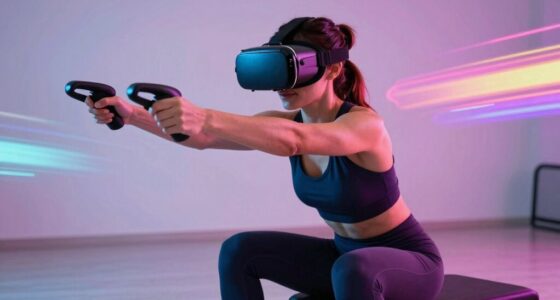
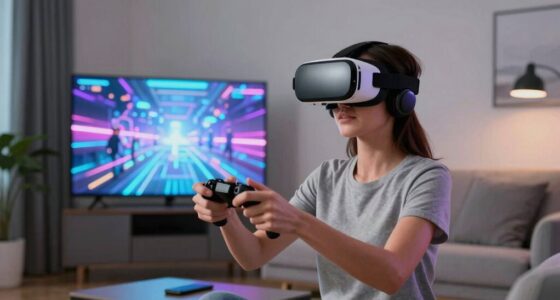
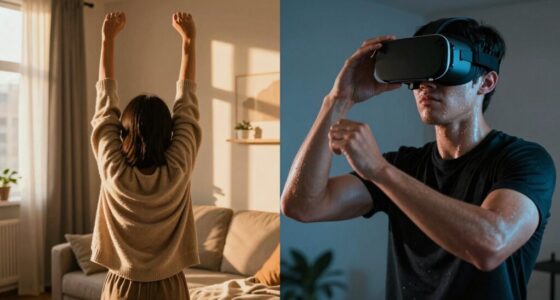
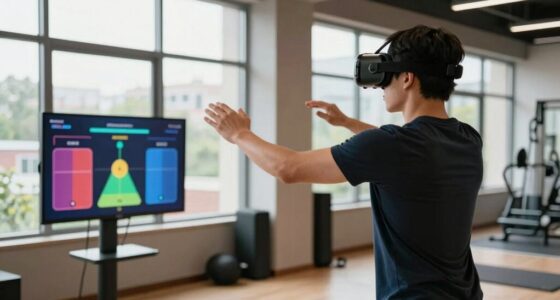
Many VR users forget to take regular breaks and stay hydrated, which can lead to fatigue, headaches, and discomfort. Extended VR sessions without pauses strain your eyes and muscles, increasing health risks. Incorporating short breaks and drinking water often help you stay comfortable and alert. Making these simple habits part of your routine safeguards your well-being and improves your experience. Keep going to discover more ways to make your VR sessions safe and enjoyable.
Key Takeaways
- Regular breaks during VR sessions prevent eye strain, muscle fatigue, and overstimulation.
- Hydration reminders help maintain fluid levels, reducing headaches and dizziness.
- Proper ergonomic accessories promote comfort and reduce physical strain over extended use.
- Combining breaks, hydration, and ergonomic setup enhances safety and prolongs enjoyable VR experiences.
- Ignoring these simple rules increases risks of fatigue, discomfort, and potential health issues.
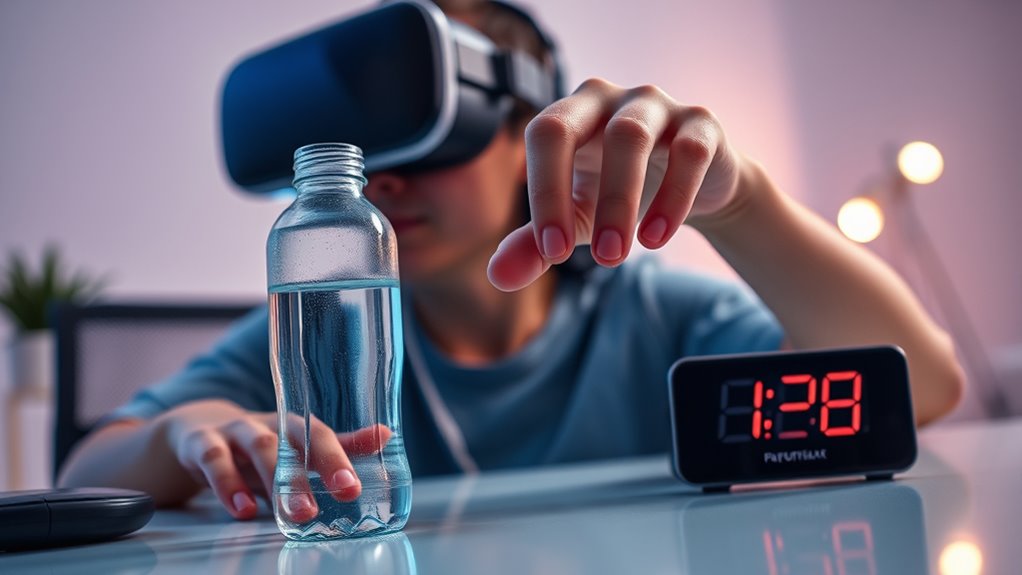
Virtual reality can be immersive and engaging, but it also demands physical and mental attention that can lead to fatigue if you don’t take proper breaks. When you’re fully immersed in a VR experience, it’s easy to lose track of time and neglect basic needs like hydration and rest. That’s why incorporating ergonomic accessories and hydration reminders into your VR sessions is vital. These tools help you maintain comfort and stay alert, preventing exhaustion and discomfort that can diminish your experience.
Ergonomic accessories, such as supportive VR headsets, adjustable straps, and cushioned face pads, are designed to reduce strain during long sessions. Without proper ergonomic support, you might experience headaches, neck pain, or eye strain, all of which contribute to fatigue. Investing in quality accessories ensures that your head and neck are properly aligned, minimizing discomfort and allowing you to enjoy longer, more comfortable sessions. Remember, comfort isn’t just a luxury—it’s an essential for maintaining focus and avoiding fatigue.
Hydration reminders are equally important. When you’re caught up in an immersive world, it’s easy to forget to drink water. Dehydration can cause headaches, dizziness, and decreased concentration, all of which impair your VR experience. Setting up hydration prompts—whether through apps, timers, or smart devices—helps you stay on top of your fluid intake. These prompts serve as gentle nudges to pause your game or exploration and take a sip of water. Keeping hydrated boosts your energy levels, prevents headaches, and keeps your mental acuity sharp.
In addition to using ergonomic accessories and hydration reminders, it’s vital to schedule regular breaks. Even the most comfortable headset can cause fatigue after extended use. Short breaks allow your eyes to rest, your muscles to relax, and your mind to reset. During these breaks, consider stretching or walking around to stimulate circulation and prevent stiffness. Incorporating proper ergonomic design can further enhance comfort and reduce physical strain during prolonged use. Combining breaks with hydration ensures you’re replenishing fluids and reducing physical strain simultaneously.
Ultimately, your VR experience should be enjoyable and safe. Paying attention to ergonomic accessories and hydration reminders isn’t just about comfort; it’s about safeguarding your health. By developing the simple habit of taking regular breaks and staying hydrated, you can extend your VR sessions without risking fatigue or discomfort. Remember, the most immersive experiences are also the safest—so listen to your body, use the right accessories, and stay hydrated to get the most out of your virtual adventures.

VZNEK Head Strap Compatible with Oculus Quest 2,Meta Quest 2 Accessories Adjustable Elite Strap Replacement for Enhanced Comfort Support and Gaming Immersion in VR (Without Battery)
【Reduce facial pressure】Adopt the gravity-balanced and distributed design,this elite strap replacement for oculus quest 2 makes its gravity…
As an affiliate, we earn on qualifying purchases.
As an affiliate, we earn on qualifying purchases.
Frequently Asked Questions
How Long Should Breaks Be During Extended VR Sessions?
During extended VR sessions, you should take breaks every 30 to 60 minutes, depending on your session duration. Break frequency is key to preventing eye strain, fatigue, and discomfort. For longer sessions, consider 5-10 minute breaks to rest your eyes and stretch. Listening to your body is essential; if you start feeling dizzy or tired, take a break sooner to stay comfortable and safe.
Can Hydration Levels Affect VR Experience Quality?
Hydration importance directly impacts your VR experience quality. If you stay well-hydrated, you’ll likely notice improved VR comfort, reduced fatigue, and fewer headaches. Dehydration can cause dizziness and eye strain, making your session less enjoyable. To enjoy VR at its best, keep hydrated by drinking water regularly, especially during long sessions. Remember, staying hydrated isn’t just healthy — it’s essential for peak VR immersion and comfort.
What Are Signs of Dehydration While Using VR?
You might notice signs of dehydration while using VR like feeling dizzy, experiencing VR motion sickness, or having eye strain effects. Your skin may feel dry, and you could get headaches or throat dryness. These symptoms can worsen your experience and cause discomfort. To avoid this, stay well-hydrated, take regular breaks, and pay attention to how your body reacts during extended VR sessions.
Are There Specific Drinks Recommended for VR Users?
Did you know that staying hydrated can boost your VR experience by 25%? For ideal performance, stick to hydration tips by choosing water, electrolyte drinks, or diluted fruit juices. These beverage choices help replenish lost electrolytes and keep you energized. Avoid sugary sodas or caffeinated drinks, which can cause dehydration. Keep a water bottle nearby, sip regularly, and listen to your body’s signals to stay refreshed and safe during VR sessions.
How Does VR Headset Weight Impact Hydration Needs?
Heavier VR headsets can increase your fatigue, causing your body to work harder and potentially leading to quicker dehydration. The added weight strains your neck and shoulders, making you more prone to sweating and fluid loss. To counteract these hydration effects, make sure you stay well-hydrated before, during, and after your VR sessions. Taking regular breaks also helps reduce fatigue and supports better hydration.

ULLA Smart Hydration Reminder to Drink More Water Bottles – Fit Most Bottles – Light Up Technology Tracks When You Hydrate
💧 SMART LIGHT FOR WATER BOTTLE: Ulla is the world's first smart hydration reminder water bottle attachment! It…
As an affiliate, we earn on qualifying purchases.
As an affiliate, we earn on qualifying purchases.
Conclusion
Remember, neglecting hydration and breaks in VR is like trying to navigate a stormy sea with a leaky boat—you’ll quickly tire and lose your way. By sipping water and stepping away, you’re fueling your journey through this digital world, keeping your vessel steady and your mind sharp. Don’t let your adventure turn into a sinking ship; embrace simple rules, and sail smoothly through every virtual horizon. Your well-being is the compass guiding your voyage.

Face Cushion Pad for Meta Quest 2 VR Facial Interface Replacement PU Leather Foam for Oculus Quest 2 Vr Cover
Improved Comfort and Fit: The PU Leather Foam Replacements is designed to provide a more comfortable and immersive…
As an affiliate, we earn on qualifying purchases.
As an affiliate, we earn on qualifying purchases.
VR break timer devices
As an affiliate, we earn on qualifying purchases.
As an affiliate, we earn on qualifying purchases.