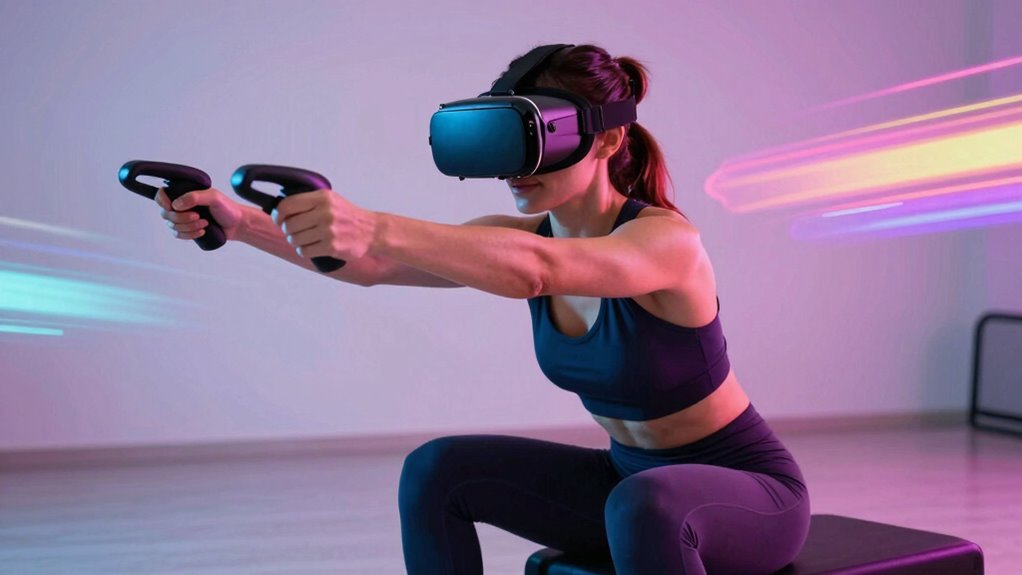

If your knees and wrists hurt during VR workouts, it’s likely due to poor form or equipment issues. You might be overextending, using an improper stance, or not adjusting your headset and controllers correctly. Make sure you maintain a stable, athletic stance with soft knees, move smoothly, and keep controllers in comfortable positions. Proper warm-up, cool-down, and strength exercises help prevent strain. Keep exploring to discover how to improve your technique and prevent injury.
Key Takeaways
- Ensure proper equipment fit, like snug headsets and controller grips, to prevent pressure points and awkward joint positioning.
- Maintain a stable, athletic stance with controlled, deliberate movements to reduce joint strain and avoid overextension.
- Warm up before exercising and cool down afterward to prepare muscles and prevent joint and muscle pain.
- Adjust your play area and controller height settings for proper alignment, minimizing awkward movements that cause pain.
- Recognize signs of persistent pain or discomfort, and seek professional help if symptoms last over a week or worsen.
Understanding Common Causes of Discomfort in VR Workouts
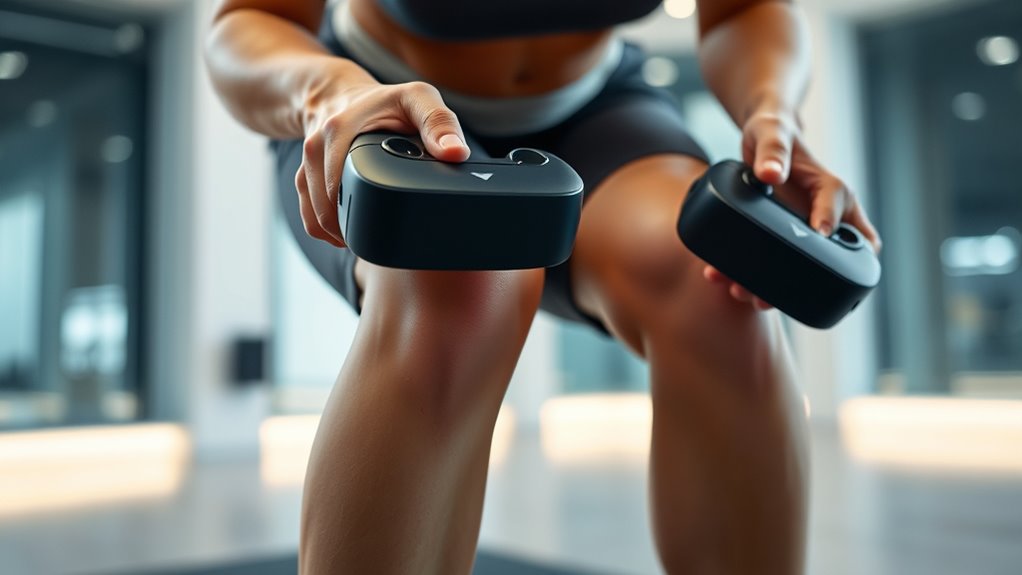
Discomfort during VR workouts often stems from a few common issues. One major cause is poor equipment fit, like headsets that are too tight or too loose, leading to pressure points or slipping. Incorrect controller grip or positioning can strain your wrists or elbows, especially if you hold them awkwardly. Additionally, rapid or jerky movements can cause muscle fatigue or joint pain if you don’t warm up properly. Overexerting yourself without gradual buildup also increases soreness and discomfort. Another factor is not adjusting the play area to your space, which can lead to awkward, unnatural movements. Ensuring your home environment is properly set up can significantly reduce these issues. Proper ergonomic setup can help prevent many common problems and improve overall comfort during VR workouts. Recognizing these issues helps you avoid unnecessary pain and makes your VR workouts more comfortable and safe. Additionally, being aware of equipment quality can influence how comfortable and safe your VR sessions are, as using well-made gear reduces the risk of discomfort. Paying attention to proper technique during exercises can also minimize strain and enhance workout effectiveness. Using appropriate footwear can also provide better support and stability during active VR sessions.
Proper Stance and Movement Techniques for Safe VR Exercise

Maintaining proper stance and movement techniques is essential for staying safe during VR workouts. Your goal is to keep balance, avoid overextending joints, and prevent injury. Focus on a stable, athletic stance with knees slightly bent and feet shoulder-width apart. Move smoothly and deliberately, avoiding sudden jerks that strain your joints. Use controlled motions, especially when reaching or jumping. To help you visualize, here’s a quick guide:
| Safe Technique | Common Mistake |
|---|---|
| Keep knees soft | Locking knees during moves |
| Maintain upright posture | Slouching or leaning forward |
| Use controlled motions | Jerking or rushing movements |
| Stay within comfortable range | Overextending limbs |
Practicing these techniques can improve your safety and performance during VR workouts. Proper technique is crucial for minimizing joint strain and maximizing workout effectiveness. Additionally, paying attention to movement control can further enhance your safety and prevent injuries. Developing a good sense of body awareness can help you make real-time adjustments to your form and avoid potential harm.
Adjusting Your VR Equipment for Better Support and Alignment
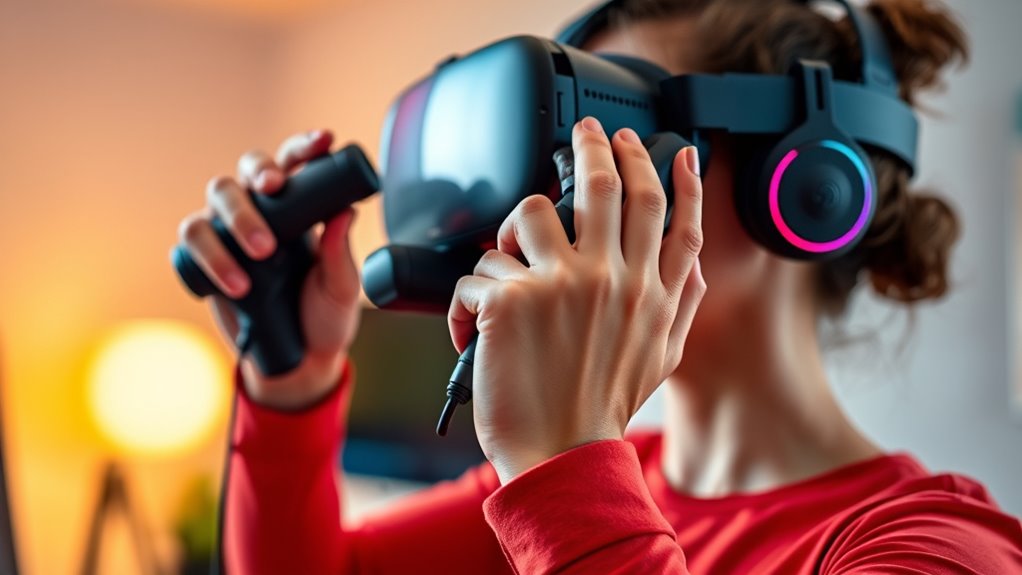
To guarantee your VR workouts are comfortable and safe, it’s essential to properly adjust your equipment for better support and alignment. Start by ensuring the headset fits snugly but not too tight, with the straps evenly distributed to avoid pressure points. Position the sensors or cameras so they clearly track your movements without obstruction. Adjust the controllers to sit comfortably in your hands, ensuring they’re secure but not strained. Check that your play area is clear and well-lit, reducing the risk of misalignment. Make sure your height settings match your actual stature, so the virtual environment aligns with your physical body. Properly setting up your equipment minimizes strain on your knees and wrists, helping you maintain good form and reduce discomfort during your workouts.
Recognizing and Avoiding Overextension During Exercises

When adjusting your VR equipment for better support and alignment, it’s also important to stay aware of your body’s signals during exercise. Overextension occurs when you push your joints beyond their natural range of motion, increasing the risk of pain and injury. Pay attention to how your knees, wrists, and elbows feel during movements. If you notice sharp pain, discomfort, or strain, stop and reassess your form. Keep your movements controlled and within a comfortable range, avoiding sudden or jerky motions. Using visual cues or mirrors outside the VR can help you maintain proper form. Remember, quality over quantity matters—perform exercises with proper alignment rather than trying to reach exaggerated positions. This mindful approach helps prevent overextension and keeps your workout safe and effective. Incorporating wicking materials in your gear or clothing can also aid in moisture management, helping you stay comfortable during extended sessions.
Importance of Warm-Up and Cool-Down Routines in VR Sessions
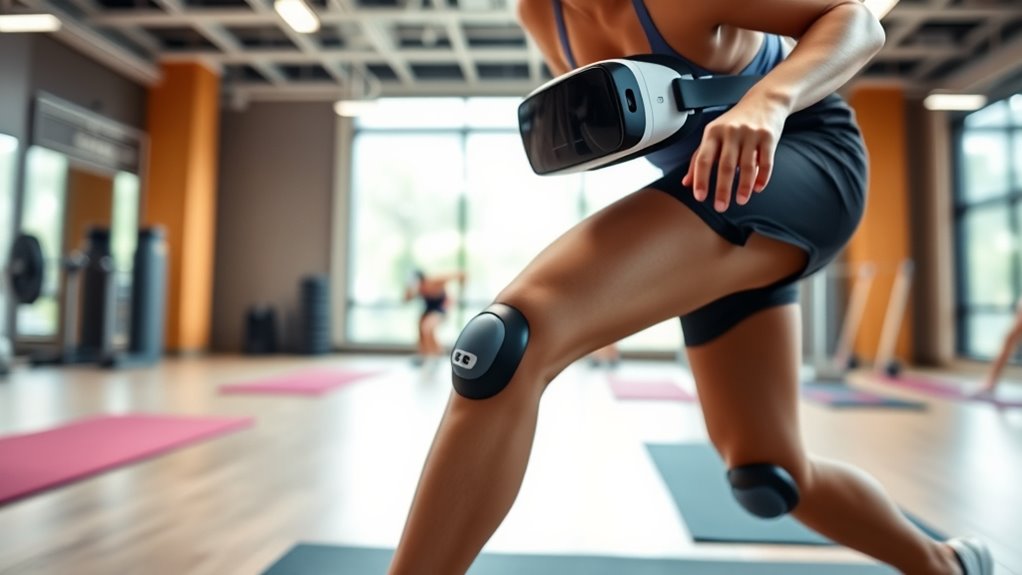
Starting your VR workout with a proper warm-up prepares your muscles and joints for activity, reducing the risk of injury. It increases blood flow, loosens stiff muscles, and prepares your nervous system for movement. This can help prevent strain on your knees and wrists, especially during sudden or intense motions. A quick warm-up might include light stretching, arm circles, or gentle balance exercises. Similarly, cooling down after your session helps your body recover and prevents stiffness or soreness. Spend a few minutes stretching or doing relaxed movements to gradually lower your heart rate. Incorporating warm-up and cool-down routines into your VR sessions guarantees you stay safe, comfortable, and ready for your next workout without risking overuse or injury to sensitive joints.
Tips for Strengthening and Protecting Your Knees and Wrists
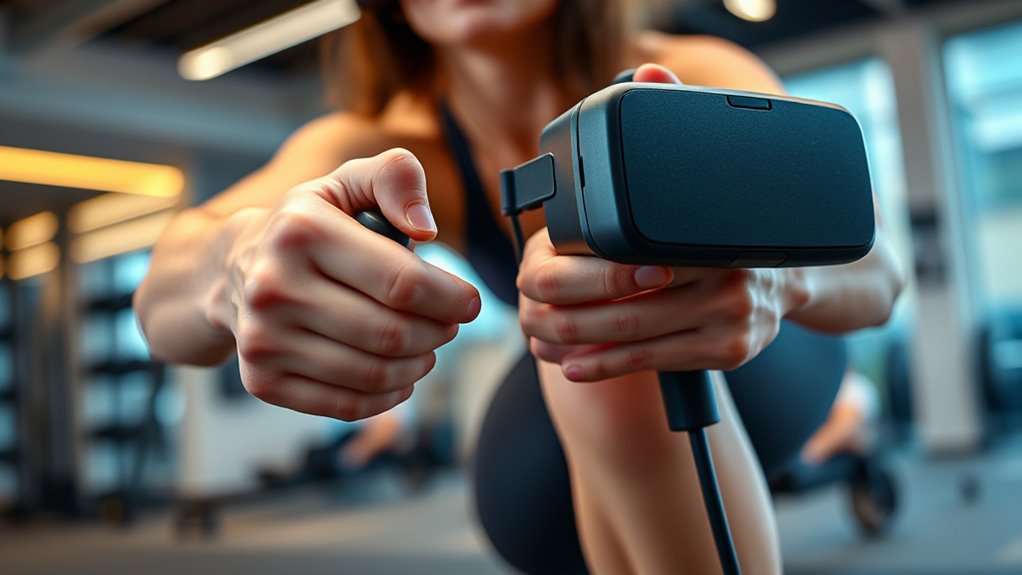
Incorporating targeted exercises into your VR routine can considerably strengthen and protect your knees and wrists. Focus on building flexibility and muscle support through specific moves, such as knee lifts and wrist stretches, before your sessions. Strengthening muscles around these joints reduces strain during activity. Additionally, practice balance exercises like single-leg stands to enhance knee stability. For wrists, perform gentle stretches and wrist curls to boost flexibility and strength. Remember to engage in these exercises regularly and gradually increase intensity. Proper technique is essential—avoid overextending or putting undue pressure on your joints. Incorporate rest days to allow recovery, and listen to your body’s signals. Proper technique is crucial to prevent joint strain and injury. Consistent, mindful strengthening can help prevent pain and improve your overall VR experience. Incorporating strength training into your routine further supports joint health and reduces injury risk.
When to Seek Professional Advice for Persistent Pain

If you notice persistent pain that doesn’t improve after rest or adjusts, it’s time to see a professional. Ignoring ongoing discomfort can lead to more serious injuries. Knowing when to seek help guarantees you recover safely and get back to your VR workouts sooner. Additionally, understanding proper ventilation considerations can help prevent discomfort during extended sessions. Being aware of self-awareness and your body’s signals can also help you recognize early warning signs of overexertion or improper form. Incorporating biomechanical awareness into your routine can further reduce the risk of injury and promote safer movement patterns during workouts. Incorporating knowledge about water-based therapies can also support your recovery and reduce joint stress during rehabilitation.
Persistent Pain Indicators
Persistent pain that lasts beyond a few days or worsens over time is a clear sign you should consult a healthcare professional. If your knee or wrist pain persists despite rest, stretching, or adjusting your VR setup, don’t ignore it. Pay attention to pain that interferes with daily activities or worsens with continued use. Persistent numbness, tingling, or swelling are warning signs you need medical advice. Keep track of how long the pain lasts, its intensity, and any additional symptoms. If pain persists for more than a week or becomes severe, seek professional help promptly. Ignoring these signals can lead to worsened injury or long-term damage, so trusting your body’s warning signs is essential for proper recovery and safe VR gaming. Understanding Rhythm Failure and related issues can also help you identify potential causes of discomfort or injury related to repetitive movements, especially considering the importance of air quality in recovery and overall well-being. Additionally, being aware of early warning signs of injury can help you recognize when to pause and seek appropriate care before the condition worsens.
Professional Consultation Timing
Knowing when to seek professional advice for persistent pain is vital to prevent further injury. If your knees or wrists hurt beyond normal discomfort, don’t ignore it. Persistent pain that lasts over a week, worsens, or interrupts your routine signals a need for expert guidance. Early consultation can prevent minor issues from becoming serious injuries. Be mindful that proper piercing care and hygiene play a crucial role in preventing complications that might lead to ongoing pain. Recognizing signs of muscle strain or joint damage helps ensure timely intervention. Understanding sector performance metrics in private equity can aid in assessing the severity and impact of injuries on your fitness journey. Additionally, knowing how to identify red flags in injury symptoms can facilitate swift action. For example, awareness of injury severity indicators can help you determine when immediate medical attention is necessary. Consider these feelings:
| Pain persists | Worsens over time | Limits your activity |
|---|---|---|
| Frustration | Fear of damage | Frustration |
| Uncertainty | Loss of confidence | Hopelessness |
If these symptoms resonate, schedule a professional evaluation promptly. Addressing injuries early keeps you safe and helps you enjoy VR fitness without long-term setbacks.
Frequently Asked Questions
Can Specific VR Games Worsen Knee and Wrist Pain?
Yes, some VR games can worsen knee and wrist pain if you play them improperly or for too long. Fast-paced or high-impact games may strain your joints, especially if your form isn’t correct or if you don’t take breaks. To prevent this, choose games suited to your fitness level, listen to your body, and focus on maintaining good posture and proper movements during gameplay.
How Often Should I Take Breaks During VR Workouts?
Think of your body as a garden that needs tending. You should take a break every 20-30 minutes during VR workouts to let your muscles breathe and prevent strain. Use this time to stand still, stretch, or hydrate. Just as a garden flourishes with proper care, your body performs best when you listen to its signals. Regular breaks keep your knees and wrists healthy and your VR experience enjoyable.
Are There Recommended VR Accessories to Reduce Joint Strain?
Yes, there are recommended VR accessories to reduce joint strain. You should consider using ergonomic grips and padded wrist supports to lessen pressure on your wrists. Straps or knee pads can help stabilize your movements and prevent overextension. Additionally, adjustable stands or mounts can keep your headset at a comfortable height, reducing neck and knee stress. Always choose accessories designed for your specific VR system to guarantee proper fit and maximum benefit.
Does Age Affect the Risk of Vr-Related Joint Discomfort?
Yes, age can heighten your risk of VR-related joint discomfort. As you get older, joints may become less flexible and more prone to strain. To minimize discomfort, you should take frequent breaks, adjust your headset properly, and incorporate stretching into your routine. Listening to your body and avoiding overexertion helps prevent pain. Staying mindful of your physical limits ensures a safer, more enjoyable VR experience regardless of your age.
What Are Signs That My VR Setup Is Causing Injury?
You might notice persistent pain, swelling, or stiffness in your knees or wrists after VR sessions. If you feel sharp or lingering aches, tingling, or numbness, these are signs your setup could be causing injury. Dizziness, blurred vision, or fatigue might also indicate strain. Pay attention to your body’s signals, take breaks, and adjust your equipment to prevent further harm. If symptoms persist, consult a healthcare professional.
Conclusion
Pay close attention to your body during VR workouts—ignoring pain can lead to serious injuries. By adjusting your equipment, refining your techniques, and listening to signs of discomfort, you can enjoy safer, more effective sessions. But what if persistent pain keeps bothering you? Don’t wait—your next move could prevent long-term damage. Stay vigilant, stay informed, and take action before it’s too late. Your healthiest VR experience is just a mindful step away.