To safeguard your privacy in VR, start by reviewing and adjusting default settings for data sharing, permissions, and app access. Limit or disable voice recordings, location sharing, and unnecessary device permissions. Turn off data collection and analytics, and confirm your account uses strong authentication methods like multi-factor login. Keep your firmware and apps updated regularly. If you want to learn how to tighten your privacy controls further, you’ll find practical tips ahead to keep your VR experience secure.

Play games on Amazon Luna for your next adventure, included with Prime
- A rotating selection of games, no download needed
- Play on TV, laptop or phone
- Fast, free delivery for your gear, too
Key Takeaways
- Review and disable unnecessary app permissions, including camera, microphone, and location access.
- Turn off voice recording and transcription features to prevent external data collection.
- Limit or revoke data sharing, tracking, and activity logging within privacy settings.
- Enable multi-factor authentication and update firmware regularly to secure accounts and devices.
- Regularly review app permissions and revoke access for unused or untrusted apps.
As an affiliate, we earn on qualifying purchases.
Review Default Privacy Settings on Your VR Platform
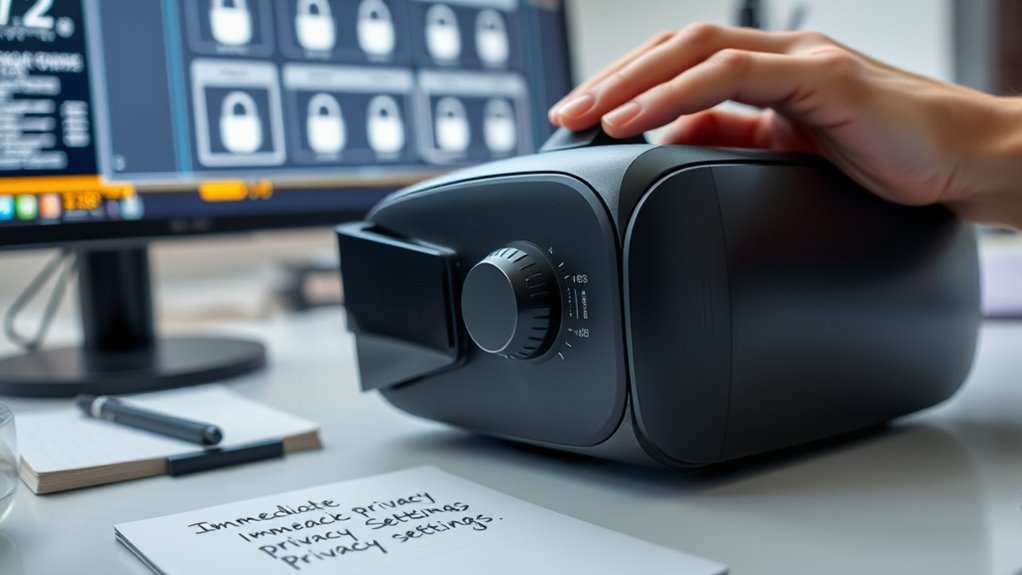
Before diving into your VR experiences, it’s *essential* to review the default privacy settings on your platform. Many VR systems come with preset options that share your data automatically or enable features you might not need. Take the time to explore the privacy menu and identify what information is being collected, shared, or stored. Look for settings related to data sharing, activity logging, and voice recordings. Adjust these defaults to better protect your privacy before using your device extensively. Changing these settings early helps prevent unnecessary data exposure and gives you more control over your personal information. Don’t assume the defaults are secure; review and customize them to suit your comfort level. Being aware of affiliate relationships and how your data is used can further enhance your privacy protections. Additionally, reviewing your cookie categories and adjusting your preferences ensures that only necessary data is collected, reducing your digital footprint. Familiarizing yourself with privacy controls provided by your VR platform can help you manage your settings more effectively. Many systems include options to disable voice recording or limit data sharing with third parties. Understanding the data collection practices used by your device allows you to make more informed privacy decisions. This simple step sets the foundation for a safer VR experience.
As an affiliate, we earn on qualifying purchases.
Adjust App Permissions to Limit Data Access
You should regularly review the app access rights to see what data your VR apps can collect. Disable any permissions that aren’t necessary for the app’s core functions to protect your privacy. Remember to update permissions whenever app updates or new features are introduced to keep your data secure. Additionally, consider Free Floating options to enhance your VR experience while maintaining privacy. Being aware of air quality and potential environmental pollutants can also help you choose safer and more privacy-conscious VR setups. Monitoring filtration systems can further reduce exposure to indoor pollutants and improve overall safety, especially as the thermal behavior of VR environments can influence air quality and comfort, and the supernatural realm suggests that unseen forces might influence environmental conditions.
Review App Access Rights
Have you checked which apps have access to your VR data lately? It’s vital to review these permissions regularly. Take a moment to see what data each app can access and adjust accordingly. Visualize your app permissions like a table:
| App Name | Data Access Allowed | Permission Status |
|---|---|---|
| Fitness Tracker | Heart rate, activity logs | Granted |
| Social App | Microphone, camera | Granted |
| Game XYZ | Location, device info | Granted |
| Meditation App | Audio recordings | Granted |
Additionally, consider the privacy settings within your VR device to enhance security. Ensuring your app permissions are appropriately configured can help protect your personal data and improve your overall VR experience. Regularly reviewing your permissions management helps prevent unauthorized data access and maintains your privacy. Being aware of data access rights is crucial to maintaining control over your information. Understanding the legal implications of app permissions can further guide you in safeguarding your data effectively.
Disable Unnecessary Permissions
To better protect your privacy, it’s important to disable permissions that aren’t essential for your VR experience. Review your app permissions regularly and revoke access to data you don’t need apps to collect. Start by checking which permissions each app has, especially those that access your camera, microphone, location, or contacts. Then, take these steps:
- Turn off camera and microphone access for apps that don’t need them.
- Revoke location permissions unless necessary for your experience.
- Limit access to contacts and personal data unless required.
- Understand the importance of app permissions and how they can impact your privacy. Being aware of permission management practices helps you maintain control over your data and prevents unnecessary sharing. Regularly monitoring and controlling app access minimizes data sharing risks and keeps your information safer while enjoying VR. Practicing privacy settings adjustment is similar to water conservation in pools, where reducing unnecessary water loss helps preserve resources. Doing this minimizes data sharing risks and keeps your information safer while enjoying VR. Regularly managing permissions ensures you stay in control of what your apps can access.
Regularly Update Permissions
Regularly reviewing and updating your app permissions guarantees your privacy stays protected as apps and their data needs change over time. You should check permissions periodically to ensure you’re not granting access to unnecessary data. For instance, if an app no longer needs access to your microphone or location, revoke those permissions immediately. This proactive approach reduces the chance of unauthorized data sharing risk of data breaches. Keep in mind that app updates can sometimes reset permissions or request new ones, so it’s essential to stay vigilant. Additionally, research indicates that managing sound vibrations and other sensor permissions can further enhance your privacy. By actively managing permissions, you maintain better control over your personal data and reduce potential privacy breaches. Make it a habit to review permissions regularly, especially after updates or new app installations. Staying proactive keeps your VR experience safer and more private. Additionally, understanding privacy best practices can help you develop a comprehensive approach to protecting your digital footprint. Incorporating smart home privacy settings into your routine can further enhance your overall security.
As an affiliate, we earn on qualifying purchases.
Disable Voice and Audio Recording Features
Wondering how to protect your privacy in virtual reality? One of the best steps is to disable voice and audio recording features. These features can secretly capture your conversations, exposing sensitive information. To do this effectively, follow these key actions:
Disabling voice and audio recording in VR safeguards your conversations and privacy.
- Access your VR device’s settings menu and locate the privacy options.
- Turn off any voice and audio recording or transcription features.
- Confirm that no recordings are saved or transmitted to external servers.
As an affiliate, we earn on qualifying purchases.
Manage Location Sharing Options
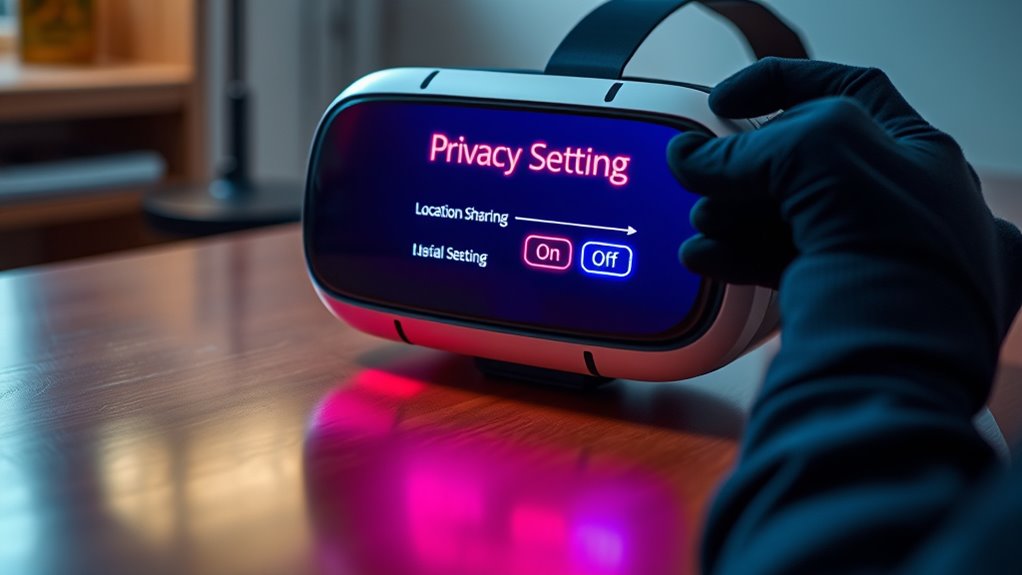
You should consider turning off GPS tracking to protect your location data. Limiting sharing permissions guarantees only trusted apps can access your information, while reviewing app access helps you stay in control. Taking these steps keeps your privacy intact in your virtual experience.
Turn Off GPS Tracking
Turning off GPS tracking is an essential step to protect your privacy while using virtual reality devices. When you disable location sharing, you prevent your device from collecting and transmitting your real-world position, reducing the risk of unwanted tracking or data breaches. To do this effectively:
- Access your device’s settings menu and locate the privacy or location options.
- Turn off GPS or location services entirely for your VR app or device.
- Confirm that no apps or services are actively sharing your location in the background.
Limit Sharing Permissions
After disabling GPS tracking, it’s important to review and manage your app’s sharing permissions to prevent unnecessary data exposure. Check which apps or users can access your location or activity data. Adjust settings to restrict sharing to only trusted contacts or disable sharing altogether if unnecessary. This reduces the risk of your movements being tracked or shared without your consent. Use the following table to understand common sharing options:
| Sharing Type | Who Has Access | How to Limit |
|---|---|---|
| Location Data | App developers, friends | Turn off location sharing in app settings |
| Activity Stats | Selected contacts | Adjust permissions in privacy settings |
| Screen Sharing | Other users or apps | Disable or restrict screen sharing permissions |
Keeping these permissions tight helps protect your privacy in VR environments.
Review App Access
Managing your app’s access to location sharing is a crucial step in safeguarding your privacy in VR. By reviewing which apps can access your location, you control how much personal info is shared. To do this effectively:
- Check app permissions regularly in your device settings.
- Disable location access for apps that don’t need it.
- Revoke permissions for apps you no longer use or trust.
Removing unnecessary access minimizes potential data leaks and keeps your movements private. Remember, some apps may ask for location data to improve experiences, but only grant permissions if you’re comfortable. Regularly reviewing and adjusting these settings helps you stay in control of your privacy in the virtual environment. Stay vigilant and ensure your location sharing stays limited to what you’re comfortable with.
Control Friend and Sharing Settings
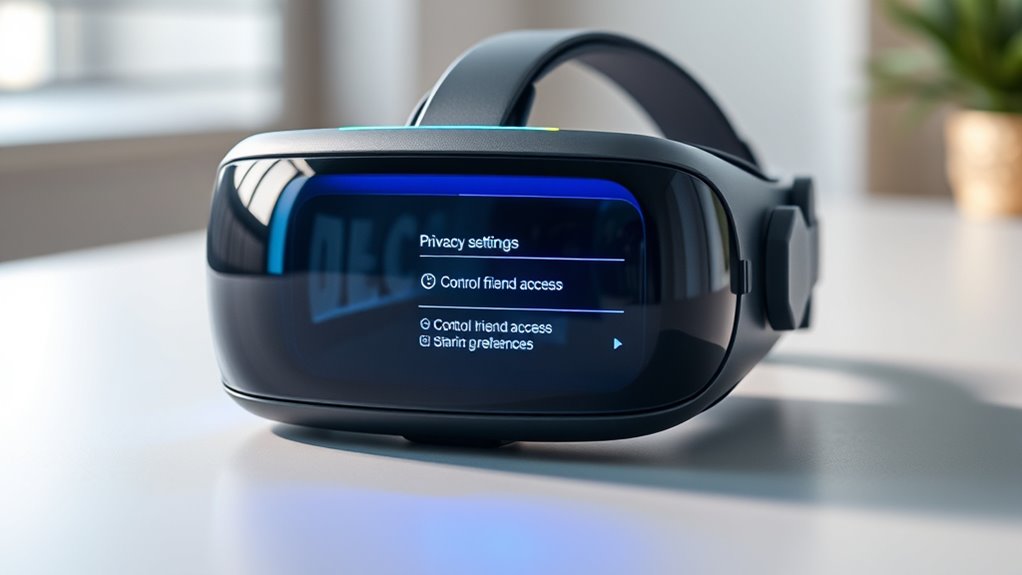
Controlling your friend and sharing settings is essential to maintaining your privacy in VR. First, review who can send you friend requests and limit this to trusted contacts only. Adjust your privacy settings so that only approved friends can see your activity or share content with you. Disable or restrict options that allow automatic sharing of your gameplay or personal info. Be cautious about sharing your location or other sensitive details with friends or groups. Regularly update these settings to prevent strangers from accessing your activities or connecting without your consent. Remember, the more control you exercise over your friend list and shared content, the better you protect your privacy and prevent unwanted exposure in your VR environment.
Turn Off Data Collection and Usage Analytics
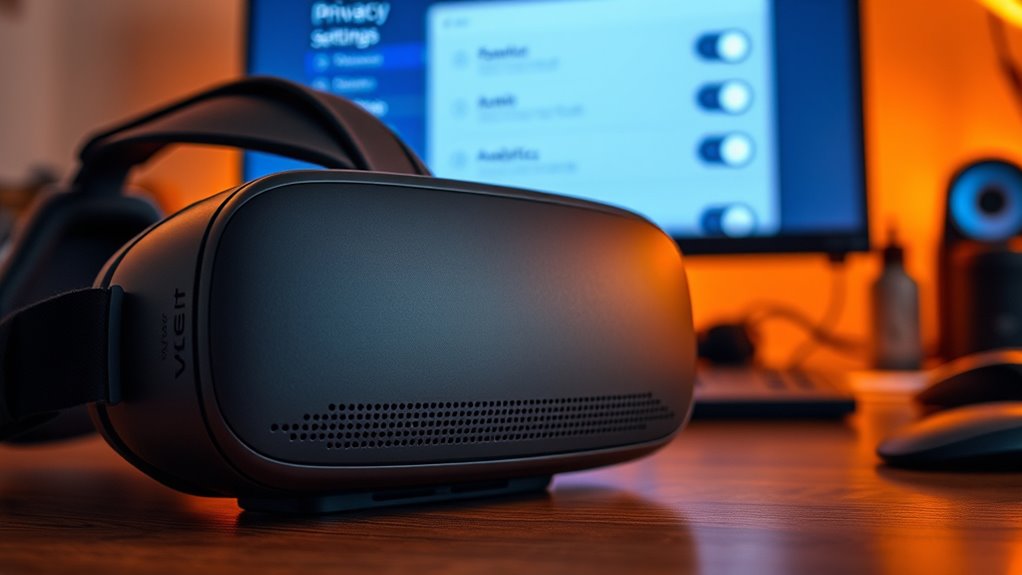
While adjusting your friend and sharing settings helps safeguard your privacy in VR, it’s equally important to limit how your data is collected and used. Data collection and analytics can track your movements, preferences, and interactions, often without clear consent. To protect yourself:
- Turn off data collection options in your device’s privacy settings.
- Disable usage analytics in the app or platform settings.
- Review permissions regularly and revoke access to data-sharing features you don’t need.
Secure Your Account With Strong Authentication Methods
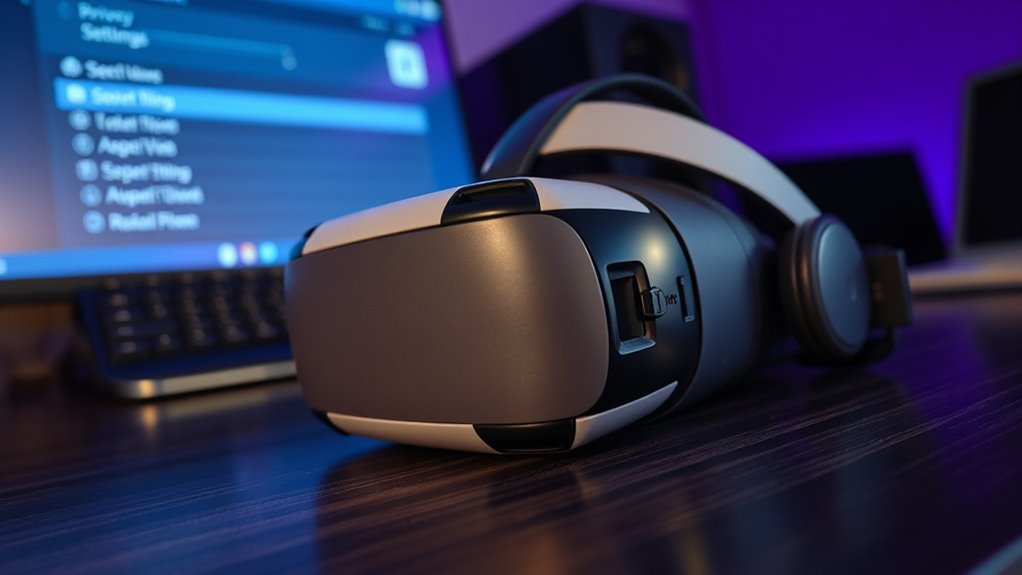
Securing your VR account with strong authentication methods is essential to prevent unauthorized access. Use multi-factor authentication (MFA) whenever possible, combining something you know (password) with something you have (authenticator app) or are (biometrics). This extra layer makes it much harder for hackers to break in.
Here’s a quick guide:
| Authentication Method | Benefits | Tips |
|---|---|---|
| Password | Easy to set up | Use complex, unique passwords |
| MFA (Authenticator App) | Adds security layer | Enable wherever available |
| Biometrics | Fast and convenient | Use fingerprint or facial recognition |
| Security Keys | High security | Keep backup keys handy |
| Email Verification | Extra confirmation | Check for suspicious activity |
Regularly Update Firmware and Software for Security

Keeping your VR device protected isn’t just about strong passwords or biometrics; it also means regularly updating its firmware and software. Updates often include essential security patches that fix vulnerabilities and prevent hacking attempts. To stay protected, consider these steps:
- Enable automatic updates so your device installs the latest security patches without delay.
- Check for updates regularly if automatic updates aren’t available, ensuring you don’t miss critical fixes.
- Read update release notes to understand what security improvements or new features are included.
Frequently Asked Questions
How Do I Identify Which VR Apps Access My Personal Data?
To identify which VR apps access your personal data, start by checking your device’s app permissions in the settings menu. Look for any apps requesting access to your camera, microphone, location, or contacts. You can also review privacy policies within each app or on the app store page. Regularly update your VR software and uninstall any apps that seem to request unnecessary personal information.
Can I Customize Privacy Settings for Different VR Devices?
Yes, you can customize privacy settings for different VR devices. You just need to access each device’s settings menu, where options vary widely. Explore privacy or security sections, and you’ll find controls for app permissions, data sharing, and tracking. Adjust these settings for each device individually, so your personal data stays safe. Don’t let your privacy be an afterthought—take charge and customize every device today!
What Are the Risks of Not Disabling Voice Recording Features?
Not disabling voice recording features can put your privacy at risk. Your conversations might be unintentionally recorded and stored, which could lead to misuse or data breaches. These recordings might be accessed by third parties or used for targeted advertising without your consent. To protect yourself, always review and disable voice recording options when you’re not actively using them, ensuring your private conversations stay confidential.
How Can I Prevent Unauthorized Location Sharing in VR?
Don’t leave the barn door open—set strict privacy controls to prevent unauthorized location sharing in VR. Check your app and device settings to toggle location sharing off, and review permissions regularly. Disable any features that automatically share your data. Use strong, unique passwords for your accounts, and enable two-factor authentication. Staying vigilant guarantees your privacy remains intact, so you can enjoy VR safely without revealing more than you intend.
Are There Any Privacy Settings Specific to Multiplayer VR Experiences?
Yes, multiplayer VR experiences often have privacy settings you should review. You can usually control who can see your online status, send friend requests, or join your sessions. Check your platform’s privacy menu for options like hiding your activity, blocking specific users, or adjusting visibility to public or friends only. Regularly updating these settings helps protect your personal information and maintains control over your multiplayer interactions.
Conclusion
Just as Orwell warned of surveillance’s reach, your VR device can become a window into your world. By adjusting these settings, you take control and protect your privacy from unseen eyes. Don’t wait until Big Brother’s gaze is all-encompassing—be proactive. Remember, safeguarding your digital space is an ongoing act of resistance, ensuring your virtual experiences remain personal and secure amidst a landscape enthusiastic to observe. Stay vigilant, and keep your privacy firmly in your hands.
Halloween Picks
halloween
As an affiliate, we earn on qualifying purchases.