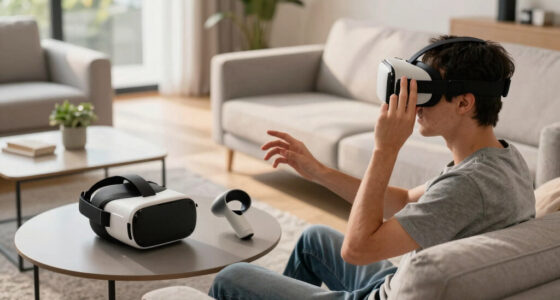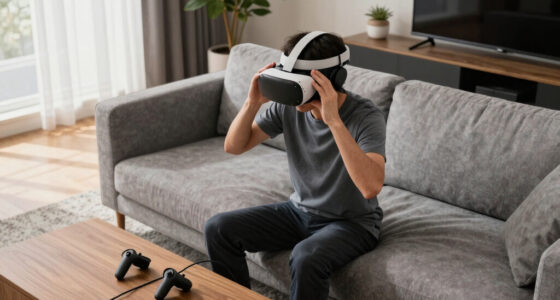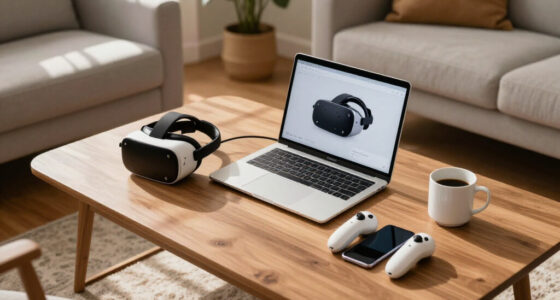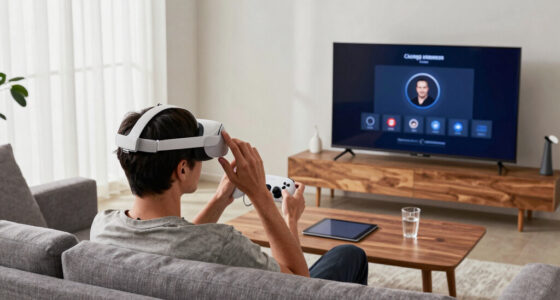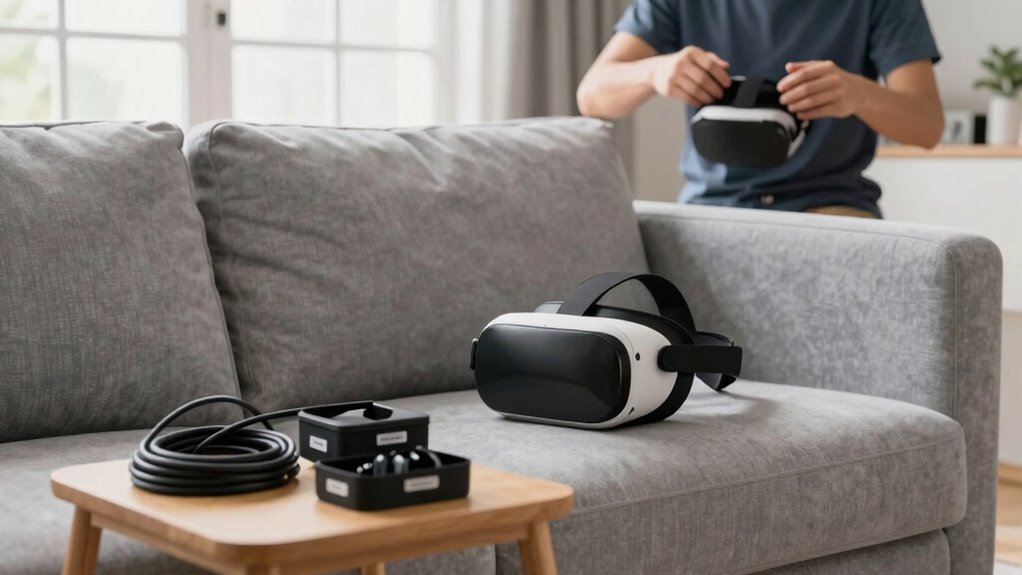
To reduce repeat problems in your household VR setup, start by carefully calibrating your headset and guaranteeing sensors are properly positioned and facing each other. Optimize room lighting with soft, diffuse light to minimize shadows and glare that can interfere with tracking. Regularly clean lenses and sensors, update firmware and software, and check cables for secure connections. Maintaining a clutter-free, well-lit environment and consistent setup practices will help ensure a smoother, more reliable VR experience—there’s more to discover to keep things running flawlessly.

Play games on Amazon Luna for your next adventure, included with Prime
- A rotating selection of games, no download needed
- Play on TV, laptop or phone
- Fast, free delivery for your gear, too
Key Takeaways
- Regularly calibrate the VR headset following manufacturer instructions for consistent tracking accuracy.
- Optimize room lighting with diffuse, even illumination to reduce shadows and sensor interference.
- Properly position and elevate sensors for full coverage, clearing clutter that could obstruct signals.
- Keep firmware, software, and hardware updated, and clean lenses and sensors regularly.
- Create a clutter-free, safe play area and maintain consistent setup routines for stability.

Setting up a household VR system can sometimes lead to recurring issues that disrupt your experience. One of the most common problems is tracking errors or visual glitches, which often stem from improper VR headset calibration or poor room conditions. To minimize these issues, start by paying close attention to VR headset calibration. Take the time to follow manufacturer instructions carefully, ensuring that the sensors are correctly aligned and that the headset is adjusted to fit snugly on your head. A well-calibrated headset provides more accurate tracking, reducing frustrations and the need for frequent recalibrations. If you notice tracking inconsistencies, double-check the calibration process and re-run it until your system registers your movements accurately.
Another crucial factor is room lighting optimization. Poor lighting can interfere with the sensors and cameras that track your movements, leading to jittery or lost tracking. You want to create an environment with consistent, diffuse lighting that doesn’t cast harsh shadows or create glare. Avoid direct sunlight or bright artificial lights pointing directly at the sensors, as these can cause interference. Instead, use soft, evenly distributed lighting that minimizes reflections and shadows. This setup helps your VR system reliably detect your movements and the surroundings, resulting in a smoother experience. Additionally, proper lighting conditions are essential for achieving optimal sensor performance and minimizing tracking disruptions. Properly managing sensor placement can further improve tracking accuracy and reduce issues. Ensuring that your play area has adequate space allows for safe movement and minimizes accidental collisions.
In addition to calibration and lighting, pay attention to the physical space where you play. Clear away clutter, cords, or objects that could trip you up or interfere with sensors. Make sure the play area is well-lit enough for the sensors to work effectively but not so bright that it causes glare. Position sensors or base stations in optimal spots, usually facing each other and elevated, to maximize tracking coverage. Regularly check for updates for your VR firmware and software, as manufacturers often release improvements that enhance stability and tracking accuracy. Additionally, proper ventilation can help prevent overheating, which may cause hardware issues or performance drops during extended play sessions.
Finally, keep the VR hardware clean. Dust or smudges on the lenses or sensors can impair performance. Use a microfiber cloth to gently wipe down your headset lenses and sensors periodically. Also, verify that cables are securely connected and that batteries in wireless controllers are fresh. Taking these simple steps will help you maintain a stable, responsive setup, drastically reducing the chances of repeat problems. By focusing on VR headset calibration, room lighting optimization, and proper maintenance, you’ll enjoy a much more seamless and immersive experience each time you put on your headset.
As an affiliate, we earn on qualifying purchases.
Frequently Asked Questions
How Often Should I Update My VR Headset Firmware?
You should update your VR headset firmware whenever a new version is available to guarantee firmware stability and peak performance. Generally, checking for updates once a month works well, but do it more often if the manufacturer releases frequent updates. Regular updates fix bugs, improve compatibility, and enhance features, reducing repeat problems. Staying current with firmware updates helps keep your VR experience smooth, safe, and enjoyable.
What Are the Best Storage Practices for VR Accessories?
Storing your VR accessories is like keeping valuable gems safe—organized and secure. You should use dedicated containers or drawers for accessory organization, guaranteeing each item has its place. Keep cables coiled neatly to prevent tangles and damage. Store accessories in a cool, dry spot away from direct sunlight to assure storage safety. Regularly check for wear and tear, and keep everything clean to prolong your device’s lifespan.
Can Software Updates Cause New Setup Issues?
Yes, software updates can cause new setup issues. Firmware glitches might temporarily disrupt your VR system, and compatibility issues can arise if updates don’t align with your hardware. You might experience bugs or connectivity problems after updating. To avoid this, always check update notes, verify your devices are compatible, and consider waiting a bit before installing new firmware, so you can catch any potential issues early.
How Do I Troubleshoot Audio Problems in VR?
Think of troubleshooting audio problems like tuning a guitar; it’s all about precise adjustments. First, check your headset positioning to guarantee it’s snug and correctly aligned. Then, perform an audio calibration in your VR settings to optimize sound. If issues persist, reconnect your audio cables or update your drivers. These steps help your VR experience stay in harmony, preventing pesky audio glitches from disrupting your immersion.
Is It Necessary to Regularly Recalibrate Sensors?
Yes, regularly recalibrating your sensors is crucial for peak VR performance. You should check sensor placement to guarantee they’re positioned correctly and maintain clear line-of-sight. Calibration frequency depends on how often you move or rearrange your setup, but doing it every few weeks or after significant changes helps keep tracking accurate. Proper sensor placement combined with consistent calibration minimizes errors and ensures a smooth, immersive VR experience.
As an affiliate, we earn on qualifying purchases.
Conclusion
To keep your household VR setup running smoothly, think of it like tuning a musical instrument—you need regular adjustments and care. When I first set mine up, a tiny loose cable caused hours of frustration. Once I tightened it, everything played perfectly. Similarly, addressing small issues early prevents bigger problems down the road. With patience and routine checks, you’ll find your VR experience becoming as seamless as a well-rehearsed symphony—smooth, immersive, and frustration-free.
As an affiliate, we earn on qualifying purchases.
As an affiliate, we earn on qualifying purchases.
Evergreen bestsellers Picks
bestsellers
As an affiliate, we earn on qualifying purchases.