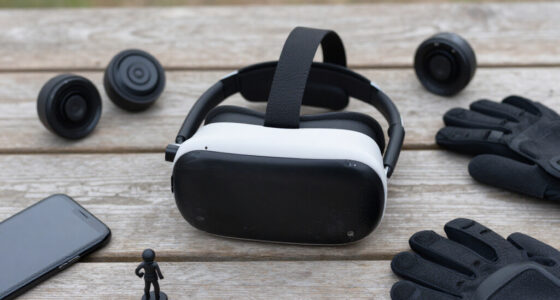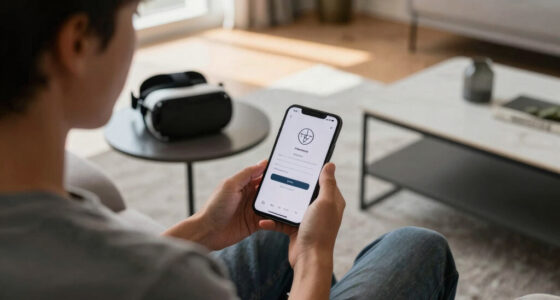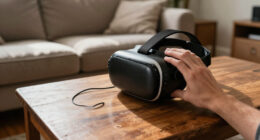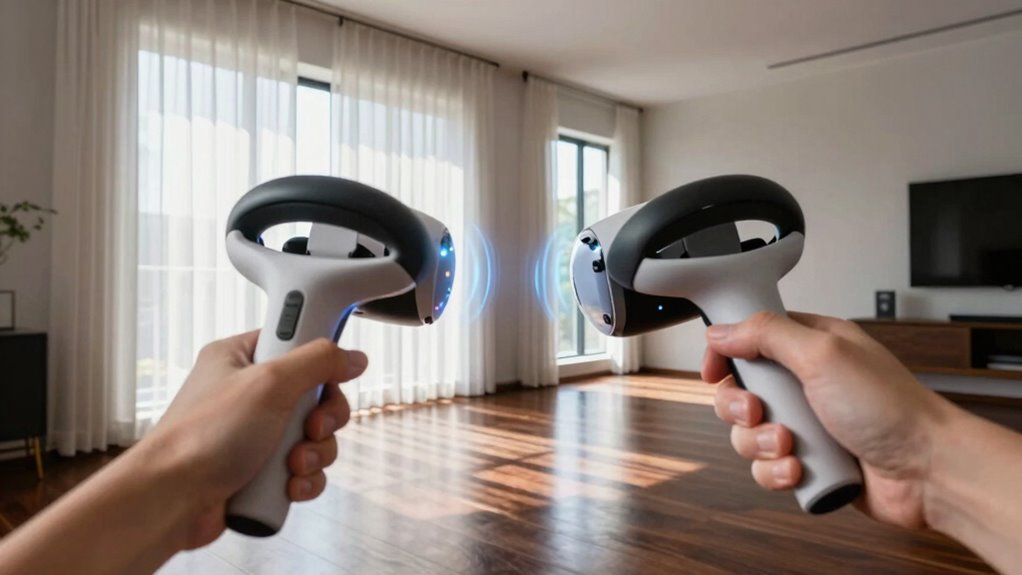
Your controllers lose tracking near windows because sunlight and bright environmental light interfere with the sensors or cameras that track them. When strong light hits the sensors, it can overwhelm their ability to detect controller signals accurately, causing jittering or loss of connection. Reflective surfaces and room layout can also worsen the issue. To improve tracking, you should reduce sunlight exposure and adjust sensor placement. Keep exploring for more tips to get better VR performance.

Play games on Amazon Luna for your next adventure, included with Prime
- A rotating selection of games, no download needed
- Play on TV, laptop or phone
- Fast, free delivery for your gear, too
Key Takeaways
- Bright sunlight streaming through windows can overwhelm sensors, disrupting controller tracking accuracy.
- Calibration issues or outdated setup data can cause controllers to lose tracking near windows.
- Reflective surfaces and shiny furniture near windows may interfere with sensor signals.
- Improper sensor placement or lack of clear line of sight worsens tracking issues in bright environments.
- Covering or shading windows during VR sessions helps reduce interference and improve controller tracking.
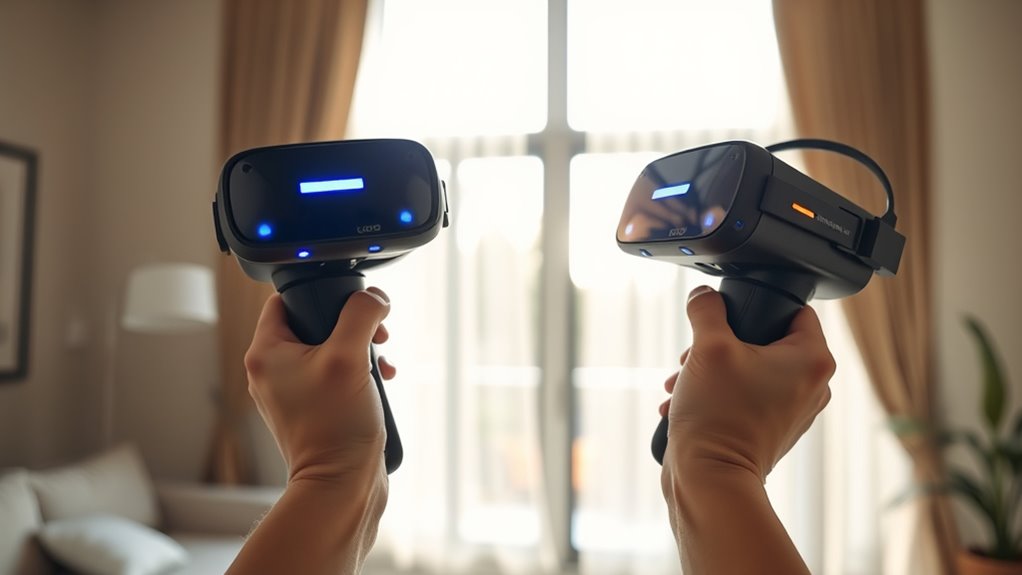
If you’ve noticed your VR controllers losing tracking near windows, you’re not alone. Many users face this frustrating issue, and it often comes down to calibration issues or sensor interference. Your VR system relies on sensors or cameras to track your controllers accurately, but when those sensors encounter certain conditions—like bright sunlight streaming through a window—tracking can become unreliable or completely break down.
Tracking issues near windows are common due to calibration and sensor interference from sunlight.
Calibration issues are a common culprit, especially if your system hasn’t been properly calibrated or if calibration has shifted over time. When you set up your VR system, it learns the environment and your controller positions, but changes in lighting or room setup can throw off its calculations. If your controllers aren’t calibrated correctly or if the calibration data becomes outdated, the system struggles to interpret the signals correctly. Bright sunlight or reflections near windows can distort sensor readings, making it harder for your system to differentiate between your controllers and the environment. This misalignment often results in controllers losing tracking or jittering near windows or in well-lit areas.
Sensor interference is another key factor. Many VR setups use cameras or external sensors to track your controllers, and these sensors are highly sensitive to environmental factors. Direct sunlight, in particular, can flood the sensors with infrared or visible light, overwhelming their ability to detect your controllers accurately. Reflective surfaces like glass or shiny furniture nearby can also cause interference, bouncing signals and confusing the sensors. When the sensors can’t distinguish the controllers from the background or get overwhelmed by light, tracking becomes unreliable. Ensuring your sensors are positioned away from sensor interference and maintaining a consistent lighting environment can significantly improve tracking accuracy.
To mitigate this, start by ensuring your VR system is properly calibrated. Recalibrate your sensors or cameras in the current room setup, especially if you’ve moved furniture or changed lighting conditions. Try to keep windows covered or shaded during gameplay to reduce direct sunlight exposure, and avoid reflective surfaces that could interfere with sensor signals. Position your sensors away from direct light sources and ensure they have a clear line of sight to your controllers. Sometimes, simply adjusting the placement of sensors or cameras, or dimming bright lights near windows, can considerably improve tracking stability.
In the end, understanding that calibration issues and sensor interference are behind most tracking problems near windows helps you troubleshoot effectively. By making small adjustments to your setup and environment, you can regain reliable tracking and enjoy a smoother VR experience, free from interruptions caused by sunlight or reflective surfaces.
As an affiliate, we earn on qualifying purchases.
Frequently Asked Questions
Can Repositioning My Sensors Improve Tracking Near Windows?
Repositioning your sensors can definitely improve tracking near windows. You should focus on optimizing sensor placement to minimize interference from ambient lighting, which can cause tracking issues. Moving sensors to less reflective or brightly lit areas helps reduce light interference and enhances accuracy. Keep sensors positioned to have a clear line of sight and avoid direct sunlight, ensuring consistent tracking performance even near windows.
Do Different VR Headsets Experience Tracking Issues Near Windows?
Yes, different VR headsets can experience tracking issues near windows due to sensor placement and environmental interference. Some headsets have more advanced sensors that handle reflective surfaces better, but all are susceptible to interference from bright light or reflective surfaces near windows. To improve tracking, you should optimize sensor placement, avoid direct sunlight, and minimize reflective objects in your play area. This helps guarantee consistent, accurate controller tracking.
How Does Sunlight Impact Controller Tracking Accuracy?
Sunlight causes light interference that can markedly reduce your controller’s tracking accuracy. Bright, direct sunlight overwhelms the sensors, making it difficult for them to detect the controller’s position accurately. Sensor limitations mean they can’t distinguish between the controller’s infrared signals and intense ambient light. To improve tracking, avoid placing yourself near windows with strong sunlight, and use shaded areas or curtains to minimize light interference.
Are There Specific Window Materials That Cause Tracking Problems?
Certain window materials can cause tracking issues due to glass interference and reflections. If your windows have highly reflective or tinted glass, they may interfere with the controller’s sensors, leading to tracking problems. Double-pane or textured glass can also disrupt sensor signals. To improve tracking, try moving to windows with less reflective surfaces or use barriers like curtains or blinds to minimize reflections and glass interference.
Can Using External Sensors Prevent Tracking Loss Near Windows?
Yes, using external sensors acts like a loyal lighthouse guiding your controllers through foggy room lighting and tricky window reflections. Proper sensor placement guarantees they’re nestled in spots free from direct sunlight and glare, which can confuse tracking. By strategically positioning sensors, you create a stable digital orbit, preventing tracking loss when near windows. This way, your VR experience stays smooth, no matter how bright or reflective the room gets.
As an affiliate, we earn on qualifying purchases.
Conclusion
So, next time your controllers mysteriously vanish near windows, don’t just blame the tech. It’s like trying to catch smoke with your bare hands—impossible and frustrating! The sunlight’s so powerful, it practically hijacks your headset’s sensors, turning your immersive world into a glitchy nightmare. Just remember, a simple fix like moving away from the window or adjusting your lighting can save you from losing your mind—and your controllers—mid-game. Stay sharp and stay in the game!
As an affiliate, we earn on qualifying purchases.
VR controller tracking accessories
As an affiliate, we earn on qualifying purchases.
As an affiliate, we earn on qualifying purchases.
Fall Picks
fall essentials
As an affiliate, we earn on qualifying purchases.