To make your VR sim racing experience less overwhelming, start by calibrating your headset properly, adjusting straps, lens alignment, and IPD to reduce eye strain. Set up a comfortable physical space with stable hardware and clear clutter, and create a routine to build confidence. Begin with shorter sessions and gradually increase duration, focusing on comfort and enjoyment. If you keep exploring these tips, you’ll find ways to enjoy racing more smoothly and confidently.

Play games on Amazon Luna for your next adventure, included with Prime
- A rotating selection of games, no download needed
- Play on TV, laptop or phone
- Fast, free delivery for your gear, too
Key Takeaways
- Properly calibrate your VR headset to ensure clear visuals and reduce eye strain.
- Create a dedicated, clutter-free physical space to enhance comfort and freedom of movement.
- Start with shorter, less intense sessions to gradually build familiarity and confidence.
- Adjust audio settings and use spatial sound to prevent sensory overload.
- Develop a pre-race routine and focus on enjoyment to reduce nerves and overwhelm.
Sim racing in virtual reality can be incredibly immersive, but it often feels overwhelming for newcomers. When you first put on your VR headset, everything becomes so vivid and real that it’s easy to feel disoriented or overstimulated. To make the experience more comfortable, start with proper VR headset calibration. This step is essential because if your headset isn’t correctly aligned, you’ll experience visual discomfort or motion sickness, which only amplifies the feeling of being overwhelmed. Take a few moments to adjust the straps, confirm the lenses are aligned with your eyes, and set the interpupillary distance (IPD) accurately. Many headsets come with calibration guides or automatic setups—use these to optimize clarity and reduce eye strain, so you can focus on the race instead of fighting the hardware.
Proper VR headset calibration reduces discomfort and helps you focus on racing, making immersion comfortable and enjoyable.
Another key factor is managing the audio environment, specifically trackside audio. When you’re immersed in a high-fidelity VR setup, the sounds of engines, tires squealing, and the ambient noise of the track can be intense. If these sounds are overly loud or poorly balanced, they can add to your feeling of being overwhelmed. Using trackside audio settings, you can adjust the volume levels or even enable audio cues that help you stay oriented without drowning in noise. Some VR racing software allows you to customize soundscapes or use spatial audio to make the experience more natural. This way, you get enough auditory cues to stay focused without feeling bombarded, helping you stay calm and confident behind the wheel.
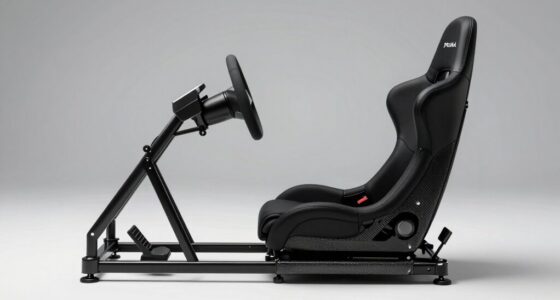
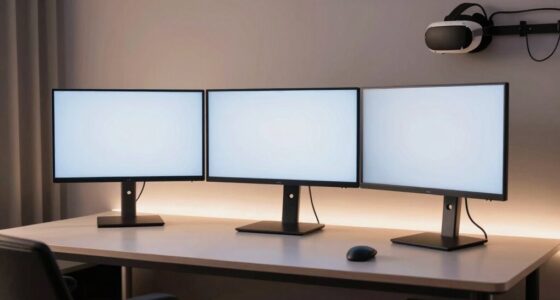
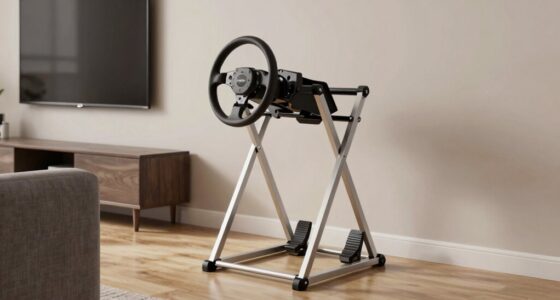
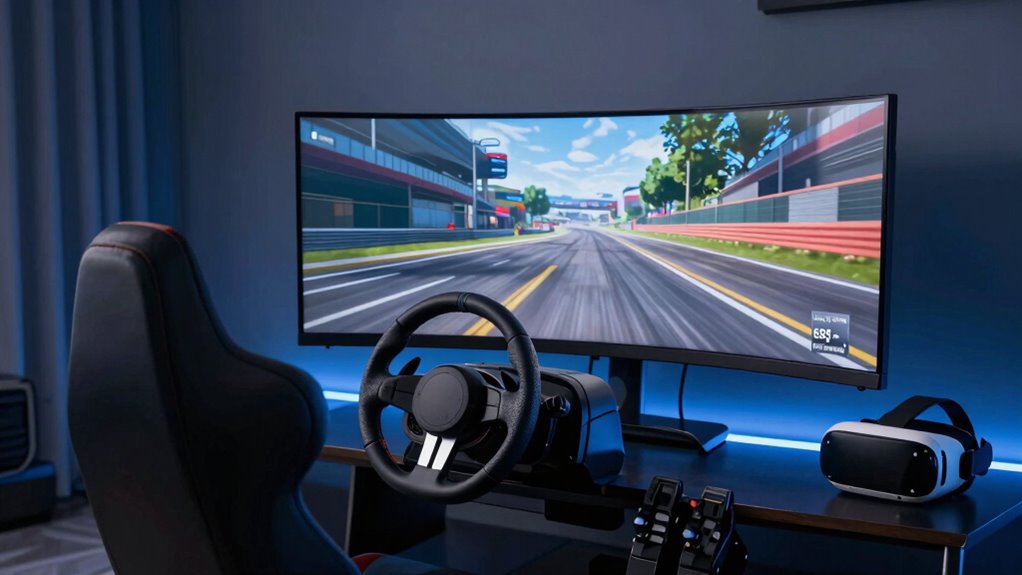
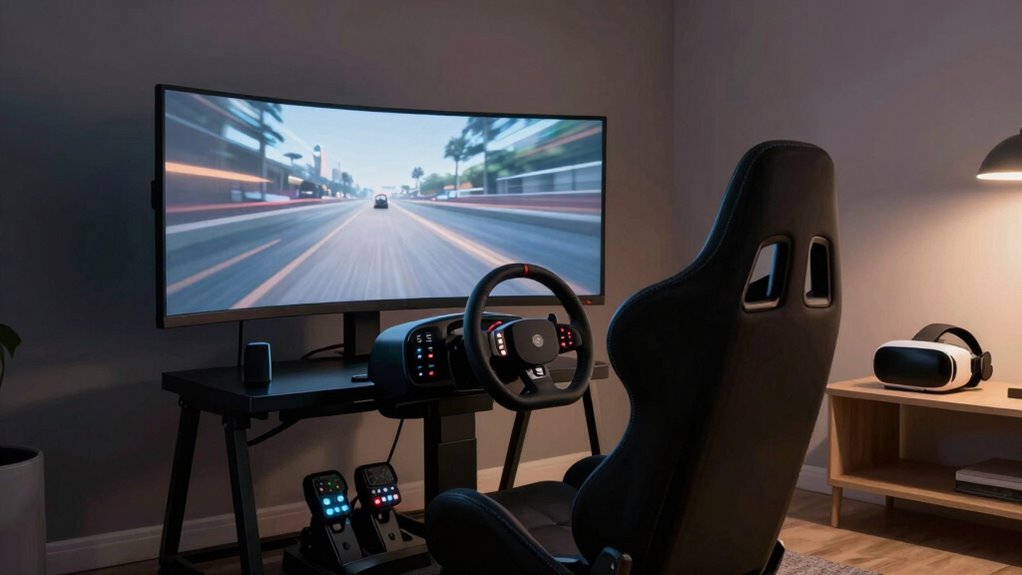
Additionally, take time to set up your physical space comfortably. Clear a dedicated area where you can move freely and avoid distractions. Make sure your chair or racing rig is stable, and position your monitors or screens (if you’re using them alongside VR) at eye level. This reduces neck strain and helps you stay relaxed during longer sessions. Incorporate gentle stretching or breaks into your routine to prevent fatigue or dizziness. Remember, it’s not just about the hardware; your physical comfort directly influences how overwhelmed or at ease you feel during your race. Proper hardware calibration can significantly enhance your overall experience and reduce discomfort. It’s also helpful to familiarize yourself with the VR environment beforehand to build confidence and reduce surprises during the race. Developing a pre-race routine can further ease nerves and prepare your mind for the session ahead. Additionally, understanding the hardware limitations can help you set realistic expectations and avoid frustration during your sessions.
Finally, start slow. Don’t jump into intense, high-speed races right away. Begin with shorter sessions, gradually increasing duration as you get used to the sensations. This incremental approach helps your mind and body adapt to VR racing without feeling overwhelmed. Over time, you’ll find it easier to focus, enjoy the immersion, and improve your skills without the initial sense of being overwhelmed. With patience and some simple adjustments, sim racing in VR can become an exhilarating, manageable experience rather than an intimidating one.
Products Worth Considering

Bose QuietComfort Wireless Noise-Cancelling Over-Ear Headphones, Black

Sony WH-1000XM6 Wireless Noise-Canceling Over-Ear Headphones, Blue, Bundle

Apple iPad Air (2025) 13‑inch Wi‑Fi 256 GB – Space Gray (M3 chip)
As an affiliate, we earn on qualifying purchases.
Frequently Asked Questions
What Are the Best Budget VR Headsets for Sim Racing?
The Oculus Quest 2 is your best budget VR headset for sim racing, offering great VR headset comfort and affordability for budget gaming. It’s easy to set up, offers sharp visuals, and has a comfortable fit for long sessions, reducing overwhelm. If you want a wired experience, the HP Reverb G2 also provides excellent visual clarity and comfort. Both are solid choices to enhance your racing without breaking the bank.
How Do I Reduce Motion Sickness During VR Racing?
Feeling that dreaded nausea? You can reduce motion sickness by prioritizing visual comfort and practicing gradual adaptation. Start with shorter sessions, gradually increasing your time to let your brain adjust. Adjust your headset fit to minimize discomfort, and tweak settings like field of view and motion blur. Pay attention to your body’s signals, and take regular breaks. With patience, your VR racing experience will become smoother and more enjoyable.
Can I Upgrade My Existing Sim Racing Setup Easily?
Yes, upgrading your existing sim racing setup is straightforward. You can start by adjusting your ergonomic seat to improve comfort and control, reducing fatigue during long sessions. Additionally, customize your controllers to fit your preferences for better handling and immersion. These simple upgrades enhance your experience without needing a complete overhaul, making your VR racing more enjoyable and less overwhelming.
What Safety Precautions Should I Take While VR Racing at Home?
Think of your VR setup as a delicate dance—balance safety and comfort. Always follow safety guidelines, like securing cables to prevent tripping and adjusting the headset for VR comfort to avoid strain. Keep your space clear of obstacles, take regular breaks, and stay aware of your surroundings. These precautions act as your safety shield, ensuring an immersive, enjoyable experience without risking injury or discomfort.
How Do I Troubleshoot Common VR Headset Connectivity Issues?
To troubleshoot VR headset connectivity issues, start by checking your VR display calibration to make the visuals are aligned properly. For wireless connection issues, make sure your headset has a strong signal—try moving closer to the router or reducing interference. Restart your headset and PC, update firmware and drivers, and reconnect the devices. If problems persist, resetting the headset or reinstalling the VR software often resolves lingering connectivity glitches.
Conclusion
Remember, sim racing in VR is like a wild stallion—you don’t need to tame it all at once. Start slow, breathe, and let your confidence build like a gentle sunrise. With patience and small victories, you’ll find yourself gliding smoothly through virtual tracks, leaving overwhelm in the dust. Embrace the journey, and soon, racing in VR will feel as natural as a breeze on a summer day—exciting, freeing, and completely within your grasp.