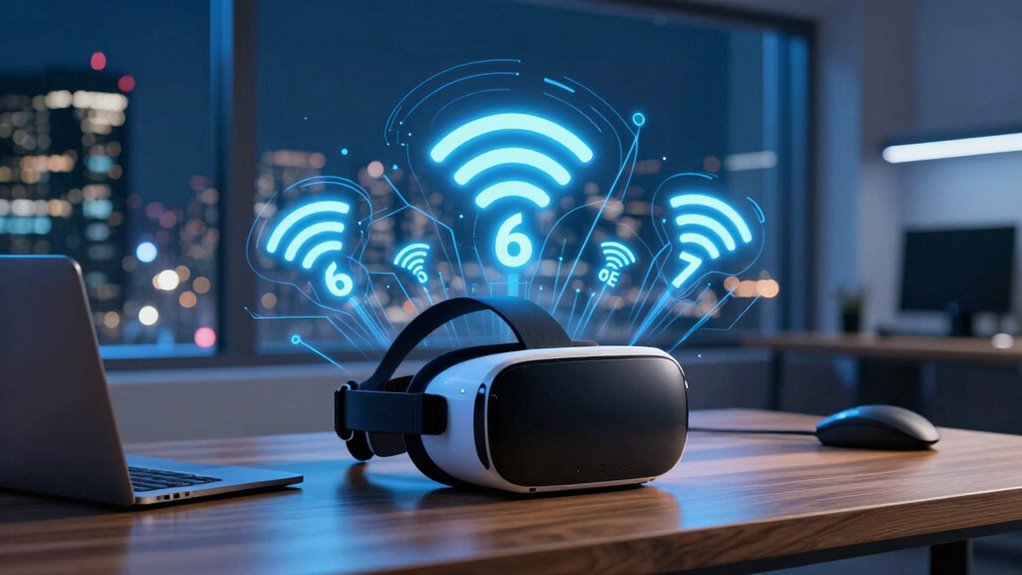

Wi‑Fi 6, 6E, and 7 represent different generations of wireless tech that improve your VR experience. Wi‑Fi 6 offers faster speeds and lower latency, while Wi‑Fi 6E adds extra bandwidth in the 6 GHz spectrum for less interference. Wi‑Fi 7 promises speeds over 30 Gbps and even lower latency. These numbers show how your network can support smoother, more responsive VR—keeping you immersed. To learn more about what these advances mean for your setup, keep exploring.
Key Takeaways
- The numbers (6, 6E, 7) indicate different Wi‑Fi standards with increasing speed, capacity, and low latency for enhanced VR experiences.
- Wi‑Fi 6 and 6E support faster data transfer, lower latency, and better reliability, crucial for smooth VR streaming and interactions.
- Wi‑Fi 6E extends into the 6 GHz band, offering more bandwidth and less interference for high-quality VR performance.
- Wi‑Fi 7 aims for speeds over 30 Gbps with latency below 2 ms, enabling ultra-high-resolution VR and real-time multiplayer experiences.
- Upgrading to newer standards ensures better signal stability, device compatibility, and reduced lag for immersive virtual reality.
Wi-Fi 6 vs 6E vs 7 — Explained for VR
| Feature | Wi-Fi 6 (802.11ax) | Wi-Fi 6E (802.11ax extended) | Wi-Fi 7 (802.11be) |
|---|---|---|---|
| Year Introduced | 2019 | 2021 | 2024–2025 |
| Main Upgrade | Efficiency & lower latency | New, clean 6 GHz band | Extreme speed + ultra-low latency |
| Frequency Bands | 2.4 GHz, 5 GHz | 2.4 GHz, 5 GHz, 6 GHz | 2.4 GHz, 5 GHz, 6 GHz |
| Max Channel Width | 160 MHz | 160 MHz | 320 MHz |
| Peak Speed (theoretical) | ~9.6 Gbps | ~9.6 Gbps | ~46 Gbps |
| Latency (VR-relevant) | ~20–30 ms | ~10–20 ms | <5–10 ms |
| Interference Level | Medium | Very low | Very low |
| Best VR Use Case | Entry-level wireless VR | Smooth PC-VR streaming | Near-wired-quality wireless VR |
| VR Headset Support | Most current headsets | Quest 3, Quest Pro | Upcoming headsets (2025+) |
What This Means Specifically for VR
🟦 Wi-Fi 6 — “Good Enough, But Busy”
- Big improvement over Wi-Fi 5
- Still competes with phones, TVs, neighbors
- Works, but can stutter in crowded environments
Best for:
Casual VR, lower bitrates, wired fallback available
🟩 Wi-Fi 6E — “The VR Sweet Spot Today”
- Unlocks the 6 GHz band (no legacy devices)
- Far less congestion → cleaner VR streams
- Massive upgrade for Quest Air Link & Virtual Desktop
Best for:
👉 PC-VR streaming in 2024–2025
👉 Meta Quest 3 / Quest Pro users
🟥 Wi-Fi 7 — “Wireless VR Goes Pro”
- Doubles channel width (320 MHz)
- Multi-Link Operation (uses multiple bands at once)
- Latency low enough to rival DisplayPort cables
Best for:
👉 Future high-resolution XR
👉 Mixed reality, eye-tracked foveated streaming
👉 Wireless PC-VR with zero compromise
| Your VR Goal | Minimum Wi-Fi | Recommended |
|---|---|---|
| Casual standalone VR | Wi-Fi 6 | Wi-Fi 6 |
| PC-VR (Air Link / VD) | Wi-Fi 6 | Wi-Fi 6E |
| Competitive / sim VR | Wi-Fi 6E | Wi-Fi 7 |
| Future-proof XR | Wi-Fi 6E | Wi-Fi 7 |
Understanding Wi‑Fi 6: The Basics for VR
Wi‑Fi 6, also known as 802.11ax, is a significant upgrade over previous Wi‑Fi standards, specially designed to support the growing demands of virtual reality. It offers faster speeds, lower latency, and improved reliability, which are essential for VR experiences. With Wi‑Fi 6, you’ll notice smoother streaming and less lag during gameplay or virtual interactions. It achieves this by increasing network capacity, allowing more devices to connect simultaneously without sacrificing performance. The technology also enhances efficiency through smarter data management, reducing congestion in busy environments. This means your VR device gets a more stable connection, even in crowded settings. Additionally, understanding the importance of Free Floating concepts helps optimize your network setup for VR, ensuring you get the best possible experience. The advanced antenna technology in Wi‑Fi 6 further improves signal strength and coverage, making it ideal for immersive VR environments. Incorporating network optimization techniques can further enhance VR performance and stability. Recognizing how interference mitigation plays a role in maintaining a robust connection is also crucial for seamless VR use. Overall, understanding Wi‑Fi 6 helps you appreciate how it can elevate your virtual reality experience, making it more immersive and seamless.
What Sets Wi‑Fi 6E Apart and Its Benefits for Virtual Reality
Wi‑Fi 6E offers wider spectrum access, which means less congestion and smoother VR experiences. It also delivers faster data transfer rates, so your connections stay quick and responsive. Plus, reduced latency and interference help guarantee your VR sessions are seamless and immersive. Additionally, local traditions and regional variations in Wi-Fi deployment can influence performance in different areas.
Enhanced Spectrum Access
Because it operates in the newly available 6 GHz band, Wi‑Fi 6E offers substantially enhanced spectrum access compared to previous standards. This additional spectrum means less congestion and interference, which is vital for VR experiences that demand stable, low-latency connections. This expanded bandwidth also allows multiple devices to operate simultaneously without competing for the same spectrum, ensuring smoother performance in busy environments. As a result, Wi‑Fi 6E provides a more reliable, consistent connection that enhances your VR experience by minimizing interruptions and buffering, even in crowded settings. This improvement in spectrum access is a major step toward seamless, high‑quality wireless VR. Additionally, the portable power provided by modern, efficient inverter generators ensures your VR setup remains powered during extended sessions or outdoor use.
Faster Data Transfer Rates
One of the key advantages of Wi‑Fi 6E is its ability to deliver substantially faster data transfer rates, which is crucial for seamless virtual reality experiences. With these speeds, you can enjoy smoother gameplay, sharper visuals, and real-time interactions without lag. Imagine:
- Streaming high-resolution VR content without buffering delays.
- Transferring large game files or updates in seconds.
- Running multiple VR devices simultaneously without slowdown.
- Experiencing immersive environments with virtually no data bottlenecks.
These rapid data rates ensure your VR setup stays responsive and immersive, reducing interruptions and enhancing overall performance. Faster speeds also mean you can push the limits of your VR hardware, revealing new levels of detail and realism that make virtual worlds feel more convincing.
Reduced Latency and Interference
While faster data transfer rates improve your VR experience, reducing latency and interference takes it a step further by making interactions more immediate and reliable. Wi‑Fi 6E minimizes delays, so your movements sync instantly with the virtual world. It also tackles interference by operating on the 6 GHz band, which is less crowded than traditional bands. This means fewer dropped connections and smoother gameplay. To visualize, here’s how Wi‑Fi 6E enhances your VR setup:
| Feature | Benefit | Impact on VR |
|---|---|---|
| Reduced Latency | Quicker response times | Less motion sickness |
| 6 GHz Band | Less interference from other devices | Stable connection |
| OFDMA Technology | Multiple devices communicate efficiently | Seamless experience |
| Target Wake Time | Saves power during idle periods | Longer VR sessions |
| Improved Security | Safer data transmission | Peace of mind |
Exploring Wi‑Fi 7: The Future of Wireless VR Connectivity
Wi‑Fi 7 is poised to revolutionize wireless VR connectivity by offering faster speeds, lower latency, and more reliable connections. Imagine a network that:
Wi‑Fi 7 transforms wireless VR with faster speeds, lower latency, and unmatched stability for immersive experiences.
- Sends data at lightning-fast rates, enabling seamless high-resolution streaming.
- Reduces lag to milliseconds, making interactions feel instant.
- Maintains stability even in crowded environments with multiple devices.
- Supports multiple users simultaneously without performance drops.
With these improvements, your VR experiences will become more immersive and fluid. You’ll notice less buffering, smoother visuals, and quicker response times. Wi‑Fi 7’s advanced technology, including wider channels and better interference management, guarantees your virtual worlds stay connected without disruption. This leap forward will enhance multiplayer gaming, live experiences, and complex simulations, pushing the boundaries of what wireless VR can achieve.
Comparing Speed and Latency Across Wi‑Fi 6, 6E, and 7
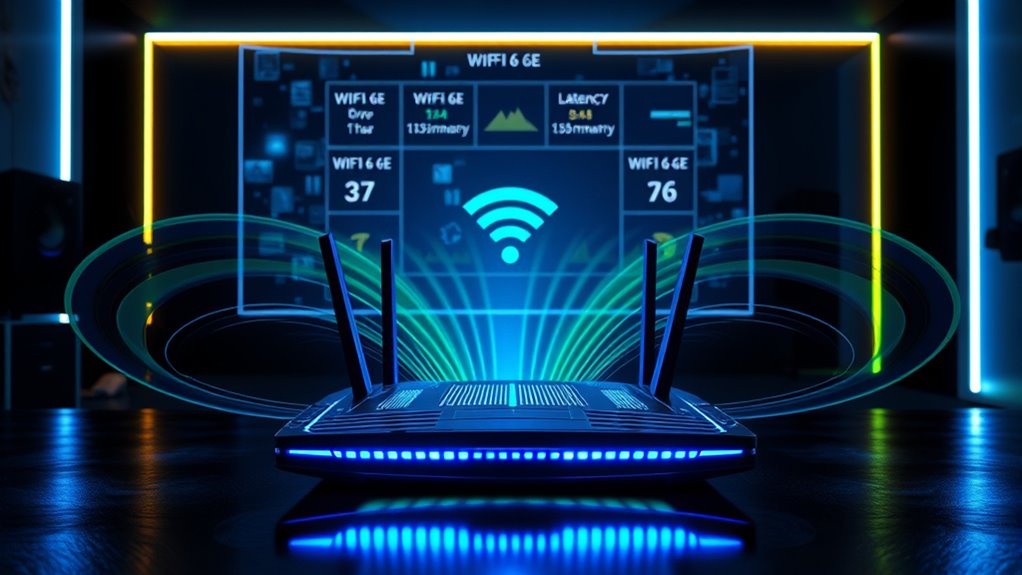
How do the different Wi‑Fi standards compare when it comes to speed and latency? Wi‑Fi 6 offers speeds up to 9.6 Gbps with latency around 10 milliseconds, providing smooth VR experiences. Wi‑Fi 6E increases bandwidth by operating on the 6 GHz band, boosting speeds further and reducing interference, which lowers latency slightly. Wi‑Fi 7 aims to surpass both, targeting speeds over 30 Gbps and latency below 2 milliseconds, ideal for high-fidelity VR. The advancements come from wider channels, improved modulation, and smarter data handling. As you upgrade, expect faster data transfer rates, less lag, and more reliable connections, all essential for immersive VR gaming and experiences. These improvements guarantee your VR sessions are smoother, more responsive, and less prone to disruptions.
Compatibility and Device Support for the Latest Wi‑Fi Standards
Upgrading to the latest Wi‑Fi standards means guaranteeing your devices can support these new protocols. Imagine your device connecting seamlessly, like:
- Your laptop syncing effortlessly with your router.
- Your VR headset maintaining a stable, high-speed link.
- Your smartphone automatically updating to support Wi‑Fi 6E or 7.
- Your smart home gadgets adapting to faster, more reliable connections.
Not all devices support the newest standards yet, so check compatibility before upgrading. Older routers might not handle Wi‑Fi 6 or 7, and some devices may only work with previous versions. Confirm your hardware is compatible to enjoy the full benefits of faster speeds and lower latency. Vetted – wave and wind Compatibility is key to accessing a smooth, immersive VR experience with the latest Wi‑Fi protocols.
VR Wireless Bandwidth Calculator
VR Wireless Bandwidth Calculator
Estimate the wireless streaming bitrate you’ll need for Air Link / Virtual Desktop style PCVR. Results are approximate but useful for choosing Wi-Fi 6 vs 6E vs 7.
How Upgrading Your Network Enhances VR Experiences
Upgrading your network with Wi‑Fi 6, 6E, or 7 means you’ll enjoy faster data transmission, which reduces lag during your VR sessions. You’ll also experience lower latency and fewer delays, making interactions feel more seamless. Plus, improved signal stability guarantees your connection stays strong even in busy environments.
Faster Data Transmission
Faster data transmission is essential for a seamless VR experience, especially as virtual environments become more complex. When your network moves data quickly, your VR headset can deliver more detailed visuals without lag. Imagine:
- Streaming high-resolution textures smoothly, so worlds feel richer.
- Instantly transmitting controller movements, keeping your actions perfectly in sync.
- Downloading large game updates in seconds, reducing wait times.
- Maintaining steady video feeds, so your immersion isn’t broken by buffering.
This improved efficiency helps your network handle these tasks more effectively, reducing delays and ensuring your virtual experience stays fluid. Faster transmission means less waiting, more exploring, and a more realistic VR journey.
Reduced Latency Issues
Have you ever experienced noticeable lag or stuttering during a VR session? Upgrading to Wi-Fi 6, 6E, or 7 markedly reduces latency, making your experience smoother. These newer standards process data faster and more efficiently, cutting down the delay between your movements and what you see. When latency drops, your actions feel more immediate, and the virtual environment reacts instantly. This is especially essential for fast-paced VR games and applications where even slight delays can break immersion. By lowering latency, you minimize motion sickness and discomfort. With advanced features like improved data queues and better prioritization, your device can communicate with your headset more quickly and reliably. Overall, these upgrades directly translate into more responsive, immersive, and comfortable VR experiences.
Improved Signal Stability
As latency issues decrease with Wi-Fi 6, 6E, and 7, you’ll notice a more reliable connection that keeps your VR experience smooth and consistent. Improved signal stability means fewer interruptions, less jitter, and stronger connections even in crowded environments. Imagine:
- Your headset maintaining a steady link, so visuals stay crisp and responsive.
- Reduced dropouts, preventing sudden disconnections during intense gameplay.
- Consistent data flow, ensuring tracking remains precise and lag-free.
- Better performance across multiple devices, so your VR isn’t affected by others nearby.
This upgrade helps your VR sessions feel more immersive and seamless. You won’t have to pause or recalibrate as often, and your experience becomes more enjoyable and reliable overall.
Practical Tips for Choosing the Right Wi‑Fi Standard for VR
Choosing the right Wi-Fi standard for VR depends on your specific needs and setup. If you want the best performance and minimal lag, prioritize Wi-Fi 6E or Wi-Fi 7, which offer higher speeds and lower latency. Confirm your router supports these standards and that your VR headset is compatible. Consider your home environment; crowded areas benefit from the wider channels and reduced interference of newer standards. If you have a smaller space or less demanding use, Wi-Fi 5 might suffice, but upgrading can future-proof your setup. Also, check your internet plan’s speed, as even the latest Wi-Fi won’t improve your connection if your bandwidth is limited. Ultimately, matching your hardware and environment to the Wi-Fi standard will deliver a smoother VR experience. Understanding Wi-Fi standards can help you make an informed choice.
Bottom line for VR
- Wi-Fi 6E is the best value right now
- Wi-Fi 7 is the endgame for wireless VR
- Regular Wi-Fi 6 works—but you’ll feel its limits fast
Frequently Asked Questions
How Does Wi-Fi 6 Improve VR Multiplayer Experiences?
Wi‑Fi 6 improves your VR multiplayer experiences by providing faster, more reliable connections with lower latency. You’ll notice smoother gameplay and less lag, even with multiple players online. The technology manages network traffic better, reducing interference and ensuring your VR sessions stay seamless. This means you can enjoy real-time interactions, quick responses, and a more immersive multiplayer environment without frustrating delays or disconnections.
Are Older VR Devices Compatible With Wi-Fi 6E and 7?
Older VR devices generally aren’t compatible with Wi-Fi 6E and 7 because they lack the necessary hardware to support the newer standards. You’ll likely need to upgrade your device or router to enjoy these faster, more efficient connections. While some older devices may work with Wi-Fi 6, compatibility with 6E and 7 isn’t guaranteed, so check your device’s specifications before attempting to connect.
What Security Features Are Enhanced in Wi-Fi 6 and Newer Standards?
You’ll notice that Wi-Fi 6 and newer standards boost security by implementing WPA3, which replaces WPA2. This upgrade uses stronger encryption, making it harder for hackers to intercept your data. While older devices might not fully support these features, upgrading guarantees your VR experience stays private and protected. Think of it as adding an extra lock to your digital door, safeguarding your online world from unauthorized access.
Can Wi-Fi 7 Reduce VR Motion Sickness Caused by Latency?
Yes, Wi-Fi 7 can help reduce VR motion sickness caused by latency. It offers faster data transfer speeds and lower latency, ensuring smoother and more responsive VR experiences. This means your device reacts quicker to your movements, minimizing lag and motion sickness. With Wi-Fi 7, you get more stable connections, so your VR sessions feel more natural and immersive, making motion sickness less of a concern.
Is Upgrading to Wi-Fi 6E or 7 Cost-Effective for VR Users?
Upgrading to Wi-Fi 6E or 7 can be a smart move if you want smoother VR experiences. While it might seem like an investment now, it can lead to fewer lag issues and better performance, making your VR sessions more enjoyable. If you’re serious about immersive gaming or virtual work, the enhanced speed and lower latency could justify the cost, especially as technology continues to advance.
Conclusion
So, now you know what those Wi‑Fi numbers really mean—less mystery, more power for your VR adventures. Upgrading might seem like rocket science, but honestly, it’s just about getting faster, smoother experiences. Who knew that a simple number could open such epic virtual worlds? Just pick the right Wi‑Fi standard, and you’ll be conquering virtual domains in no time—no tech wizardry required, just a dash of common sense. Happy VR gaming!