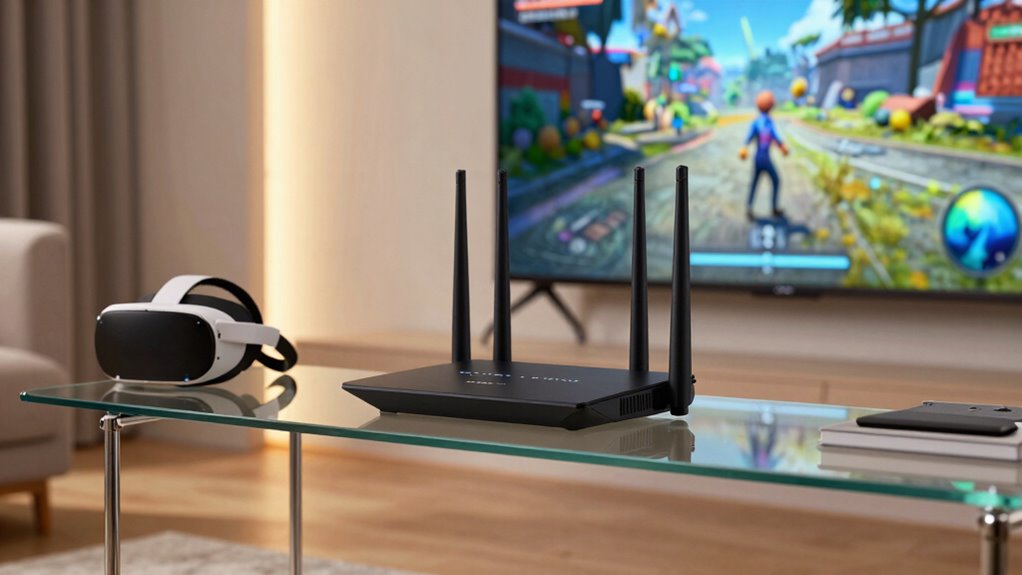

Tri-band routers are essential for wireless PCVR because they give you dedicated high-speed channels, reducing lag and boosting stability. By separating VR traffic from other devices, these routers guarantee smoother, more immersive experiences with minimal latency. They also minimize signal interference and congestion, preventing dropouts during intense VR sessions. With improved network management and quality of service, you can enjoy seamless virtual worlds. Keep exploring to discover how these features can elevate your VR adventures even further.
Listen free for 30 days with Audible
Thousands of audiobooks and originals — cancel anytime.
As an affiliate, we earn on qualifying purchases.
Key Takeaways
- Tri-band routers provide an extra 5 GHz channel, ensuring high-speed, low-latency connections crucial for smooth PCVR experiences.
- They enable device separation, dedicating a band solely for VR traffic to reduce interference and lag.
- Tri-band routers improve network management by prioritizing VR data, minimizing disruptions during immersive sessions.
- They reduce signal congestion in crowded Wi-Fi environments, maintaining consistent connectivity for VR headsets.
- With enhanced bandwidth and interference reduction, tri-band routers deliver more stable, immersive virtual reality experiences.
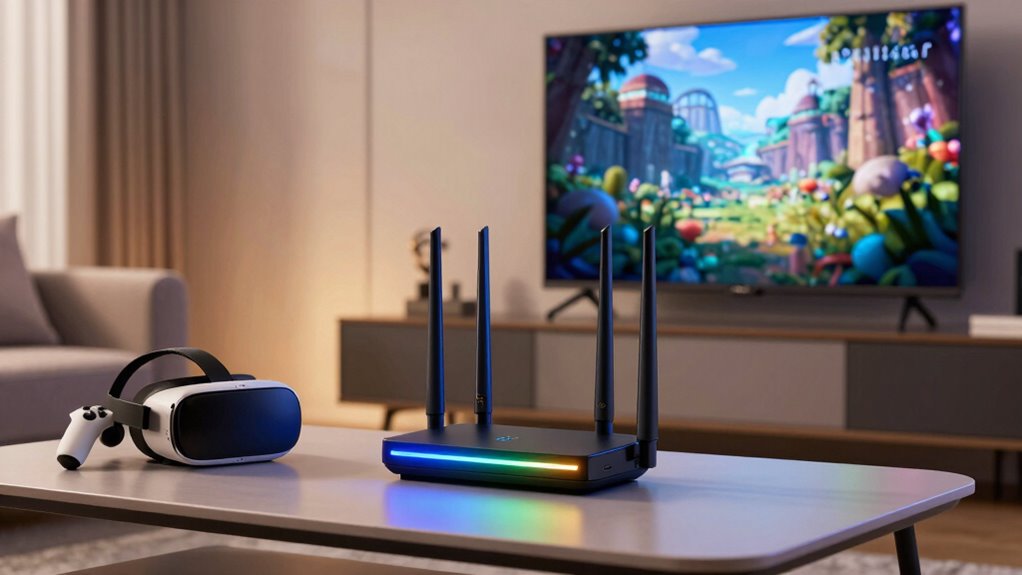
Have you ever wondered how to enjoy smoother, more immersive wireless PC virtual reality (PCVR) experiences? The key lies in your router’s ability to handle the demands of high-bandwidth, low-latency connections. That’s where tri-band routers come into play. Unlike single or dual-band routers, tri-band models offer an additional 5 GHz band, giving you more channels to distribute your devices’ traffic. This extra band becomes a game-changer for PCVR, which demands consistent, high-speed data transfer to keep your virtual environment seamless and responsive.
Tri-band routers provide extra channels for high-speed, low-latency VR experiences.
One of the main reasons tri-band routers matter is their capacity for bandwidth prioritization. With multiple bands available, you can assign your PCVR headset to a dedicated 5 GHz band, separate from other devices like smartphones, smart TVs, or streaming boxes. This separation guarantees your VR experience gets the maximum bandwidth it needs, reducing the risk of lag, stuttering, or latency spikes. When your VR headset has its own high-speed lane, you can enjoy a more stable, fluid experience, even in households with many connected gadgets.
Signal interference poses another challenge for wireless PCVR. In crowded Wi-Fi environments, overlapping channels and competing signals can cause disruptions, slowing down your connection or causing dropouts. Tri-band routers help mitigate this problem by providing an additional 5 GHz band, which reduces congestion on each channel. You can also set up your router to automatically steer your VR device to the least congested band, further minimizing interference. This intelligent management keeps your signal strong and reliable, which is vital during intense VR sessions where even a brief interruption can break immersion or cause nausea. Enhanced network management capabilities of tri-band routers further improve your experience by optimizing how data is routed across the bands. Additionally, these routers often incorporate wireless spectrum optimization, which helps in managing multiple devices efficiently in busy environments. Employing network management tools allows for better control over device connections and bandwidth distribution, ensuring your VR gets priority.
Additionally, tri-band routers often feature advanced Quality of Service (QoS) settings that prioritize VR traffic over less critical data. This means your router actively manages data flow to guarantee your VR experience remains smooth, even when multiple devices are demanding bandwidth simultaneously. Network traffic management becomes especially important in busy households, ensuring your VR remains unaffected by other activities. The combined power of dedicated bands and smart traffic management translates into fewer disconnects, lower latency, and a more immersive experience.
In essence, investing in a tri-band router enhances your wireless PCVR setup by providing dedicated channels that prioritize your VR traffic, reducing signal interference, and maintaining a steady, high-speed connection. The high-bandwidth capabilities of tri-band routers are essential for minimizing lag and ensuring a seamless virtual experience, especially in environments with many connected devices. It’s an essential upgrade if you want to eliminate lag, improve stability, and truly immerse yourself in virtual worlds without distraction.
As an affiliate, we earn on qualifying purchases.
Frequently Asked Questions
Can Tri-Band Routers Improve VR Latency?
Yes, tri-band routers can improve VR latency by reducing wireless interference, which often causes lag and disconnections. They dedicate separate bands for different devices, ensuring your VR headset gets the most stable connection. Plus, their compatibility with multiple devices minimizes network congestion. This setup offers a smoother, more responsive experience, making your VR sessions more immersive and enjoyable.
Are Tri-Band Routers Necessary for Multiplayer VR Experiences?
Think of multiplayer VR as a bustling city street—tri-band routers act like traffic cops, keeping data flowing smoothly. While not strictly necessary, they markedly enhance network security and reduce lag, making gameplay seamless. Regular firmware updates ensure your router stays secure and optimized, preventing interruptions. If you’re serious about multiplayer VR, investing in a tri-band router helps manage the heavy data traffic, keeping your experience smooth and secure.
How Do Tri-Band Routers Handle Multiple VR Headsets?
Tri-band routers handle multiple VR headsets by managing network congestion effectively. They assign dedicated bands to your devices, reducing interference and latency. With device prioritization, your VR headsets get higher bandwidth and lower lag, ensuring smoother experiences. This setup prevents one headset from hogging bandwidth, allowing all users to enjoy seamless VR gameplay. Overall, tri-band routers optimize your network for multiple VR headsets, making your multiplayer sessions more reliable and immersive.
Do Tri-Band Routers Require Special Setup for VR?
No, tri-band routers don’t need special setup for VR, but proper placement is key. Place your router in a central, elevated spot to reduce interference and improve signal strength. Keep your firmware updated regularly to guarantee peak performance and security. You may also want to assign specific bands to your VR headsets to prevent congestion. These steps help maintain a smooth VR experience without extra configuration.
Can Tri-Band Routers Reduce VR Motion Sickness?
Yes, tri-band routers can help reduce VR motion sickness by improving Wi-Fi interference and signal stability. With an extra band, your network experiences less congestion, ensuring a more consistent connection during your VR sessions. This stability minimizes lag and jitter, which can cause motion sickness. So, investing in a tri-band router provides a smoother, more reliable wireless experience, making your VR gameplay more comfortable and immersive.
best router for wireless VR gaming
As an affiliate, we earn on qualifying purchases.
As an affiliate, we earn on qualifying purchases.
Conclusion
So, next time you’re setting up your wireless PCVR, don’t overlook the power of a tri-band router. It’s funny how the right router can unexpectedly boost your experience, turning lag into seamless gameplay. Sometimes, the smallest tech choices make the biggest difference—like having that extra band to keep your connection steady. With a tri-band router, you might just find yourself immersed in VR worlds longer than you thought possible. It’s all about connection, after all.
As an affiliate, we earn on qualifying purchases.
As an affiliate, we earn on qualifying purchases.
Fall yard work Picks
leaf blowers
As an affiliate, we earn on qualifying purchases.