
TL;DR

Get VR and gaming gear delivered free — and shop member deals
- Fast, free delivery on millions of items
- Access to Prime Big Deal Days deals on October 6–7
- Prime Video, Amazon Music and more included
Whirligig’s major update is now live, adding a media server, network browsing, and other features. The update aims to improve media management and sharing in VR. Details on performance and full capabilities are still emerging.
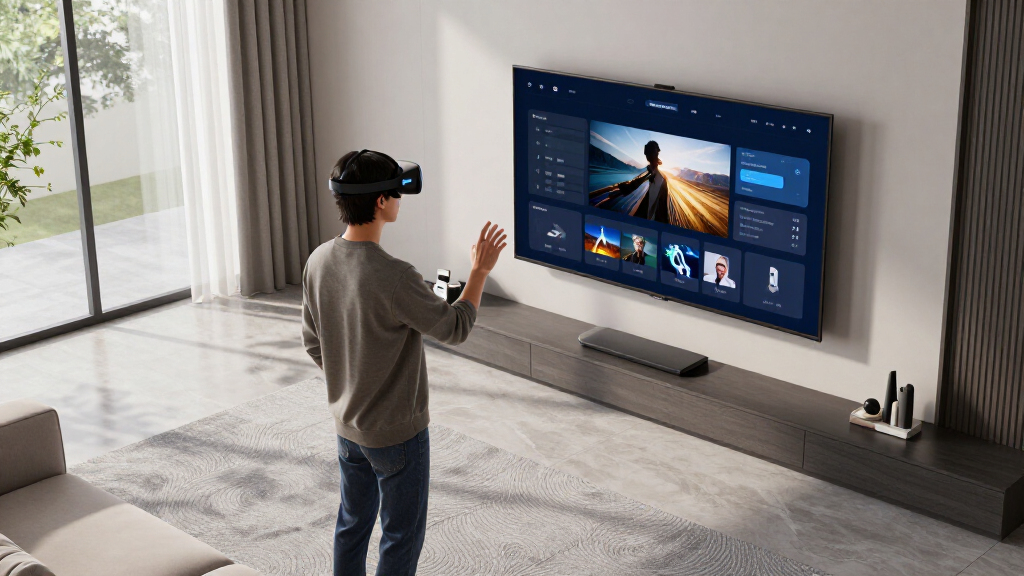
The latest Whirligig update is now live, introducing a media server, network browsing, and several other features aimed at enhancing media management within VR. This update marks a significant step forward for the app’s functionality, offering users more flexibility and control over their media content in virtual reality environments.
The update, announced on r/OculusQuest, is now accessible to users and includes a media server feature that allows users to stream and access media files over their local network. Additionally, the update improves network browsing capabilities, enabling easier discovery and management of media devices connected to the same network. The developers have also added various quality-of-life improvements, though specific technical details and performance metrics are still being evaluated by users.
According to reports from users on r/OculusQuest, the update appears to be stable, with many praising the new features for their potential to streamline media playback and sharing in VR. However, some users have noted that certain functionalities are still under testing, and performance may vary depending on hardware and network conditions.
Enhanced Media Management in VR Environments
This update is important because it significantly improves how users can access, stream, and share media content in VR. The addition of a media server and network browsing reduces reliance on external devices or manual file transfers, offering a more seamless experience. For VR enthusiasts, content creators, and developers, these features could lead to more integrated media experiences and potentially influence future VR media applications.
As an affiliate, we earn on qualifying purchases.
Previous Versions and User Expectations
Prior to this update, Whirligig was primarily known as a media player with limited network capabilities. Users had expressed a desire for more integrated media management features, especially for sharing content across devices. The update aligns with ongoing community feedback and the broader trend of enhancing media capabilities in VR apps. The timing suggests the developers have been working on these features for some time, with the release signaling a major milestone in the app’s development.
“The new media server feature is a game-changer for how I use Whirligig. Streaming media over my network feels much smoother now.”
— an anonymous user on r/OculusQuest
As an affiliate, we earn on qualifying purchases.
Unresolved Questions About Performance and Compatibility
It is not yet clear how the update performs across different hardware setups or network environments. Some users have reported stability issues or limited functionality, but comprehensive performance data is still unavailable. Details about future updates or additional features remain unconfirmed.
As an affiliate, we earn on qualifying purchases.
Expected Follow-Up and User Feedback Monitoring
Developers are likely to monitor user feedback closely to address any bugs or performance issues. Future updates may include further improvements to network capabilities, added media formats, or enhanced user interface options. Users can expect ongoing refinements based on community input.
As an affiliate, we earn on qualifying purchases.
Key Questions
When did the Whirligig update go live?
The update is currently live and available to users, with announcements made recently on r/OculusQuest.
What new features does the update include?
The update introduces a media server, network browsing, and several quality-of-life improvements for media management within VR.
Are there any known issues with the update?
Some users have reported stability and performance issues, but comprehensive data is still being collected. Overall, the update appears stable for most users.
Will there be further updates to improve these features?
It is expected that developers will release follow-up updates based on user feedback, potentially adding more features or enhancing existing ones.
Is the update compatible with all VR hardware?
Compatibility details are still emerging; early reports suggest it works well on common setups, but full compatibility information has not yet been confirmed.
Source: r/OculusQuest
Fall Picks
fall essentials
As an affiliate, we earn on qualifying purchases.