
For a comfortable VR streaming experience, higher resolutions and ultra-low latency aren’t always best because they demand more from your hardware and internet. Pushing for perfect visuals can cause motion sickness, disorientation, and lag, ruining immersion. Sometimes, lowering quality improves comfort by reducing strain and disorientation. Finding the right balance depends on your setup and tolerance—if you want to know how to optimize your VR experience, stay with us to learn more.

Play games on Amazon Luna for your next adventure, included with Prime
- A rotating selection of games, no download needed
- Play on TV, laptop or phone
- Fast, free delivery for your gear, too
Key Takeaways
- Higher resolution increases latency, which can cause motion sickness and discomfort in VR experiences.
- Pushing for maximum quality may overtax hardware, leading to lag, stutters, and reduced immersion.
- Limited bandwidth can cause buffering and pixelation at high resolutions, affecting both quality and comfort.
- Lowering image quality can improve performance, reduce latency, and enhance overall user comfort.
- Balancing resolution with hardware capabilities and internet speed ensures a smoother, more comfortable VR experience.

Virtual reality streaming offers an immersive experience that can transport you anywhere instantly, but balancing picture quality with comfort remains a challenge. When you immerse yourself in high-resolution VR content, you might expect flawless visuals and smooth performance. However, higher picture quality often leads to increased latency issues, which can cause motion sickness or disorientation. Latency issues happen when the system takes too long to process and display images, breaking the sense of immersion and making the experience uncomfortable. To minimize this, many VR platforms reduce image quality slightly to guarantee smoother, lower-latency streaming. This trade-off highlights why pushing for the highest possible resolution isn’t always the best choice for comfort. Additionally, hardware limitations can restrict the ability to enjoy high-quality streams without discomfort. Hardware compatibility also plays a significant role in determining your VR experience quality. Not all VR headsets are built to handle ultra-high-definition streams, especially if your device isn’t equipped with the latest graphics processing units (GPUs) or sufficient RAM. If your hardware isn’t compatible with the demanding software, you’ll encounter lag, stutters, or dropped frames, all of which diminish the sense of presence and cause fatigue. Upgrading hardware can mitigate these issues, but it’s not always a practical or affordable solution. Sometimes, the device’s limitations mean you need to compromise on quality to maintain a comfortable experience. It’s essential to understand your hardware’s capabilities and choose VR streaming options that align with them. Striving for higher resolution can also increase the bandwidth needed for streaming. If your internet connection isn’t fast enough, you’ll experience buffering, pixelation, or sudden drops in picture quality. These disruptions not only ruin the visual experience but can also induce discomfort, especially during extended sessions. To avoid this, many VR platforms automatically adjust the streaming quality based on your connection speed, but this can be frustrating if you prefer consistently high-resolution visuals. It’s a balancing act—you want crisp, detailed images without sacrificing smoothness or risking motion sickness caused by lag or jitter. Ultimately, achieving the perfect balance between quality and comfort depends on your setup and personal tolerance. If your hardware is limited or your internet isn’t ideal, lowering the resolution slightly can make your experience markedly more comfortable. Conversely, if you have a powerful system and fast connection, you can enjoy higher quality streams with minimal latency. Being aware of these factors helps you make informed choices, ensuring your VR sessions are both visually stunning and physically comfortable. Remember, in VR streaming, higher isn’t always better; sometimes, a slightly lower resolution offers the most enjoyable experience.
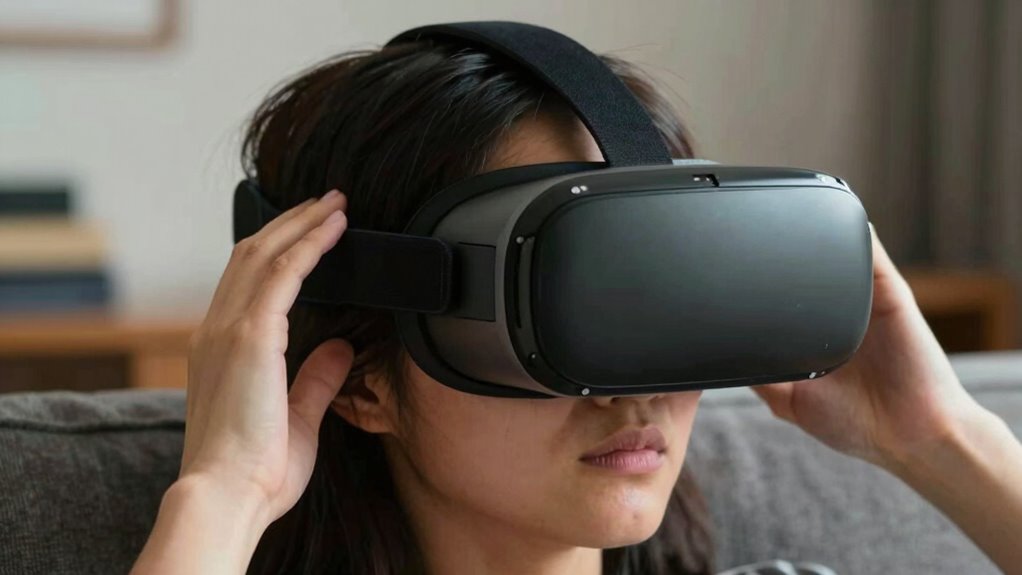
VR headset with adjustable resolution
As an affiliate, we earn on qualifying purchases.
As an affiliate, we earn on qualifying purchases.
Frequently Asked Questions
How Does Streaming Resolution Impact VR Headset Weight?
Higher streaming resolution can slightly increase headset weight because it often requires more advanced, heavier display components and additional hardware to handle the increased data. This creates a resolution trade-off, where you might get sharper visuals but at the expense of added weight, which can impact comfort during extended use. So, while higher resolution improves clarity, it can make your headset heavier and less comfortable over time.
Can Higher Quality Settings Cause Motion Sickness?
Yes, higher quality settings can cause motion sickness because they strain your visual comfort. When visuals are overly sharp or demanding, your eyes and brain struggle to sync, leading to discomfort and nausea. You might notice increased motion sickness if your VR headset’s resolution or frame rate is too high, causing lag or blurriness. To prevent this, find a balance that maintains visual clarity without overwhelming your senses or sacrificing comfort.
What Is the Optimal Balance Between Quality and Comfort?
You should aim for a sweet spot where visual clarity enhances your experience without sacrificing user comfort. Start with moderate quality settings, then tweak based on how your eyes and mind feel during extended use. Pushing for ultra-high resolution may seem tempting, but if it causes discomfort or motion sickness, you’re losing more than you gain. Balance is key—prioritize your comfort to enjoy immersive VR fully, without risking health or fatigue.
Do Longer VR Sessions Require Lower Streaming Quality?
Yes, longer VR sessions often benefit from lower streaming quality to reduce strain on your eyes and minimize motion sickness. As the session extends, you might notice increased discomfort if the headset is heavy or the visuals are too sharp, leading to fatigue. Lowering the streaming quality can help alleviate these issues, making your experience more comfortable and allowing you to enjoy longer VR sessions without compromising overall comfort.
How Does Bandwidth Affect VR Streaming Experience?
When it comes to VR streaming, bandwidth is the backbone that keeps everything running smoothly. Limited bandwidth can cause lag and buffering, making your experience feel like chasing a mirage. To combat this, compression techniques help reduce data load without sacrificing too much quality. Keep an eye on your connection, because if bandwidth drops, your immersive journey might turn into a bumpy ride rather than a seamless adventure.
As an affiliate, we earn on qualifying purchases.
Conclusion
Remember, when it comes to VR streaming, chasing higher quality can sometimes feel like chasing a mirage—bright at first but ultimately elusive. Prioritize your comfort to enjoy longer, more immersive sessions without straining your eyes or mind. After all, the best experience isn’t about the highest specs; it’s about finding that sweet spot where clarity and comfort dance together harmoniously. Balance is your key to revealing VR’s true potential without burning out.
As an affiliate, we earn on qualifying purchases.
As an affiliate, we earn on qualifying purchases.
Fall Picks
fall essentials
As an affiliate, we earn on qualifying purchases.