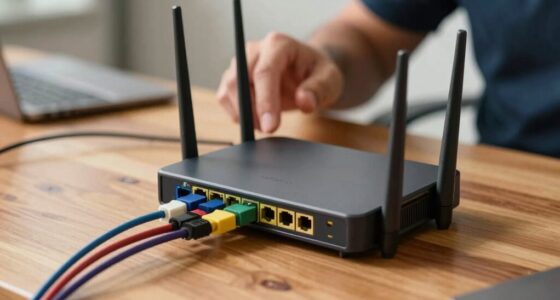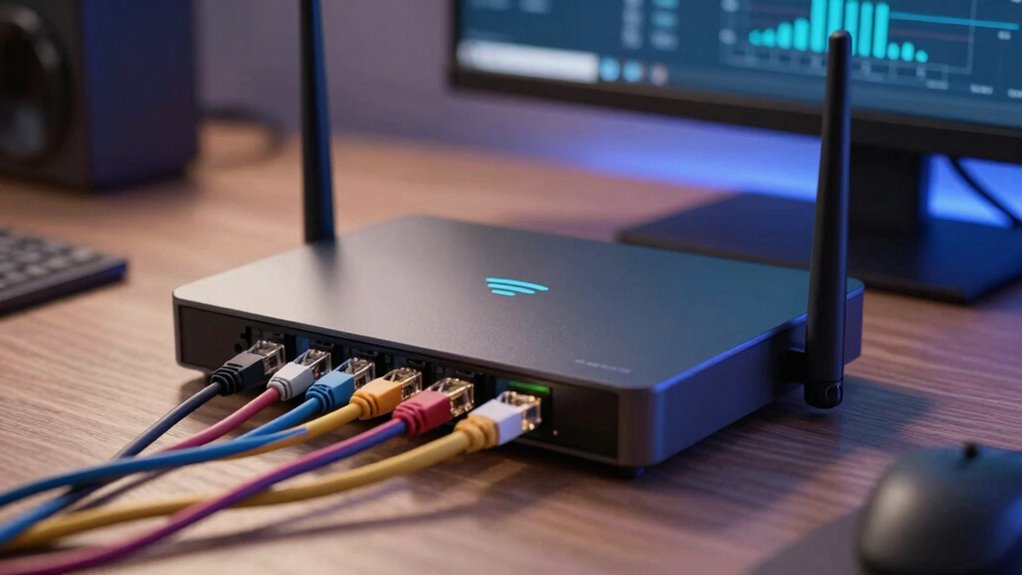

Your router setup matters more than advertised speed because it directly affects your network’s security and stability. If you don’t properly configure your device, you risk slow connections, disconnections, and security breaches. Updating firmware, changing default passwords, and enabling encryption are essential steps that protect your data and improve overall performance. Even with fast internet plans, a poor setup can limit your experience. Keep going to discover how to guarantee your network is both secure and efficient.

Get VR and gaming gear delivered free — and shop member deals
- Fast, free delivery on millions of items
- Access to Prime Big Deal Days deals on October 6–7
- Prime Video, Amazon Music and more included
Key Takeaways
- Proper setup ensures network security, preventing unauthorized access and data breaches beyond just speed.
- Correct configuration optimizes traffic flow, reducing interference and improving overall connectivity stability.
- Firmware updates fix vulnerabilities and enhance device performance, crucial for a secure and reliable network.
- Default settings or poor setup can cause disconnections, slow speeds, and security risks, regardless of advertised speed.
- Well-configured routers provide consistent, secure internet experiences that speed alone cannot guarantee.
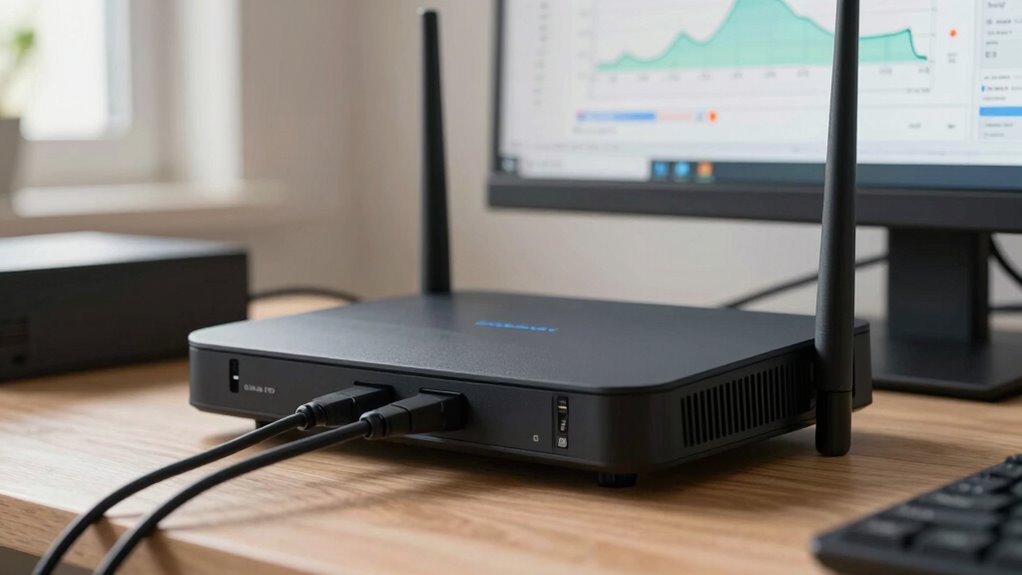
Have you ever wondered why proper router setup is essential for your home or office network? Many people focus solely on advertised internet speeds, assuming that a faster plan guarantees better performance. But in reality, your router’s setup influences much more than just speed. It affects your network’s security, stability, and overall reliability. If you overlook these details, you might experience frequent disconnections, slow connections, or even security breaches. That’s why understanding the importance of correct setup is crucial beyond choosing a high-speed plan.
Wireless security is a vital aspect of a proper router setup. If you don’t configure your router correctly, your network becomes vulnerable to unauthorized access. Hackers can exploit weak or default passwords, or unencrypted connections, gaining access to your personal data or even using your network for malicious activities. To prevent this, you should change default passwords, enable WPA3 or WPA2 encryption, and disable remote management features unless necessary. Securing your wireless connection ensures that only trusted devices can connect, protecting your sensitive information and maintaining your privacy. Additionally, understanding wireless security principles can help you implement more effective protections.
Secure your Wi-Fi with strong passwords and encryption to protect your data and prevent unauthorized access.
Firmware updates are another critical element that often gets overlooked. Manufacturers regularly release firmware updates to fix security flaws, improve performance, and add new features. If your router’s firmware is outdated, it’s not only missing out on these improvements but also leaving your network exposed to known vulnerabilities. Keeping your firmware up to date is simple but essential. Check your router’s admin panel periodically, or enable automatic updates if available. Doing so ensures your device is running the latest security patches, which helps defend against cyber threats and enhances stability. Regularly reviewing router security settings can further strengthen your network defenses. It’s also beneficial to understand how network management impacts your overall setup and security.
While advertised speeds might seem like the main selling point, they often don’t tell the full story. A properly setup router can optimize your network traffic, prioritize important devices, and reduce interference. But without attention to security measures like wireless security and firmware updates, your high-speed plan can be rendered ineffective or even dangerous. A secure, well-maintained router provides peace of mind, knowing your online activities are protected and your network runs smoothly.
In the end, the true value of your internet connection depends not just on the speed you pay for but on how well your router is configured. Ensuring strong wireless security and keeping firmware updated are foundational steps. When you take these actions, you’re not just improving performance—you’re safeguarding your entire digital environment. Proper setup isn’t just technical; it’s essential for peace of mind and reliable internet use.
As an affiliate, we earn on qualifying purchases.
Frequently Asked Questions
How Does Router Placement Affect Wi-Fi Coverage?
Your router placement directly impacts Wi-Fi coverage by affecting signal interference and ideal positioning. If you place it near thick walls or electronic devices, your signal weakens, causing dead zones. To maximize coverage, position your router centrally, elevated, and away from interference sources. This guarantees a strong, consistent signal across your space, reducing disruptions and improving your overall internet experience. Proper placement is key to better coverage and faster speeds.
Can Firmware Updates Improve My Router’s Performance?
Firmware updates act like a tune-up for your router, sharpening its performance and fixing bugs. When you install these updates, you’re giving your device a boost, allowing it to run smoother and faster. Performance optimization through firmware updates keeps your Wi-Fi flowing seamlessly, reducing lag and dead zones. Think of it as upgrading your router’s engine—ensuring it runs efficiently so your internet experience stays reliable and strong.
What Security Settings Should I Configure on My Router?
You should enable password encryption to protect your network from unauthorized access and set a strong, unique password. Additionally, configure guest networking to allow visitors internet access without giving them access to your main devices and data. These security settings help safeguard your network, reduce risks of hacking, and keep your personal information private. Regularly update your router’s firmware to make sure all security features stay current and effective.
How Many Devices Can My Router Handle Simultaneously?
Your router is like a busy airport, handling multiple flights at once. It typically manages around 10 to 50 devices, but this depends on your router’s capacity. To keep everything flying smoothly, use device prioritization and bandwidth management. These features help assign resources efficiently, ensuring no device stalls in the tarmac of your network. Check your router’s specifications for exact limits, and optimize settings for maximum performance.
Does a Faster Internet Plan Require a Better Router?
Yes, a faster internet plan often needs a better router. A higher bandwidth plan can lead to network congestion if your router isn’t equipped to handle increased data traffic. Upgrading your router improves bandwidth optimization, reducing lag and buffering. It guarantees your network can support multiple devices smoothly, maximizing your internet speed and preventing slowdowns during peak usage. A quality router is key to fully enjoying your faster plan.
As an affiliate, we earn on qualifying purchases.
Conclusion
Remember, a proper router setup can make a huge difference in your internet experience. Even if your plan promises high speeds, a poor setup can bottleneck your connection. Did you know that 60% of Wi-Fi issues are caused by incorrect router placement or settings? So, take the time to optimize your setup—it’s a small effort that pays off with faster, more reliable internet. Your online activities will thank you for it!
As an affiliate, we earn on qualifying purchases.
router password protection device
As an affiliate, we earn on qualifying purchases.
As an affiliate, we earn on qualifying purchases.
Fall Picks
fall essentials
As an affiliate, we earn on qualifying purchases.