
To better protect your expensive VR PCs, use high-quality surge protectors with high joule ratings to guard against power surges. Incorporate a reliable UPS to provide backup power during outages and stabilize voltage fluctuations. Regularly test and maintain your power devices, and guarantee proper grounding to reduce electrical risks. Adding power conditioners and noise filters further protect your setup from noise and spikes. Staying informed on these strategies helps you keep your VR equipment safe and working at its best.

Play games on Amazon Luna for your next adventure, included with Prime
- A rotating selection of games, no download needed
- Play on TV, laptop or phone
- Fast, free delivery for your gear, too
Key Takeaways
- Use high-quality surge protectors with high joule ratings for reliable voltage spike absorption.
- Incorporate a UPS to provide backup power and safe shutdown during outages.
- Regularly test and maintain backup batteries and surge protection devices.
- Implement electrical noise filtering and power conditioning to improve power quality.
- Ensure proper grounding to minimize electrical fault risks and protect hardware.
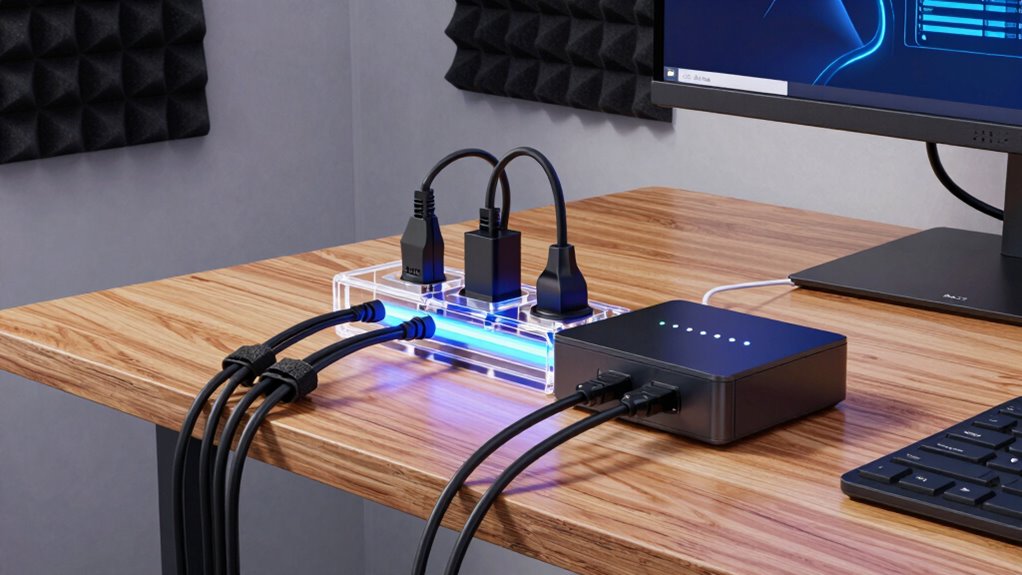
Virtual reality PCs are a significant investment, and protecting them should be a top priority. These high-end machines are delicate and expensive, so safeguarding them from electrical issues is crucial. One common threat is a power surge, which can occur unexpectedly during storms or fluctuations in the electrical grid. A power surge can fry sensitive components inside your VR PC, leading to costly repairs or total replacement. To prevent this, you need reliable surge protection. Investing in a quality surge protector or surge protection strip is your first line of defense. Look for models with high joule ratings and built-in safeguards to absorb sudden voltage spikes. Don’t rely solely on the wall outlet; always connect your VR PC and other critical devices through a surge protector to minimize risk.
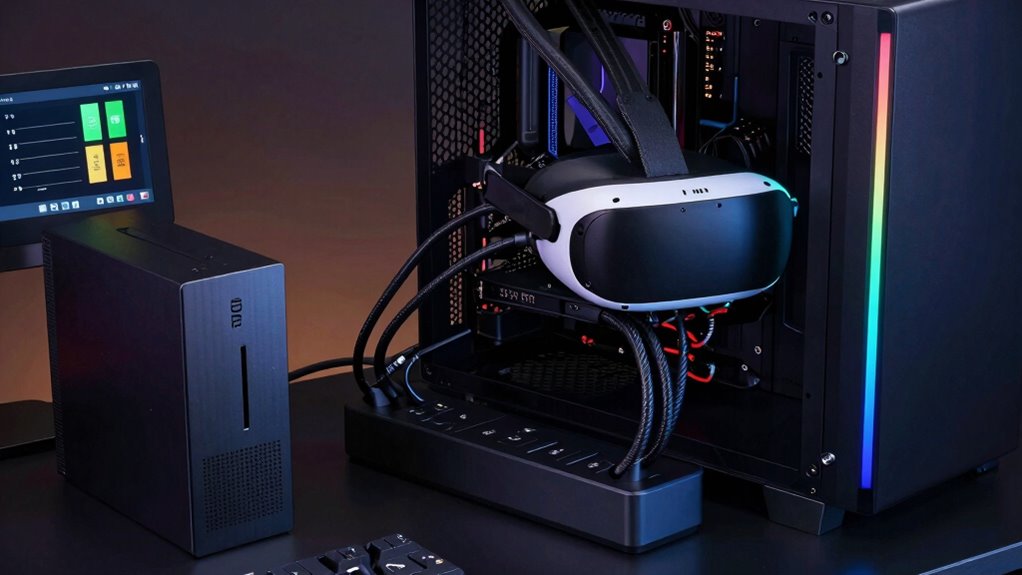
Alongside surge protection, a backup battery, also known as an uninterruptible power supply (UPS), plays an essential role in your power planning strategy. A backup battery provides temporary power during outages or voltage dips, giving you enough time to save your work and shut down your VR PC properly. This prevents data loss and hardware damage caused by abrupt power cuts. When choosing a UPS, opt for one with sufficient wattage and battery capacity to support your entire VR setup. You also want a model with surge protection built-in, so it handles both sudden surges and power interruptions. Regularly testing and maintaining your backup battery ensures it’s ready when you need it most. Remember, a UPS isn’t just for outages; it also stabilizes voltage fluctuations, providing a steady power supply that protects sensitive components. Additionally, understanding the importance of electrical noise filtering can further enhance the safety and longevity of your VR PC. Incorporating power conditioning devices can also help mitigate the effects of electrical noise, ensuring a cleaner power supply for your high-end setup. Considering proper grounding practices can further reduce the risk of electrical damage caused by electrical faults or interference.
high joule surge protector for VR PC
As an affiliate, we earn on qualifying purchases.
As an affiliate, we earn on qualifying purchases.
Frequently Asked Questions
What Are the Signs of Power Supply Failure in VR PCS?
You might notice your VR PC experiencing unexpected shutdowns, flickering screens, or unusual noises from the power supply, which are signs of power supply failure. These issues often indicate declining Power supply lifespan or voltage instability. If you see these symptoms, it’s essential to check your power supply, as failures can damage your components. Staying alert to these signs helps prevent sudden crashes and prolongs your PC’s longevity.
How Often Should I Perform Power System Maintenance?
Perform power system maintenance regularly to keep your VR PC pristine and protected. You should check battery management and monitor power consumption at least once every three to six months. This routine review helps spot potential problems early, like inefficiencies or battery issues, which could cause costly crashes. Consistent checks ensure your power supply stays stable, preventing downtime and prolonging your VR PC’s lifespan, guaranteeing peak performance every time you strap on your headset.
Can Surge Protectors Damage My VR PC?
Surge protectors generally won’t damage your VR PC if used correctly, but poor-quality or faulty surge protectors can pose risks. They help guarantee power stability by blocking voltage spikes that could harm your equipment. To keep your VR PC safe, choose a high-quality surge protector, regularly check its condition, and make certain it’s rated for your device’s power needs. Proper surge protection safeguards your investment and maintains consistent power flow.
What Backup Power Options Are Best for VR Setups?
Think of your VR setup as a delicate dance that needs perfect rhythm. Battery backups and power conditioners act as your steady beat, ensuring smooth performance during outages. A quality uninterruptible power supply (UPS) keeps your VR PC safe from sudden power cuts, while power conditioners filter out electrical noise. Together, they form a reliable shield, helping your immersive experience stay uninterrupted and protected against unexpected power disturbances.
How Does Power Fluctuation Affect VR Hardware Longevity?
Power fluctuation can harm your VR hardware by causing voltage instability, which strains components like the graphics card and sensors. Poor power quality leads to inconsistent power delivery, accelerating wear and potentially shortening your device’s lifespan. To protect your setup, make certain of stable voltage levels and high-quality power sources. Using surge protectors and uninterruptible power supplies helps maintain voltage stability, reducing the risk of damage and extending your VR hardware’s longevity.
UPS backup power supply for gaming PC
As an affiliate, we earn on qualifying purchases.
As an affiliate, we earn on qualifying purchases.
Conclusion
Now that you’ve learned the secrets to safeguarding your costly VR PC, think of your power planning as the fortress guarding your digital empire. With smart surge protectors, stable power sources, and regular maintenance, you’re building an unbreakable shield against the chaos of outages and surges. Treat your setup like a precious gem—protect it fiercely, and it’ll continue to dazzle and perform for years to come. Your VR adventures deserve nothing less than top-tier protection!
electrical noise filter for computer
As an affiliate, we earn on qualifying purchases.
As an affiliate, we earn on qualifying purchases.
power conditioning device for PC
As an affiliate, we earn on qualifying purchases.
As an affiliate, we earn on qualifying purchases.
Fall Picks
fall essentials
As an affiliate, we earn on qualifying purchases.