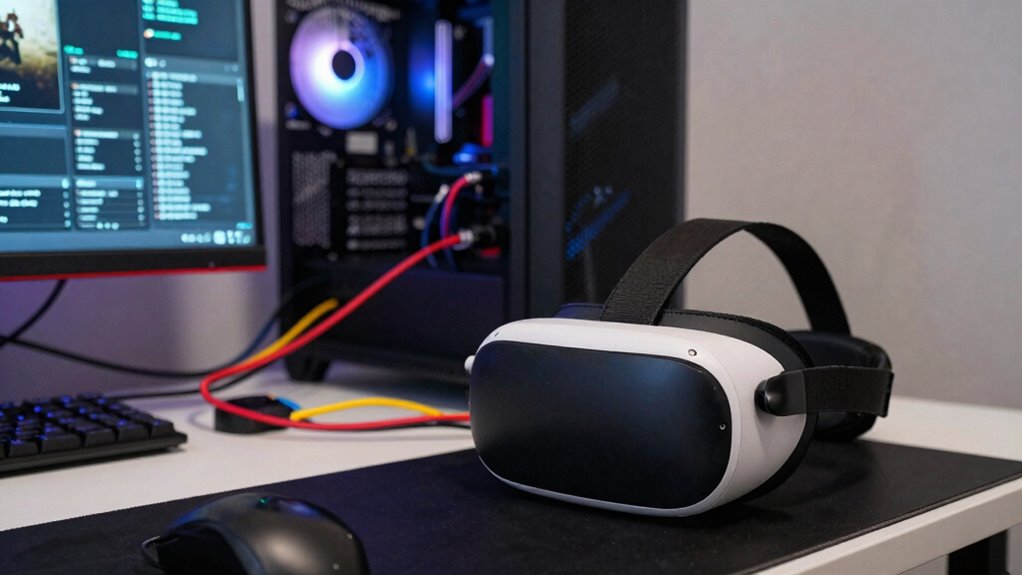
Your PCVR performance issues rarely come from just one cause because multiple factors interact, like hardware limits, software inefficiencies, and system setup quirks. For example, a weak GPU combined with an underpowered CPU, outdated drivers, or poor cable management can all slow things down. Fixing one issue might not fully improve performance. If you want to understand how these pieces fit together and find real solutions, keep exploring the details.

Play games on Amazon Luna for your next adventure, included with Prime
- A rotating selection of games, no download needed
- Play on TV, laptop or phone
- Fast, free delivery for your gear, too
Key Takeaways
- Multiple hardware components like GPU, CPU, and RAM interact, collectively impacting VR performance.
- Software factors such as outdated drivers and unoptimized applications compound performance issues.
- System configuration and cable management influence data transfer and tracking quality simultaneously.
- Hardware limitations often interact, amplifying lag and stuttering in complex ways.
- Addressing VR problems requires a holistic approach, considering both hardware and software causes together.
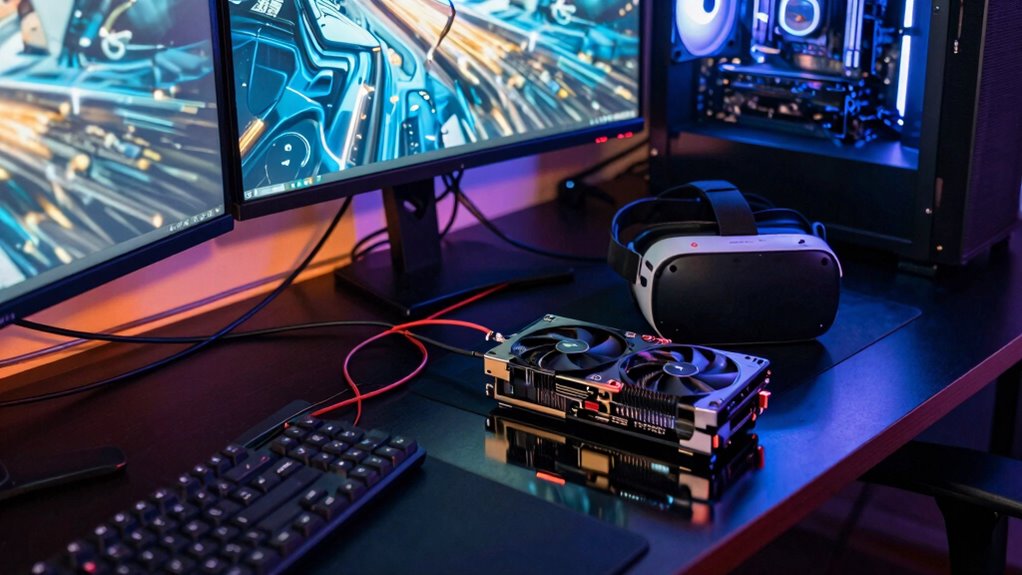
Experiencing performance issues in PCVR can quickly ruin your immersive experience, but understanding the common causes can help you troubleshoot effectively. The reality is, these problems rarely stem from a single issue. Instead, they usually involve a combination of factors—hardware bottlenecks, software optimization, and system configurations—that work together to cause lag, stuttering, or low frame rates.
One of the main culprits is often hardware bottlenecks. Your PC’s components need to work in harmony to deliver a smooth VR experience. If your GPU isn’t powerful enough, it struggles to render high-fidelity graphics at the required frame rates, causing stuttering or dropped frames. Similarly, insufficient RAM or an outdated CPU can create processing delays, making your system unable to keep up with demanding VR applications. Even factors like slow storage drives or inadequate USB bandwidth can contribute to latency issues. Because VR relies on real-time data processing, any weak link in your hardware chain impacts the overall experience, and fixing one bottleneck doesn’t always resolve all the issues.
Beyond hardware, software optimization plays a critical role. Many VR games and applications aren’t perfectly optimized, which can lead to performance hiccups regardless of your hardware specs. Developers sometimes release updates that improve performance, but if your system isn’t configured correctly—such as outdated drivers or unnecessary background processes—you’ll still face problems. Ensuring your graphics drivers are current and that your OS is optimized for VR can make a significant difference. Additionally, tweaking in-game settings—lowering resolution or reducing graphical effects—can alleviate strain on your system, especially if your hardware is borderline for the experience you’re aiming for. Recognizing the impact of software optimization can help you identify potential improvements beyond just hardware upgrades.
It’s also important to recognize that many performance problems result from a combination of issues rather than a single cause. For example, a slightly outdated GPU might be manageable with proper software optimization, but if your CPU is also underpowered, the combined effect can cause persistent lag. Similarly, poor cable management or USB port issues might compound the problem, causing data transfer delays that affect tracking and rendering. Additionally, system configuration and how well your hardware components are integrated can significantly influence overall VR performance, highlighting the need for a holistic approach to troubleshooting.
Furthermore, understanding the importance of hardware compatibility can help prevent many issues before they start. In essence, troubleshooting VR performance isn’t about fixing one glaring flaw. You need to look at the entire system—hardware capabilities, software settings, and system configuration—and understand how they influence each other. When you approach performance problems with this holistic perspective, you’re more likely to identify the real causes and achieve a smoother, more immersive experience.
As an affiliate, we earn on qualifying purchases.
Frequently Asked Questions
How Do Background Applications Affect PCVR Performance?
Background applications can considerably impact your PCVR performance by causing software conflicts or using up system resources. When multiple programs run simultaneously, they create hardware bottlenecks, like CPU or GPU overloads, which slow down your VR experience. To improve performance, close unnecessary apps, guarantee no background processes are competing for resources, and keep your system optimized, so your VR headset functions smoothly and without lag.
Can Room Lighting Influence VR Tracking Accuracy?
Surprisingly, room lighting can indeed influence VR tracking accuracy. Bright ambient illumination or overly reflective surfaces confuse sensors, causing tracking issues. Ironically, the very environment meant to make your space inviting might hinder your VR experience, making your movements less precise. To improve, keep lighting consistent and minimize reflective surfaces. This simple adjustment helps sensors focus, ensuring your adventures stay immersive and accurate despite the ambient illumination.
What Role Does Cable Quality Play in Performance Issues?
Cable quality plays a vital role in your PCVR performance. A durable cable guarantees consistent data transfer, reducing disconnects or lag. Poor-quality cables are more prone to damage and can cause signal interference, which leads to tracking issues or latency. Investing in high-quality, durable cables minimizes these problems, providing a smoother VR experience. Always check your cables for wear and make sure they’re properly shielded to prevent interference.
Are Specific VR Games More Prone to Performance Drops?
Yes, some VR games are more prone to performance drops because they demand higher hardware optimization and face software compatibility issues. Games with complex graphics or extensive physics simulations tend to strain your system, revealing weaknesses in hardware or software optimization. To minimize drops, guarantee your hardware is well-optimized, drivers are up-to-date, and software compatibility is maintained. This helps deliver a smoother VR experience across different titles.
How Often Should I Update VR Headset Firmware?
They say, “Better late than never,” so you should update your VR headset firmware whenever updates are available. Regular updates guarantee hardware compatibility and improve software optimization, reducing glitches and enhancing performance. Check for updates once a month or whenever the manufacturer releases new firmware. Staying current keeps your VR experience smooth and immersive, preventing issues that could arise from outdated software or hardware mismatches.
As an affiliate, we earn on qualifying purchases.
Conclusion
So, next time your PCVR experience stutters or lags, remember—there’s rarely just one culprit. The real challenge is uncovering what’s truly causing the problem. Could it be your hardware, software, or something more elusive? The answer isn’t always straightforward, and that’s what keeps us hooked. Stay vigilant, experiment, and don’t settle for quick fixes. The mystery of flawless VR performance might just be a few tweaks away—if you’re willing to dig deep enough.
As an affiliate, we earn on qualifying purchases.
VR performance optimization software
As an affiliate, we earn on qualifying purchases.
As an affiliate, we earn on qualifying purchases.
Fall Picks
fall essentials
As an affiliate, we earn on qualifying purchases.