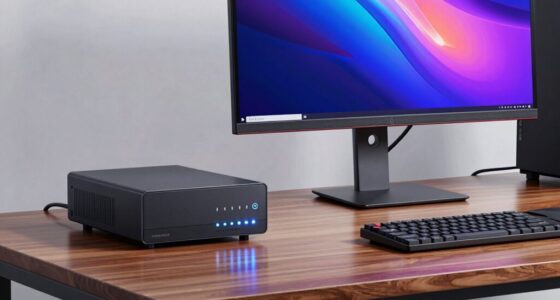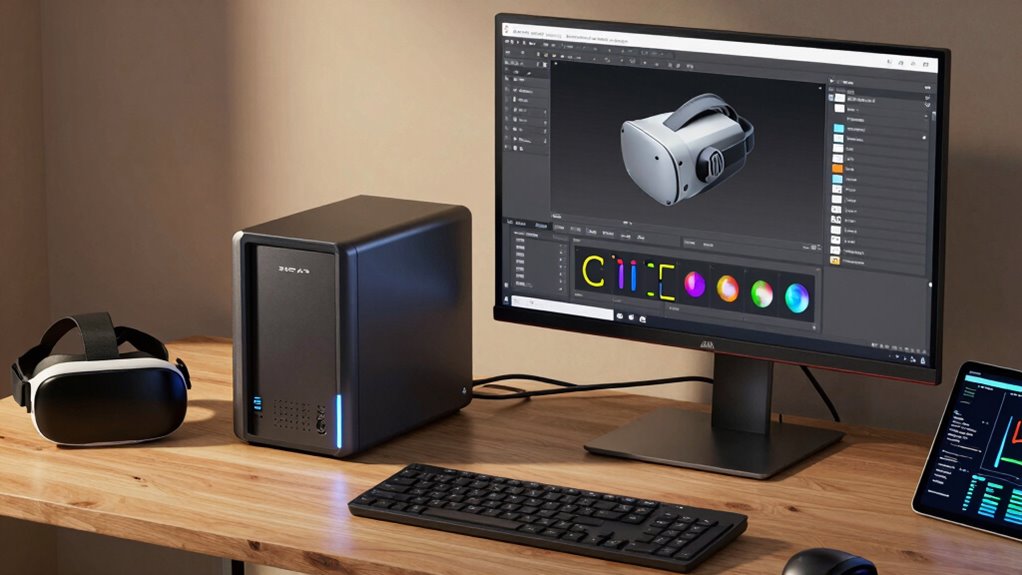

If you’re dealing with large, frequently updated datasets and need seamless collaboration across multiple devices, a NAS can make sense for your VR workflow. It offers scalable, high-speed storage that integrates well with current hardware, improving data safety and access. Consider a NAS if you want to streamline sharing, support remote work, and avoid constant file transfers. Keep exploring to discover how choosing the right setup can boost your VR project efficiency and growth.

Play games on Amazon Luna for your next adventure, included with Prime
- A rotating selection of games, no download needed
- Play on TV, laptop or phone
- Fast, free delivery for your gear, too
Key Takeaways
- Consider a NAS when managing large datasets that require frequent updates and sharing across multiple devices.
- Opt for a NAS if your VR projects demand scalable storage and high data transfer speeds for efficiency.
- Use a NAS when collaboration, remote access, and multi-user environments are essential for your workflow.
- Choose a NAS if existing hardware supports high-performance interfaces like Thunderbolt, USB-C, or Gigabit Ethernet.
- Evaluate a NAS for long-term cost savings and growth potential, especially for expanding storage needs in complex VR projects.
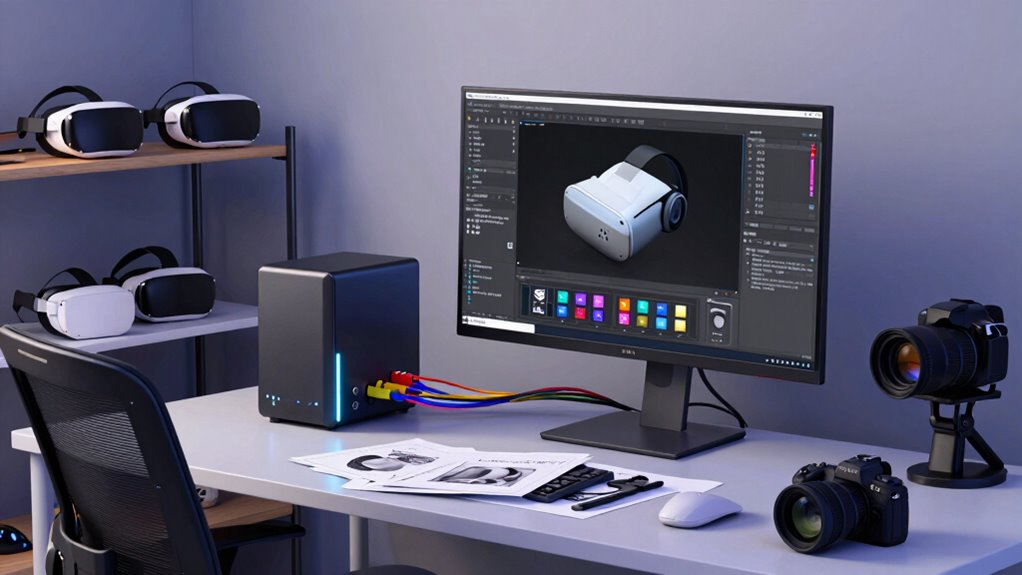
If you’re a VR creator, choosing the right storage solution can markedly impact your workflow and project quality. A Network Attached Storage (NAS) device can be a game-changer, especially when it aligns with your technical needs. But knowing when a NAS makes sense requires a clear understanding of your project’s demands, particularly around data access and collaboration. To determine if a NAS fits, consider how well it integrates with your existing setup and whether it offers seamless cloud integration. Cloud integration allows you to synchronize your work across multiple devices and locations, which is vital if you collaborate with others or work remotely. If your projects involve large files that need frequent updating or sharing, a NAS with robust cloud features can streamline your process, eliminating the constant need to transfer files manually or rely solely on external drives. Additionally, evaluating the hardware compatibility of your NAS with your existing VR setup ensures smooth operation and avoids potential bottlenecks. hardware compatibility is another key factor. Your VR setup likely involves specific hardware components, such as high-performance graphics cards, storage drives, and other peripherals. Confirming your chosen NAS can integrate smoothly with your hardware setup prevents bottlenecks and compatibility issues. For example, if your workstation relies on Thunderbolt or USB-C interfaces, select a NAS that supports those connections for faster data transfer. Additionally, check whether the NAS supports RAID configurations and high-speed network interfaces, which are essential for handling large VR project files efficiently. Compatibility with your network infrastructure, like Gigabit Ethernet or 10GbE, is equally important to achieve quick data retrieval and backup. Furthermore, considering the scalability of your storage solution can help accommodate future project growth without requiring a complete overhaul. It’s also beneficial to research how well the NAS integrates with your workflow, ensuring that your entire process remains streamlined and efficient. You should also evaluate the scale of your projects. If you’re working on complex VR projects with massive datasets and frequent backups, a NAS with expandable storage and high throughput is advisable. It helps you avoid running out of space and reduces downtime caused by slow data access. Conversely, if your needs are modest—working on smaller projects or occasional edits—a simpler, more affordable solution might suffice. Think about your workflow: do you need multiple users accessing files simultaneously? A NAS designed for multi-user environments can prevent conflicts and ensure smooth collaboration. Finally, consider your budget and future growth. Investing in a NAS that can expand with your projects can save you time and money later. As your VR creations become more complex, your storage needs will increase, and having a scalable solution with solid cloud integration and hardware compatibility will keep your workflow smooth. In essence, a NAS makes sense when it offers seamless cloud integration, aligns with your hardware setup, supports your project scale, and fits within your budget. When these factors come together, you’ll enjoy a more efficient, collaborative, and reliable VR creation process.
high performance NAS for VR creators
As an affiliate, we earn on qualifying purchases.
As an affiliate, we earn on qualifying purchases.
Frequently Asked Questions
How Much Storage Capacity Do I Need for VR Project Files?
You’ll need enough storage capacity to handle your VR rendering project files comfortably, considering both current needs and future growth. Start by estimating your project sizes and add extra space for backups and software updates. Opt for a NAS with storage scalability, so you can expand as your VR projects grow. This way, you guarantee smooth workflow without running out of space during critical rendering or editing phases.
What Are the Typical Costs Associated With NAS Setups?
A NAS setup’s costs are like planting a tree—you get ongoing benefits, but maintenance matters. Typically, you’ll spend $300-$1,500 for hardware, plus extra for drives. Consider maintenance costs like power, cooling, and occasional upgrades. Doing a cost comparison helps you decide if the initial investment and upkeep match your budget and workflow needs. Remember, a well-maintained NAS can be a reliable backbone for your VR projects.
Can a NAS Improve Collaboration for Remote VR Teams?
Yes, a NAS can enhance remote collaboration for VR teams by enabling seamless workflow synchronization. With a NAS, you and your team access and share large VR assets efficiently, reducing delays and version conflicts. It centralizes data, making it easier to coordinate edits and updates in real-time. This setup fosters better remote collaboration, streamlines your workflow, and keeps everyone on the same page, even when working across different locations.
How Secure Is Data Stored on a NAS for VR Projects?
Data stored on a NAS for VR projects can be quite secure if you enable data encryption and implement strict access controls. Encryption protects your files from unauthorized access, while access controls allow you to specify who can view or modify your data. Regularly updating your NAS firmware and using strong passwords further enhances security. With these measures, you can confidently store sensitive VR project data on your NAS without worry.
What Are the Compatibility Requirements for VR Content With NAS?
For Virtual Reality content, your NAS needs strong storage compatibility with your editing and rendering software. Make certain it supports the necessary protocols like SMB or NFS, and check if it’s compatible with your operating system and VR tools. You should also verify that it offers fast data transfer speeds, especially for large VR files, to keep your workflow smooth. Compatibility ensures seamless access, editing, and sharing of your VR projects.
scalable network attached storage device
As an affiliate, we earn on qualifying purchases.
As an affiliate, we earn on qualifying purchases.
Conclusion
So, when you’re weighing a NAS for your VR creation workflow, ask yourself if the benefits of faster access, increased storage, and collaboration truly outweigh the costs. Will it elevate your projects and streamline your process? Remember, the right tech can spark your creativity and push your work to new heights. Don’t settle for less—your immersive visions deserve the best tools. Are you ready to take that step toward smarter, more efficient VR creation?
NAS with Thunderbolt USB-C support
As an affiliate, we earn on qualifying purchases.
As an affiliate, we earn on qualifying purchases.
best NAS for large VR project files
As an affiliate, we earn on qualifying purchases.
As an affiliate, we earn on qualifying purchases.
Fall Picks
fall essentials
As an affiliate, we earn on qualifying purchases.