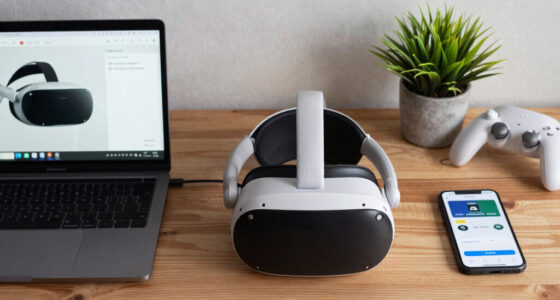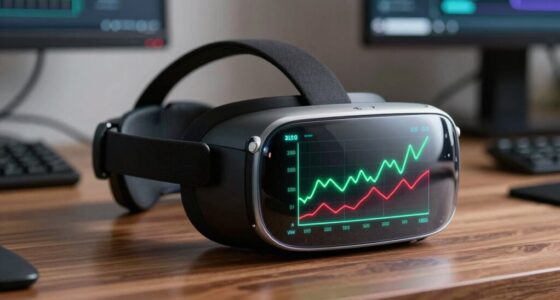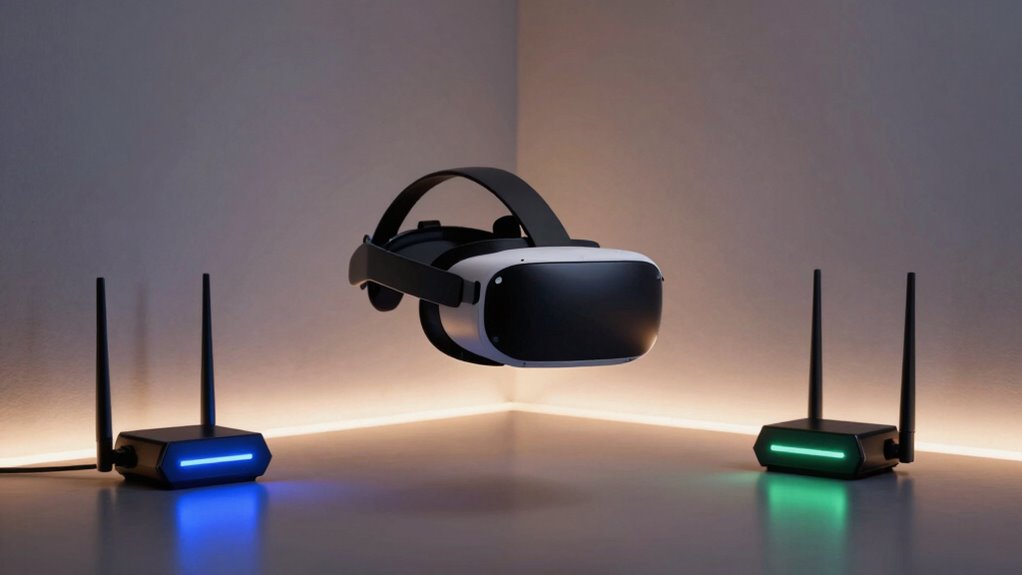

Mesh systems help your wireless PCVR by providing stable, seamless internet across large areas, reducing lag and signal drop. They distribute connections through multiple nodes, ensuring low latency essential for immersive VR experiences. However, interference from other devices or poor placement can hurt performance, causing lag or disconnections. To get the best results, it’s important to optimize node placement and manage environmental factors. Keep exploring for tips on perfecting your setup.
Key Takeaways
- Mesh systems provide stable, high-bandwidth connections essential for low-latency VR experiences.
- Proper placement of mesh nodes minimizes interference and signal drop-offs, enhancing VR performance.
- Signal interference from other wireless devices can still disrupt mesh-based VR setups.
- In crowded environments, mesh systems outperform traditional routers by distributing connections across multiple nodes.
- Poorly configured or positioned mesh nodes may introduce latency or connection issues, hindering VR immersion.
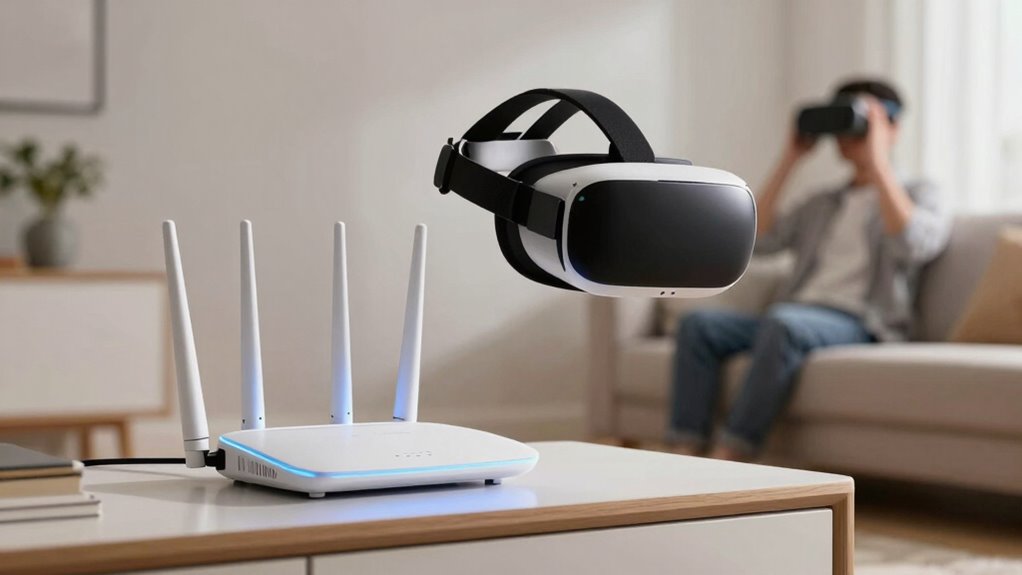
Mesh systems are transforming wireless PCVR by providing seamless, stable internet connections essential for immersive virtual reality experiences. When you’re immersed in a VR world, even small delays can break your sense of presence, making VR latency a critical concern. A reliable mesh network minimizes these delays by ensuring your data travels swiftly and consistently between your PC and VR headset. Unlike traditional routers that can struggle with multiple devices or long-range signals, mesh systems distribute the connection across multiple nodes, reducing the chance of lag that disrupts your gameplay or experience. This stability is vital, especially when complex VR applications demand high bandwidth and low latency to function smoothly.
However, mesh systems are not without their challenges. Signal interference remains a significant issue that can hurt your wireless PCVR setup. In environments crowded with Wi-Fi networks, Bluetooth devices, or thick walls, the mesh nodes can struggle to maintain a clear, strong signal. Interference can cause packet loss or fluctuations in connection quality, resulting in increased VR latency or even disconnections, which ruin your immersive experience. While many modern mesh systems include features to reduce interference—like automatic channel switching or optimized band steering—these solutions aren’t foolproof. If you’re in a particularly noisy wireless environment, the mesh network might still struggle to deliver the consistent, high-quality connection you need for VR. Additionally, understanding wireless environment factors can help you select and optimize your mesh network more effectively. Being aware of Signal interference and how it impacts performance can guide you in choosing the right placement and settings for your nodes. Proper network configuration can further mitigate some of these issues, enhancing your overall VR experience.
Another factor to consider is how well the mesh system adapts to your specific space. If your setup involves multiple rooms or large open areas, the placement of mesh nodes becomes critical. Proper positioning can make the difference between a smooth VR session and frequent interruptions caused by weak signals or signal interference. You may need to experiment with different locations to find the sweet spot where the mesh system provides the most reliable coverage. Also, keep in mind that firmware updates and network optimizations can improve performance over time, but they require some technical know-how and maintenance. To maximize your wireless coverage, understanding environmental factors and adjusting your setup accordingly can significantly improve your experience.

TP-Link Deco X55 AX3000 WiFi 6 Mesh System – Covers up to 6500 Sq.Ft, Replaces Wireless Router and Extender, 3 Gigabit Ports per Unit, Supports Ethernet Backhaul, Deco X55(3-Pack)
- Wi-Fi 6 Mesh Technology: AX3000 speeds for seamless coverage
- Wide Coverage: Up to 6500 sq. ft. with no dead zones
- Connect Multiple Devices: Supports up to 150 devices
As an affiliate, we earn on qualifying purchases.
As an affiliate, we earn on qualifying purchases.
Frequently Asked Questions
How Do Mesh Systems Affect Latency in Wireless PCVR?
Mesh systems can reduce latency in wireless PCVR by providing a stable connection, but interference issues and bandwidth limitations may cause delays. If your mesh network is crowded or experiences interference from other devices, latency can increase, affecting your VR experience. To minimize this, make certain your mesh nodes are well-placed, and prioritize bandwidth for VR traffic. This helps maintain smooth, responsive gameplay without noticeable lag.
Can Mesh Networks Support Multiple VR Headsets Simultaneously?
Yes, mesh networks can support multiple VR headsets simultaneously, but it depends on mesh compatibility and network scalability. As you add more devices, the network’s capacity must handle increased data traffic without lag. If your mesh system is designed for high scalability and optimized for multiple connections, you’ll enjoy smooth, immersive experiences. However, lower-tier systems may struggle, risking interruptions that could shatter the virtual reality illusion.
What Are the Security Concerns With Mesh Wi-Fi for VR Setups?
You should be aware that security concerns with mesh Wi-Fi for VR setups include potential network congestion and signal interference, which can lead to vulnerabilities. As more devices connect, your network could slow down or become easier for hackers to exploit if not properly secured. To protect your VR experience, make sure you use strong encryption, change default passwords, and keep firmware updated to minimize these risks.
Do All Mesh Systems Work Equally Well With VR Applications?
Think of mesh systems like a Swiss Army knife—some are versatile, others less so for VR. Not all work equally well with VR applications; mesh aesthetics matter, as sleek designs blend better into your setup. Signal interference can be a problem, reducing performance. Choose a system with strong, consistent signals and minimal interference to guarantee smooth VR experiences, especially if you’re using high-bandwidth PCVR applications.
How Does Mesh Wi-Fi Impact VR Tracking Accuracy?
Mesh Wi-Fi can impact your VR tracking accuracy by reducing network congestion and signal interference. When your mesh system provides a stable, high-bandwidth connection, it minimizes lag and data drops that could disrupt tracking. However, if the mesh network experiences congestion or interference from other devices, it might cause intermittent connectivity issues, leading to tracking inaccuracies. Ensuring a well-optimized mesh setup helps maintain smooth, precise VR experiences.

Tenda WiFi 7 Mesh System BE3600 – Dual Band Mesh WiFi System for Home, Seamless Mesh Network with 3 Gigabit Ports, Supports 160+ Devices, MLO, VPN, 4K QAM, ME3 Pro (1-Pack)
- Latest Wi-Fi 7 Technology: Speeds up to 3.6 Gbps with MLO and 4K-QAM
- Extended Coverage: Seamless mesh coverage over 2,500 sq.ft.
- Supports 160+ Devices: Handles large households without slowdown
As an affiliate, we earn on qualifying purchases.
As an affiliate, we earn on qualifying purchases.
Conclusion
So, as you weave your mesh system into your wireless PCVR setup, think of it as planting roots for a sturdy tree or setting sail on a smooth, unbroken ocean. When done right, it balances your signal like a tightrope walker, keeping your virtual world steady and bright. But beware—if your mesh falters, it’s like a flickering flame in the wind, threatening to snuff out your immersive adventure. Choose wisely, and let your virtual journey thrive.

Amazon eero 6 mesh wifi router – Supports internet plans up to 900 Mbps, Coverage up to 1,500 sq. ft., Connect 75+ devices, 1-pack
- Whole-Home Wi-Fi 6 Coverage: Covers up to 1,500 sq. ft.
- High-Speed Internet Support: Supports up to 900 Mbps
- Reduces Dead Spots and Buffering: TrueMesh technology optimizes traffic
As an affiliate, we earn on qualifying purchases.
As an affiliate, we earn on qualifying purchases.

TP-Link Deco X15 Dual-Band AX1500 WiFi 6 Mesh Wi-Fi System | Replaces Routers and Extenders | Covers up to 3,900 sq.ft. | 2 Gigabit Ports per Unit, Supports Ethernet Backhaul, 2-Pack
- Wi-Fi 6 Mesh System: Fast dual-band Wi-Fi 6 AX1500
- Wide Coverage: Covers up to 3,900 sq.ft.
- Seamless Connectivity: Eliminates dead zones and buffering
As an affiliate, we earn on qualifying purchases.
As an affiliate, we earn on qualifying purchases.