
To build a better speaker layout around VR and your seating, position your main speakers at ear level and form an equilateral triangle with your seating spot for ideal sound cohesion. Use multiple speakers placed at the front, sides, and rear to mimic real-world audio sources, and fine-tune their placement for the perfect “sweet spot.” Incorporate acoustic treatments like foam and bass traps to control reflections. Keep exploring for more tips to transform your immersive sound environment.

Play games on Amazon Luna for your next adventure, included with Prime
- A rotating selection of games, no download needed
- Play on TV, laptop or phone
- Fast, free delivery for your gear, too
Key Takeaways
- Position speakers at ear level and form an equilateral triangle with seating for accurate sound imaging.
- Use multiple speakers around the room to create immersive, surround sound cues for VR environments.
- Incorporate acoustic treatments like foam panels and diffusers to minimize reflections and improve clarity.
- Fine-tune speaker placement based on room shape and size to optimize sound cohesion and spatial accuracy.
- Prioritize bass traps and diffusers in strategic locations to manage low frequencies and enhance overall sound realism.
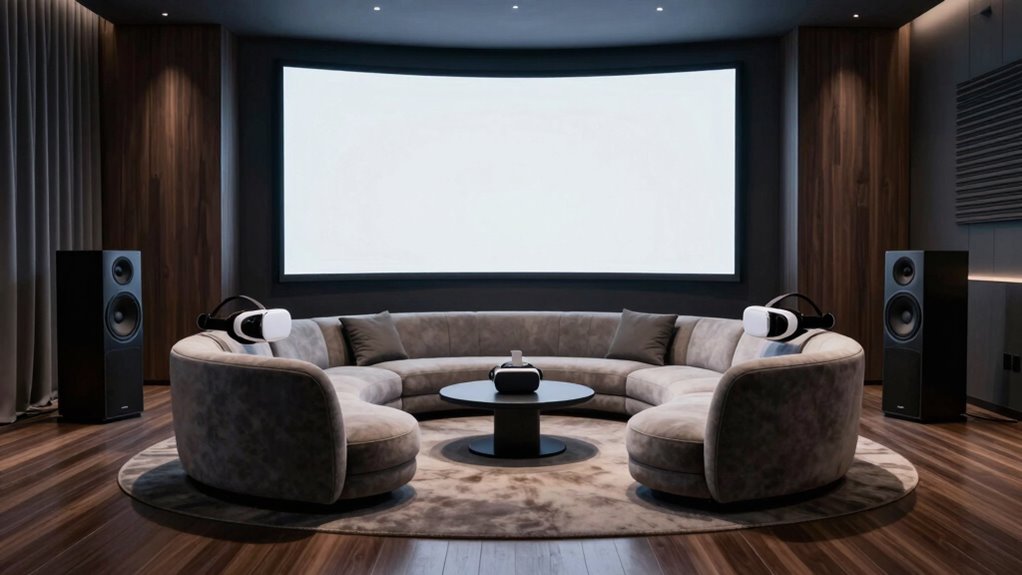
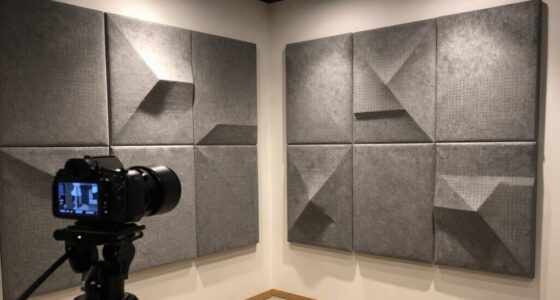
Creating an immersive VR experience depends heavily on how well your speakers are positioned, especially when it comes to seating arrangements. Your goal is to create a sound environment that feels natural and surrounds the listener without distracting echoes or dead spots. To achieve this, you need to focus on both acoustic treatment and strategic speaker placement. Acoustic treatment involves adding materials like foam panels, bass traps, and diffusers to your room to control reflections and reduce unwanted reverberations. Proper acoustic treatment guarantees your sound remains clear and accurate, making the virtual environment more convincing. Without it, even the best speaker setup can be compromised by echo or muddiness, which pulls you out of the immersive experience.
Creating an immersive VR relies on optimal speaker placement and effective acoustic treatment for a natural, convincing sound environment.
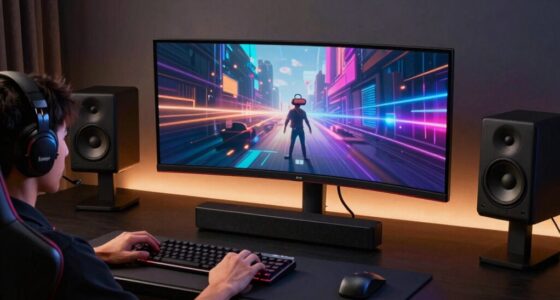
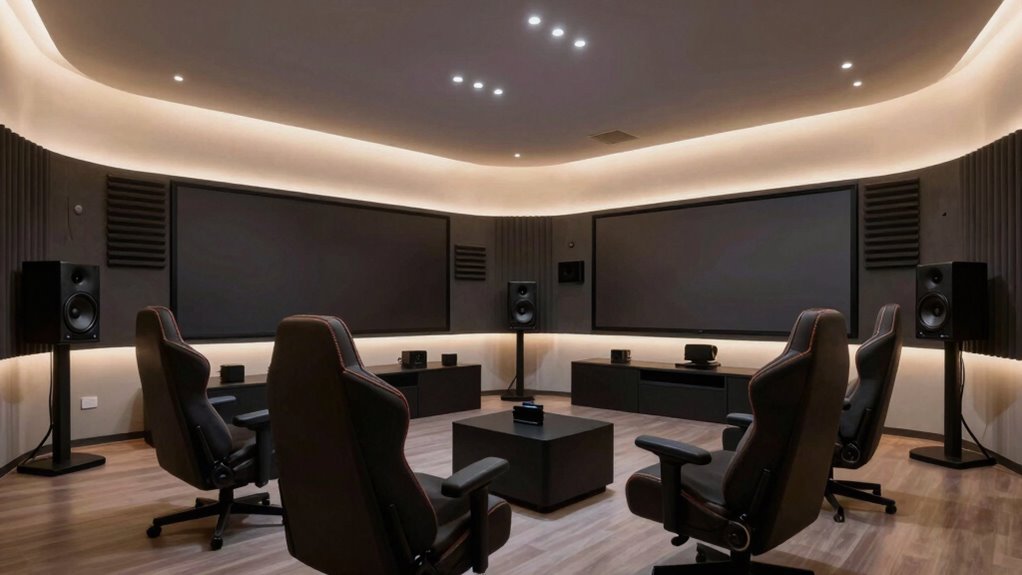
Next, pay close attention to speaker placement. Positioning your speakers correctly is essential to creating a balanced soundstage that matches your VR visuals. Start by placing your main speakers at ear level and equidistant from your seating position, forming a triangle with your sitting point. This setup guarantees that sound arrives at your ears simultaneously, producing a cohesive and enveloping audio experience. If you’re using multiple speakers, such as surround or ceiling-mounted units, position them to mimic real-world locations — front, side, and rear — to enhance spatial awareness. Experiment with slight adjustments to find the sweet spot where sound feels most natural and immersive. Remember, the room’s shape and size influence how sound travels, so be prepared to fine-tune your speaker placement accordingly. Additionally, understanding sound interaction with your room helps optimize your setup for the best immersive experience. Incorporating room acoustics knowledge can significantly improve sound clarity and spatial accuracy.
In addition to positioning, consider the acoustic environment’s overall design. Incorporate acoustic treatment to minimize reflections that could interfere with your sound clarity. For example, placing bass traps in corners and diffusers on walls helps distribute sound evenly and prevents flutter echoes. These modifications improve the accuracy of directional audio cues, essential for VR experiences where spatial sound guides your movements and reactions. Combining thoughtful acoustic treatment with precise speaker placement results in a more convincing virtual environment, making you feel truly present in the digital space.
Ultimately, building a better speaker layout for VR hinges on understanding how sound interacts with your room and your seating. By controlling reflections through acoustic treatment and carefully positioning your speakers, you create a soundscape that enhances immersion and realism. This way, every virtual adventure feels authentic, and your sensory experience becomes more engaging and believable.
Products Worth Considering

Sonos Era 100 SL Compact Microphone-Free Speaker, Black

Bose SoundLink Flex Bluetooth Speaker (2nd Gen), Portable Waterproof Speaker, Black

DJI Osmo Mobile 8 Gimbal with Mic Mini Transmitter, Infinity Black
As an affiliate, we earn on qualifying purchases.
Frequently Asked Questions
What Are the Best Speaker Types for VR Environments?
You should choose speakers with advanced speaker technology, like Dolby Atmos or binaural sound, for immersive VR environments. These utilize precise directional sound, enhancing realism. Pair them with acoustic materials such as foam panels or diffusers to minimize sound reflections and improve clarity. Active speakers with good dispersion are ideal, as they deliver clear, enveloping audio that complements VR experiences, making your virtual world feel more authentic and engaging.
How Do I Prevent Sound Leakage in a Shared Space?
Think of your shared space as a delicate bubble, easily burst by stray sounds. To prevent sound leakage, you can use soundproofing techniques like acoustic panels, door seals, and bass traps to contain the noise. Pair this with noise-canceling headphones for users, creating a fortress of silence around VR experiences. This combo keeps your environment peaceful, ensuring immersive VR sessions without disturbing others.
What Is the Ideal Speaker Placement for Immersive Sound?
You should position your speakers at ear level and form an equilateral triangle with your seating for immersive sound. Use acoustic treatment to absorb reflections, enhancing clarity, and employ soundproofing techniques to prevent leakage and external noise intrusion. Keep speakers slightly angled toward your seating area, ensuring even sound distribution. Proper placement combined with these measures creates a rich, immersive VR experience, making you feel truly surrounded by sound.
How Can I Optimize Speaker Calibration for Different VR Setups?
Imagine you’re back in a Victorian parlor, fine-tuning your sound system. To optimize speaker calibration for different VR setups, focus on room acoustics and use calibration tools like a microphone and software. Adjust speaker levels and distances precisely, ensuring sound sources align with your VR environment. Regularly recalibrate to account for room changes or new equipment, creating an immersive experience that feels natural and seamless.
What Safety Considerations Are There With High-Volume Audio?
When using high-volume audio, you should prioritize safety by implementing soundproofing techniques to prevent sound leakage and protect your hearing. Always regulate volume levels to avoid sudden loud noises that could cause discomfort or damage. Use volume regulation devices or limits, and take regular breaks to reduce auditory fatigue. Ensuring your space is well soundproofed and maintaining safe volume levels helps create a comfortable, injury-free VR experience.
Conclusion
By optimizing your speaker layout around VR and seating, you create an immersive experience that transports you to another world—think of it as your personal holodeck before Star Trek made it cool. Remember, the key is positioning, calibration, and a little bit of trial and error. With these tips, you’ll be well on your way to a soundscape so realistic, even Doc Brown would be impressed. Get ready to experience your virtual universe like never before!