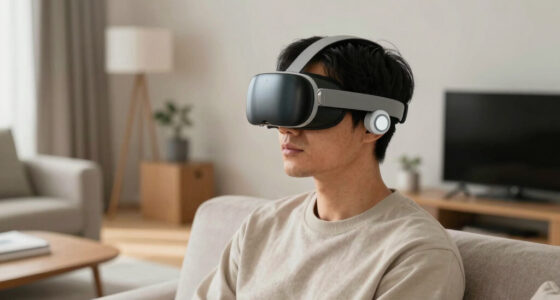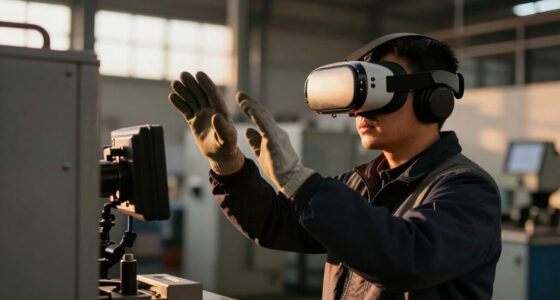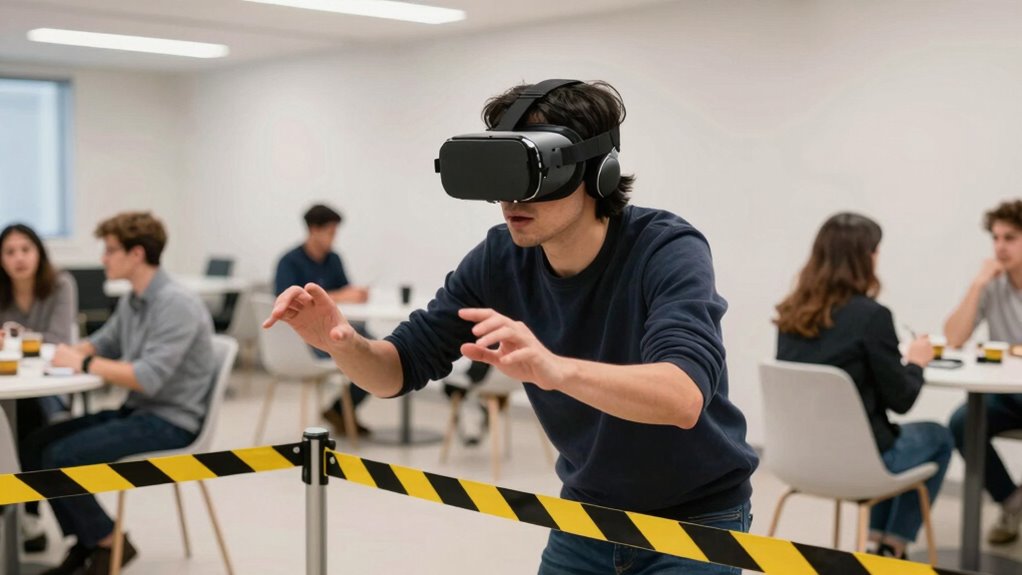
When others are nearby, VR safety needs to change because your movements could cause accidents or disturb shared space. You must adjust your play area, set boundary warnings, and use clear signals to indicate when VR is active. Communicating with others and respecting personal boundaries help prevent injuries. Staying aware of your surroundings and equipment limits is essential for safety. Keep in mind, understanding these adjustments can help you create a safer VR experience in shared spaces.

Get VR and gaming gear delivered free — and shop member deals
- Fast, free delivery on millions of items
- Access to Prime Big Deal Days deals on October 6–7
- Prime Video, Amazon Music and more included
Key Takeaways
- Presence of others increases the risk of collisions and accidents during VR sessions.
- Shared space requires additional boundaries and safety signals to prevent unintended contact.
- Bystander awareness is essential to avoid distractions and ensure user focus and safety.
- Equipment limitations may pose safety risks when multiple people are nearby, requiring extra caution.
- Effective communication and visual cues help coordinate VR activity and prevent accidents in shared environments.
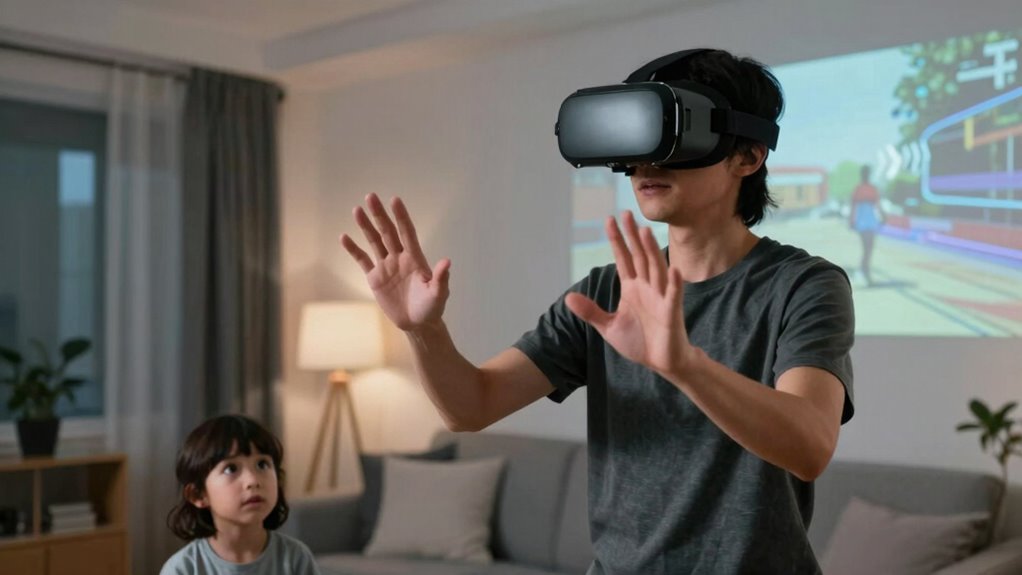
When others are close, you need to adapt your VR setup to *maintain* everyone’s safety. This might include adjusting the play area, using boundary warnings, or setting up clear signals to indicate when you’re actively engaged in VR. These measures serve as visual or auditory cues that remind everyone to keep a safe distance. Additionally, maintaining good communication with others around you is essential. Let them know when you’re about to start a session and establish safe zones where you won’t accidentally bump into anyone. This proactive approach helps create a safe, respectful environment that allows everyone to enjoy VR without worry. Recognizing the importance of social awareness and how to communicate effectively is crucial in shared spaces. Being mindful of spatial awareness can also help prevent accidents and ensure a smoother experience for everyone involved. Developing a clear understanding of personal boundaries can further enhance safety and comfort during shared VR experiences. Fostering a culture of respectful interaction encourages everyone to feel comfortable and secure during VR use. Being aware of equipment limitations can also help prevent mishaps and ensure the safety of all participants.
As an affiliate, we earn on qualifying purchases.
Frequently Asked Questions
How Do Nearby People Affect VR Safety Sensors?
Nearby people can interfere with your VR safety sensors by causing environmental distractions, making it harder for the system to accurately track your movements. Their presence may also trigger privacy concerns, as sensors could inadvertently capture or reveal personal space. To stay safe, make certain your play area is clear of bystanders, and be mindful of how environmental distractions and privacy issues can impact your VR experience and safety.
Can Other People’s Movements Interfere With My VR Experience?
They say, “Keep your friends close, but your enemies closer,” but in VR, other people’s movements can sometimes interfere with your experience. Virtual barriers and personal space are designed to guarantee your safety, but if someone moves unexpectedly nearby, it might disrupt your immersion or even trigger safety alerts. Staying aware of your surroundings helps make certain your VR session remains smooth, safe, and fully immersive, even when others are around.
Are There Specific Safety Precautions When Multiplayer VR Is Involved?
Yes, when multiplayer VR is involved, you should take specific safety precautions. Maintain awareness of your personal space to avoid virtual collisions and physical injuries. Use boundary systems to set safe play areas, and communicate with others to prevent accidental contact. Always stay attentive to your surroundings, and take breaks if you feel overwhelmed. These steps help guarantee a safe, enjoyable multiplayer VR experience for everyone involved.
How Does Social Proximity Influence VR User Comfort?
When others are nearby, your VR experience shifts because social proximity impacts your comfort. You might feel your personal space is invaded, especially if you’re prone to social anxiety. This can make you more cautious or less relaxed, impacting gameplay and immersion. To stay comfortable, VR systems often include safety features like boundary alerts, helping you maintain personal space and feel secure even amid social interactions.
Do Different VR Headsets Handle Nearby People’s Presence Differently?
Different VR headsets handle nearby people’s presence differently by utilizing virtual boundaries and audio cues. Some headsets automatically create virtual boundaries to keep you safe, alerting you with audio cues if someone enters your space. Others might rely more on visual indicators or haptic feedback. Your experience varies depending on the device’s safety features, but always stay aware of your surroundings, even with these safety systems in place.
As an affiliate, we earn on qualifying purchases.
Conclusion
When others are around, VR safety shifts like a tide, pulling you from your immersive world back to reality. You become more aware of your surroundings, like a lighthouse guiding a ship safely to harbor. It’s crucial to stay vigilant, knowing that your virtual voyage can quickly turn into a real-world stumble. By respecting these changes, you guarantee your adventures remain thrilling yet safe—navigating the fine line between digital escape and physical reality.
multiplayer VR safety accessories
As an affiliate, we earn on qualifying purchases.
As an affiliate, we earn on qualifying purchases.
As an affiliate, we earn on qualifying purchases.
Fall Picks
fall essentials
As an affiliate, we earn on qualifying purchases.