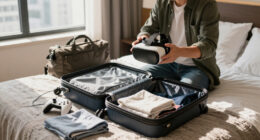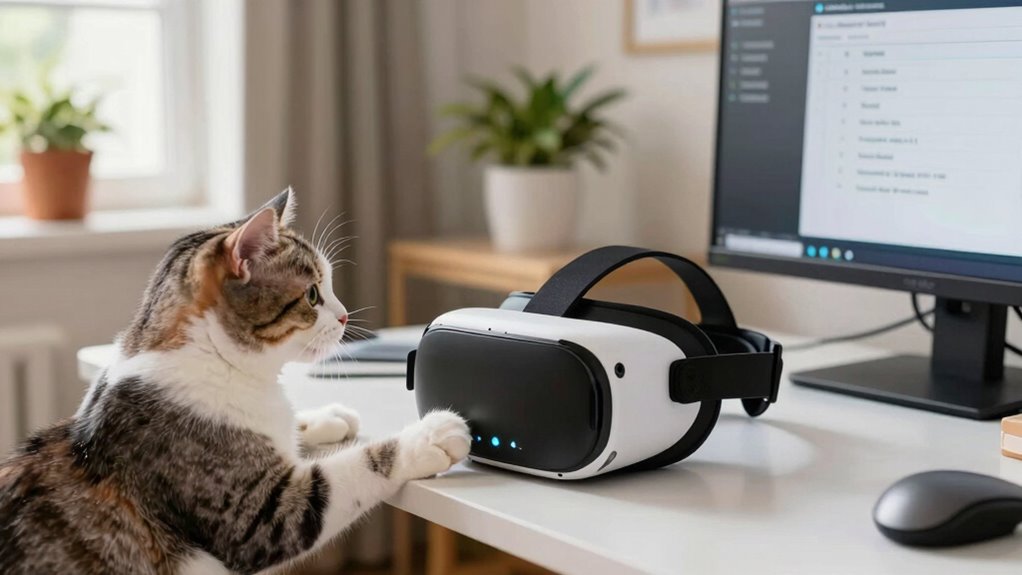

Before enjoying VR in a small space, clear obstacles and secure loose cords to prevent trips. Measure your area to guarantee at least 6.5 by 6.5 feet of free space and remove fragile or sharp objects. To keep pets safe, place them in a separate, secure zone with toys or treats. Always set up your equipment carefully, and after your session, check everything is in order. Continue exploring these steps to create a safer VR experience for everyone involved.

Play games on Amazon Luna for your next adventure, included with Prime
- A rotating selection of games, no download needed
- Play on TV, laptop or phone
- Fast, free delivery for your gear, too
Key Takeaways
- Clear the play area of obstacles, furniture, and fragile items to prevent trips and damage.
- Secure cables with clips or tape and move furniture away to eliminate tripping hazards.
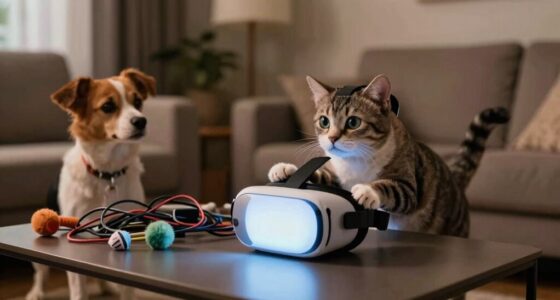
- Place pets in a separate, safe space with toys or treats; supervise and never leave them unattended.
- Position sensors correctly and ensure lighting is adequate to avoid glare and tracking issues.
- After sessions, inspect the environment for hazards, disconnect equipment, and keep the space organized for safety.
Assessing Your Space for Safe VR Play
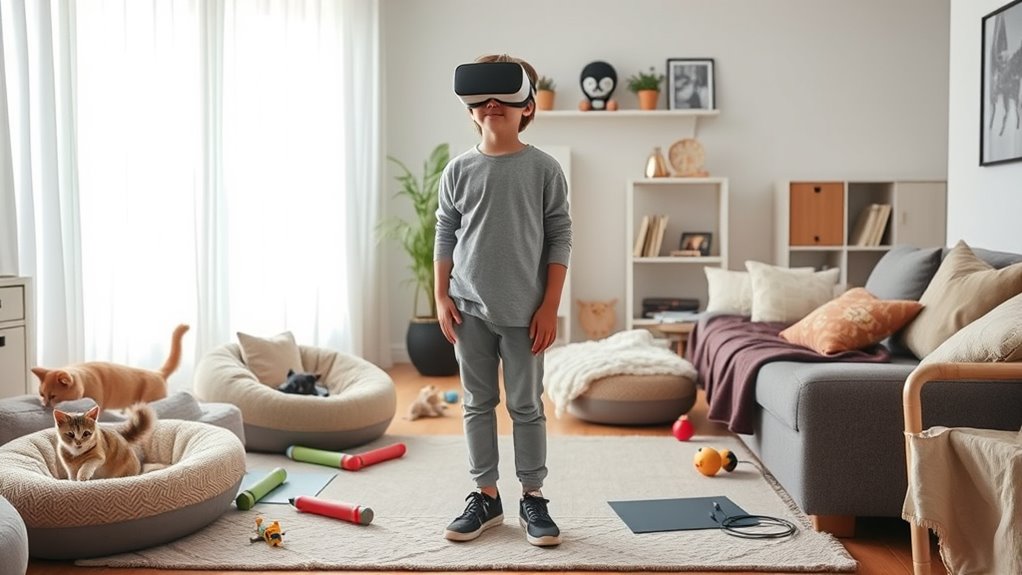
Before starting your VR session, you need to evaluate your space to guarantee it’s safe for gameplay. Clear the area of any obstacles, furniture, or loose items that could cause trips or falls. Measure the available space to ensure it’s large enough for your movements, ideally at least 6.5 feet by 6.5 feet. Check the floor for slippery spots or uneven surfaces that could lead to accidents. Remove fragile objects or anything that could break if knocked over. Make sure the lighting is sufficient but not overly bright, reducing glare on the headset. Confirm that power cords or cables are secured and out of the way. Taking these steps helps you avoid injuries and creates a safe environment for immersive VR experiences. Additionally, consider using smart home safety features like motion sensors or automated lighting to enhance security during your VR sessions. Incorporating proper safety precautions can further minimize risks during active gameplay. Ensuring proper space awareness can also help prevent accidental collisions with nearby objects or walls. Moreover, understanding the environmental hazards around you can contribute to a safer VR experience. Being aware of potential hazardous objects in your environment can help you prevent unexpected accidents.
Securing the Environment to Prevent Accidents
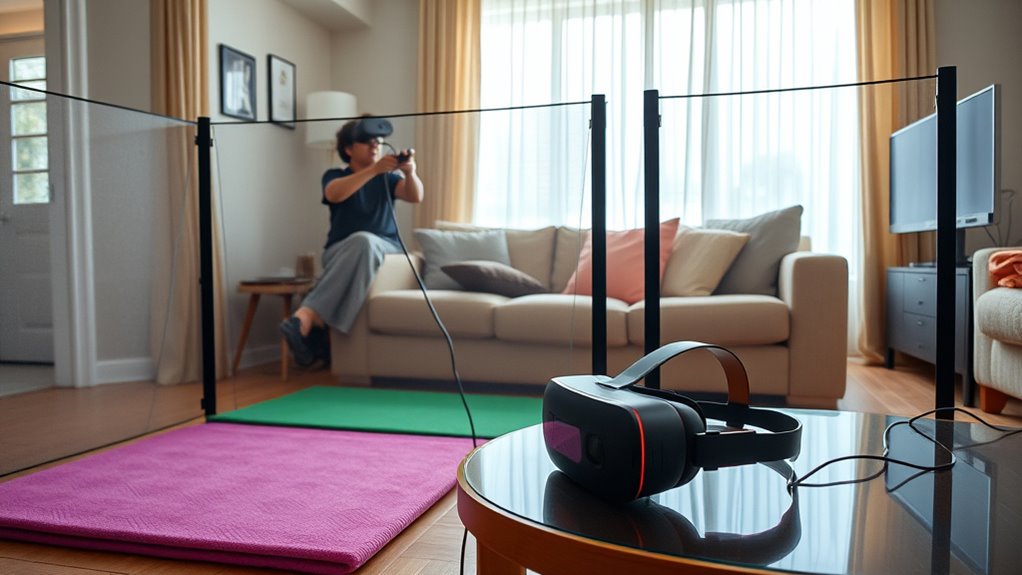
To effectively prevent accidents during your VR session, you need to secure your environment by managing cables and obstacles. Start by unplugging and neatly organizing cords to avoid tripping. Use cable covers or clips to keep wires close to walls and out of your walking area. Clear your space of any unnecessary furniture or objects that could cause you to trip or bump into something. Move chairs, tables, and other items away from your play zone. Ensure there are no loose rugs or cords that could slip or cause falls. Double-check the area for small objects that could be stepped on or knocked over. Incorporating safe installation practices and connected home fitness technology can help monitor your environment and enhance safety during immersive activities. Paying attention to environmental hazards and maintaining a clutter-free space can further reduce risks. Regularly inspecting your environment for mobility impairments and potential hazards can help prevent accidents and improve overall safety. Taking these steps creates a safer environment, reducing the risk of accidents and allowing you to focus fully on your VR experience.
Managing Pets During VR Sessions

Managing pets during VR sessions is an important step in maintaining a safe environment. Before you start, make certain your pets are in a separate, secure space away from your play area. This prevents them from becoming startled or accidentally knocking over equipment. Consider using baby gates or closed doors to block access. If your pet is curious or energetic, provide a distraction like a toy or treat in their designated space to keep them occupied. Never leave your pet unattended in the room with your VR headset on, as they might interfere with wires or cause distraction. Be attentive to your pet’s behavior; if they seem anxious or overly curious, pause your session and address their needs. Managing pets proactively reduces stress for both you and your furry friends, and ensuring a safe environment is similar to proper ventilation and safety checks when building or maintaining a sauna or cold plunge setup. Additionally, understanding Gold IRA Rollovers can provide long-term financial security, much like planning a safe environment for your pets. Incorporating safe layout principles helps prevent accidents and ensures your pets remain comfortable and secure during your VR experience.
Setting Up Your VR Equipment Safely
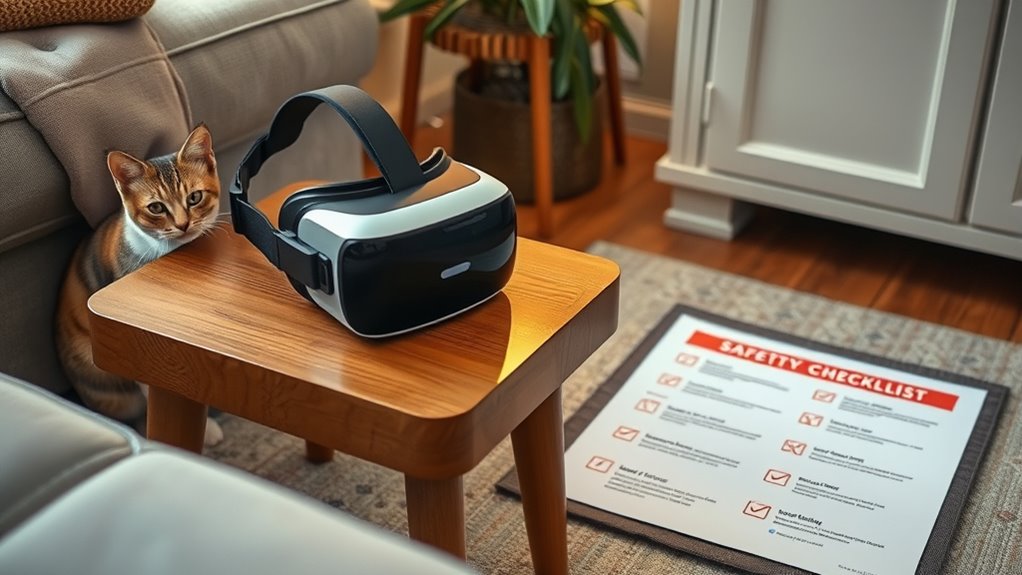
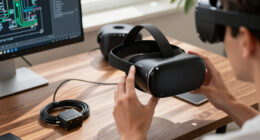
Setting up your VR equipment safely begins with choosing a clear, clutter-free space to prevent accidents. Clear the area of furniture, cords, and other obstacles that could cause trips or falls. Ensure your play area has good lighting so you can see your surroundings clearly. Position sensors or base stations correctly according to the manufacturer’s instructions, avoiding reflective surfaces that could interfere with tracking. Secure all cables to prevent tripping hazards, using cable clips or tape if necessary. Make sure your VR headset fits comfortably and is properly adjusted to avoid discomfort or strain. Test your setup before starting a session, ensuring all equipment functions correctly. Proper placement of sensors and understanding the optimal field‑of‑view for your space helps improve tracking accuracy and overall safety. Additionally, being aware of the horsepower of your VR hardware can help you understand its performance capabilities. Regularly perform maintenance checks on your equipment ensures longevity and safety. For optimal performance, keep your VR hardware’s color accuracy calibrated to maintain immersive visuals and reduce eye strain. To enhance safety during extended sessions, consider adding padding or mats to your play area for extra protection. Taking these steps helps create a safe environment, reducing the risk of injuries during your VR experience.
Creating a Post-Session Safety Routine
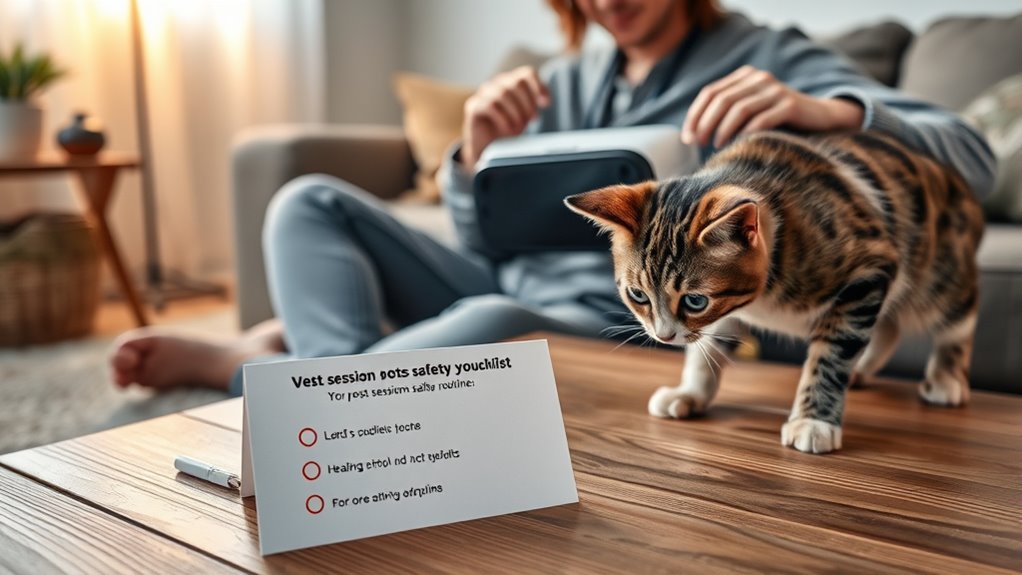
After finishing your VR session, it’s important to follow a structured safety routine to prevent accidents and maintain equipment in good condition. This helps keep your space safe and extends your headset’s lifespan. First, remove your VR headset carefully, avoiding sudden movements. Next, check your play area for any objects or hazards that might have shifted during your session. To prevent equipment damage, reset your equipment by disconnecting sensors and charging controllers if needed. Additionally, inspecting your play environment regularly can help identify potential risks before they become hazards. Conducting routine safety checks ensures consistent protection and functionality of your gear. Finally, regularly maintaining your workspace can help identify potential risks before they become hazards. Keeping your play environment organized and free of clutter supports overall safety and equipment longevity.
Frequently Asked Questions
How Can I Train My Pet to Stay Clear of VR Play Areas?
You can train your pet to stay clear of VR play areas by establishing a consistent boundary. Use positive reinforcement, like treats and praise, whenever your pet stays away from the space. Create a designated pet-free zone and encourage your pet to stay there during VR sessions. Be patient, and gradually increase the duration of your VR playtime, reinforcing good behavior to help your pet understand where they should and shouldn’t go.
What Are the Best Ways to Signal to Others That I Am Using VR?
Back in the day, signaling before you jump into VR was like ringing a bell. Now, you can use a bright, visible sign or a flashing light near your play area to catch others’ attention. You can also set a designated “VR in use” indicator on your door or share a quick message with family or roommates. These simple cues help prevent surprises and keep everyone safe.
How Do I Handle Unexpected Interruptions During VR Sessions?
When unexpected interruptions happen during your VR session, stay calm and remove your headset carefully to assess the situation. If someone needs your attention, pause the experience and communicate clearly to let them know you’re busy. Keep your space organized to prevent accidents, and consider setting boundaries beforehand. If possible, use a designated signal or sign to indicate you’re in VR, so others know not to disturb you.
Are There Specific Materials to Avoid Around VR Equipment?
Think of your VR setup as a delicate dance—certain materials can trip you up. Avoid placing metal objects, as they interfere with sensors, and steer clear of reflective surfaces that cause glitches. Keep liquids far away to prevent spills, and don’t use thick rugs or cluttered mats that could cause you to trip. Stick with soft, non-reflective, non-metallic materials for a safe, smooth virtual experience.
What Emergency Steps Should I Take if an Accident Occurs During VR?
If an accident happens during VR, immediately stop the device and remove your headset carefully. Check for injuries and provide first aid if needed. If someone is hurt badly, call emergency services right away. Keep calm, and don’t move anyone with serious injuries unless there’s danger. Once the situation is under control, report the incident and assess what caused it to prevent future accidents.
Conclusion
By following this safety checklist, you’ll turn your small space into a fortress of fun and safety, safeguarding both your pets and yourself. Think of it as your personal shield against chaos, ensuring every VR session remains a delightful adventure rather than a disaster. Stay vigilant, secure your environment, and keep pets at bay—because nothing should stand in the way of your immersive experiences. Now, go conquer your virtual worlds with confidence and peace of mind!
Columbus Day / Indigenous Peoples' Day Picks
long weekend sales
As an affiliate, we earn on qualifying purchases.