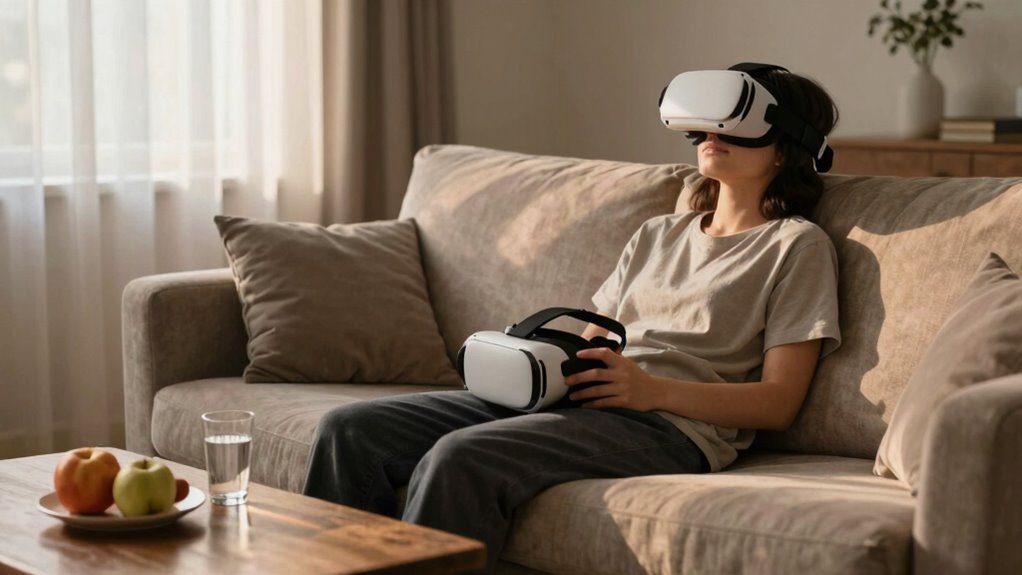
Recovering from a bad VR session is essential because it helps your body and mind reset, preventing discomfort like dizziness, nausea, or fatigue. Taking time to stretch, hydrate, and rest allows your muscles and nervous system to recover, reducing long-term health risks. Also, giving yourself mental clarity and avoiding overstimulation enables you to enjoy future VR experiences safely. Keep exploring to discover more effective ways to protect your well-being during VR adventures.

Get VR and gaming gear delivered free — and shop member deals
- Fast, free delivery on millions of items
- Access to Prime Big Deal Days deals on October 6–7
- Prime Video, Amazon Music and more included
Key Takeaways
- Prevents discomfort like dizziness, disorientation, and fatigue to ensure physical well-being.
- Restores mental clarity and focus for safer and more enjoyable future VR experiences.
- Reduces risk of long-term health issues caused by overstimulation or strain.
- Allows the body and mind to recover, promoting overall balance and resilience.
- Supports safe re-engagement with VR by recognizing and respecting personal limits.
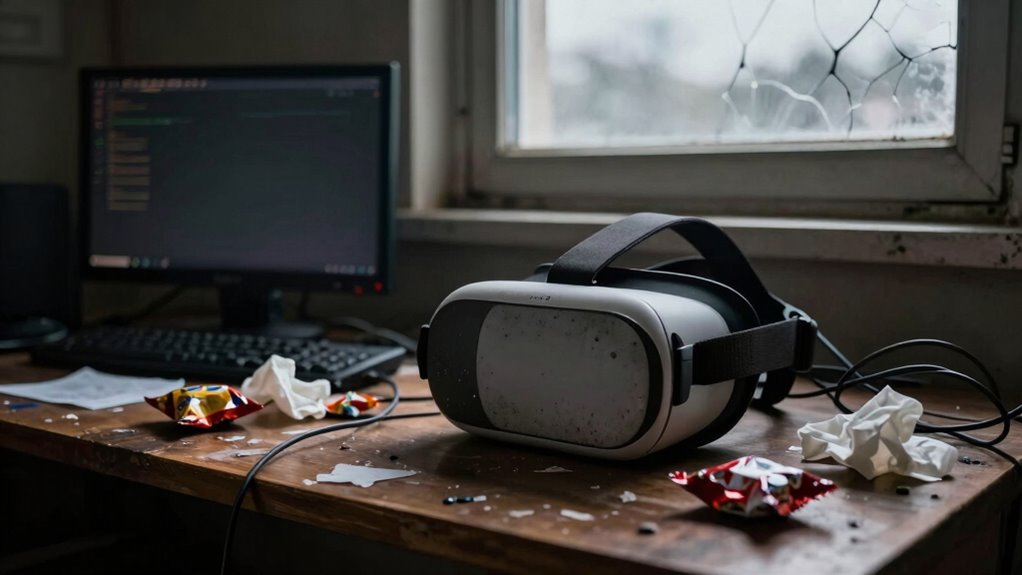
After a rough VR session, it’s important to give yourself time to recover and reset. Virtual reality can be immersive and intense, but it can also leave you feeling disoriented, dizzy, or mentally drained. Taking a moment to recover isn’t just about comfort; it’s essential for your overall well-being and future VR experiences. When you’re trying to bounce back, focusing on techniques for mental reset can help clear your mind and restore your focus. Deep breathing exercises, for example, can slow your heart rate and reduce any lingering anxiety from the session. Closing your eyes and taking slow, deliberate breaths resets your nervous system, helping you feel grounded again.
Giving yourself time to recover after VR helps reset your mind and body for a safer, more enjoyable experience.
Physical recovery tips are equally important. If you notice soreness or tension after VR, stretching can be a game changer. Simple stretches targeting your neck, shoulders, and back loosen tight muscles and alleviate discomfort. Hydration also plays a key role—drinking water helps flush out any toxins and reduces fatigue. If you experienced dizziness or nausea, sitting down in a comfortable position and resting for a few minutes can make a big difference. Avoid rushing straight into another session; instead, give your body and mind time to recalibrate. Recognizing disorientation symptoms early can help prevent further discomfort and ensure a safer recovery. Incorporating self-care practices into your routine can also support your overall recovery process. Additionally, paying attention to your indoor environment—such as air quality—can help reduce residual effects and promote faster recovery.
You might also consider stepping away from screens entirely for a little while. Looking at natural scenery or focusing on objects at a distance helps your eyes relax after extended VR use. Incorporating visual rest strategies can significantly ease eye strain and discomfort. Additionally, grounding techniques, like placing your feet firmly on the ground or touching something tactile, can reconnect you to reality and ease disorientation. If you’re feeling particularly overwhelmed, taking a short walk outdoors can refresh your mental state, providing fresh air and natural stimuli that help your brain reset. Engaging in mindfulness activities can further enhance your mental clarity and help you process the experience more effectively.
It’s fundamental to recognize that recovery isn’t just about immediate physical comfort but also about mental clarity. After a rough VR experience, your brain might be overstimulated or muddled, which can affect your mood and concentration. Incorporating calming activities such as listening to soothing music or practicing mindfulness to ease your mind. Remember, recovery is about respecting your limits and giving your body and mind the time they need to recover fully. This approach not only prevents potential discomfort but also ensures that your future VR sessions remain enjoyable and safe. Prioritizing your recovery process empowers you to continue experiencing VR technology without the adverse effects of rushing or neglecting self-care.
As an affiliate, we earn on qualifying purchases.
Frequently Asked Questions
How Long Does It Typically Take to Recover From VR Discomfort?
It usually takes about a few minutes to an hour to recover from VR discomfort, depending on your VR comfort level. You should take breaks, remove the headset, and do some eye exercises. Adjusting the headset for a better fit and ensuring proper headset adjustments can considerably speed up recovery. If you experience persistent discomfort, give yourself extra time, stay hydrated, and avoid strenuous activities until you feel fully back to normal.
Are There Specific Signs Indicating Serious VR Overexposure?
You should watch for signs like persistent dizziness, nausea, headaches, or vision issues, which could indicate serious VR overexposure. Maintaining VR headset hygiene helps prevent infections that might worsen discomfort. If you notice these symptoms, give yourself time to sensory adaptation by resting and avoiding the headset. Don’t ignore severe or lasting symptoms; they might require medical attention to prevent long-term effects.
Can Repeated Bad VR Sessions Cause Long-Term Health Issues?
Repeated bad VR sessions can potentially lead to long-term health issues, especially if you neglect VR headset hygiene and eye strain prevention. Continuous exposure without proper breaks may cause eye strain, headaches, or discomfort. Over time, poor hygiene can increase the risk of skin irritation or infections. To protect your health, always clean your headset regularly and take frequent breaks to minimize strain and avoid lasting problems.
What Are Quick Remedies to Alleviate VR Motion Sickness?
Think of your VR experience like a thrilling roller coaster—sometimes, you need quick fixes to feel better. To alleviate motion sickness, take a break, focus on stable objects, and breathe deeply. Adjust haptic feedback settings and make sure your headset has ergonomic design to reduce discomfort. Drinking water and avoiding screens for a while can also help. These simple steps help you bounce back and enjoy VR without lingering nausea.
Is There a Way to Prevent Bad Experiences Before Starting VR?
To prevent bad VR experiences, focus on pre-session preparation and environment optimization. Make sure you’re well-rested, hydrated, and avoid heavy meals beforehand. Create a comfortable, clutter-free space with good ventilation and appropriate lighting. Adjust the headset for a proper fit to reduce discomfort. Start with shorter sessions to build tolerance, and take regular breaks. These steps help minimize motion sickness and enhance your overall VR experience.
As an affiliate, we earn on qualifying purchases.
Conclusion
Remember, a rough VR session doesn’t have to ruin your day. Take a break, breathe, and give yourself time to reset. It’s easy to get caught up in the moment, but your well-being comes first. After all, isn’t the goal of VR to enjoy, explore, and have fun? So, next time things go sideways, ask yourself: will a quick recovery help you get back to the immersive experience you crave?
ergonomic neck and shoulder stretches for VR
As an affiliate, we earn on qualifying purchases.
As an affiliate, we earn on qualifying purchases.
As an affiliate, we earn on qualifying purchases.
Halloween Picks
halloween
As an affiliate, we earn on qualifying purchases.