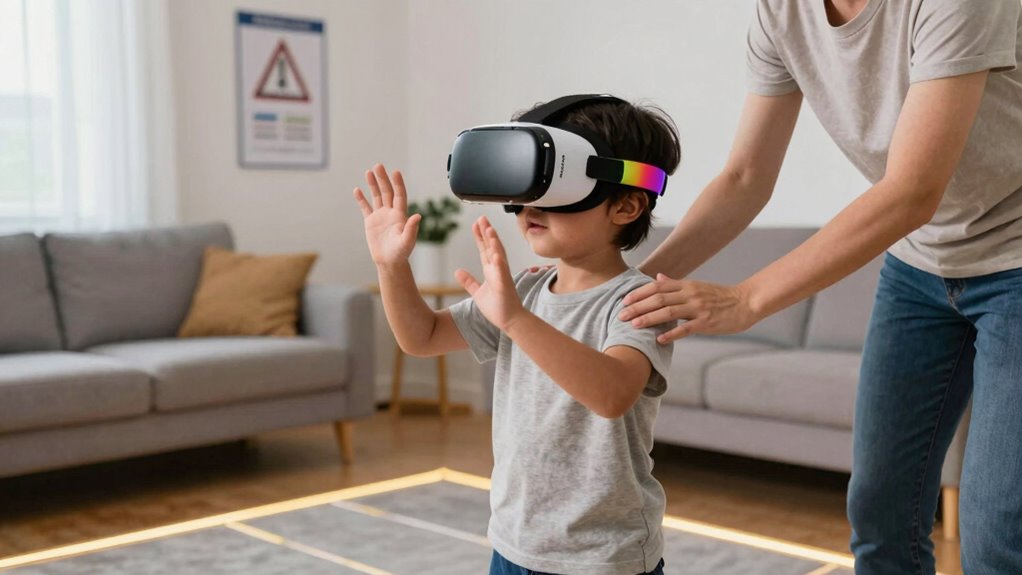

To keep kids safe in social VR, set clear rules about behavior, usage time, and privacy. Use built-in parental controls to restrict chat features and block inappropriate content. Educate your children on privacy, respectful interaction, and recognizing uncomfortable situations. Stay actively engaged, monitor their activity, and encourage open communication so they feel comfortable sharing concerns. Implementing these strategies helps create a safer virtual space—continue exploring to find more effective ways to protect them.
Key Takeaways
- Set up parental controls to restrict chat, limit interactions, and block inappropriate content in social VR platforms.
- Educate children on privacy, emphasizing not sharing personal info and adjusting privacy settings appropriately.
- Maintain open communication about safe behaviors, encouraging children to report uncomfortable or suspicious encounters.
- Establish and enforce time limits to prevent fatigue and promote a healthy balance between virtual and real-world activities.
- Foster respectful behavior by guiding children to treat others kindly and understand that responsible conduct enhances safety.

As social virtual reality (VR) becomes more popular among kids, guaranteeing their safety in these immersive environments is vital. Kids can easily get exposed to inappropriate content, contact strangers, or share personal information without realizing the risks. That’s why setting up effective parental controls is necessary. Parental controls allow you to manage what your child can access, how long they can stay online, and who they can interact with. Most social VR platforms offer built-in controls that let you restrict chat features, block inappropriate content, and monitor activity. By actively configuring these settings, you can prevent your child from wandering into unsafe areas or engaging with strangers who might not have their best interests at heart. Understanding the field of view and how it influences immersive experiences can help you better assess what your child encounters in VR environments.
Effective parental controls are essential to keep kids safe in social VR environments.
User privacy is another essential aspect to take into account. When children use social VR, they often share personal details—sometimes unknowingly—such as their location, age, or interests. You need to educate your child about the importance of keeping private information confidential. Encourage them to avoid sharing their real names, addresses, or other identifying details during virtual interactions. Additionally, review the privacy settings on the platform itself. Many social VR apps allow users to control who can see their profile or send messages, so make sure your child’s privacy preferences are set to restrict access to trusted friends or family members only. This not only shields them from potential predators but also minimizes the chance of cyberbullying or harassment.
It’s also wise to have open conversations with your kid about their virtual activities. Explain why certain boundaries exist and how to recognize uncomfortable situations. Reinforce that they should come to you if they encounter anything upsetting or suspicious. Staying engaged with their social VR experiences helps you spot red flags early and guarantees they’re practicing safe online habits. Additionally, consider setting time limits to prevent excessive usage, which can lead to fatigue or emotional distress.
Finally, remind your child that social VR is a shared environment—respecting others and behaving responsibly are just as important online as in real life. By combining strict parental controls, vigilant management of user privacy, and ongoing dialogue, you create a safer virtual space for your child to explore and enjoy social VR. This proactive approach helps safeguard their well-being while allowing them to benefit from the exciting possibilities these platforms offer.
Frequently Asked Questions
How Can Parents Monitor Kids’ Social VR Interactions Remotely?
You can monitor your kids’ social VR interactions remotely by setting up parental controls on their devices and within the VR platform. Use these controls to restrict access to certain environments, monitor their activity logs, and set time limits. Regularly communicate with your kids about their VR experiences and encourage open discussions. This way, you stay informed and make certain they navigate social VR safely without constant physical oversight.
What Are Signs of Negative Experiences in Social VR?
Like a storm cloud gathering, signs of negative experiences in social VR include your child showing emotional distress or social withdrawal. They might become unusually quiet, avoid VR sessions, or express feelings of sadness or anxiety. Watch for sudden changes in behavior, reluctance to talk about their experiences, or signs of frustration. These cues indicate they may be struggling emotionally and need your support and reassurance.
How Do I Set Age-Appropriate Privacy Settings?
You should start by exploring the privacy controls available in the social VR platform. Adjust the settings to limit who can contact your child and view their profile. Use age filters to ensure your child only interacts with peers of similar age. Regularly review and update these settings to maintain appropriate privacy levels, and encourage your child to understand and respect privacy boundaries within the virtual environment.
Are There Tools to Block or Report Inappropriate Users?
Yes, many social VR platforms have reporting features and user blocking tools to protect your kids. You can quickly report inappropriate behavior or content, which alerts moderators to take action. Blocking users prevents them from contacting your child again. Don’t worry—these tools are designed to keep your kids safe, and encouraging them to use reporting features empowers them to handle uncomfortable situations confidently.
How Can Kids Be Taught to Handle Cyberbullying in VR?
You can teach kids cyberbullying prevention by encouraging open conversations and emphasizing kindness. Help them recognize inappropriate behavior and respond confidently or seek help. Foster empathy building by discussing how their actions affect others and sharing real-life stories. Practice role-playing scenarios so they feel prepared to handle cyberbullying. Reinforce that they should always report harmful behavior and remember, staying respectful online is key to a positive VR experience.
Conclusion
By setting clear rules and supervising their virtual adventures, you protect your kids from harm and foster their confidence. Remember, social VR opens a world of fun and learning—just like playgrounds, it’s a space for growth and exploration. But without guidance, it can also expose them to risks. So, while the digital world offers endless possibilities, your active role keeps their experience safe and enjoyable—proof that boundaries and freedom go hand in hand.