
To enjoy long VR sessions, take regular micro-breaks every 15–20 minutes to prevent fatigue and discomfort. Look away from the headset, stretch gently, and stay hydrated to support eye health and muscle relaxation. Watch for signs like eye strain or muscle tension, and adjust breaks accordingly. Using reminders or accessories can help you stay consistent. Keep exploring for more tips on making your VR experiences even more comfortable and lasting.
Key Takeaways
- Schedule regular micro-breaks every 15–20 minutes to prevent fatigue and maintain comfort during extended VR sessions.
- Use visual and physical cues, like looking at distant objects or stretching, to effectively reduce eye strain and muscle tension.
- Incorporate simple techniques such as deep breathing and hydration to boost alertness and support overall well-being.
- Set alarms or reminders to ensure consistent breaks and avoid overexertion during long VR experiences.
- Utilize accessories like stands, comfortable seating, and blue light glasses to enhance break quality and promote sustained comfort.
Understanding the Benefits of Micro-Breaks in VR
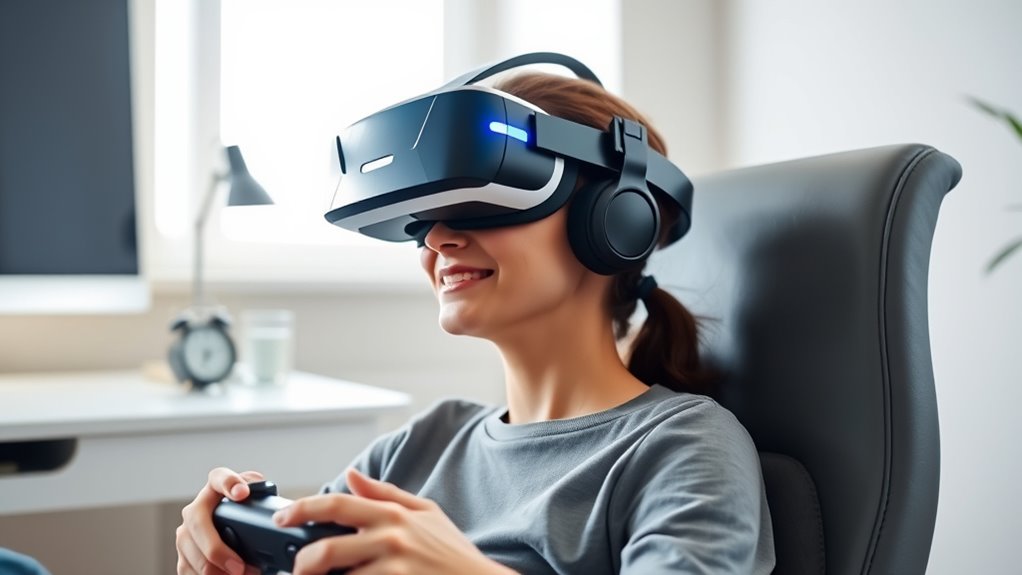
Taking regular micro-breaks during VR sessions can especially reduce eye strain, fatigue, and discomfort. When you step away briefly, your eyes get a chance to refocus and relax, preventing the buildup of tension from continuous close-up focus. Micro-breaks also help reset your posture, reducing muscle strain in your neck, shoulders, and back caused by prolonged headset wear. These short pauses improve circulation, which keeps you more alert and reduces feelings of stiffness or heaviness. Over time, incorporating micro-breaks can extend your ability to enjoy longer VR sessions without suffering from discomfort or diminished concentration. Additionally, proper maintenance of your VR equipment can ensure optimal performance and comfort. Regularly adjusting your headset and cleaning the lenses can also contribute to a better experience, especially as it relates to equipment longevity. Incorporating user comfort practices can further enhance your VR experience by minimizing physical stress. Practicing ergonomic adjustments during VR sessions can help you maintain better posture and reduce fatigue. Consistently taking these brief breaks helps protect your physical well-being, enhances your overall experience, and keeps you engaged longer and more comfortably. Furthermore, understanding the benefits of micro-breaks can motivate you to integrate them into your routine effectively.
Recognizing Signs of Fatigue and Overexertion
You might notice physical discomfort like aching muscles or stiffness, which signals you’re overexerting yourself. Visual strain symptoms, such as blurred vision or eye fatigue, can also indicate it’s time to take a break. Additionally, mental fatigue, like difficulty concentrating or feeling overwhelmed, shows you’re pushing beyond your limits. Incorporating digital literacy with glycolic acid can help maintain healthy skin, especially in areas prone to buildup from prolonged use. Proper piercing aftercare and hygiene also play a vital role in preventing discomfort and infections during extended sessions. Moreover, paying attention to support breakfast options can help ensure your body receives essential nutrients to sustain energy levels during long VR sessions.
Physical Discomfort Indicators
Being attentive to physical discomfort is essential when using VR, as signs of fatigue and overexertion can quickly diminish your experience and even cause harm. Common indicators include muscle tension, joint soreness, or a feeling of heaviness. You might notice your shoulders tense up or your hands cramp after extended use. Pay close attention to these signals to prevent strain or injury. Recognizing energy-efficient cloud solutions can also help ensure your hardware runs smoothly during prolonged sessions. Additionally, maintaining proper hardware ergonomics and taking regular micro-breaks can greatly reduce physical strain, especially when combined with backyard transformation essentials that promote a comfortable setup. Staying informed about device vulnerabilities further supports your efforts to maintain a safe and comfortable VR experience. Incorporating stretching routines before and after sessions can also alleviate muscle tightness and improve circulation.
Visual Strain Symptoms
Recognizing visual strain symptoms is essential for maintaining comfort and safety during VR sessions. Signs include eyes that feel tired or heavy, frequent blinking, or dryness and irritation. You might notice blurred vision or difficulty focusing after a short period of VR use. Headaches around the eyes or temples are also common indicators that your eyes are overexerted. If you experience these symptoms, it’s a clear signal to take a break. Overusing your eyes without rest can lead to increased discomfort and longer recovery times. Paying attention to these signs helps prevent more serious issues like digital eye strain. Regularly checking in with your visual comfort ensures you can enjoy extended VR sessions without risking unnecessary fatigue or damage. Incorporating micro‑breaks into your routine can significantly reduce eye strain and improve overall comfort during prolonged use. Additionally, understanding the importance of visual health can motivate you to adopt better habits for long-term eye wellness. Implementing proper ergonomic practices while using VR also contributes to minimizing strain and supporting your eye health. Being aware of consecutive usage limits can further help in planning effective breaks and avoiding overexertion.
Mental Fatigue Signs
Mental fatigue often creeps in gradually during extended VR sessions, making it harder to concentrate and enjoy the experience. You might notice your thoughts becoming cloudy or drifting, and your attention waning. As fatigue builds, you could feel more irritable or impatient, even over small frustrations. Your reaction times slow down, and tasks that once felt easy now seem overwhelming. You may also experience a sense of detachment or mindlessness, where the virtual environment feels less engaging. Physical signs like eye strain can worsen, but mental signs are equally important. Recognizing these cues early helps you take timely micro-breaks, preventing overexertion and maintaining focus. Incorporating reliable cables and hardware can also reduce technical distractions that contribute to fatigue. Being aware of mental fatigue signs and proper ergonomics ensures your VR experience remains enjoyable and safe.
Optimal Timing and Frequency for Breaks

To maximize the benefits of micro-breaks during VR sessions, timing and frequency are essential factors to contemplate. You should take short breaks roughly every 15 to 20 minutes, as this helps prevent eye strain and mental fatigue without interrupting your immersion. If you notice signs of discomfort or decreased focus, don’t hesitate to pause sooner. Conversely, longer VR sessions may require more frequent breaks or slightly extended pauses to reset your eyes and mind. Keep in mind that consistency matters—regular breaks maintain comfort and performance. Adjust the timing based on how you feel; some people may need more frequent pauses, while others can stretch slightly longer between breaks. Finding your ideal rhythm ensures you stay comfortable and engaged during extended VR use.
Techniques for Effective Micro-Breaks

Effective micro-breaks involve simple but intentional techniques that refresh your eyes, mind, and body during VR sessions. To do this, look away from the headset and focus on a distant object for 20 seconds, helping relax your eye muscles and reduce strain. Incorporate gentle stretches for your neck, shoulders, and arms to release tension caused by prolonged headset use. Take deep breaths to oxygenate your brain and improve mental clarity. Keep your posture in check—sit upright and avoid slouching. Hydrate regularly to stay alert and prevent fatigue. If possible, close your eyes briefly or blink often to prevent dryness. These small, purposeful actions can considerably enhance your comfort and focus, making your VR experiences more enjoyable and sustainable over long periods.
Incorporating Breaks Into Your VR Routine

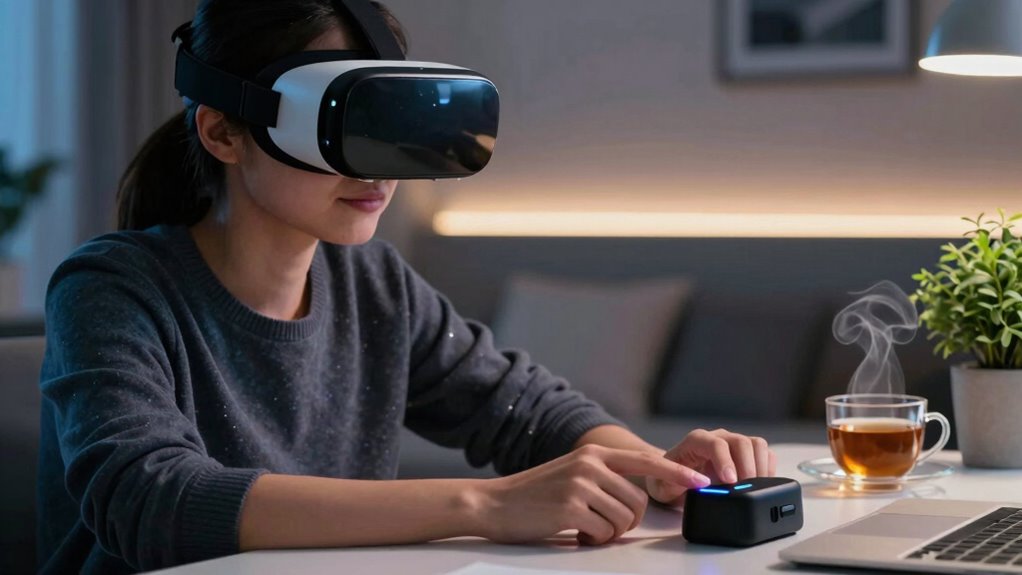
Integrating regular breaks into your VR routine is essential for maintaining comfort and preventing fatigue. Begin by scheduling short pauses every 15 to 20 minutes during your sessions. Set alarms or reminders to prompt these breaks, ensuring you don’t forget. During each break, step away from the headset, stretch your legs, and relax your eyes. Incorporate simple activities like blinking frequently or focusing on distant objects to reduce eye strain. Adjust your routine based on how you feel; if you notice discomfort or fatigue, take a break sooner. Consistency is key, so make breaks a habitual part of your VR experience. Over time, these pauses will help you stay comfortable, reduce fatigue, and extend your VR sessions without sacrificing enjoyment.
Tools and Accessories to Support Breaks

Using the right tools and accessories can make taking breaks during your VR sessions more convenient and effective. These items help you pause comfortably, reduce strain, and refresh quickly. Consider these essentials:
- VR Glasses Stand or Holder – keeps your headset off the floor and ready for quick pauses.
- Comfortable Seat or Chair – allows you to sit and relax during longer breaks without losing your position.
- Blue Light Glasses – reduce eye strain when you look away from screens during breaks.
- Desk Fan or Cooling Towel – helps cool down your face and neck, preventing overheating during breaks.
Having these accessories within reach ensures your breaks are efficient, comfortable, and promote better VR health.
Frequently Asked Questions
How Do Micro-Breaks Differ From Full Breaks in VR?
Micro-breaks are short, usually lasting 30 seconds to a minute, and are designed to give your eyes and mind quick relief during VR sessions. Full breaks, on the other hand, involve stepping away from the headset entirely for several minutes or more. While micro-breaks help prevent strain and fatigue without interrupting gameplay, full breaks allow complete rest, reducing overall physical and mental exhaustion in longer VR sessions.
Can Micro-Breaks Improve Long-Term VR Health?
Yes, micro-breaks can improve your long-term VR health. They give your eyes and muscles a chance to rest, reducing strain and fatigue. By taking brief pauses every 15-20 minutes, you prevent discomfort and potential injuries like eye strain or headaches. Incorporating these small breaks into your VR routine helps maintain comfort, enhances focus, and promotes overall health, making long sessions safer and more enjoyable.
Are There Specific VR Genres That Require More Frequent Breaks?
Yes, fast-paced genres like first-person shooters or action games typically require more frequent breaks, as they demand intense eye and hand coordination. You might find yourself needing a break every 10-15 minutes to prevent eye strain and fatigue. Conversely, slower-paced genres like puzzle or exploration games are gentler, so you can often extend your playtime. Pay attention to how your body feels and take breaks accordingly.
What Are Common Mistakes When Taking Micro-Breaks?
Think of micro-breaks as tiny pit stops in your VR journey. A common mistake is rushing through them, like a racecar skimming a pit lane, missing vital rest for your eyes and mind. You might also forget to blink or stretch during breaks, causing fatigue to build like a silent storm. Instead, take deliberate, mindful pauses—look away, blink deeply, stretch gently—to truly refresh and keep your immersion alive.
How Can VR Developers Incorporate Break Reminders Seamlessly?
You can incorporate break reminders seamlessly by integrating subtle, non-intrusive prompts within the VR experience, like gentle visual cues or optional haptic alerts. Use natural pauses in gameplay or exploration to suggest micro-breaks, ensuring they feel part of the experience rather than interruptions. Personalize reminders based on user activity, and allow easy customization so players can choose when and how they’re reminded, promoting healthier, longer sessions.
Conclusion
By incorporating quick micro-breaks into your VR sessions, you can enjoy longer, more comfortable experiences. For example, imagine a gamer who took a two-minute break every 20 minutes—she finished her marathon gaming session feeling refreshed and pain-free. Don’t ignore signs of fatigue; instead, use simple techniques and tools to support your breaks. With consistent micro-breaks, you’ll maximize enjoyment and protect your health, making VR sessions both fun and sustainable.