To keep your VR device’s battery healthy longer, avoid fully draining it or leaving it at 0%, and aim to keep the charge between 20% and 80%. Use compatible chargers and unplug before reaching 100% to reduce stress. Store your device in a cool, dry place and avoid heat exposure. Regularly monitor battery health and perform calibration. Continue for more tips to prevent early battery wear and extend performance.
Key Takeaways
- Keep battery charge levels between 20% and 80% to minimize stress and prolong lifespan.
- Avoid full discharges and never let the battery fall below 20% to prevent damage.
- Use original or compatible chargers with proper voltage to prevent overcharging and heat buildup.
- Store VR devices in cool, dry environments and avoid exposing batteries to high temperatures.
- Regularly monitor and calibrate battery cycles to maintain accurate readings and optimal health.
Understanding Your VR Battery’s Chemistry and Limits

To properly care for your VR device’s battery, it’s essential to understand its chemistry and limits. Most VR batteries use lithium-ion technology, which offers high energy density and rechargeability. These batteries work best when kept within a specific voltage and temperature range. Overcharging or exposing the battery to extreme heat can cause capacity loss and potential damage. Lithium-ion batteries also have a limited number of charge cycles before their capacity diminishes considerably. Unlike older battery types, they don’t have a memory effect, so you don’t need to fully discharge them before recharging. Recognizing these limits helps you avoid practices that could shorten your battery’s lifespan. Proper handling ensures your VR device stays powered longer and performs reliably over time. Additionally, many modern devices incorporate battery chemistry improvements that enhance cycle life and safety. European cloud solutions are increasingly adopting energy-efficient battery management systems to enhance longevity and sustainability. Furthermore, understanding charge cycle limits can help users make informed decisions about charging habits and storage conditions, emphasizing the importance of battery health for maintaining overall battery performance.
Optimal Charging Practices to Maximize Battery Lifespan

Properly charging your VR device’s battery can substantially extend its lifespan. To do this, avoid letting the battery drain completely before recharging; shallow charges are better. Keep your device between 20% and 80% charge whenever possible—frequent, smaller top-ups reduce stress. Use the charger provided or one with similar specifications to prevent overvoltage issues. Don’t leave your device plugged in at 100% for long periods, as high voltage accelerates aging. Instead, unplug once it reaches around 80-90% if you’re not using it immediately. Additionally, avoid charging overnight regularly, as it can lead to overcharging. By following these practices, you help maintain the battery’s health, ensuring your VR device stays ready and reliable for longer periods. Being aware of battery health and monitoring usage patterns can also help prevent early degradation. Regularly checking for battery capacity decline allows you to take action before the battery becomes unusable. Maintaining proper charging habits can also reduce the risk of battery overheating, which can further damage the battery over time. Incorporating proper storage when not in use for extended periods can also preserve battery performance and lifespan. Furthermore, understanding how charging cycles impact overall battery longevity enables more informed maintenance decisions.
Managing Temperature Conditions During Use and Storage
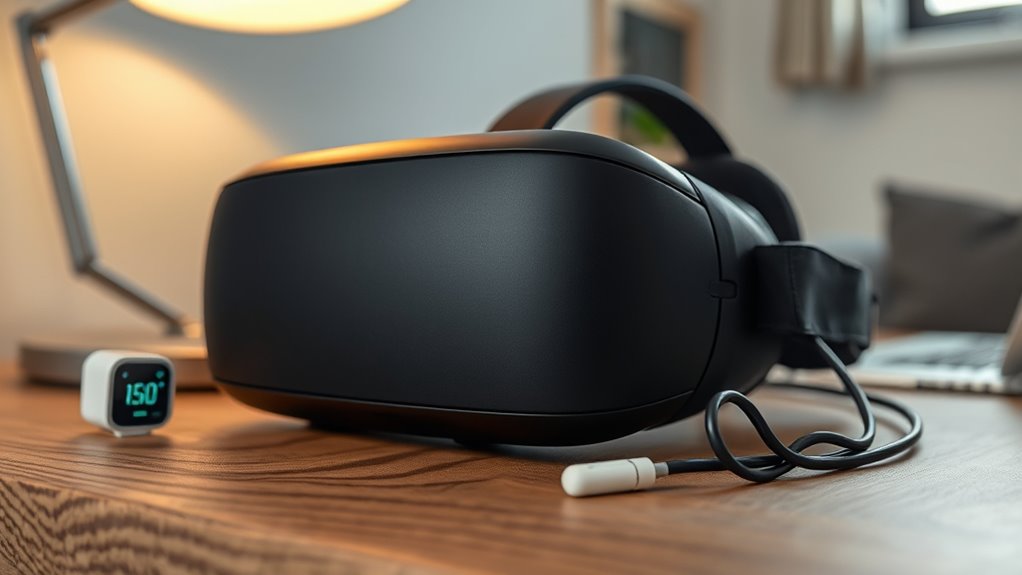
Managing temperature conditions during use and storage is essential for preserving your VR device’s battery health. High temperatures accelerate chemical reactions inside the battery, causing faster degradation and capacity loss. Avoid exposing your device to direct sunlight or leaving it in hot environments, like a car on a sunny day. Conversely, extremely cold temperatures can reduce battery efficiency and temporarily impair performance. When storing your VR device, keep it in a cool, dry place away from heat sources and direct sunlight. If you won’t use it for a while, store it at room temperature and avoid extreme cold or heat. Proper temperature management minimizes stress on the battery, ensuring it lasts longer and performs reliably during your VR experiences. Controlling ambient temperature during use and storage plays a crucial role in maintaining your device’s longevity and battery performance. Maintaining a stable temperature environment helps prevent unnecessary strain on the battery and prolongs its lifespan. Additionally, understanding how temperature fluctuations impact battery chemistry can help you better protect your device from damage caused by environmental changes. Being aware of temperature-related battery degradation can guide you in making better storage and usage decisions.
Avoiding Deep Discharges and Over-Discharging Risks

You should avoid letting your VR device’s battery fully drain, as deep discharges can harm its lifespan. Keeping the charge level between 20% and 80% helps prevent damage and maintains peak performance. By managing your charging habits, you can extend your battery’s health and ensure reliable use.
Risks of Deep Discharges
Deep discharges can considerably damage your VR device’s battery, leading to reduced lifespan and diminished performance. When you let the battery drain completely, it stresses the internal components and causes chemical imbalances. This damage makes it harder for the battery to hold a charge and can result in unpredictable power drops during use. Over time, repeated deep discharges weaken the battery’s structure, increasing the risk of capacity loss and potential failure. Avoid letting your VR device’s battery fall below 20%, as this minimizes stress and preserves its health. By keeping the charge within a safe range, you protect the battery’s longevity and guarantee consistent performance. Preventing deep discharges is a vital step in maintaining your VR device’s battery health long-term. Floating on water and other water-based activities can also impact battery performance if moisture enters the device, so proper handling and storage are essential. Additionally, understanding the lifecycle and performance metrics of your battery can help you monitor its health and plan for replacements before failure occurs. Regularly checking your device’s battery status with battery health tools can further assist in safeguarding its overall longevity and avoid unnecessary battery failure. Being aware of battery chemistry can also guide you in adopting the best charging habits to prolong your battery’s life.
Optimal Charge Levels
Maintaining your VR device’s battery within ideal charge levels is essential to prolong its lifespan and ensure reliable performance. You should aim to keep the battery between 20% and 80%, avoiding full charges to 100% or letting it drop below 10%. Charging to full capacity repeatedly stresses the battery, accelerating wear. Similarly, discharging deeply can cause damage and reduce overall capacity. To maximize longevity, charge your device regularly before it hits critically low levels and unplug once it reaches a comfortable 80%. Using smart chargers or enabling battery management features can help maintain these perfect levels automatically. Staying within this range minimizes stress on the battery, helping it retain capacity longer and perform reliably during your VR sessions.
Preventing Battery Damage
Keeping your VR device’s battery healthy also means preventing damage caused by over-discharging. When your battery drops too low, it can strain the cells and shorten its lifespan. To avoid this, don’t let the charge level fall below 20%. Regularly recharge before it hits critically low levels. Over-discharging can cause irreversible damage, leading to reduced capacity or even complete failure. Keep track of your usage and recharge promptly. If you won’t use your device for a while, store it with a partial charge rather than fully drained. Using the right charger and avoiding prolonged periods at 0% can help sustain battery health. Additionally, understanding thermal behavior and managing temperature during charging can help prevent overheating that accelerates battery degradation. Proper battery maintenance practices, including avoiding extreme temperatures, further contribute to extending your VR device’s battery life and ensuring reliable performance over time.
Proper Storage and When to Recharge or Power Down
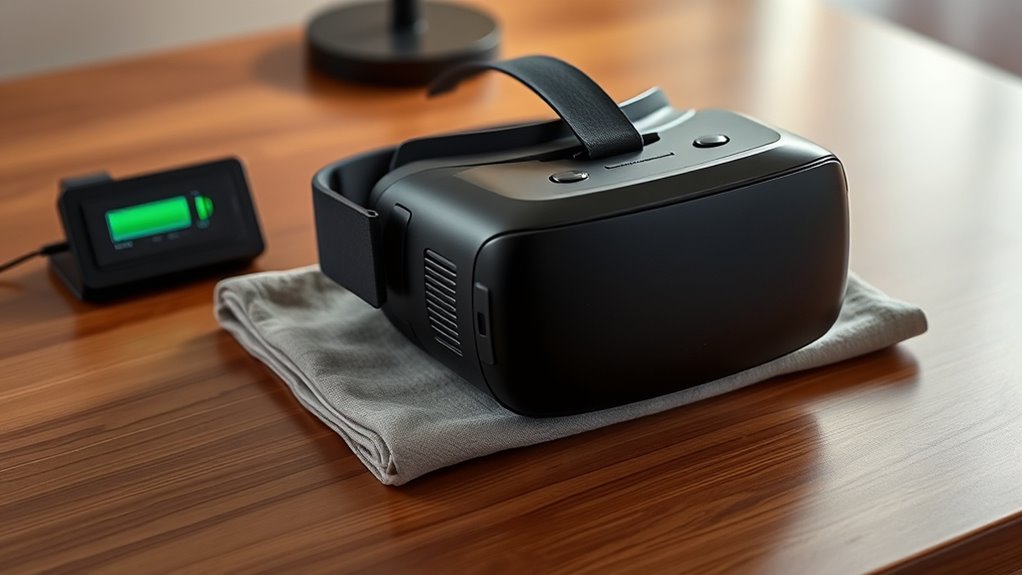
Proper storage of your VR device is essential to preserving its battery health. When you’re not using it for an extended period, store the device in a cool, dry place away from direct sunlight. Aim for a storage temperature between 50-70°F (10-21°C), as extreme heat or cold can damage the battery. Before storing, charge the battery to around 50%, which helps prevent capacity loss over time. If you plan to use the device within a few days, keep it charged and turn it off when not in use. Avoid leaving it fully drained or constantly plugged in for long periods. Regularly check the battery level during storage to prevent over-discharge, and recharge only when necessary to keep the battery healthy. Additionally, consider monitoring the device’s ventilation during charging and use to prevent overheating that could accelerate battery degradation. Ensuring proper temperature management and avoiding overcharging can significantly extend your battery’s lifespan and maintain optimal performance.
Regular Maintenance and Monitoring Battery Health
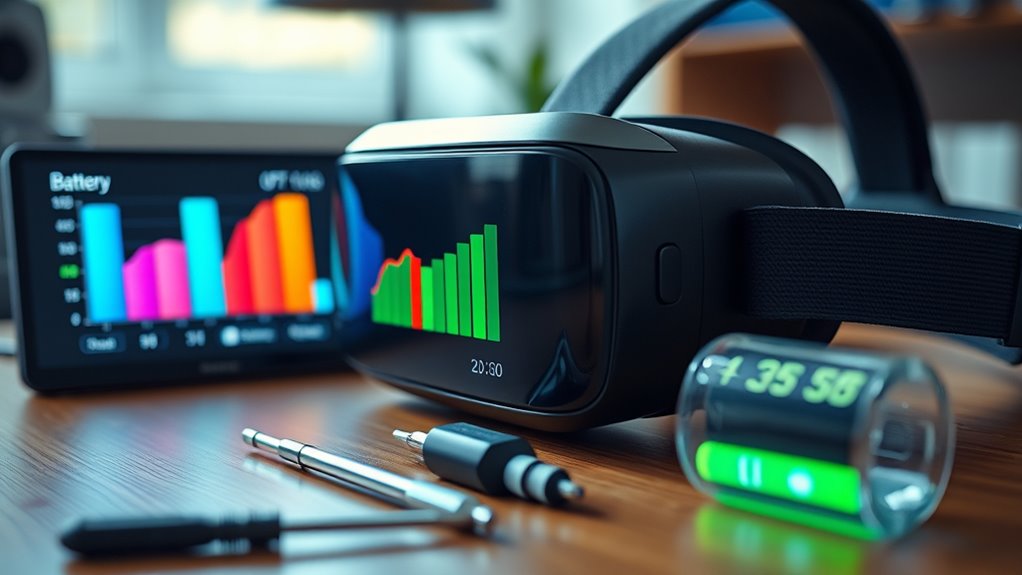
To keep your VR device’s battery in top shape, you should regularly check its cycle count and avoid overcharging. Calibrating the battery every few months guarantees accurate readings, and keeping your device’s software up to date helps optimize performance. Staying on top of these simple steps can extend your battery’s lifespan and maintain its reliability.
Monitor Battery Cycles
Monitoring your VR device’s battery cycles is essential for maintaining peak performance and extending its lifespan. Every charge and discharge cycle gradually wears down the battery, reducing its capacity over time. By tracking how many cycles your battery has gone through, you can better predict when it might start to decline and plan for replacements if necessary. Many VR devices or their companion apps provide built-in cycle counters, making it easy to stay informed. Keep an eye on this number and avoid letting it reach excessive levels, which can accelerate battery degradation. Regularly monitoring helps you identify patterns, optimize charging habits, and ensure your device remains reliable and ready for immersive experiences. Staying proactive about battery cycles saves you money and preserves your VR device’s performance.
Calibrate Periodically
Have you ever wondered if your VR device’s battery is functioning at its best? Regular calibration helps keep it accurate, ensuring you get reliable battery life readings. To calibrate, fully charge your device to 100%, then use it until it’s nearly drained. Repeat this process once every few months. Calibration resets the battery’s internal management system, preventing false readings that could cause early wear. Here’s a quick guide:
| Step | Purpose |
|---|---|
| Fully charge | Reset battery capacity indicator |
| Drain completely | Recalibrate internal system |
| Recharge to 100% | Confirm calibration accuracy |
| Repeat periodically | Maintain accurate battery health |
| Avoid frequent partials | Prevent calibration errors |
Regular calibration helps you monitor and maintain your VR device’s battery health effectively.
Keep Software Updated
Ever wondered if your VR device performs ideally? Keeping your software up to date is essential for optimal battery health. Developers regularly release updates that fix bugs, improve efficiency, and enhance power consumption. Ignoring these updates can lead to increased battery drain or unexpected shutdowns. Make it a habit to check for updates through your device’s settings or app store. Installing the latest firmware and software ensures your VR device runs smoothly and conserves battery life. Additionally, updates often include security patches, which protect your device from vulnerabilities that could indirectly affect performance. Don’t delay updating; it’s a simple step that can extend your battery’s lifespan and guarantee a better VR experience. Regular maintenance keeps your device healthy and ready whenever you want to explore virtual worlds.
Tips for Extending Overall Battery Life and Performance

To maximize your VR device’s battery life and guarantee it performs at its best over time, you should adopt some simple, effective habits. First, avoid letting your battery fully discharge; keep it between 20% and 80% whenever possible. Second, turn off your device when not in use to prevent unnecessary drain. Third, reduce screen brightness and disable unused features like Wi-Fi or Bluetooth to conserve power. Fourth, store your VR device in a cool, dry place, as high temperatures can degrade the battery. By applying these habits, you’ll extend your battery’s lifespan, ensure consistent performance, and get the most out of your VR experience. Small adjustments can make a significant difference over time.
Frequently Asked Questions
How Often Should I Calibrate My VR Battery?
You should calibrate your VR battery every few months or if you notice it’s holding a charge poorly. Calibration helps guarantee accurate battery readings and peak performance. To do this, fully charge your device to 100%, then use it until it completely discharges. Repeat this process periodically, especially if your battery life seems inconsistent, to maintain battery health and prevent early degradation.
Can Using Third-Party Chargers Damage My VR Battery?
Using third-party chargers can damage your VR battery if they aren’t quality or don’t match the device’s specifications. Cheap or incompatible chargers might supply incorrect voltage or current, leading to overheating, reduced battery lifespan, or even permanent damage. To protect your device, always opt for chargers recommended by the manufacturer. Avoid third-party options unless you’re sure they’re safe and reliable, ensuring your VR battery stays healthy and lasts longer.
What Signs Indicate My Battery Is Degrading?
You’ll notice your VR battery isn’t performing as well if it drains faster than usual, takes longer to charge, or if your device randomly shuts off during use. You might also see reduced gameplay time between charges or the battery swelling or overheating. These signs mean your battery is degrading, so it’s a good idea to contemplate replacing it or checking for other issues to prevent further damage.
Does Firmware Update Affect Battery Longevity?
Yes, firmware updates can impact your battery’s longevity. Sometimes, updates improve battery management, extending its life. However, others may optimize performance at the expense of slightly increased power consumption, which could accelerate degradation over time. You never know what’s coming until it’s installed. So, stay cautious, read update notes carefully, and monitor your device’s battery health after each firmware change. It’s your best shot at keeping that battery alive longer.
Are There Specific Storage Environments for Optimal Battery Health?
You should store your VR device in a cool, dry place between 40-60% charge for ideal battery health. Avoid exposing it to extreme temperatures or direct sunlight, which can damage the battery. Keep it away from high humidity and avoid leaving it fully charged or completely drained for long periods. Proper storage helps maintain battery capacity and prolongs its lifespan, ensuring your device stays ready when you need it.
Conclusion
Treat your VR battery like a delicate garden—tend to it gently, avoid harsh extremes, and keep it well-watered with proper charges. By nurturing it with mindful habits, you’ll ensure your device’s power blossoms for years to come. Don’t let neglect or reckless use turn your vibrant virtual adventures into a wilted, fading dream. Care for your battery, and it’ll reward you with endless immersive journeys, keeping your virtual worlds alive and thriving.