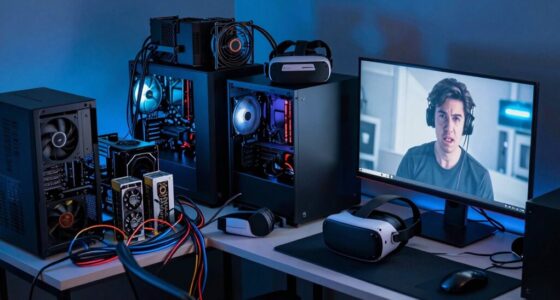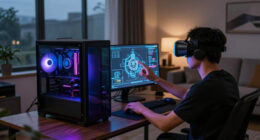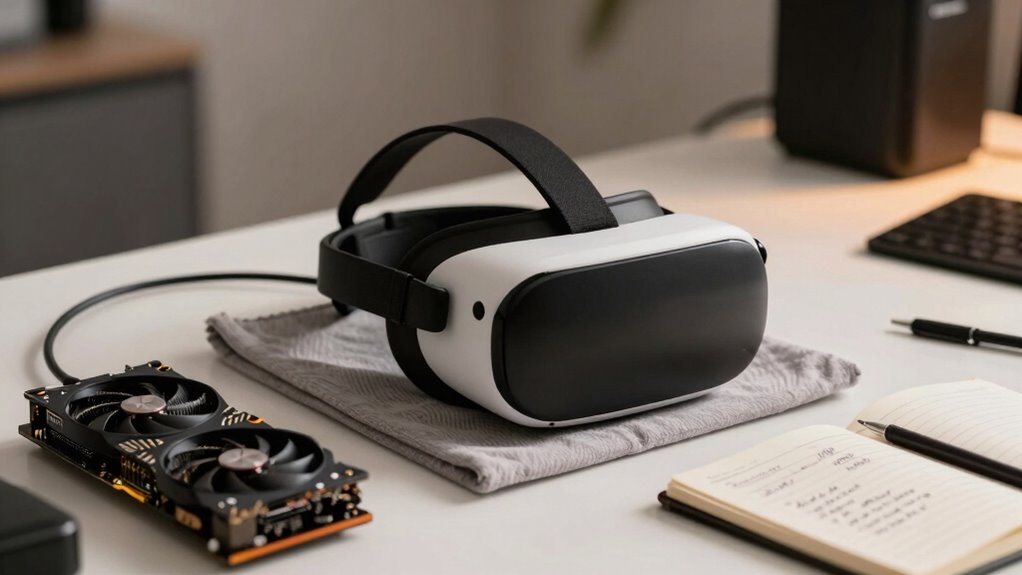

For a quiet upgrade to improve your VR experience without buying a new headset, focus on cost-effective tweaks like upgrading tracking sensors, optimizing firmware, and adjusting software settings. Comfort adjustments, such as aftermarket straps or padding, can make long sessions more enjoyable. Controlling environment lighting and using visual accessories improve clarity and tracking. Fine-tuning your current setup can make a noticeable difference—keep exploring these options to discover even more ways to enhance your VR without spending a dime.

Play games on Amazon Luna for your next adventure, included with Prime
- A rotating selection of games, no download needed
- Play on TV, laptop or phone
- Fast, free delivery for your gear, too
Key Takeaways
- Optimize firmware and software settings for improved performance without hardware changes.
- Adjust fit, straps, and padding for enhanced comfort during extended VR sessions.
- Improve lighting and environment to boost tracking accuracy and visual clarity.
- Upgrade tracking sensors or add external controllers for better movement precision affordably.
- Regularly calibrate and fine-tune existing hardware to maximize responsiveness and immersion.
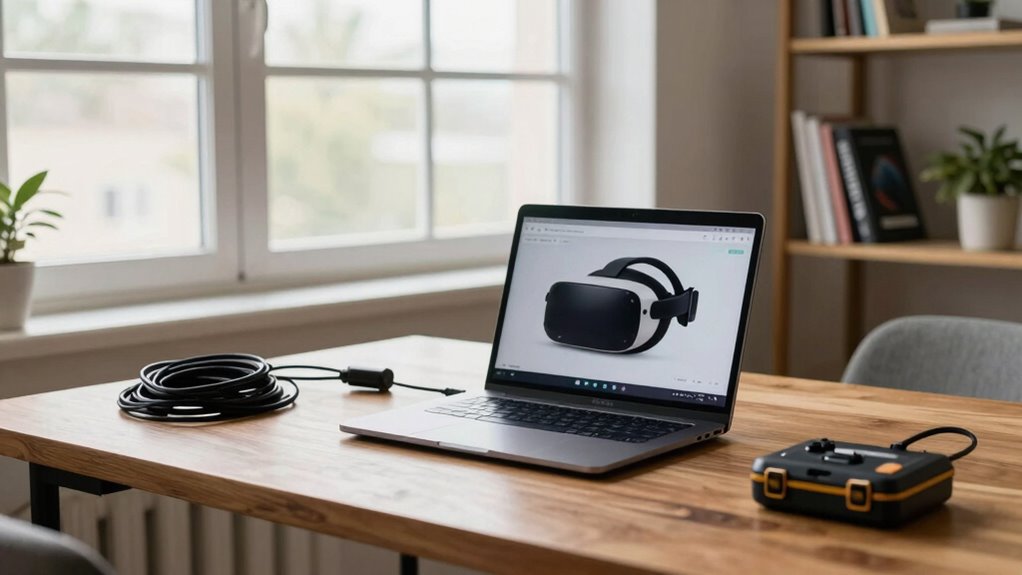
If you’re enthusiastic to improve your virtual reality experience but aren’t ready to splurge on a new headset, there are smart, low-cost ways to upgrade your setup without buying right away. The first step is to assess your current hardware compatibility. Not all VR accessories work seamlessly with every headset, so before investing in any upgrades, double-check your device’s specifications. Look for compatible controllers, sensors, or external accessories that can enhance your experience without requiring a full upgrade. For instance, upgrading your tracking sensors can markedly improve movement accuracy, making your VR sessions feel more natural. These upgrades often come at a fraction of the cost of a new headset and can extend the life of your current device.
Next, focus on user comfort, which is vital for longer, more immersive VR experiences. Small adjustments can make a big difference. Start with comfortable straps or padding for your existing headset—many companies sell aftermarket accessories designed to reduce pressure points and improve fit. Proper fit not only boosts comfort but also impacts hardware performance, as a loose or poorly fitted headset can cause tracking issues or visual discomfort. Consider adjusting the interpupillary distance (IPD) settings if your headset allows it, ensuring the lenses align perfectly with your eyes. This simple tweak can eliminate headaches and eye strain, allowing you to enjoy VR longer without fatigue. Additionally, proper headset fit is essential for optimal visual clarity and tracking performance.
Enhance comfort with adjustable straps, padding, and IPD settings for longer, more enjoyable VR sessions.
Lighting also plays a role in enhancing user comfort and hardware performance. Use controlled lighting in your play area to prevent external light interference, which can affect sensors and tracking. A well-lit but non-glare environment ensures your sensors can accurately detect your movements, reducing frustration and improving immersion. Additionally, investing in a comfortable, high-quality pair of VR-compatible glasses or lens inserts can reduce fogging and improve clarity, making the visuals sharper and more comfortable for extended use. Moreover, choosing accessories that enhance sensor placement can maximize tracking accuracy and improve overall performance. Regularly updating your device’s firmware can also help address potential bugs and improve sensor calibration, ensuring your hardware works at its best. Being aware of hardware limitations can guide you in making more effective adjustments and avoiding unnecessary upgrades.
Finally, explore software settings and firmware updates. Sometimes, tweaking your device’s settings or updating its firmware can resolve hardware compatibility issues and improve overall performance. Many headsets release updates that optimize sensor calibration and tracking, which can make your current hardware feel more responsive without any physical upgrades. By focusing on these low-cost, strategic upgrades—checking hardware compatibility, optimizing user comfort, and fine-tuning software—you can greatly enhance your VR experience without rushing into a new purchase. This approach allows you to enjoy better immersion, accuracy, and comfort while saving money and time.
As an affiliate, we earn on qualifying purchases.
Frequently Asked Questions
Can Existing Hardware Support Future VR Headset Upgrades?
Yes, your existing hardware can support future VR headset upgrades if it has good hardware compatibility and upgrade longevity. Check that your GPU, CPU, and ports meet the new headset’s requirements. Upgrading components like your graphics card or adding more RAM can extend your system’s lifespan, ensuring you’re ready for future VR advancements. Staying compatible and maintaining your hardware will help you enjoy the latest VR experiences without constantly replacing your entire setup.
What Software Settings Can Improve VR Performance Without New Hardware?
A stitch in time saves nine, and that applies to VR optimization. You can improve VR performance with software tweaks like lowering resolution, adjusting supersampling, and disabling unnecessary background apps. Tweak your graphics settings, enable motion smoothing, and update your GPU drivers. These small software adjustments can make a noticeable difference, giving you smoother gameplay without needing new hardware. Focus on these tweaks to enhance your VR experience efficiently.
Are There Affordable Accessories That Enhance VR Experience?
Affordable accessories can considerably boost your VR experience. Consider investing in a high-quality VR face cushion for comfort, a cable management system to reduce clutter, or a dedicated VR cleaning kit to keep lenses clear. These VR enhancements are budget-friendly and improve immersion and comfort, making your sessions more enjoyable. Small upgrades like these don’t require a big investment but can make a noticeable difference in your overall VR experience.
How Can I Troubleshoot Common VR Performance Issues?
Ever wondered if your VR experience is truly seamless? Start troubleshooting by checking your VR headset calibration; proper setup guarantees accurate motion tracking. Make sure your sensors are positioned correctly, free of obstructions, and update your drivers. Restart your device and close background apps that might consume resources. If issues persist, recalibrate your headset and firmware. These quick steps can considerably improve your VR performance and keep immersion sharp.
What Are the Risks of Upgrading Components Piecemeal?
Upgrading components piecemeal can introduce hardware compatibility issues, risking your VR setup’s stability. You might encounter upgrade risks like bottlenecks, where one upgraded part doesn’t match the performance of others, or incompatibilities that prevent your system from booting. To avoid these issues, research each component’s compatibility and consider upgrading balanced sets rather than isolated parts, ensuring smoother VR performance and minimizing potential problems.
As an affiliate, we earn on qualifying purchases.
Conclusion
Just like planting a seed and patiently watering it, upgrading your VR setup gradually lets you enjoy better experiences without the upfront cost. I once upgraded my headset bit by bit, and each small step turned my virtual worlds into richer, more immersive adventures—all without breaking the bank. Remember, the quiet upgrade path isn’t just about saving money; it’s about nurturing your tech journey steadily. Before you know it, you’ll be exploring VR environments you never thought possible.
As an affiliate, we earn on qualifying purchases.
VR environment lighting accessories
As an affiliate, we earn on qualifying purchases.
As an affiliate, we earn on qualifying purchases.
Fall Picks
fall essentials
As an affiliate, we earn on qualifying purchases.