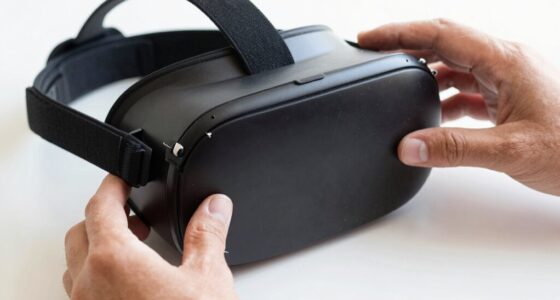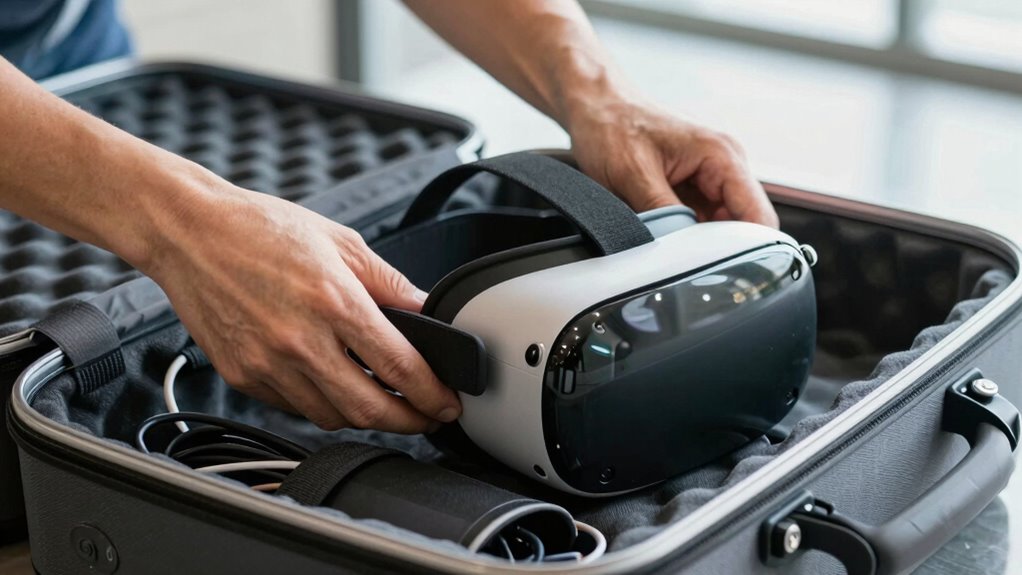
To avoid damage during airport security, pack your VR gear in a clear, padded case or electronics organizer designed for delicate electronics. Keep lenses, sensors, and controllers wrapped in soft cloths or bubble wrap, and organize accessories separately to prevent loss. Make sure your gear is easily accessible for quick screening, which helps speed up security checks and reduces mishandling. For more tips on safeguarding your VR gear during travel, continue exploring helpful strategies.
Key Takeaways
- Pack VR headsets and accessories in a clear, accessible bag for quick security screening.
- Use padded cases or soft wraps to protect delicate lenses and sensors from damage.
- Organize controllers, cables, and adapters separately for easy inspection and to prevent loss.
- Ensure equipment is easily reachable to facilitate rapid screening and reduce security delays.
- Carry proof of purchase and photographs to support claims if VR gear is lost or damaged during transit.
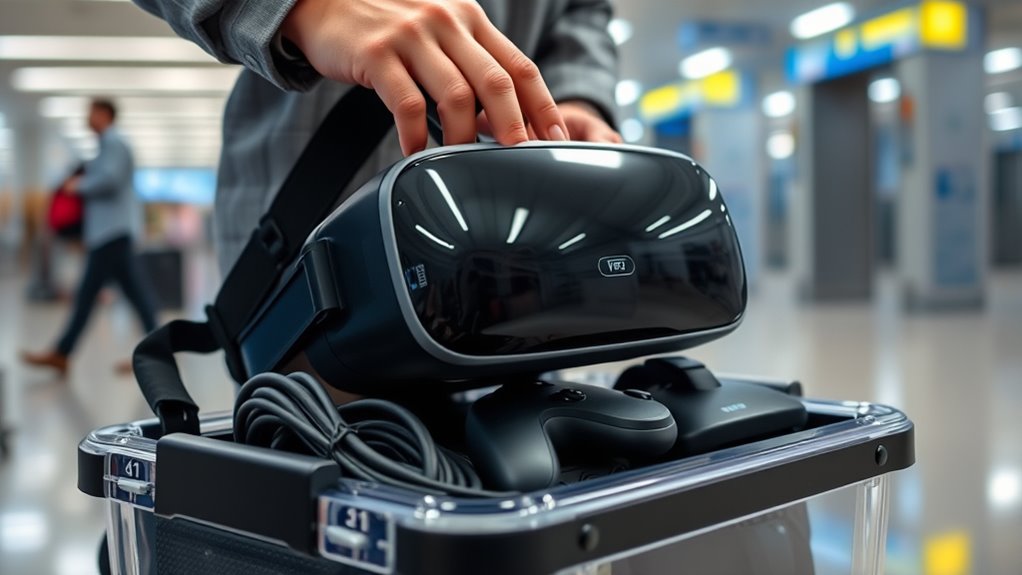
As virtual reality (VR) gear becomes more popular among travelers, airport security procedures are evolving to keep up. With more travelers carrying high-tech equipment like VR headsets, sensors, and controllers, security checkpoints have adjusted their protocols to ensure these items pass smoothly through screening. To avoid damage and unnecessary delays, you need to pack your VR gear thoughtfully. Start by understanding that your equipment will likely need to go through the security scanner separately. Place your VR headset and accessories in a clear, easily accessible bag to facilitate quick inspection. This not only speeds up the process but also reduces the risk of mishandling or damage during the security check. Additionally, be aware of Free Floating regulations concerning the transportation of electronic devices, so you can prepare accordingly.
You should also consider your travel insurance coverage. Many policies include protection for high-value electronics, so make sure your VR gear is covered in case of loss or damage. Carrying proof of purchase and photographs of your equipment can help expedite claims if anything happens during travel. When packing, avoid stuffing your VR headset into tight compartments, which can cause scratches or breakage. Instead, use a padded case or a dedicated electronics organizer to cushion your gear. If your VR device has delicate lenses or sensors, wrap it in soft cloths or bubble wrap for extra protection.
Traveling with VR gear requires careful planning to prevent damage. Keep all accessories like controllers, charging cables, and power adapters organized in separate compartments within your bag. This prevents them from knocking against the headset or getting lost in transit. Remember, security checkpoints are focused on verifying what’s inside your bag quickly and efficiently. Properly packing your VR gear not only minimizes delays but also helps you avoid potential damage that could ruin your immersive experience.
Frequently Asked Questions
Can I Bring My VR Headset in Carry-On Luggage?
Yes, you can bring your VR headset in carry-on luggage. Just follow VR headset regulations and pack it carefully to prevent damage. Use a protective case and consider removing batteries if possible. Remember to follow carry-on safety tips, like keeping electronics accessible for security checks. This way, you guarantee your VR gear stays safe during travel and complies with airline policies.
Are There Size Restrictions for VR Gear in Airport Security?
Yes, there are size restrictions for VR gear during security screening procedures. You should verify your VR headset and accessories fit comfortably within standard carry-on dimensions, as larger items might need additional screening or special handling. Be prepared to remove the VR headset from your bag and place it in a bin during security checks. Following VR gear restrictions helps speed up the process and prevents delays at airport security.
Do I Need to Remove VR Gear During Security Screening?
You should remove your VR headset during security screening, just like a traveler who left their headset in their bag and faced delays. Removing it prevents damage and makes security smoother. Remember to clean your VR headset beforehand to avoid issues later. Check your travel insurance coverage for potential damages or loss. Doing these steps guarantees your gear stays safe and ready for your next virtual adventure.
How Should I Pack Accessories Like Controllers and Cables?
You should pack accessories like controllers and cables in a dedicated, padded compartment to protect controllers from impacts. Organize cables using Velcro straps or cable ties to prevent tangling and damage during transit. Place fragile items gently in the middle of your bag, surrounded by soft clothing or padding. This way, your VR gear stays secure, and you avoid damage, ensuring everything remains functional and ready for your next adventure.
Is There a Risk of Damage From Airport X-Ray Machines?
You’re unlikely to experience damage from airport x-ray machines because they emit low levels of electromagnetic interference that won’t harm your VR gear. Security checkpoint procedures are designed to keep your belongings safe, and most devices, including VR headsets, are scanned without issue. To be cautious, consider packing your VR gear in a protective case and informing security staff if needed, but overall, damage risks are minimal.
Conclusion
To keep your VR gear safe, pack it carefully, protect it properly, and handle it gently. Follow security guidelines, check your bag regularly, and stay aware of your surroundings. By being mindful of how you pack, how you carry, and how you present your gear, you reduce the risk of damage. Remember, safe packing, secure handling, and vigilant awareness aren’t just good practices—they’re essential for enjoying your VR experience without worries.