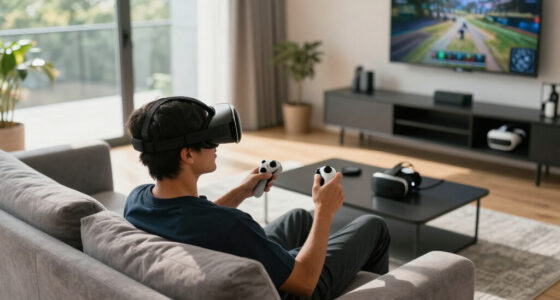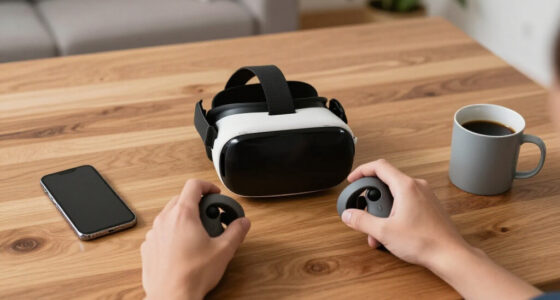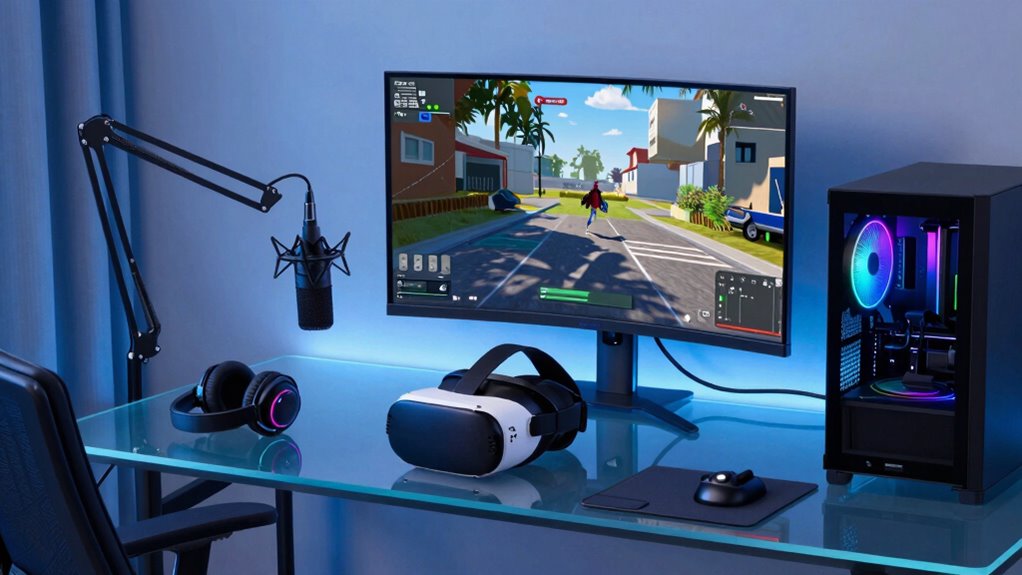

To build a better voice chat setup around VR, start by choosing a low-latency platform like Discord or TeamSpeak and guarantee your internet connection is wired and stable for minimal lag. Invest in a high-quality yet comfortable microphone with noise-canceling features and position it correctly for clear voice capture. Create a quiet, sound-treated environment and regularly test your setup to fine-tune performance. If you want to optimize your VR voice chat for seamless and immersive communication, keep exploring the key tips ahead.

Play games on Amazon Luna for your next adventure, included with Prime
- A rotating selection of games, no download needed
- Play on TV, laptop or phone
- Fast, free delivery for your gear, too
Key Takeaways
- Use low-latency, VR-compatible communication platforms like Discord or TeamSpeak for real-time voice chat.
- Position high-quality, noise-canceling microphones close to your mouth for clear voice transmission.
- Set up a quiet, acoustically treated environment to minimize echo and background noise during VR sessions.
- Connect your headset via a wired connection for lower latency and more stable audio performance.
- Regularly test and update your audio hardware and software to ensure optimal clarity and minimal delay.
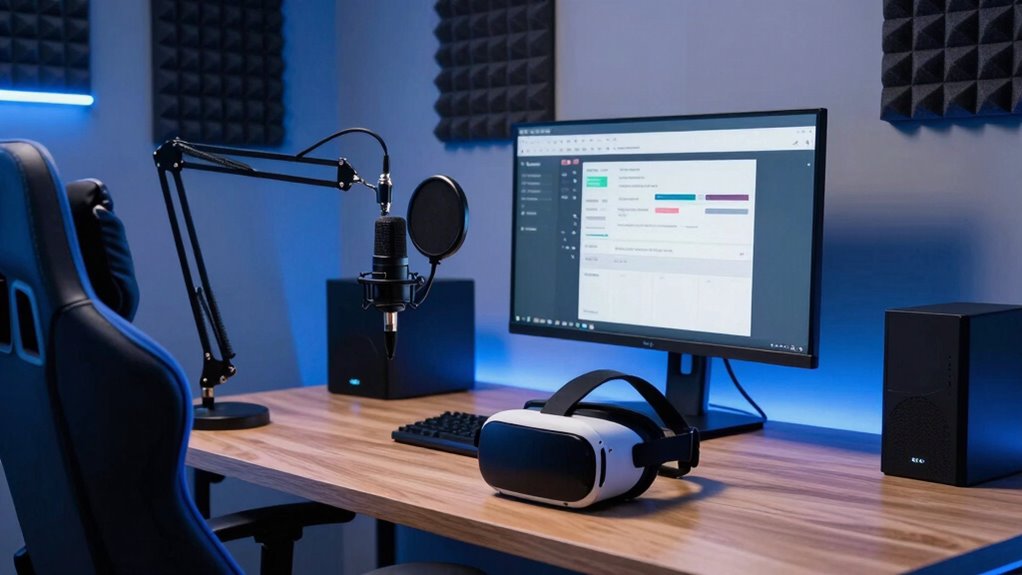
Voice chat is essential for immersive and seamless multiplayer VR experiences, but many setups fall short in clarity and latency. If you want to improve your voice communication, you need to focus on reducing voice latency and enhancing audio clarity. When voice latency is high, your voice feels delayed, making conversations awkward and breaking immersion. To tackle this, start by choosing a reliable voice chat platform known for low latency, like Discord or TeamSpeak, and confirm your internet connection is stable and fast. Wired connections typically outperform Wi-Fi, so consider plugging your headset directly into your router for the lowest latency.
Optimize voice chat in VR by choosing low-latency platforms and using wired internet connections for the best clarity and responsiveness.
Audio clarity is equally critical. Poor audio quality can lead to miscommunications, frustration, and a less immersive experience. Invest in a good-quality microphone designed for clear voice transmission. USB condenser mics or high-quality gaming headsets with noise-canceling features can drastically improve clarity. Position your microphone correctly—about an inch from your mouth and slightly off to your side—to avoid popping sounds and muffling. Also, adjust your microphone settings to ensure your voice sounds natural and free of background noise. Many platforms and headsets offer built-in noise suppression, which can help filter out ambient sounds and focus on your voice. Additionally, choosing proper microphone placement is vital for capturing clear audio without distortion.
Next, pay attention to your environment. A quiet room free of echo and background noise will considerably boost audio clarity. Use sound-absorbing materials like carpets, curtains, or foam panels if necessary. Reducing ambient noise not only improves your own audio quality but also makes it easier for teammates to hear you clearly. Incorporating ambient noise reduction techniques can further enhance your voice clarity in challenging environments. Remember that environmental noise can significantly impact the overall quality of your voice chat, so optimizing your space is a worthwhile effort. Ensuring your setup incorporates noise-canceling technology can make a substantial difference in noisy settings.
Finally, test your setup regularly. Use voice chat testing tools or record your voice to identify issues with latency or clarity. Adjust your hardware and software settings accordingly. Keep your drivers and firmware up to date, as updates often include performance improvements that reduce voice latency and enhance audio quality. Regular testing helps you spot problems early and fine-tune your setup for optimal performance. Consistent testing and fine-tuning ensure that your voice chat remains crisp, responsive, and reliable, creating a more immersive multiplayer VR experience. Improving your voice chat setup isn’t just about equipment—it’s about optimizing every element from hardware to environment to guarantee your communication is seamless and natural.
USB condenser microphone for gaming
As an affiliate, we earn on qualifying purchases.
As an affiliate, we earn on qualifying purchases.
Frequently Asked Questions
What Are the Best Microphones for VR Voice Chat?
For VR voice chat, the best microphones focus on proper placement and sound isolation. Choose a headset with a built-in mic close to your mouth for clear voice pickup. Alternatively, consider a dedicated condenser microphone placed correctly to reduce background noise. Use sound isolation techniques, like foam panels or privacy booths, to minimize ambient sounds. This combination guarantees your voice remains crisp and clear, enhancing your VR communication experience.
How Can I Reduce Background Noise During VR Chats?
Imagine your voice as a clear stream cutting through noise; to keep it pure, you need to block out the chaos. Use echo cancellation features on your microphone and software, which act like a shield against echoes. Soundproofing techniques, such as foam panels or sealing gaps around your play area, help minimize background sounds. Together, these tools create a serene environment, ensuring your voice stands out crisp and clean during VR chats.
Is a Dedicated Voice Chat App Better Than In-Game Options?
A dedicated voice chat app is generally better than in-game options because it offers clearer sound quality and more control over voice chat etiquette. You can set privacy preferences, mute or block disruptive users, and customize audio levels easily. This helps maintain a respectful environment and protects your privacy. Using a dedicated app also reduces background noise and lag, making your VR conversations more immersive and enjoyable.
How Do I Improve Voice Clarity for Teammates?
You can improve voice clarity for teammates by focusing on voice isolation and microphone positioning. Start by using a microphone with good noise-canceling features to block out background sounds. Position your microphone close to your mouth, ideally slightly below it, to capture your voice clearly without picking up unwanted noise. Adjust your settings for best gain, and consider using a pop filter to reduce plosives, ensuring your teammates hear you loud and clear.
Can I Use Multiple Microphones Simultaneously in VR?
Yes, you can use multiple microphones simultaneously in VR. To do this effectively, focus on proper microphone placement to avoid overlapping sounds and minimize background noise. Use audio mixing software to balance the input levels from each microphone, ensuring clear and distinct voices. This setup helps improve voice clarity for teammates, especially in multiplayer games, by capturing different angles and reducing audio bleed, making communication more immersive and effective.
As an affiliate, we earn on qualifying purchases.
Conclusion
As you fine-tune your VR voice chat setup, remember that the technology is just a tool—it’s your connection that truly matters. Sometimes, the simplest adjustments reveal unexpected camaraderie, turning virtual moments into real bonds. When your setup works seamlessly, it’s almost like the universe conspired to bring you closer. In the end, building better voice chat isn’t just about gear; it’s about creating experiences that feel surprisingly genuine, right when you least expect it.
As an affiliate, we earn on qualifying purchases.
low latency wired internet adapter
As an affiliate, we earn on qualifying purchases.
As an affiliate, we earn on qualifying purchases.
Fall Picks
fall essentials
As an affiliate, we earn on qualifying purchases.