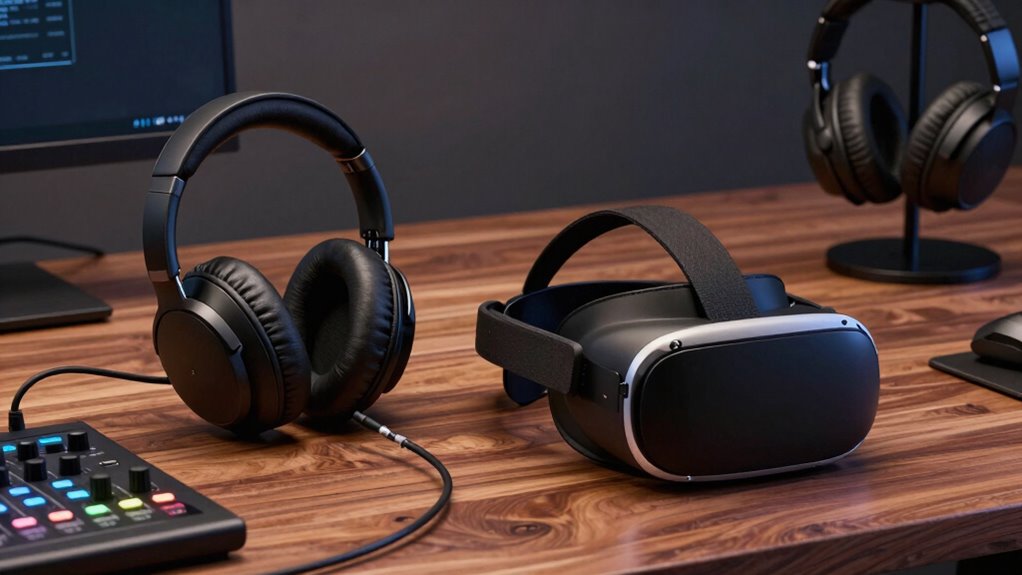
To build a better VR listening setup, invest in high-quality, comfortable headphones with good noise isolation, and adjust your audio profiles for ideal sound. Incorporate spatial audio technology for realistic sound placement and layer ambient soundscapes to boost immersion. Maximize your room with acoustic treatments and strategic furniture placement to reduce echoes. Combining these elements with a well-calibrated setup enhances your experience; keep exploring to learn more about creating the perfect environment.

Play games on Amazon Luna for your next adventure, included with Prime
- A rotating selection of games, no download needed
- Play on TV, laptop or phone
- Fast, free delivery for your gear, too
Key Takeaways
- Use high-quality, adjustable headphones with good noise isolation for immersive sound and comfort.
- Implement spatial audio technology to accurately localize sounds and enhance realism.
- Incorporate ambient soundscapes to create a more authentic virtual environment.
- Optimize room acoustics with sound-absorbing materials and proper headphone positioning.
- Customize audio settings, including EQ profiles, to match virtual environments and personal preferences.
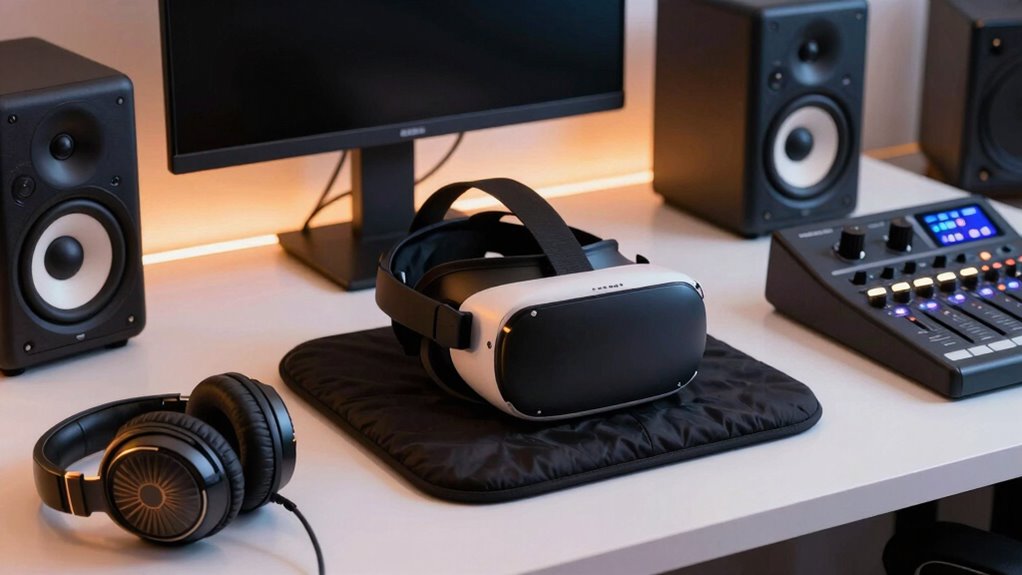
Creating an immersive VR experience isn’t just about visuals—sound plays a crucial role in elevating realism and engagement. To truly enhance your setup, you need to focus on how you handle audio. One of the most impactful ways to do this is through audio customization. Instead of relying solely on generic headphones, look for options that allow you to fine-tune sound settings. Many high-quality VR headsets come with adjustable EQ profiles or software that enables you to modify bass, treble, and midrange frequencies. This way, you can tailor the audio to match the specific environment or experience, whether it’s a quiet forest or a bustling city street.
Customizing audio settings enhances VR immersion by matching sound to environments and personal preferences.
Ambient soundscapes also notably boost immersion. These background sounds help create a sense of place, making virtual environments feel more authentic. Whether it’s the distant hum of traffic, chirping birds, or the rustling of leaves, ambient soundscapes fill the space around you, anchoring you more deeply in the virtual world. You can find dedicated apps or sound libraries that offer high-quality ambient recordings, which you can integrate into your VR experiences. Some VR platforms even support layered audio, allowing you to combine multiple ambient sounds for a more dynamic and realistic environment.
To maximize the effect, consider spatial audio technology. Spatial audio tracks the direction and distance of sounds, making it feel like noises are coming from specific points in the virtual space. This not only improves realism but also enhances your ability to react and interact within the environment. Pairing spatial audio with good headphones—preferably ones with multiple drivers for accurate sound staging—helps you localize sounds precisely, whether it’s footsteps approaching from behind or a bird chirping overhead. spatial audio technology further enhances the depth and accuracy of sound placement, making your virtual worlds feel more tangible.
Additionally, think about how your physical setup influences sound quality. Position your headphones comfortably and ensure they create a good seal around your ears, blocking out external noise. A dedicated audio interface can also improve sound fidelity if you’re using high-end headphones. For those who want to go even further, consider room acoustics. Soft furnishings, acoustic panels, or even strategic placement of furniture can help absorb unwanted echoes and background noise, making the audio experience clearer and more immersive. Optimizing your room acoustics can significantly boost overall sound clarity and realism.
In short, by customizing your audio settings, incorporating ambient soundscapes, and optimizing your physical environment, you create a richer, more convincing VR experience. Sound isn’t just an afterthought—it’s the bridge that connects you fully to the virtual world. Paying attention to audio fidelity and how it interacts with your surroundings can significantly elevate your immersive experience.
high-quality noise isolating headphones for VR
As an affiliate, we earn on qualifying purchases.
As an affiliate, we earn on qualifying purchases.
Frequently Asked Questions
What Is the Best Budget-Friendly Audio Setup for VR?
For a budget-friendly VR audio setup, opt for wireless headphones with good noise isolation to enhance immersion without cords. Look for models with solid wireless connectivity to prevent lag or disconnections during gameplay. Prioritize headphones that offer decent sound quality and comfort, ensuring you can focus on your VR experience. This combo keeps your setup simple, affordable, and effective, making your VR sessions more immersive and enjoyable.
How Do I Reduce Latency in VR Audio?
Did you know that even a 20-millisecond audio delay can disrupt your VR experience? To reduce latency, focus on latency reduction techniques like optimizing your hardware and lowering system load. Use audio synchronization methods such as buffer adjustments and precise driver updates. Ensuring your headset and PC are compatible and using wired connections can also minimize delays, creating a more immersive and synchronized VR audio experience for you.
Can I Connect Multiple Audio Devices to VR?
Yes, you can connect multiple audio devices to VR. To do this effectively, focus on multi-device connectivity options supported by your VR system, like USB or Bluetooth. Use audio mixing techniques to balance sound sources and prevent audio clashes. This approach allows you to enjoy immersive experiences with layered audio, whether you’re connecting headphones, external speakers, or other devices, enhancing your overall VR listening setup seamlessly.
What Safety Precautions Should I Take With High-Volume VR Audio?
Imagine your ears as delicate glassware, vulnerable to splashes of loud sound. To protect them, always use hearing protection like earplugs or noise-canceling headphones. Keep the volume control at a safe level, avoiding sudden, deafening blasts. Take breaks frequently to give your ears a rest. By doing this, you guarantee your VR experience stays immersive and safe, without risking long-term hearing damage.
How Do I Optimize Sound Positioning for Different VR Genres?
To optimize sound positioning for different VR genres, focus on enhancing spatial awareness by adjusting your audio settings to match the environment. For action games, prioritize precise directional audio to heighten immersion and reaction time. In exploration or storytelling, soften the soundscape to create a more immersive experience. Experiment with head tracking and speaker placement, ensuring your setup aligns with the genre’s needs, so you stay fully immersed and engaged.
spatial audio headphones for virtual reality
As an affiliate, we earn on qualifying purchases.
As an affiliate, we earn on qualifying purchases.
Conclusion
Building a better listening setup around VR is all about fine-tuning your gear and environment for maximum immersion. When you get it right, you’ll be able to hear every whisper and explosion as if you’re right there, pulling you deeper into the experience. Remember, it’s a game of inches—small adjustments can make a huge difference. Keep experimenting and don’t be afraid to go the extra mile, because in the end, it’s all about creating a soundscape that truly transports you.
As an affiliate, we earn on qualifying purchases.
As an affiliate, we earn on qualifying purchases.
Fall Picks
fall essentials
As an affiliate, we earn on qualifying purchases.