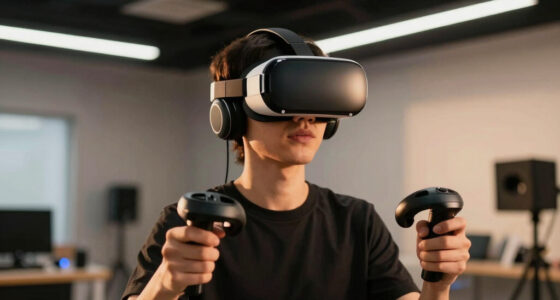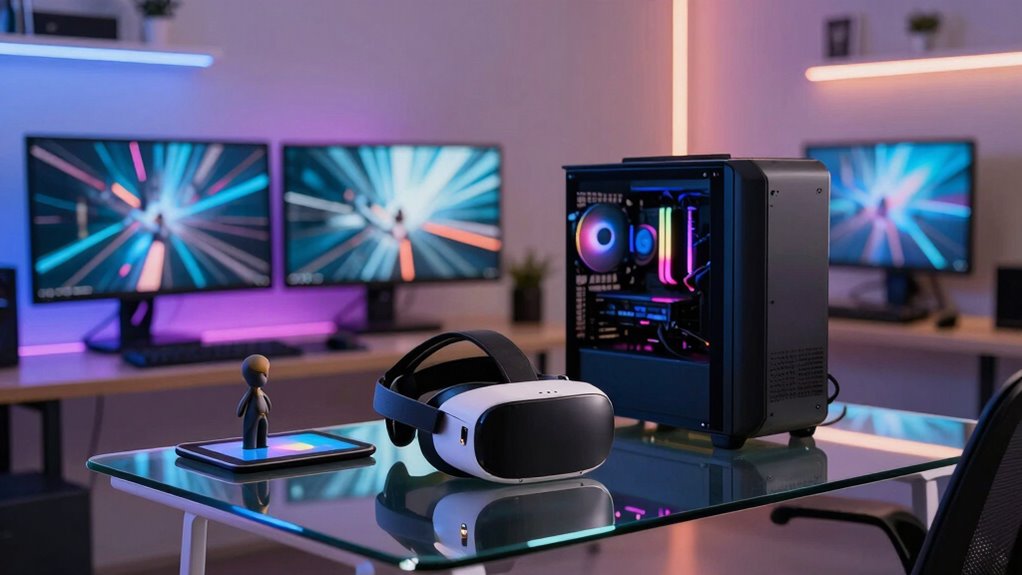

Over time, creator, simulation, and VR setups are merging into a single room because technology now allows seamless integration of tools for content creation, immersive experiences, and exploration. AR overlays, compatible hardware, and powerful GPUs enable smooth shifts and realistic control, making workflows more efficient and intuitive. This convergence creates versatile spaces that foster faster testing, iteration, and creativity. Keep exploring to discover how these developments are shaping a new era of interconnected, immersive environments.

Play games on Amazon Luna for your next adventure, included with Prime
- A rotating selection of games, no download needed
- Play on TV, laptop or phone
- Fast, free delivery for your gear, too
Key Takeaways
- Advances in hardware and AR technology enable seamless integration of creation, simulation, and VR tools in a single space.
- Convergence enhances workflow efficiency by reducing the need for multiple devices and environments.
- Unified setups allow real-time interaction with 3D models, simulations, and immersive experiences for faster iteration.
- Improved device compatibility and synchronization support smoother transitions between creative and immersive functions.
- Growing demands for immersive, efficient workflows drive the evolution toward combined creator, sim, and VR environments.
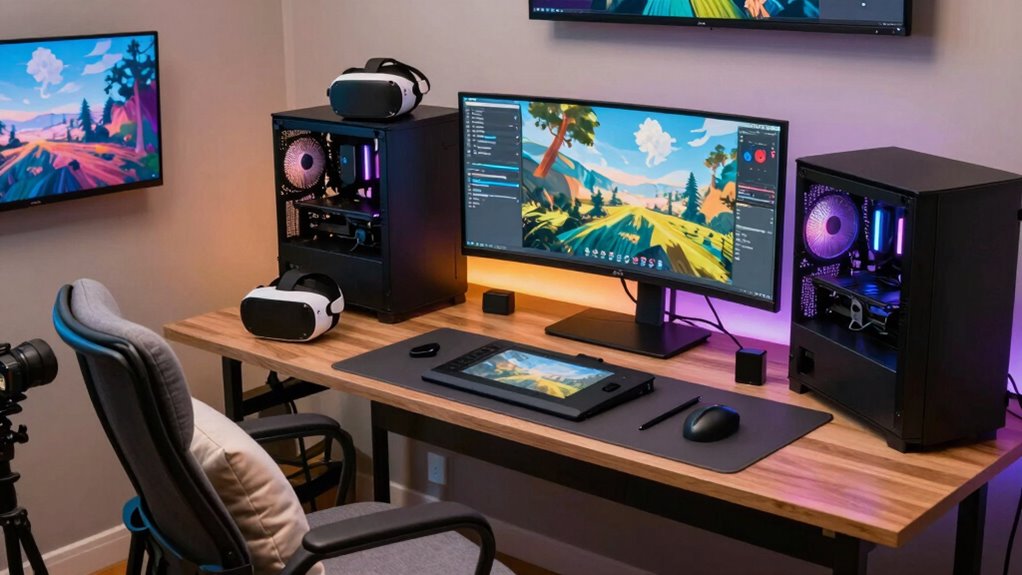
As technology advances, the lines between creator spaces, simulation setups, and virtual reality environments are blurring, bringing them together in a single room. This convergence isn’t accidental; it’s driven by the desire for seamless experiences and efficiency. You’re increasingly likely to find a setup that combines tools for content creation, immersive simulations, and VR exploration, all within one space. The key to this integration lies in how augmented reality (AR) and hardware are evolving to support multiple functions simultaneously. AR, for example, overlays digital elements onto your physical environment, allowing you to interact with virtual objects without leaving your workspace. This tech bridges the gap between real and virtual, making it easier for creators to design, test, and refine projects in a shared space.
Hardware integration plays a crucial role in this convergence. Devices like powerful PCs, VR headsets, motion controllers, and AR glasses are becoming more compatible and easier to connect. Instead of juggling different setups, you can now synchronize your gear to work seamlessly, enabling a fluid transition between creation, simulation, and immersive experiences. For instance, a high-performance GPU can handle both rendering a virtual environment and processing real-time AR overlays, reducing lag and increasing responsiveness. This hardware synergy means you don’t have to sacrifice one function for another; you get a unified workspace that adapts to your needs.
The blending of these setups also makes it easier to harness the strengths of each technology. As a creator, you can design in 3D using AR tools that project your models into your physical space, providing immediate, tangible feedback. Simulators benefit from integrated hardware that allows for realistic control and interaction, whether you’re testing a flight scenario or a mechanical system. VR environments become more versatile as they incorporate elements from physical setups, giving you a sense of presence and control that’s rooted in real-world interactions. All these elements coming together means you no longer need separate rooms or multiple devices—you can do it all within one adaptable, intelligent environment.
Ultimately, this convergence isn’t just about convenience; it’s about unlocking new creative and experiential possibilities. When creator, sim, and VR setups merge into a single space, your workflow becomes more intuitive, immersive, and efficient. You can prototype faster, test more accurately, and explore your ideas in ways that were previously impossible. As hardware continues to improve and AR becomes more integrated into everyday tools, this unified environment will only grow more powerful, making the future of creation and simulation a truly interconnected experience. Additionally, hardware compatibility is rapidly advancing, allowing for even smoother integration and expanded functionalities.
Products Worth Considering

Apple iPad Air (2025) 13‑inch Wi‑Fi 256 GB – Space Gray (M3 chip)

DJI Osmo Pocket 3 Vlogging Camera with 1-Inch CMOS Sensor and 4K Video

Sony WH-1000XM6 Wireless Noise-Canceling Over-Ear Headphones, Blue, Bundle
As an affiliate, we earn on qualifying purchases.
Frequently Asked Questions
How Do Space Requirements Differ Among Creators, Sim Setups, and VR?
You’ll find that space requirements differ considerably among creators, sim setups, and VR because of virtual immersion and spatial flexibility needs. Creators need areas for equipment and movement, while sim setups require larger, stable spaces for realistic experiences. VR setups demand open, clutter-free zones for safe movement, emphasizing spatial flexibility. Understanding these differences helps you allocate space effectively, ensuring maximum immersion and safety across all setups.
What Are the Cost Implications of Merging These Setups?
Is it not a masterstroke of efficiency to merge these setups? When you combine creator, sim, and VR stations, you save on space and equipment costs, boosting cost efficiency. While initial investment might seem steep, shared peripherals and streamlined design help with budget optimization. Over time, this integration reduces ongoing expenses, making your overall setup more economical and versatile—turning a hefty expense into a strategic advantage.
How Does Room Acoustics Impact All Three Setups?
Room acoustics notably impact all three setups by affecting sound quality and immersion. You’ll face soundproofing challenges, especially with loud equipment or overlapping sounds. Acoustic treatment becomes essential to reduce echo and background noise, creating a clear environment. Properly addressing these issues enhances audio clarity for creators, sim users, and VR experiences, making your space more effective and comfortable for extended use.
Are There Safety Concerns With Combined Creator and VR Environments?
You should be aware that combining creator and VR environments introduces virtual safety concerns, like accidental hardware damage or personal injury. Over 60% of users report hardware durability issues due to space constraints. To stay safe, make certain clear pathways, use padded surfaces, and secure all equipment. Regularly check your gear and surroundings to prevent accidents, making your setup both creatively inspiring and physically safe.
How Do Setup Ergonomics Influence Long-Term Comfort?
Your setup’s ergonomics directly impact your long-term comfort. Focus on proper posture alignment by adjusting your chair, monitor, and VR equipment to avoid strain. Keep equipment placement accessible and at eye level, reducing the need to hunch or overstretch. Regularly reposition items for better posture, and take breaks often. These small adjustments help prevent discomfort and guarantee you stay comfortable during extended creative, simulation, or VR sessions.
Conclusion
Soon, your room transforms into a vibrant hub of creativity, where screens glow with vibrant worlds, and VR headsets hang casually nearby. As you switch from crafting content to stepping into immersive simulations, the boundaries blur, and everything feels interconnected. It’s a space where innovation lives, blending the real and virtual. Over time, your setup becomes a seamless sanctuary—an inspiring haven where your passions converge effortlessly, inviting endless exploration and discovery.